YouTube is a great way to share your videos with the world. But if you want people to actually watch your videos, you need to have a good thumbnail. A thumbnail is like a movie poster- it’s what shows up on YouTube when people are browsing for something to watch. And let’s face it, we all judge a book by its cover. That’s why it’s important to make a good impression with your thumbnail. Fortunately, creating a thumbnail in piZap is easy and fun!
piZap is a free online photo editor that’s perfect for creating YouTube thumbnails. You don’t need any design experience, and it only takes a few minutes to make a professional-looking thumbnail. Plus, piZap offers a wide range of tools and effects that you can use to make your thumbnail stand out. Here’s how to do it:
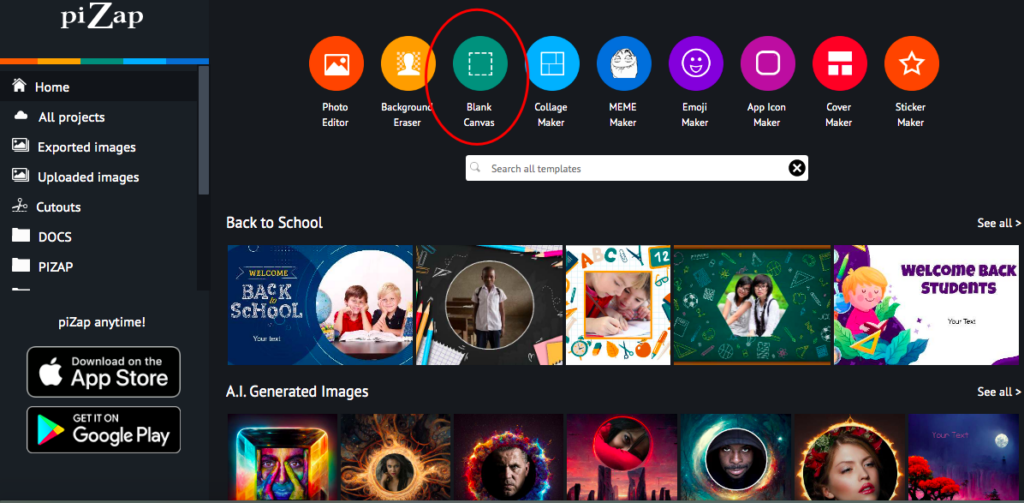
Go to pizap.com (and create a free account in case you don’t have one yet).
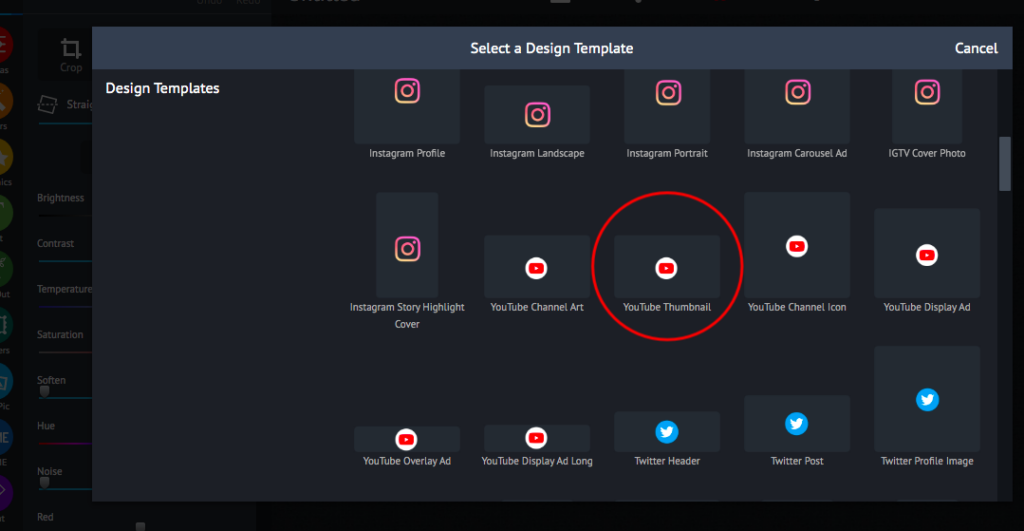
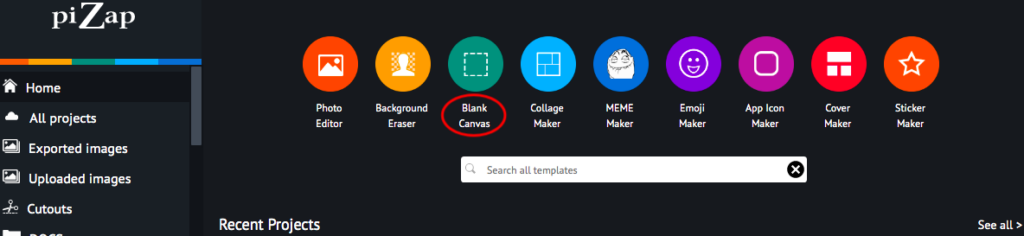
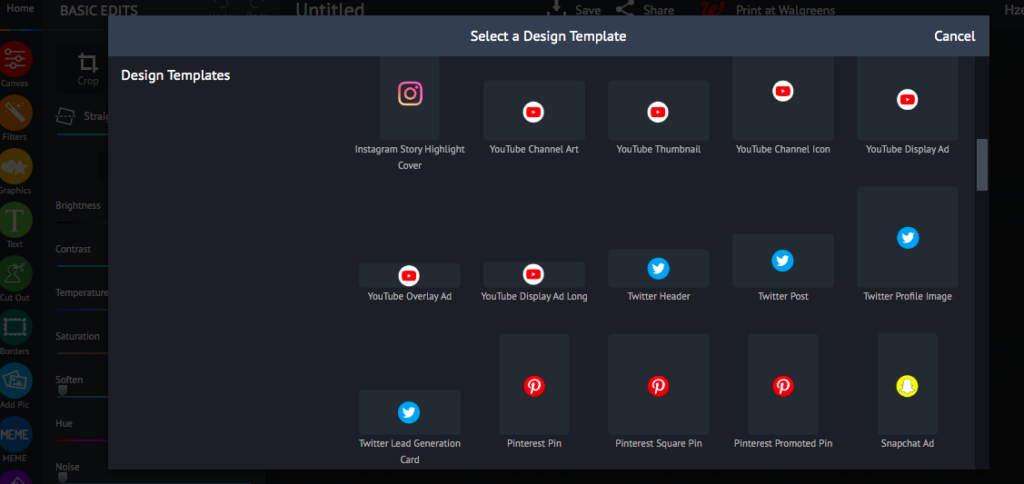
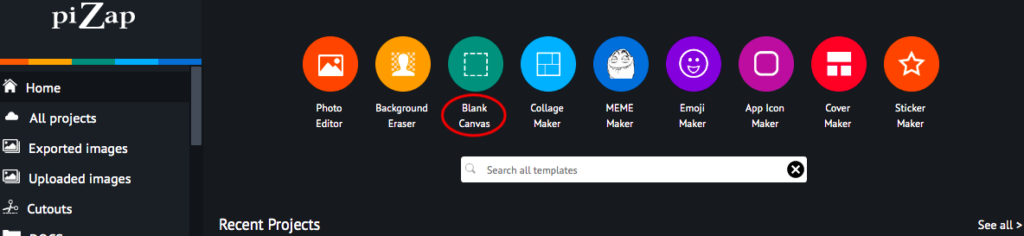
2. Go to BLANK CANVAS to get the YouTube thumbnail template size.
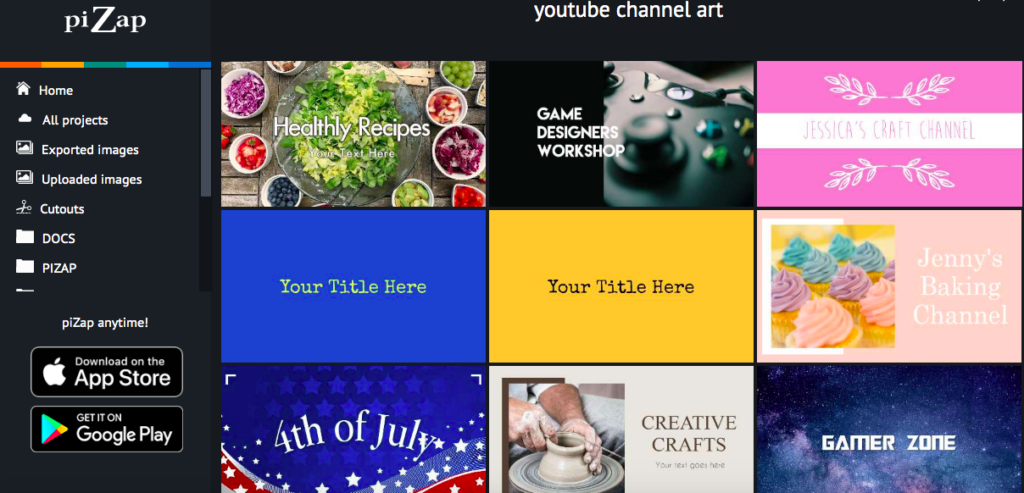
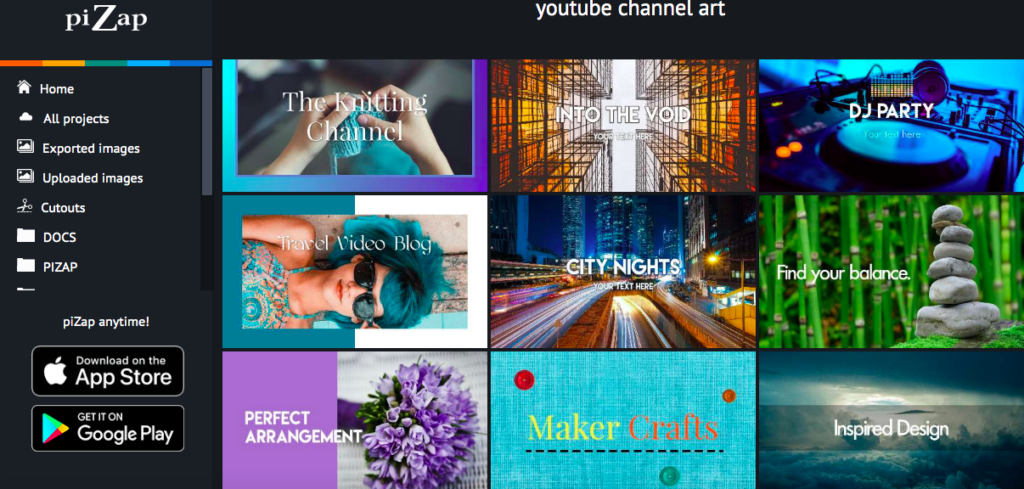
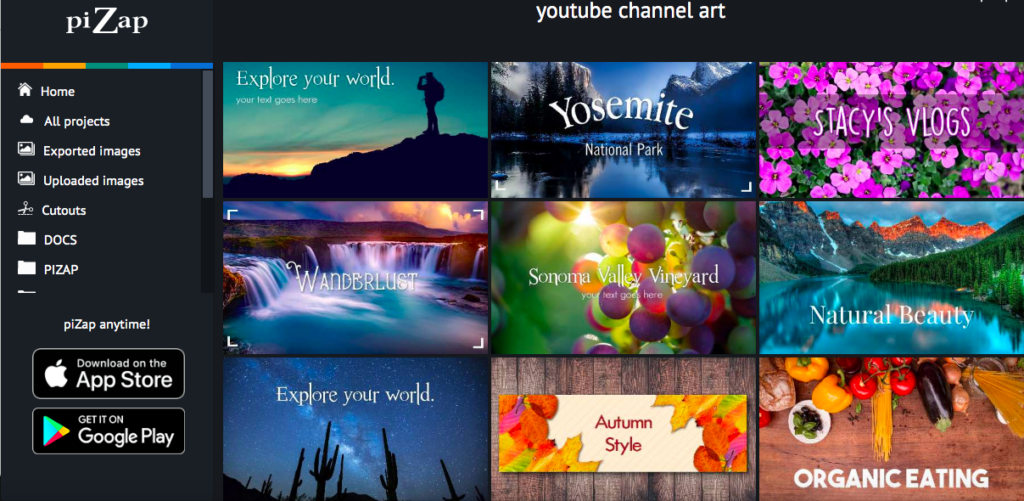
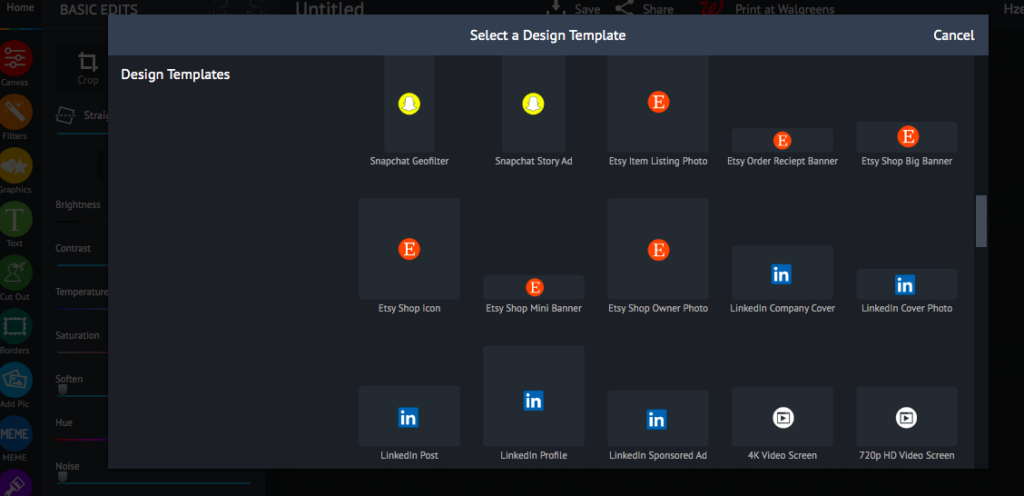
3. Aside from the YouTube thumbnail template size, you will find various YouTube templates such as YouTube Channel Art, Icon, Display Ad, Overlay Ad, and Display Ad Long templates. Click the YouTube Thumbnail template to start with your project.
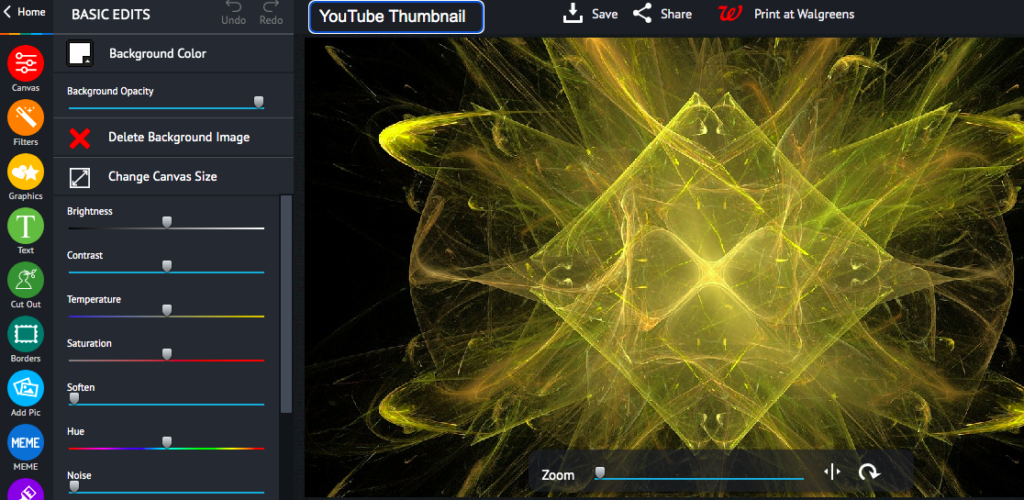
5. Use the tools in the left-hand sidebar to add text, shapes, and other elements to your thumbnail. You can also apply filters and effects to give your thumbnail a unique look.
6. When you’re happy with your thumbnail, click the “Save” button in the top-right corner of the screen. Then, choose whether you want to download it as a JPEG or PNG file. And that’s it! You’ve now created a professional-looking YouTube thumbnail using piZap.
You can also use PiZap’s tools to crop, resize, and edit your image until it’s perfect. Once you’re happy with your thumbnail, simply download it and upload it to YouTube. Now all that’s left to do is sit back and watch the views pour in!
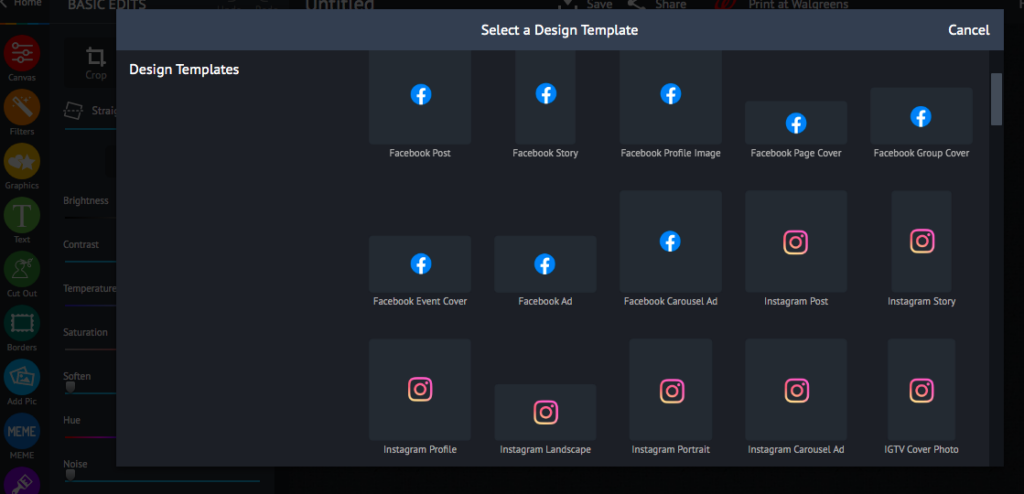
Cropping is a crucial part in taking great photos, but it’s also one of those things that you might not know how to do. You can ruin an otherwise perfect photo by cropping too much or leaving enough space around your image for people on social media platforms like Instagram and Facebook! In order to make sure all aspects are covered when posting pictures online with thePiZap Photo Editor, you can check the various ready made templates in piZap for your social media postings!
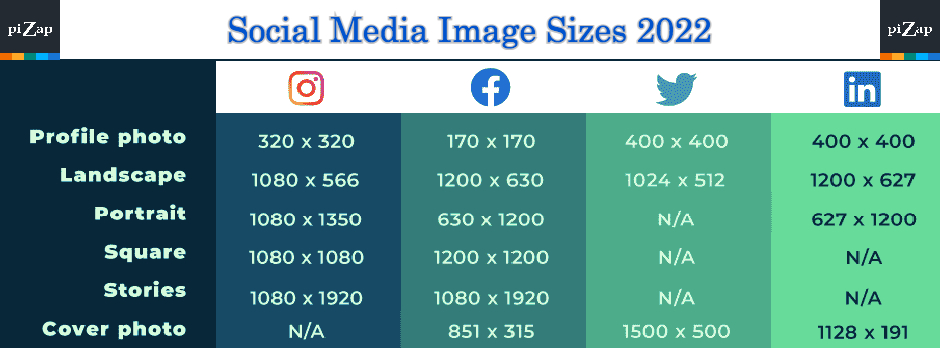
Or simply DIY with piZap’s blank canvas where you can customized the actual size that is required for your social media post. Below is a guide that we put together on what exactly goes into making the perfect Square File for Instagram, Facebook, Twitter, and LinkedIn – which will cover everything from aspect ratios up through resolution options… So check these tips out before next time….
In the art of cropping, it is important to make sure your images are perfect for social media. A photo may appear too small or distorted when posted on Twitter and Facebook with incorrect proportions! Luckily there’s a simple solution:
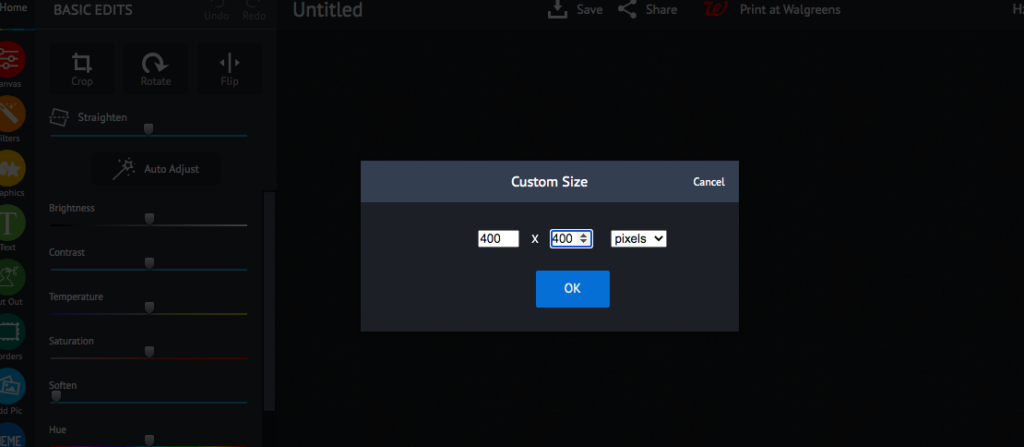
Click the CUSTOM SIZE to select your desired social media size.
Click OK.
Save your changes. And you are all set!
Croping for your social media posts can be tricky, but it’s not impossible. Just make sure you check first the required size for your image before posting so your photos will look at their absolute best on social media!
There’s no denying that product photography is one of the most important aspects of online selling. After all, a picture is worth a thousand words, and when it comes to selling products, a quality photo can be the difference between a sale and a lost customer. However, taking professional-looking photos of your products doesn’t have to be expensive or time-consuming. With a little practice and some simple photo editing tips, you can take photos that will make your products look their best.
1. Use natural light whenever possible. sunlight gives your photos a warm, natural glow that makes products look inviting. If you can’t take your photos outdoors, set up near a window with plenty of light.
2. Get close up. Nobody wants to see a tiny product in the corner of a photo. Fill the frame with your product so potential buyers can get a good look at it.
4. Have fun! Taking product photos doesn’t have to be boring. Get creative with piZap in editing your products — and have fun with it! Set up fun props or features that show off your product in a unique way. Watch some of the piZap tutorials available on YouTube to give you some creative ideas!
By following these simple tips, you can take quality product photos that will help you sell more products online. So get out there and start snapping some pictures!
Food photography has been one of the most popular ways to capture memories through pictures. The quality and ease in which you can take these shots with your phone make it an excellent choice for people who are always on-the go, but what about those looking for more creativity? Here we will explore some tips that could help take even better photos using only a smartphone!
Use Natural Light to Make Your Photos Look Fresh
The easiest way to make your photos look fresh? Use natural light! When you’re out a particular food as a subject, try making sure that the camera is always pointed towards something interesting like a backdrop of the kitchen table so the profile becomes more detailed than just frame them against flat wall paint job. Try using low key lighting too–this means keeping floods minimal and focusing on one source at a time instead; think about what kind would best highlight each food item.
Make the Most of Your Phone’s Wide-Angle Lens
There’s no need to settle for poor food photography when you can take advantage of your phone’s wide angle lens! Some mistakes that are easy enough fix, like placing an object in front or behind the subject. But other times it might be hard because there isn’t much room left on screen with all those beautiful ingredients lining up before us… until now 🙂 The secret is using careful composition – think about where each item will end up once completed so they’re properly incorporated into.
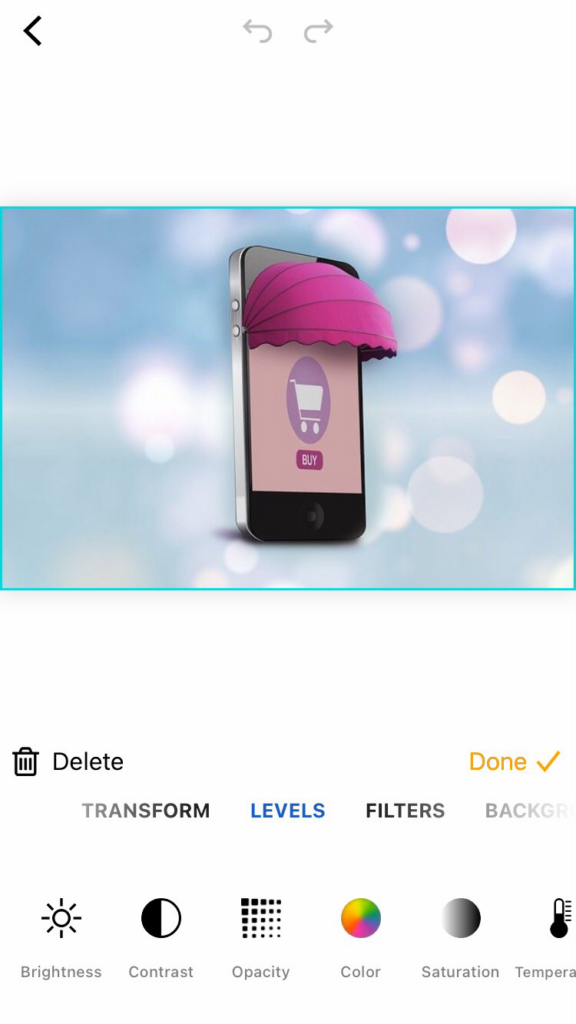
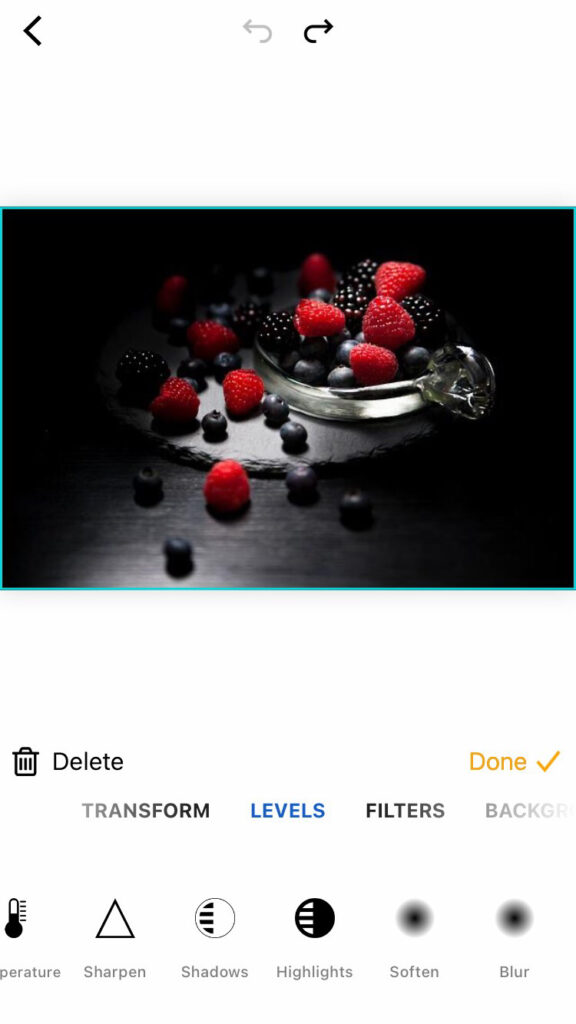
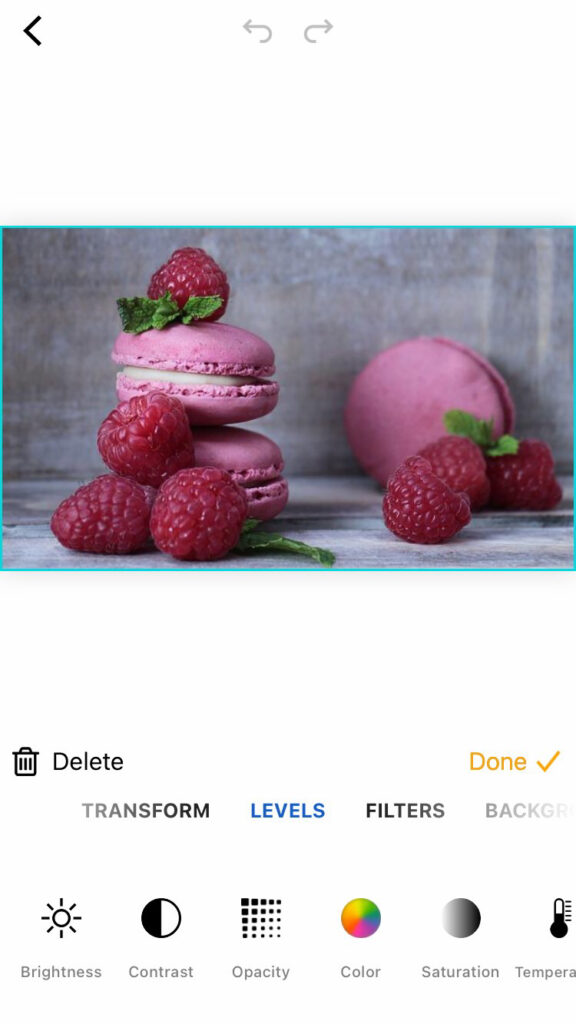
piZap app on iPhone device
Use Neutral Backgrounds to Highlight the Food
Food photography is all about making the most of what you have. It’s also important to know when something will look good in your pictures and why, so that everything comes out looking as perfect on camera (or mobile) as it does at home! One thing we recommend for getting great shots without spending too much time or money? Try using neutral backgrounds like dark grassy hillsides with plenty if space between them – they work especially well during sunset hours because light from those gorgeous golden hues shines through beautifully even after nightfall has fallen over. To add the dark shades, you can use piZap photo editor via your mobile device to adjust the lighting effects.
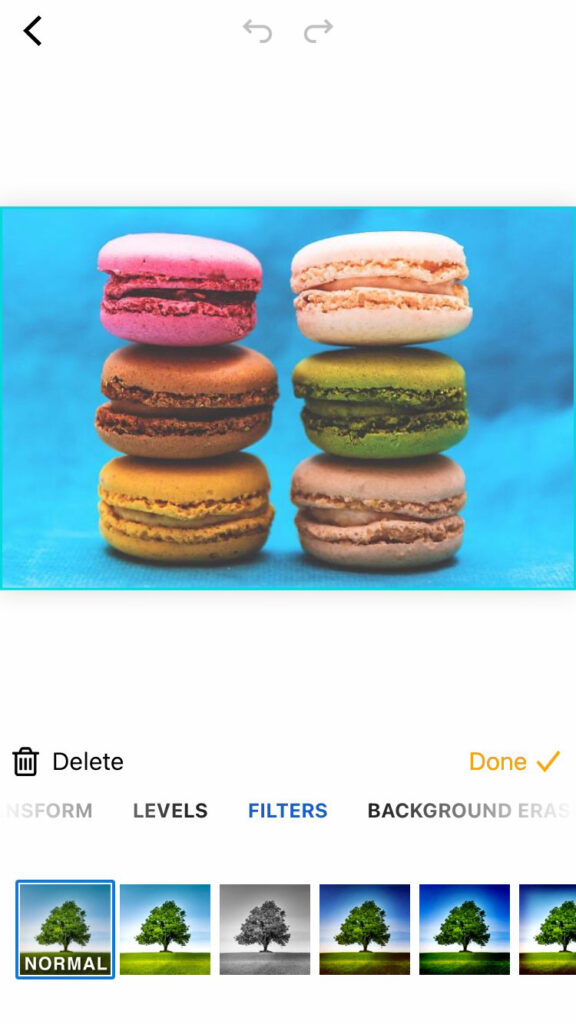
piZap App on iPhone device
Use a Colour Wheel to Create Visual Harmony
Food photography is unlike other kinds of photography in that it’s best not to use filters when editing. The colors need to be natural and work together for your images, so you can’t go wrong with this one! A colour wheel will show you which hues complement each other well without being overbearing or clashing–it’ll help create visual harmony for any kind (or style) video project.
Style Your Dishes for Delicious Results
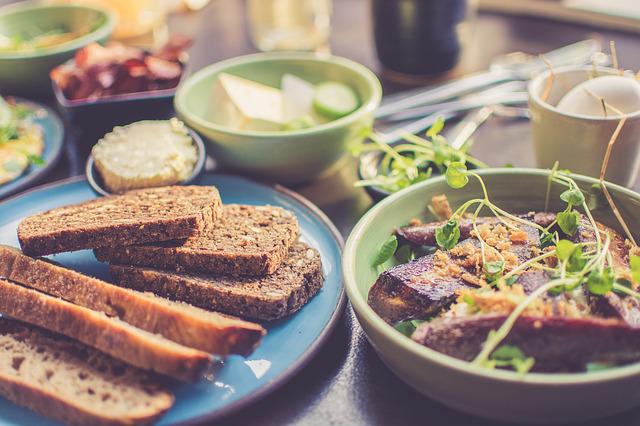
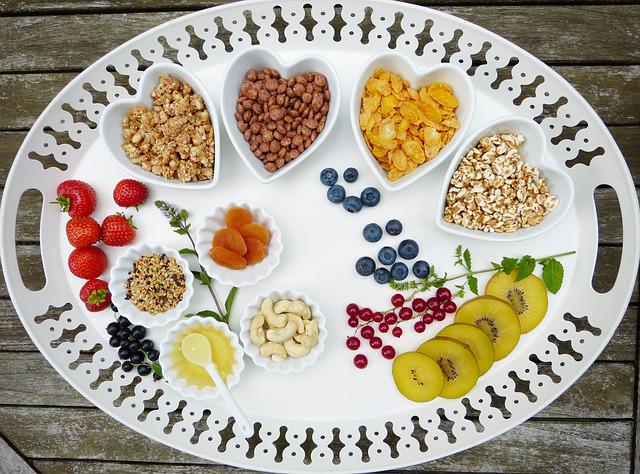
Want to take your food styling game up a notch? Here are some tips on how you can style dishes for delicious results! starters – Use different types and colors of vegetables, cheeses or other toppings that will make them stand out in an aesthetically pleasing way. Don’t be afraid to experiment; even if it seems like something isn’t working at first glance (like tomatoes), giving yourself permission enjoy trying new things may lead down paths where better shots eventually appear from all angles
Elevate Your Food Photos in Post-Processing
It’s better not to use filters on food photography, but your pictures still need some post-processing. The best approach is with the PiZap app for iPhones and Androids where you can find tons of awesome effects that will make any picture taken from a professional chef look like an artiste!
Tell a Story with Your Photos to Engage Your Viewers
The best way to tell a story with your photos is by using close-ups and minimalist approaches. However, you can also add more depth by including narratives in the pictures as well! For instance, have someone’s hands serving food or partially cropped elements that give insight into their surroundings without taking up all screen space at once – this will make them feel like they are actually there experiencing what’s happening right now just as much if not sometimes even better than when looking through traditional lenses which often times leave out important details such things facial expressions etc…
piZap app on iPhone device
Develop Your Individual Style for Consistent Results
Consistency made easy. Success in social media these days means having a consistent brand. Your images don’t have to look the same, but there should be certain elements that are cohesive throughout and this could mean using one color palette across all of your posts for instance or taking advantage from shooting on backdrop options which offer variety without sacrificing quality (and vice versa). You can use the piZap photo editor app in your mobile device to achieve such consistency on your photos.
Like in all other areas of photography, food photography takes some practice to perfect. Never get discouraged by looking at professionally styled photos. Just get out there and try something new with your smartphone. Bon appetit! 🙂
Want your posts to stand out on social media? Then, use our tips to create epic images that will have you trending in no time!
From taking the best images to begin with to adding your own personal flare. piZap offers you the best tools on the market to quickly, easily and (more importantly) creatively add flare to your social media profiles.








 Want your posts to stand out on social media? Then, use our tips to create epic images that will have you trending in no time!