Category Archives: Stickers

Boost Your Online Impact: Leveraging AI Stickers in piZap

In today’s digital age, where content is king, standing out in the vast sea of online media can be challenging. Social media marketers, content creators, and digital enthusiasts are constantly on the lookout for innovative tools to elevate their online presence. Enter piZap, a user-friendly photo editing platform that’s revolutionizing the way we enhance our digital content. At the heart of piZap’s cutting-edge features are AI stickers, a transformative tool designed to boost your online impact significantly.
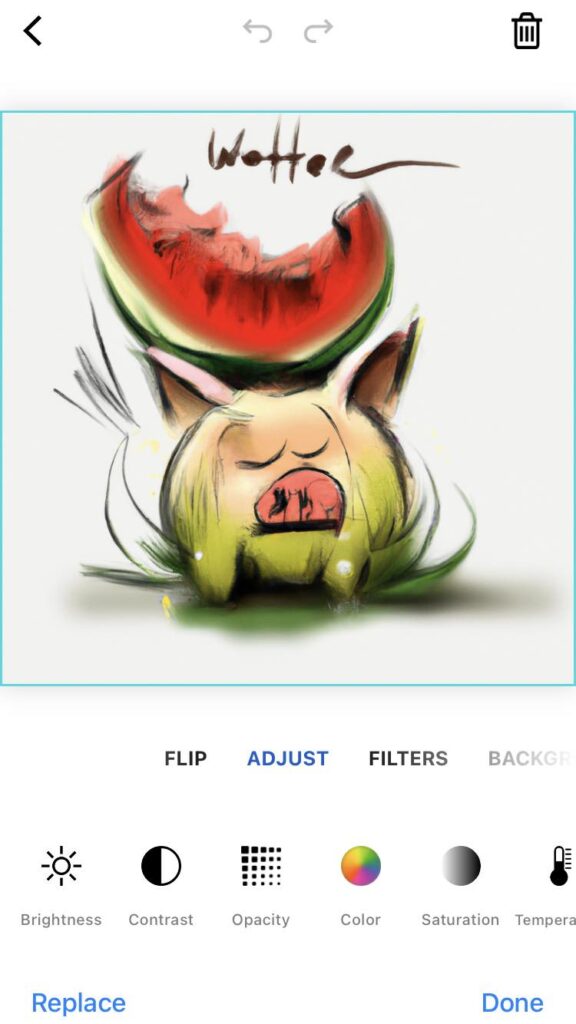
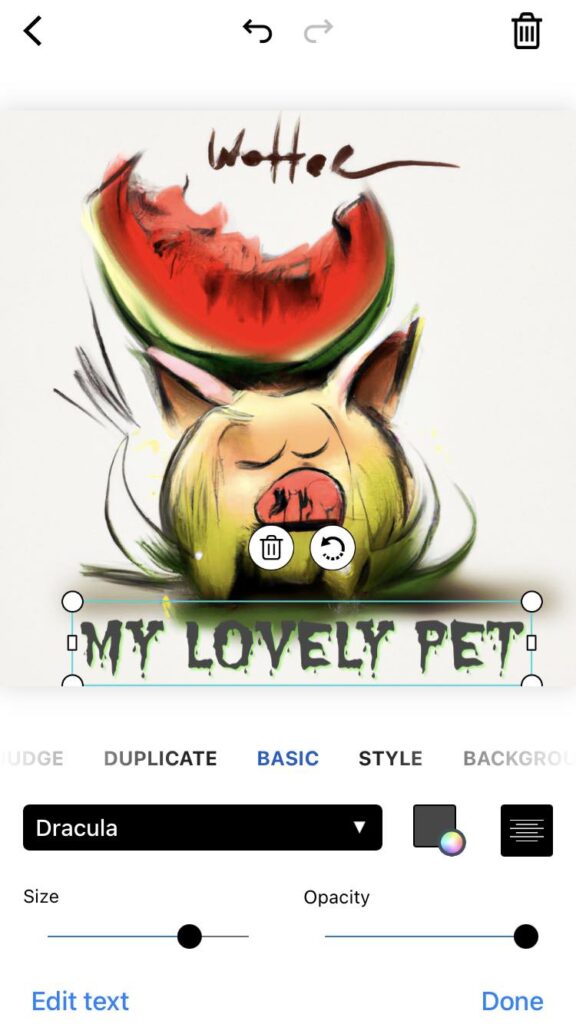
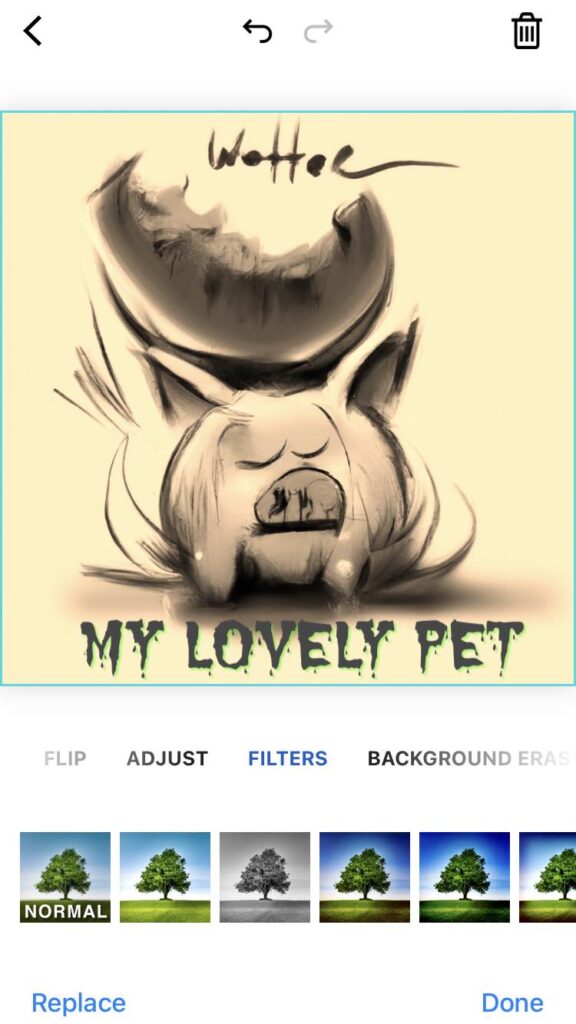
piZap AI stickers
piZap AI sticker designs

What are AI Stickers?

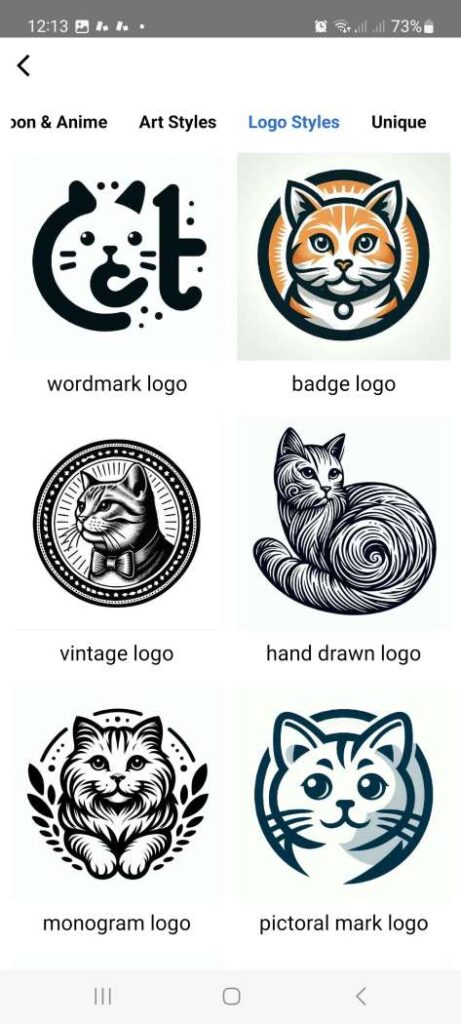
AI stickers in piZap are not your ordinary digital decorations. They are powered by artificial intelligence, making them smart, responsive, and incredibly versatile. These stickers can analyze the content of your photos and suggest the most relevant, eye-catching embellishments to make your images pop. From whimsical characters to sophisticated design elements, AI stickers adapt to your content’s context, enhancing its appeal without overshadowing the original message.

Enhancing Your Content with AI Stickers

The true power of AI stickers lies in their ability to transform mundane images into captivating visuals that demand attention. Whether you’re promoting a brand, sharing a personal story, or simply looking to jazz up your social media feeds, AI stickers offer a plethora of options to enhance your visuals. Here’s how you can leverage them:

  1. Personalization: AI stickers can be tailored to match the mood, theme, or message of your content, providing a personal touch that resonates with your audience.
  2. Engagement: Visually appealing content is more likely to engage users. AI stickers add an element of fun or sophistication to your posts, encouraging likes, shares, and comments.
  3. Brand Identity: For businesses, AI stickers can be customized to reflect your brand’s identity, helping to maintain consistency across all online platforms.
  4. Time Efficiency: With AI-powered suggestions, selecting the perfect embellishments for your photos becomes a breeze, saving you time and effort in your content creation process.
piZap AI stickers
piZap AI sticker designs

Getting Started with AI Stickers in piZap

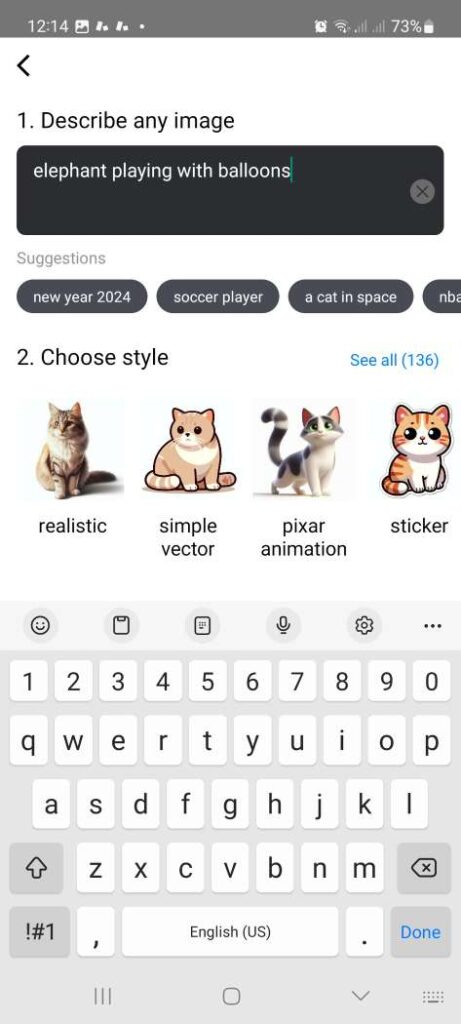
Embracing AI stickers in your digital content strategy is easy with piZap. Here’s a quick guide to get you started:
piZap AI stickers
piZap AI sticker designs
  • Explore the Sticker Library: Dive into piZap’s extensive collection of AI stickers and explore the different categories available. (Total of 136 sticker styles.)
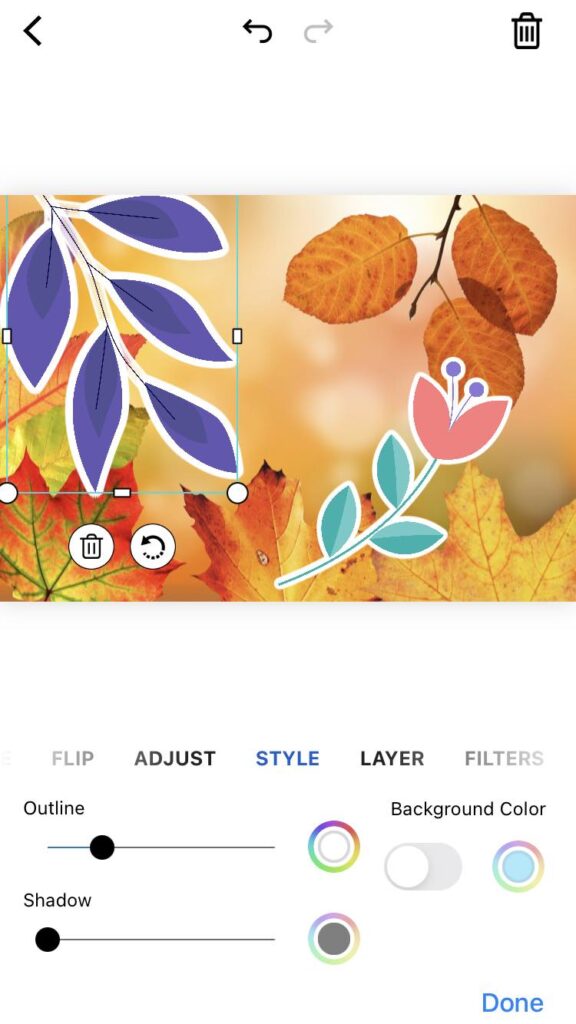
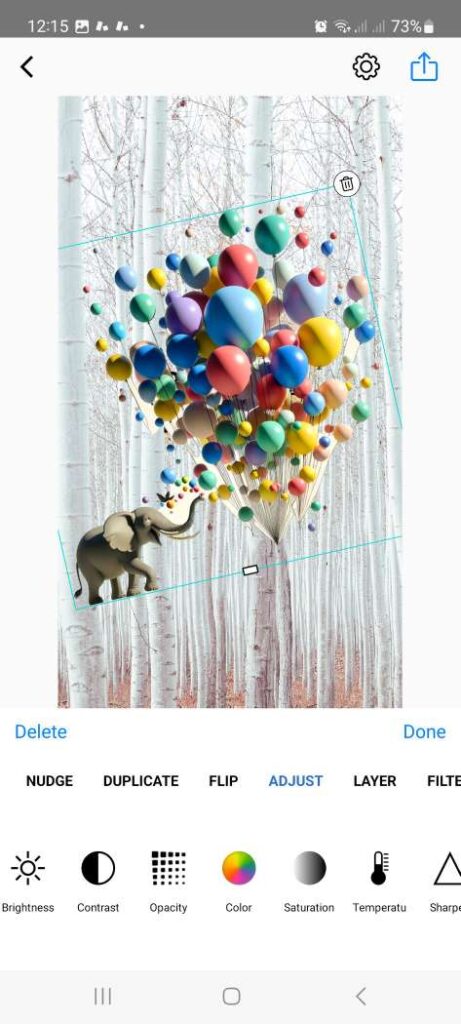
  • Customize Your Selection: Use the intuitive interface to customize the stickers, adjusting size, orientation, and color to fit your image perfectly.
piZap AI stickers
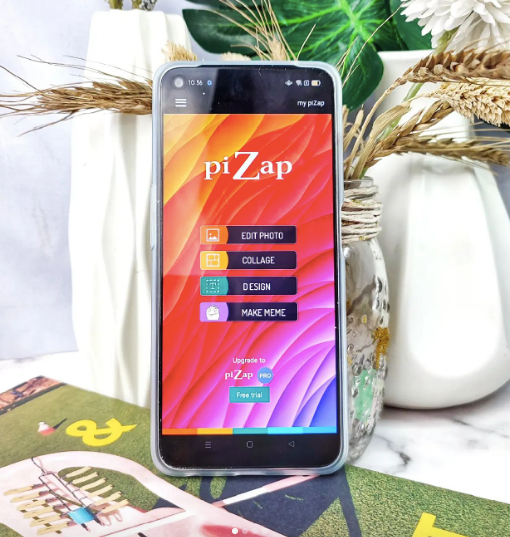
piZap app in iOS and Android device
  • Experiment: Don’t be afraid to experiment with different stickers and combinations. The AI’s suggestions are a great starting point, but your creativity is the limit.
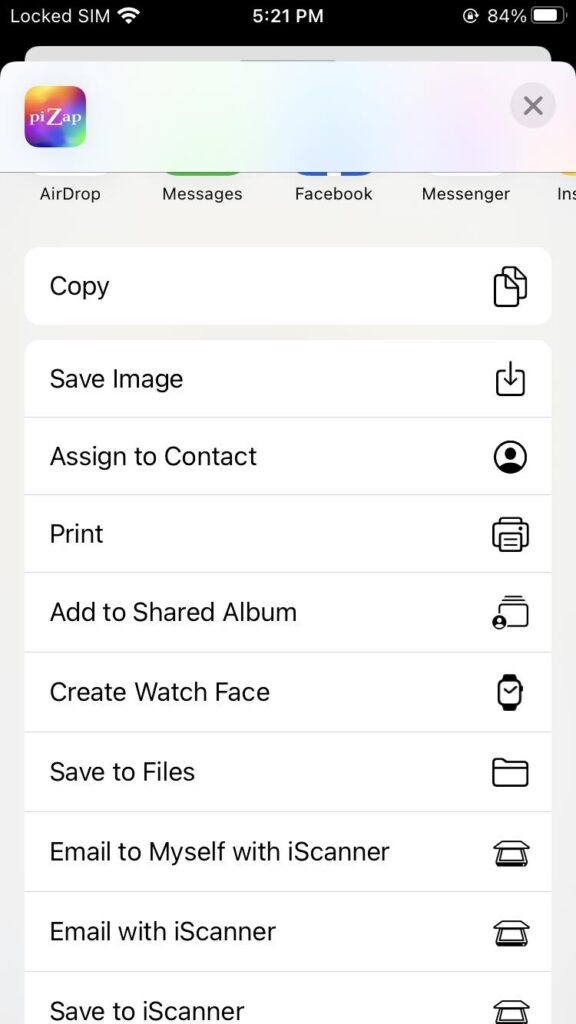
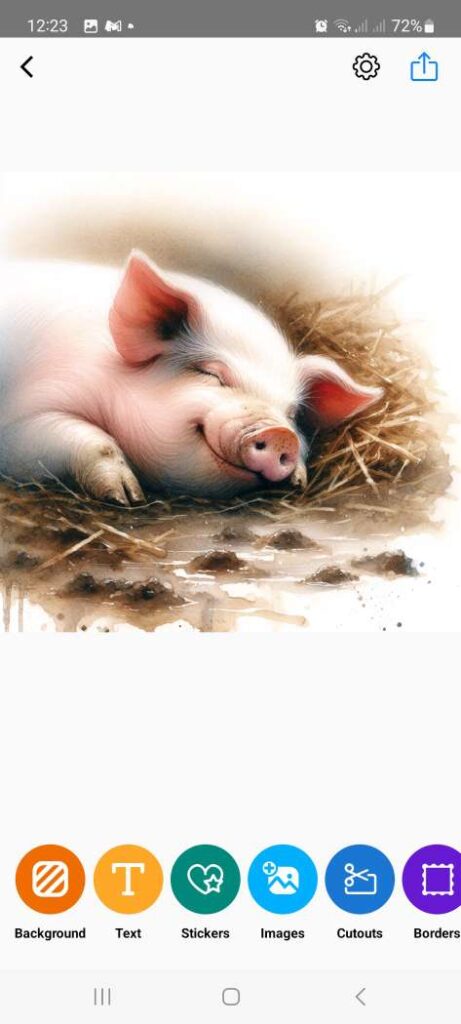
  • Share Your Creations: Once you’re satisfied with your enhanced image, share it directly from piZap to your social media platforms or download it for future use.
piZap AI stickers
piZap app in iOS and Android device

In the ever-evolving landscape of digital content creation, staying ahead of the curve is crucial. AI stickers in piZap offer a unique, impactful way to enhance your online presence. By incorporating these smart, customizable elements into your content, you’re not just sharing images; you’re telling a more compelling story that captures and holds the audience’s attention. Start leveraging AI stickers in piZap today and witness the transformative effect on your online impact.
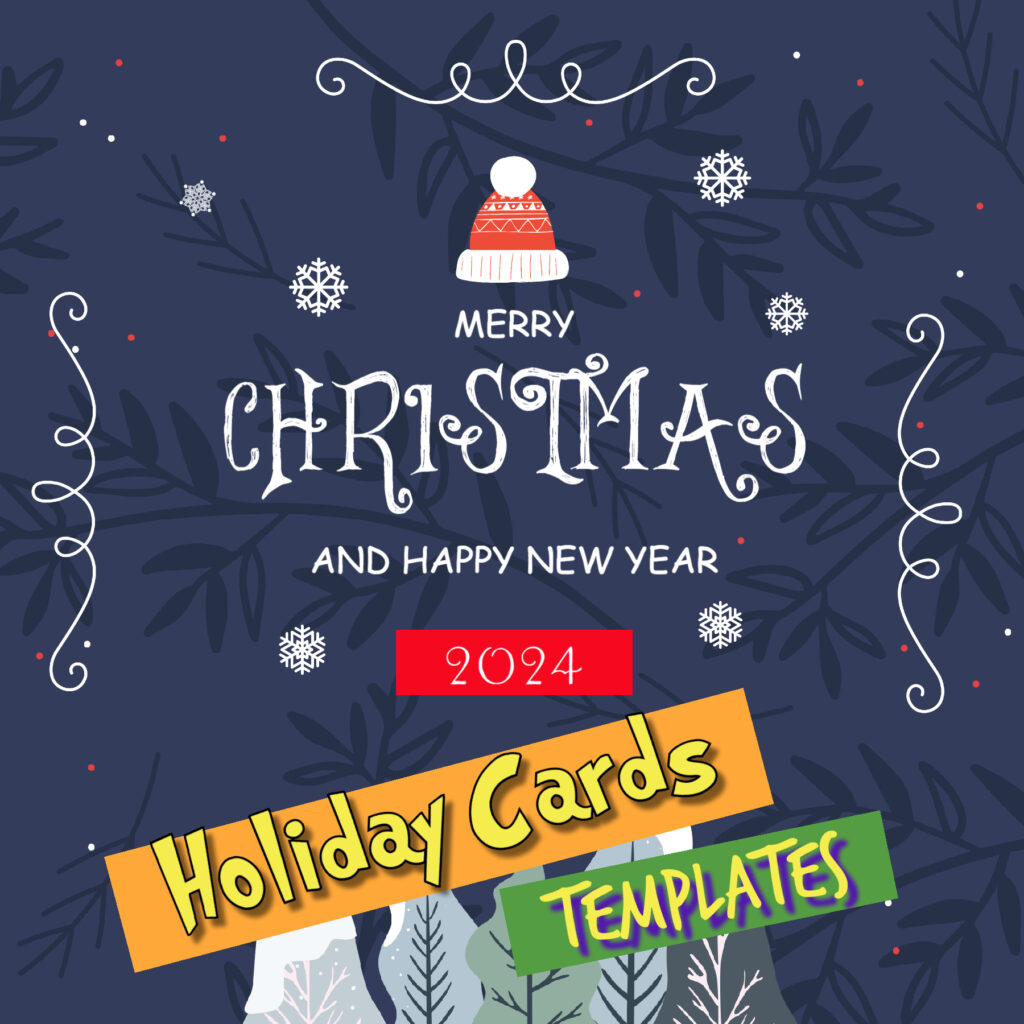

The Joy of Personalized Greetings: Creating Memorable Christmas Cards with piZap Templates

www.piZap.com

As the festive season approaches, it’s time to think about spreading joy and warmth to our loved ones. What better way to do this than with personalized Christmas cards? piZap, with its user-friendly Christmas Card Templates, offers a plethora of options to craft that perfect holiday message.

Holiday cards templates in piZap

Unleash Your Creativity with piZap Christmas Card Templates

piZap’s array of templates serves as an ideal starting point. Whether you’re leaning towards funny Christmas wishes or heartfelt Christmas messages, these templates provide a versatile foundation. With easy-to-use tools, piZap enables you to add a personal touch to your holiday greetings.

piZap app in iOS device

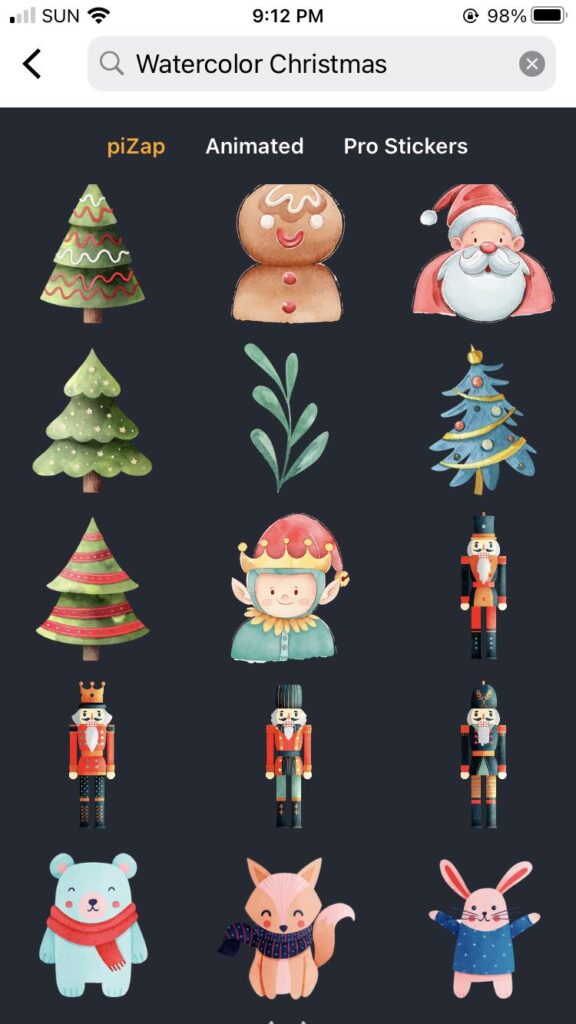
Add a Splash of Color: Christmas Watercolor Stickers

To further enhance your cards, delve into piZap’s collection of Christmas Watercolor Stickers. These vibrant and festive stickers can transform your cards into captivating works of art, perfect for conveying holiday spirit.

Xmas Watercolor stickers in the piZap app in iOS device

Custom Christmas Cards: A Personal Touch

The beauty of piZap’s platform is in its ability to create custom Christmas cards that resonate with your personal style. By combining photos, text, and unique design elements, you can send out holiday greetings or thank-you notes that are genuinely one-of-a-kind.

piZap app in iOS device

The Convenience of piZap Photo Editing

For those who love to tweak and perfect, piZap’s photo editing features come in handy. You can adjust your photos to perfection before adding them to your Christmas cards, ensuring every detail is just right.

piZap app in iOS device

Design on the Go: piZap Mobile App

Not at your desk? No problem! With the piZap Mobile App available on iOS and Android devices, you can design your Christmas cards on the go. This flexibility ensures that your burst of creativity is never hindered by location.

piZap app in iOS device

piZap’s Christmas Card Templates, combined with its vast array of stickers, fonts, and photo editing tools, make it a fantastic platform for creating holiday cards. Whether you’re aiming for humor or sentimentality, piZap offers all the necessary tools to craft cards that are both beautiful and meaningful. So this holiday season, take a moment to express your feelings creatively with a custom card from piZap.

Holiday Cards templates in piZap

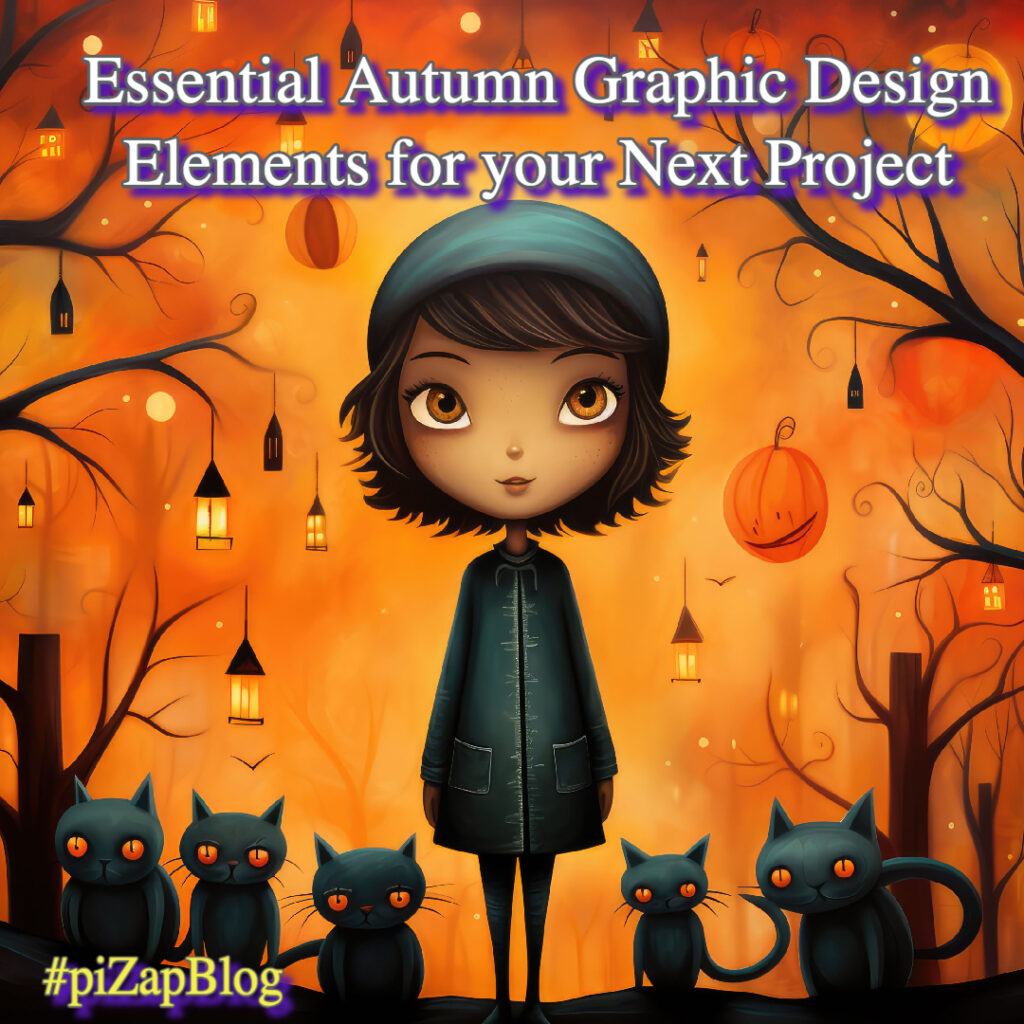
Essential Autumn Graphic Design Elements for your Next Project

www.piZap.com

Autumn is here, and it’s the perfect time to refresh your designs with seasonal elements. If you’re looking to incorporate the warmth and coziness of fall into your graphic designs, piZap photo editor has got you covered. In this guide, we’ll explore some must-have autumn graphic design elements and why piZap is the ultimate solution for your fall design needs.

piZap by Lorna Saldariega

Fall Design Elements: Why They Matter

When it comes to crafting visually appealing designs, integrating seasonal elements can add that special touch. Fall design elements like leaf design assets, pumpkin graphics, and autumnal icons can not only make your projects aesthetically pleasing but also more relevant and timely.

piZap app in iOS device

Autumn Graphic Design: A Palette of Possibilities

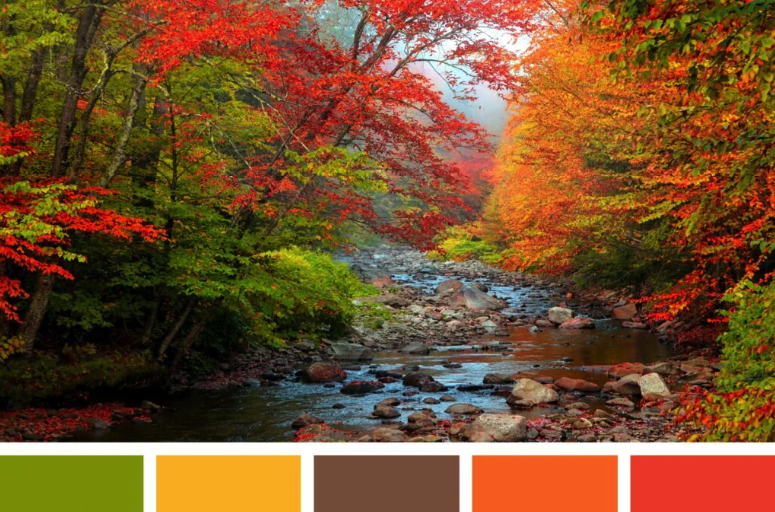
Choosing the right autumn color palette is essential. Warm tones such as deep reds, burnt oranges, and rich browns can transform any design. piZap’s extensive range of color options makes it easy for you to implement the perfect autumn color palette.

Autumn color palette

The Resources You Need: Graphic Design Resources on piZap

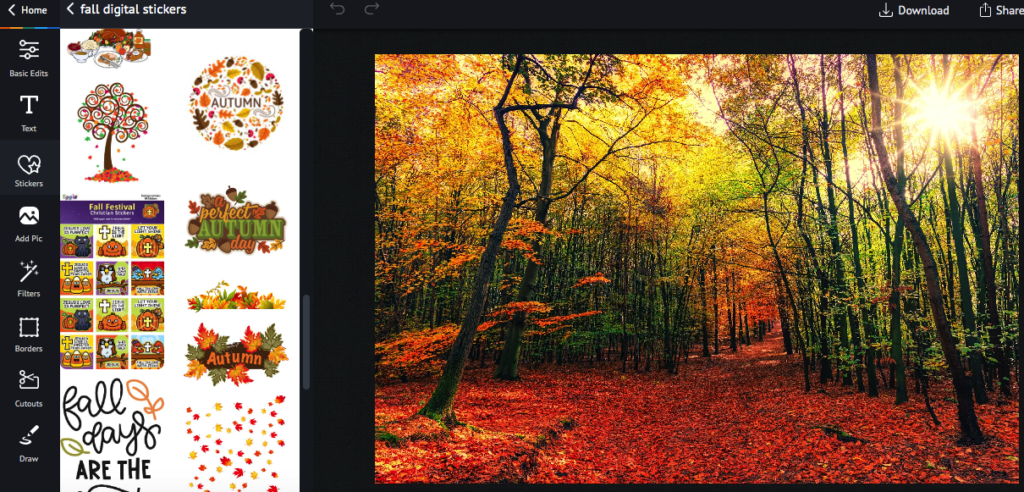
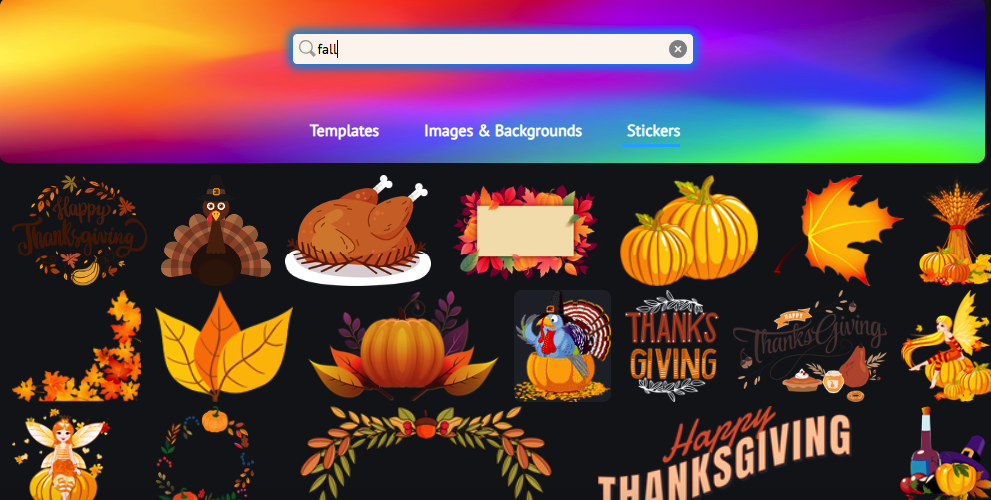
piZap offers an extensive tools of graphic design resources, from fall stickers, images to autumn textures. This makes it incredibly simple to find the seasonal graphics you need. Just search for terms like “Fall Digital Stickers” or “Harvest Graphics” to discover a wealth of resources.

www.piZap.com

More Than Just Backgrounds: Autumn-Themed Backgrounds & Textures

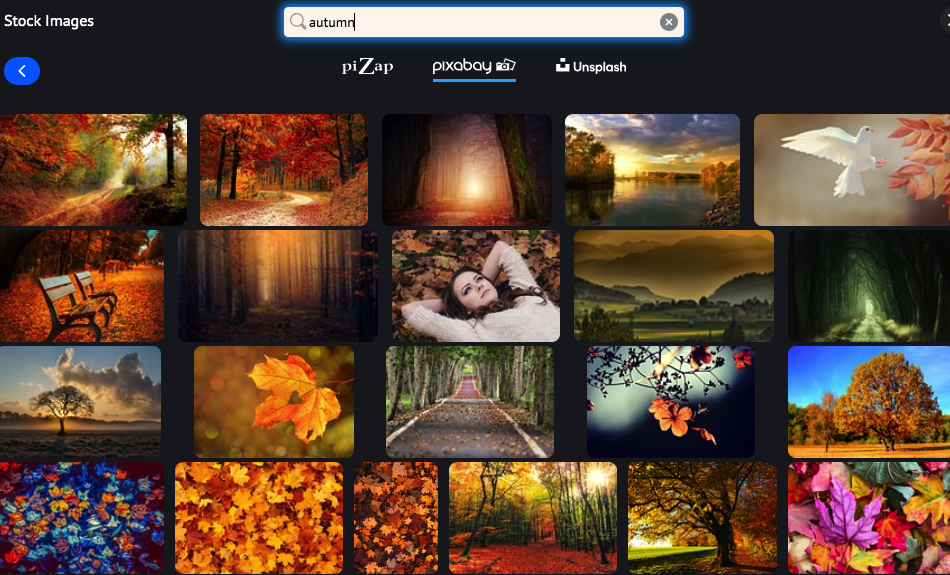
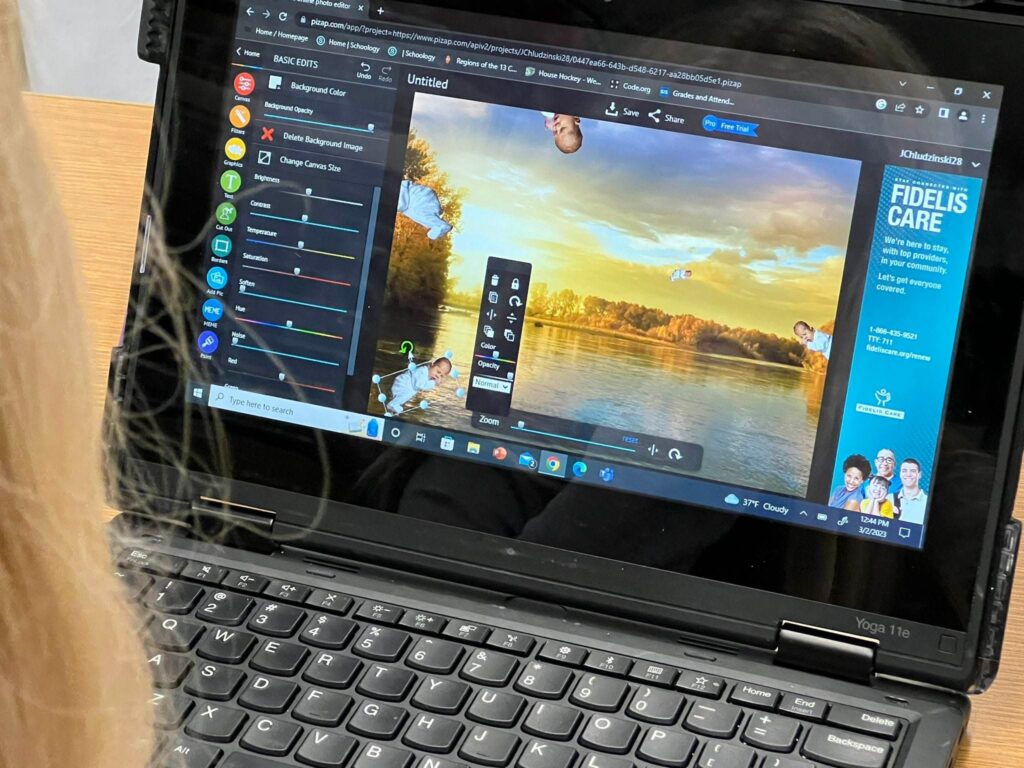
Textures and backgrounds can add depth and dimension to your designs. Search for “Autumn-Themed Backgrounds” or “Fall Foliage Design” within piZap’s resource library to find the perfect backdrop for your next project.
www.piZap.com

Typography Matters: Fall Typography Options

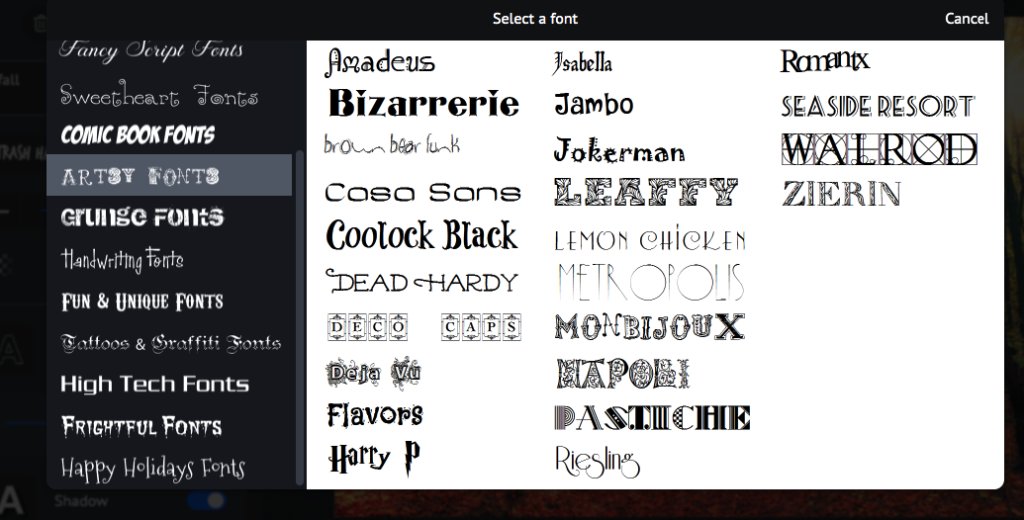
Fonts can dramatically alter the feel of a design. piZap offers a selection of fall typography options that will seamlessly fit into your autumn designs.

www.piZap.com

Free vs. Premium: What’s Right For You?

Whether you’re looking for free or premium graphic design templates for fall, piZap has options to fit every budget. Simply type “Fall” in the search bar to explore both free and premium options.

www.piZap.com

Autumn Design Inspiration: Get Creative With piZap

Feeling inspired? Here are a few examples of how you can use piZap’s graphic design elements to enhance your fall photos:

  • Pumpkin Spice Delight: Spice up your photos by framing them with pumpkin shapes frames. It’s a seasonal twist in picture form!
piZap creation by Claudia Saurenmann

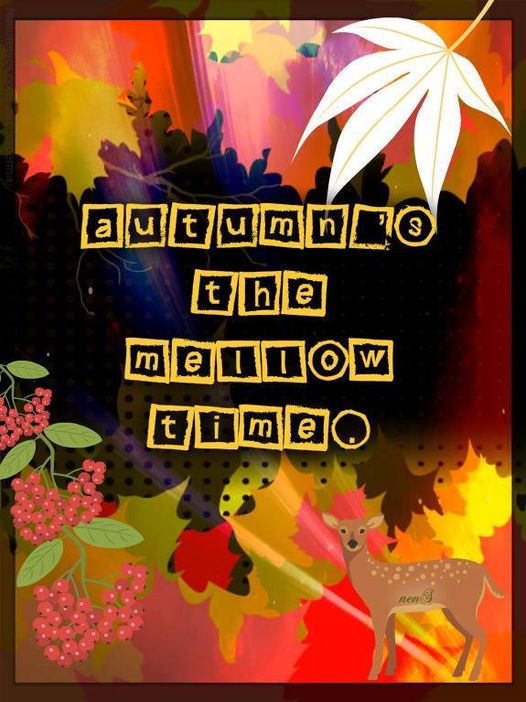
Fall Stolen Shots: Enhance your photos with some leaves frames or stickers in shades of crimson and gold. Nestle some seasonal stickers within a fun, memorable, autumnal vibe.

piZap creation by Claudia Saurenmann
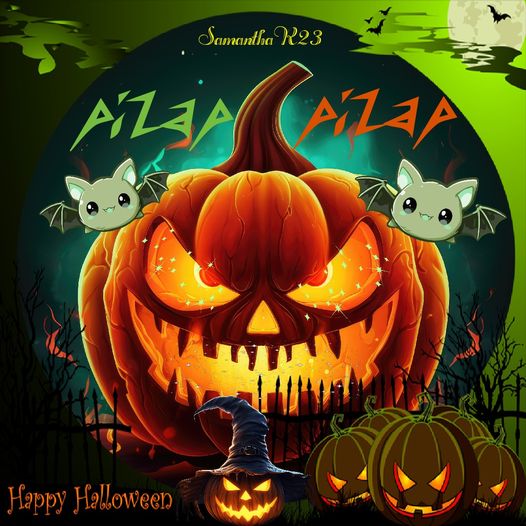
  • Haunted Harvest: Turn ordinary pumpkins into spooky Jack-o’-lanterns by adding eerie triangle-shaped eyes and jagged mouth stickers. Surround them with ghost-shaped figures for a hauntingly good time.
piZap by Samantha Ryan

With piZap’s autumn graphic design elements, the possibilities are endless. Whether you’re a photography enthusiast or just someone who loves adding a creative twist to their pictures, these stickers are your ticket to an imaginative fall adventure.

www.piZap.com

So, grab your favorite photos, let your creativity run wild, and watch as ordinary moments transform into extraordinary memories, all thanks to the magic of piZap easy-to-use editing tools. Happy creating! 🌼🍂✨

piZap by Tau Subaru

Special thank you to our piZap artists : Lorna Saldariega, Tau Subaru, and Samantha Ryan, and Claudia Saurenmann. Join the FB Group: piZap Artists and Fans Club!

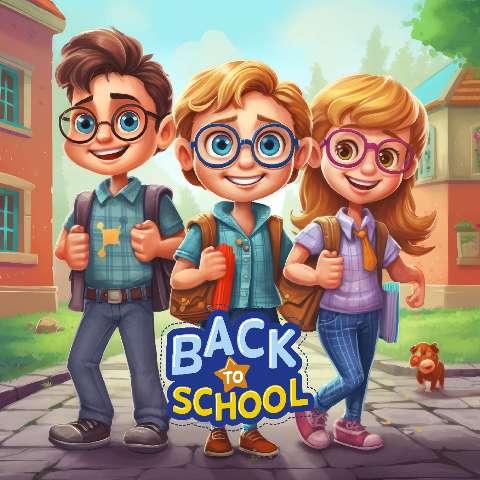
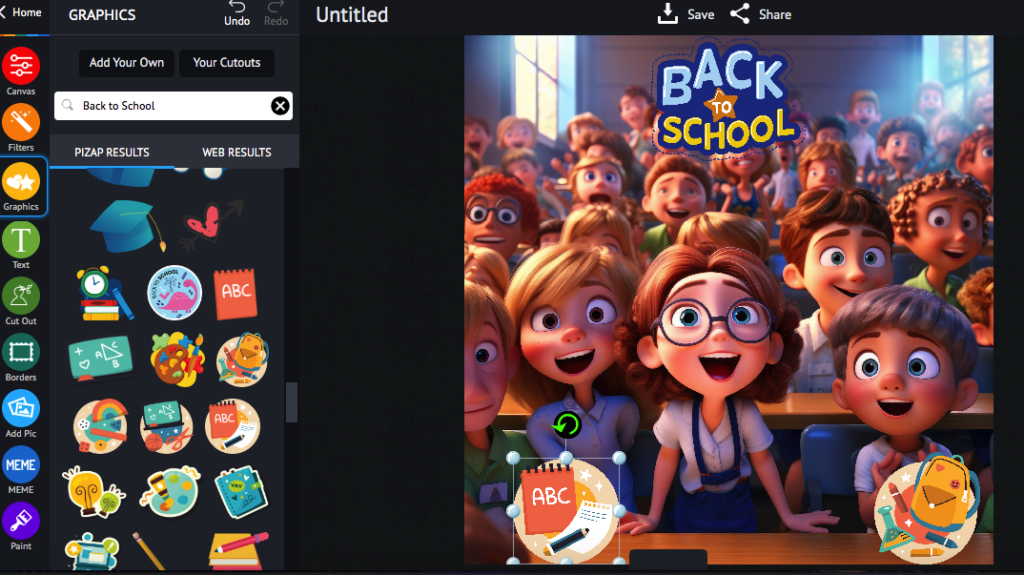
Get Ready for Back-to-School with AI-Powered Templates and Stickers in piZap!

www.piZap.com

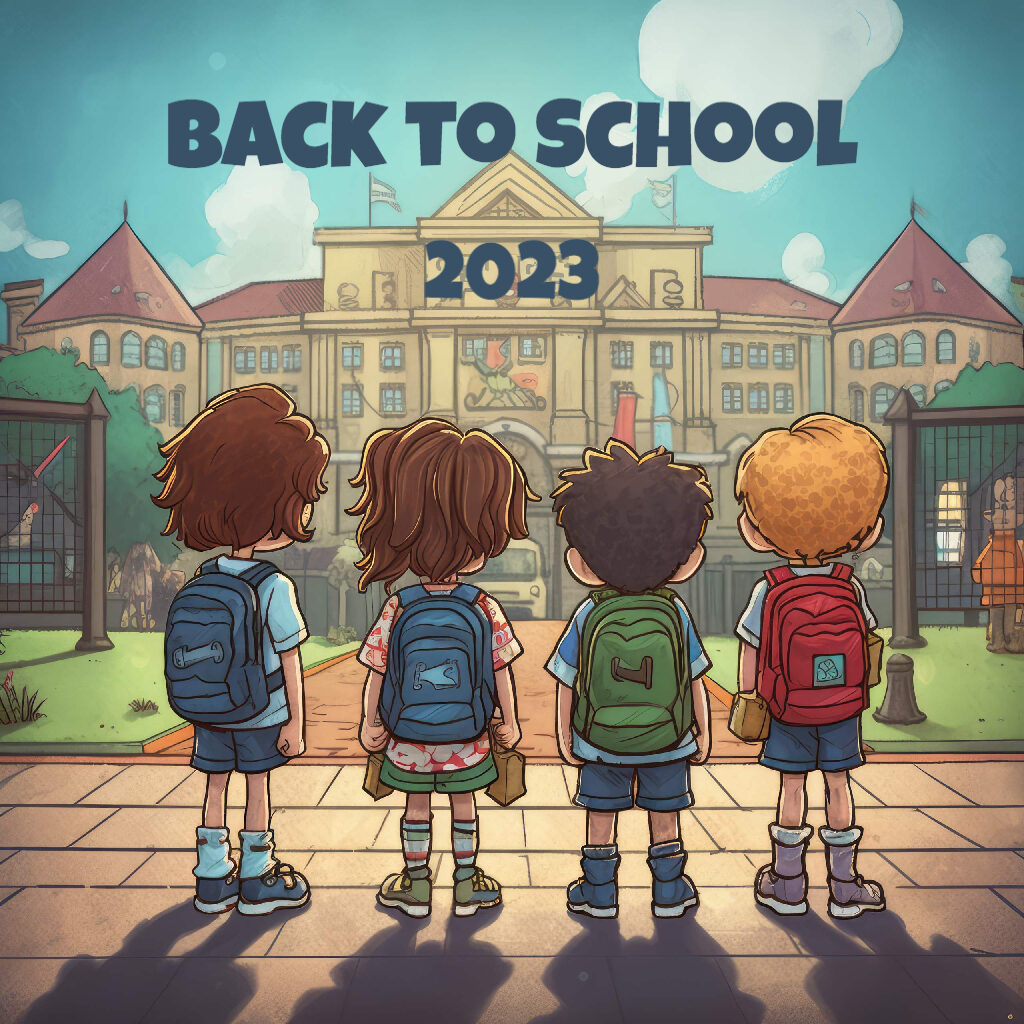
Are you feeling the excitement in the air? The back-to-school season is just around the corner, and what better way to gear up for it than with some fantastic AI-powered templates and stickers from piZap! Whether you’re a student, teacher, or parent, piZap’s innovative tools are here to make your back-to-school experience even more vibrant and creative.

www.piZap.com

Revolutionizing Back-to-School Prep with AI:
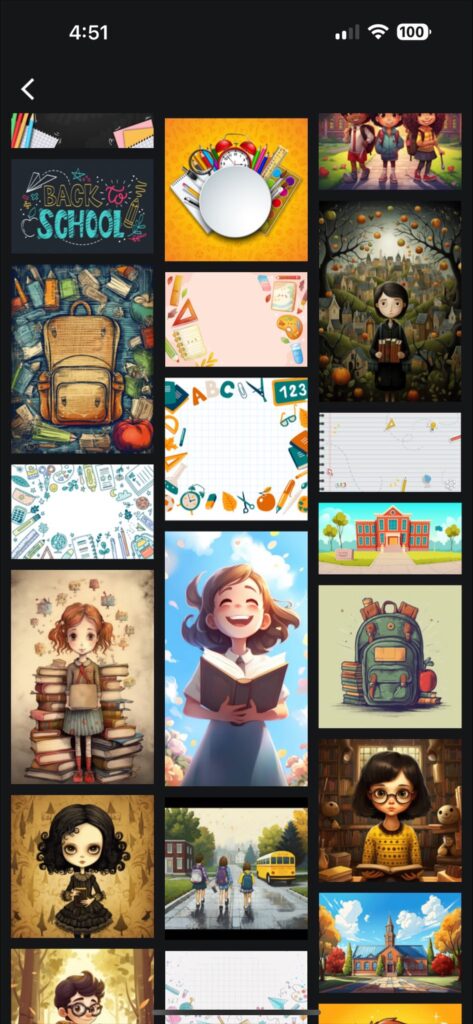
PiZap, the cutting-edge online photo and design tool, is taking the back-to-school game to a whole new level with their AI-powered templates and stickers. No more generic designs or overused clipart – piZap’s AI algorithms generate stunning, one-of-a-kind visuals that are tailor-made for your back-to-school needs. From colorful classroom banners to eye-catching bulletin board displays, piZap’s AI ensures that every project shines with a personalized touch.

piZap app in iOS device

Personalize Your School Supplies with Playful Stickers:
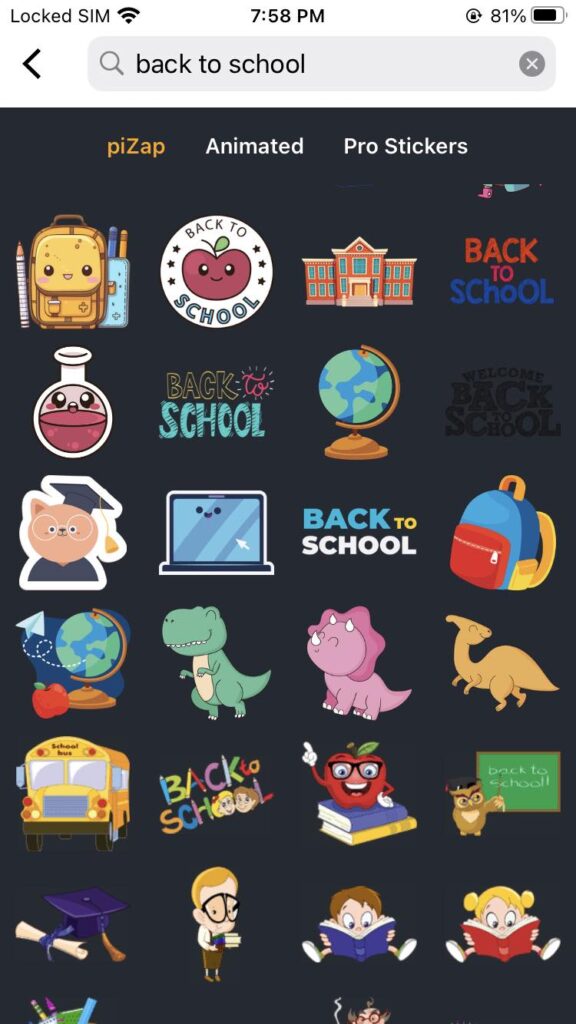
Inject a dose of fun and personality into your back-to-school essentials using piZap’s quirky stickers. From adorable pencil stickers to motivational quote bubbles, there’s a sticker for every mood and moment. Whether you’re labeling notebooks, decorating your laptop, or simply adding flair to your textbooks, these stickers will ensure your gear stands out from the crowd.

piZap app in iOS device

Why Choose piZap?
piZap stands as a trailblazer in the world of AI-driven creativity. Its user-friendly interface and robust tools empower everyone to create visually stunning designs without the need for advanced graphic design skills. Back-to-school prep has never been this exciting, and piZap ensures you’re armed with the best tools to make this academic year truly remarkable.

Back-to-school template in piZap

Share Your Masterpieces with the World:
Once you’ve whipped up your back-to-school magic using piZap’s templates and stickers, don’t keep it to yourself! Share your creations on social media to inspire others and spread the back-to-school joy. Whether it’s Instagram, Facebook, Twitter, or Pinterest, your posts will be sure to catch the attention of fellow students, teachers, and parents looking to add a touch of creativity to their educational journey.

Back-to-school template in piZap

As the back-to-school fervor heightens, piZap is your ultimate partner in infusing creativity and innovation into your academic journey. With AI-powered templates and stickers, you’ll be ready to rock the school year in style. So, unleash your imagination, personalize your supplies, and make this back-to-school season one to remember, all with the magic of piZap!

Back-to-school template in piZap

Mastering Photo Editing: A Beginner’s Guide with piZap

www.piZap.com

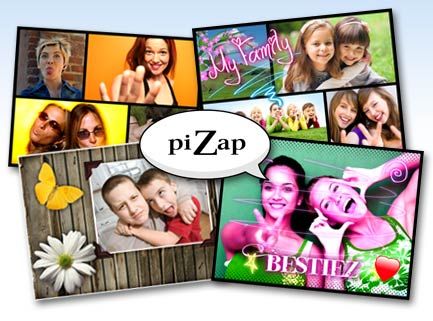
Are you ready to turn your everyday photos into works of art? With PiZap Photo Editor, the journey from amateur to editing pro has never been easier! Whether you’re an aspiring influencer, a small business owner, or just someone who loves sharing memories, piZap has got you covered. Let’s dive into a beginner’s guide that will have you editing like a pro in no time.

1. Getting Started with PiZap
To begin your photo editing adventure, head to the PiZap website or download the app in iOS and android devices. Creating an account will give you access to a world of editing possibilities.

piZap app in mobile device

2. Choosing Your Photo
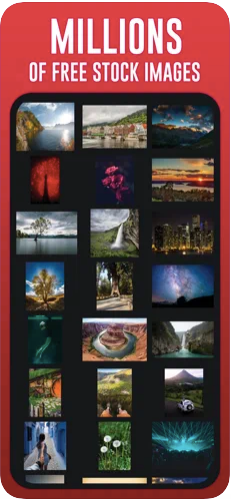
Select a photo you’d like to edit. It could be a stunning landscape, a cute pet pic, or even a selfie that needs a little magic. You can even select tons of royalty free stock images in pIZap that you can use for your projects.

3. Basic Adjustments
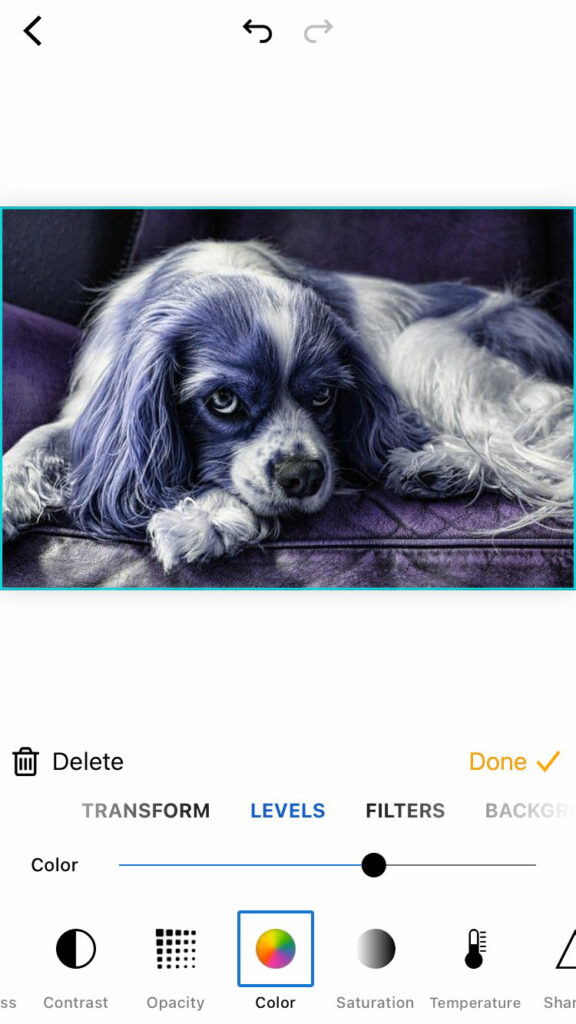
Start with the basics: adjust brightness, contrast, and saturation. Use the intuitive sliders to enhance your photo’s overall look.

piZap in iOS device

4. Exploring Filters
Give your photo a new mood by applying filters. Try the “Vintage Vibes” filter for a nostalgic touch or “Vibrant Hues” for a burst of color.

5. Adding Text and Stickers
Want to tell a story with your photo? Use PiZap‘s text and sticker tools. Add a witty caption or a heartwarming quote.

6. Creative Frames
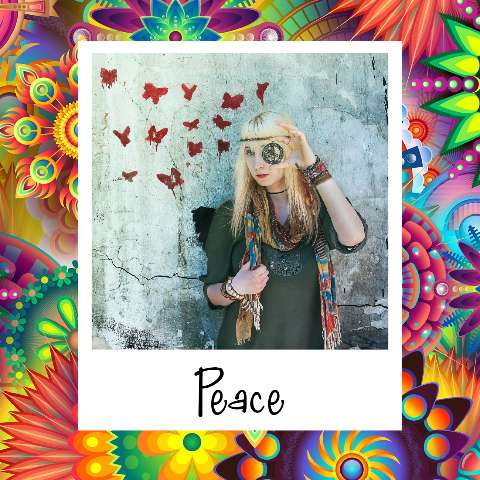
Elevate your photo with creative frames. From classic borders to funky shapes, there’s a frame for every mood.

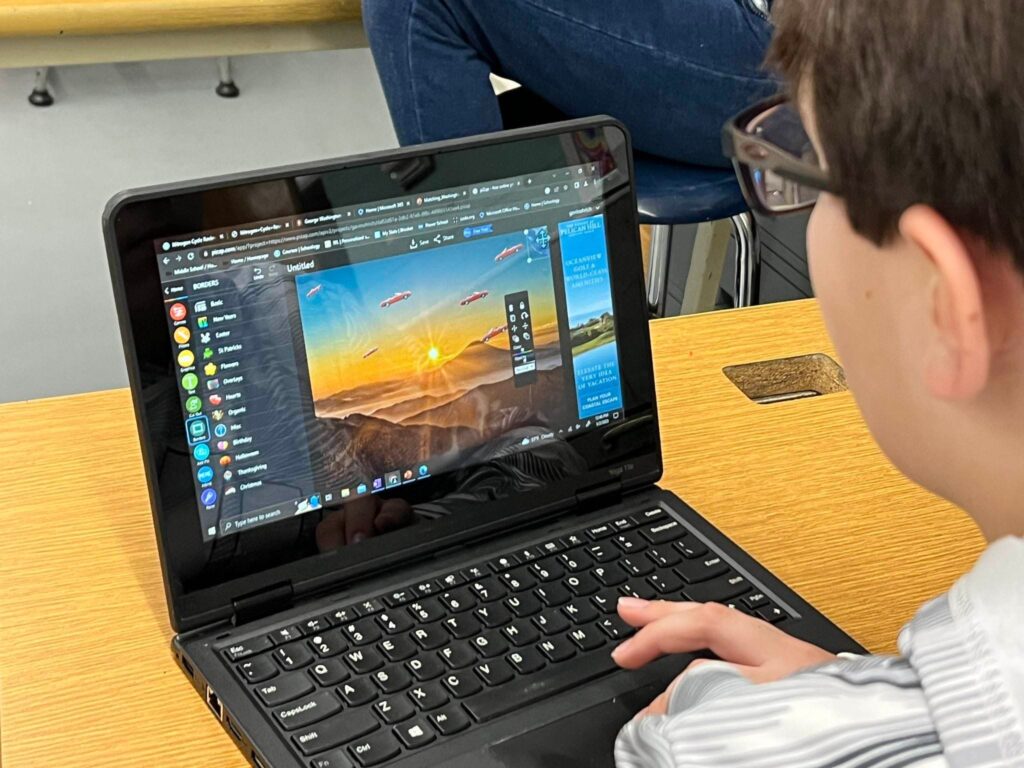
Special thanks to Mr Dan Wodarczak and his art class students at the Alden Central School

7. Embrace Collage Magic
Combine multiple photos into a stunning collage. Showcase different angles or tell a visual story with this feature.

www.piZap.com

8. Save and Share
Once you’re satisfied with your masterpiece, hit the save button. Now it’s time to share your creation with the world!

Challenge: Transform an everyday photo into something remarkable using piZap’s editing tools. Whether it’s a stunning sunset, a mouth-watering meal, or a candid shot of your furry friend, piZap can help you elevate it to the next level!

Special thanks to Mr Dan Wodarczak and his art class students at the Alden Central School

Join the piZap Community!

Ready to show off your newfound photo editing skills? Join the pizap Artists and Fans Club group on Facebook and connect with fellow enthusiasts. Share your before-and-after photos, exchange tips, and inspire others to embark on their own creative journey.

Special thanks to Lorna Saldariega

With piZap, there’s no limit to your creativity. Start your journey today and watch your photos transform into captivating pieces of art. Get ready to become the photo editing guru among your friends! 🎨✨

Get the most out of piZap Magic AI Image Maker

In today’s digital age, image editing has become an essential skill for creating captivating visuals. Whether you’re a professional photographer, a social media enthusiast, or simply someone who loves to add a creative touch to their photos, having the right image editing tool is crucial.

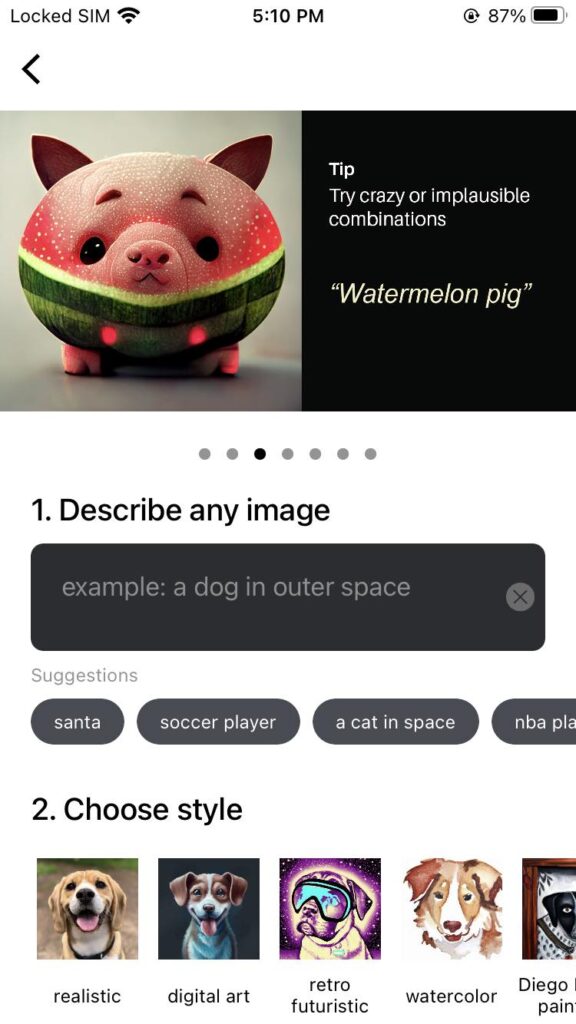
piZap Magic AI Image Maker is a versatile platform that combines the power of artificial intelligence with user-friendly features, allowing you to unleash your creativity and take your images to the next level. Here are some tips to help you get the most out of piZap Magic AI Image Maker.

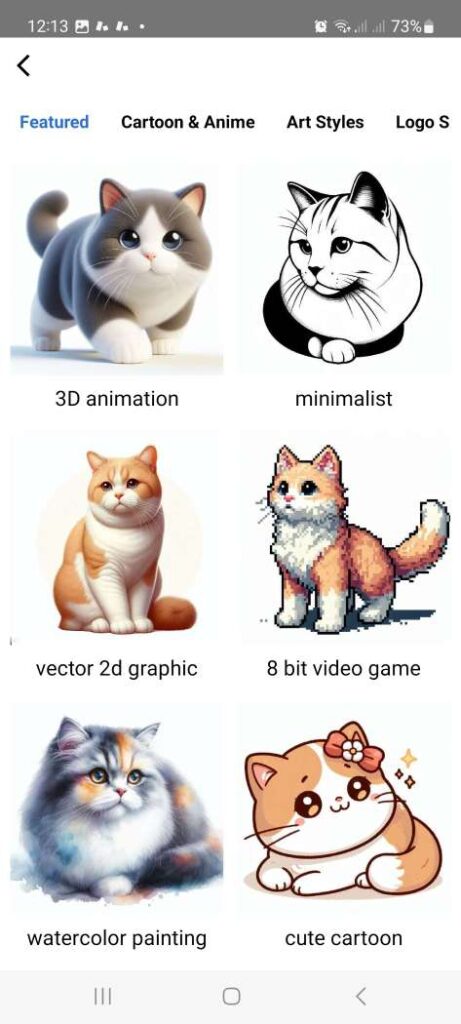
Explore the Features: Take some time to familiarize yourself with the various features offered by piZap Magic AI. Experiment with different artistic style options such as REALISTIC, DIGITAL ART, RETRO FUTURISTIC, WATERCOLOR, and lots more just to see how they can transform your images.

Use the piZap Image Tools: piZap offers intelligent tools that can automatically enhance your images. Try the enhance features to quickly adjust and improve the overall look of your photos or experiment with the powered effects for artistic transformations.

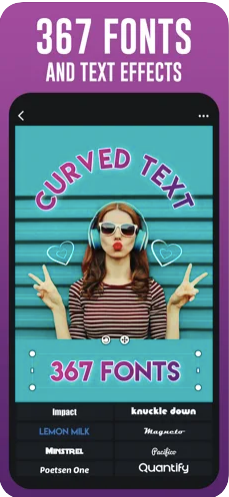
Play with Text and Stickers: Add text and stickers to your images to make them more engaging and personalized. piZap AI offers a variety of fonts, colors, and styles to choose from. Combine text and stickers creatively to create unique compositions.

Experiment with Filters: Filters can add mood and style to your images. piZap AI provides a wide range of filters to choose from. Try different filters and adjust their intensity to achieve the desired effect.

Crop and Resize: Use the cropping and resizing tools to frame your images perfectly. Adjust the aspect ratio, crop out unwanted elements, or resize your images to fit specific dimensions for different platforms or purposes.

Save and Export in High Quality: When you’re satisfied with your edits, make sure to save your images in the highest quality possible. piZap AI allows you to save your creations in various formats such as JPEG and PNG. Choose the appropriate format and adjust the image quality settings to ensure your final output is of the highest quality.

Share and Collaborate: Once you’ve created your masterpiece, share it with others! piZap AI allows you to directly share your images on social media platforms or download them for offline use. You can also collaborate with others by sharing your project files, allowing them to make further edits or modifications.

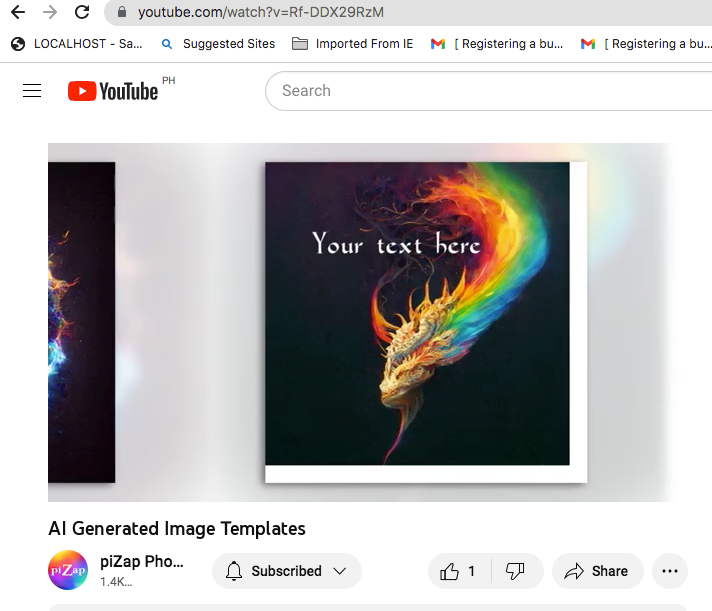
Learn from Tutorials and Examples: piZap AI provides tutorials and examples to help you learn new techniques and inspire your creativity. Take advantage of these resources to expand your skills and discover new ways to use the software. You can check the various piZap tutorials on YouTube here: http://bit.ly/2m7GsOO

Have Fun and Be Creative: The most important tip is to have fun and let your creativity flow. Explore different styles, experiment with unique ideas, and don’t be afraid to take risks. piZap AI is a powerful tool that can bring your imagination to life, so enjoy the process and let your creativity shine.

Remember, practice makes perfect, so keep exploring and experimenting with piZap Magic AI Image Maker to refine your skills and create stunning images.

Note: piZap Magic AI Image Maker is now available in Android and iOS devices.