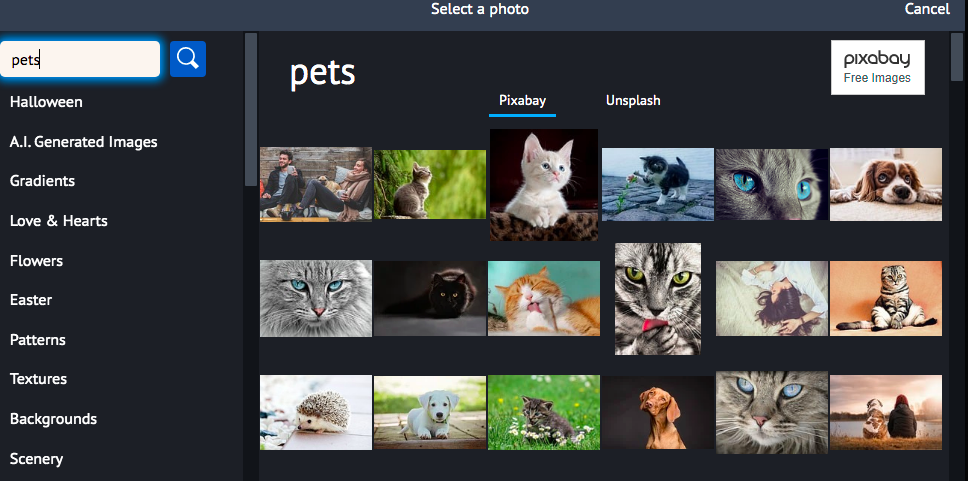
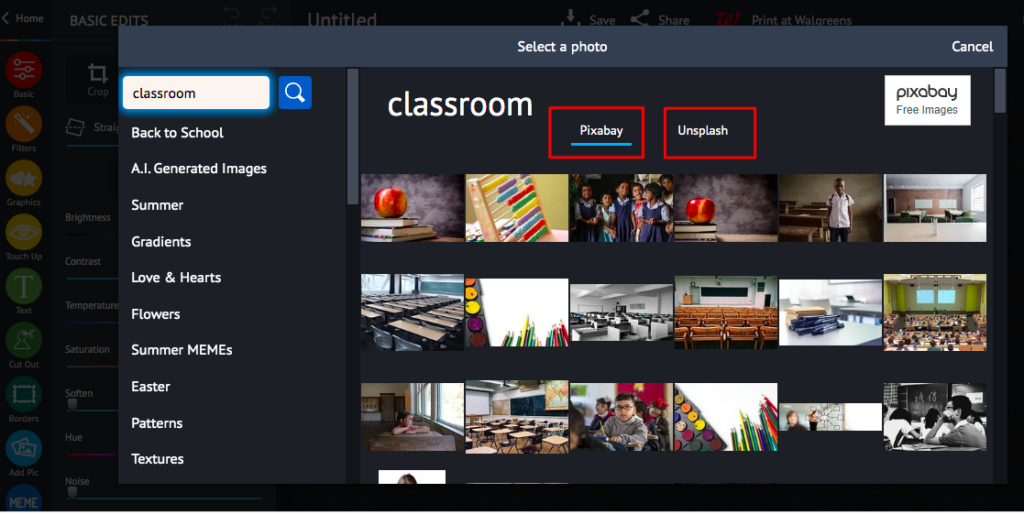
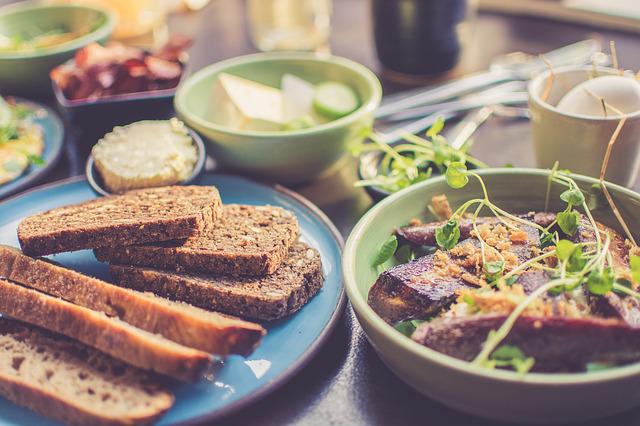
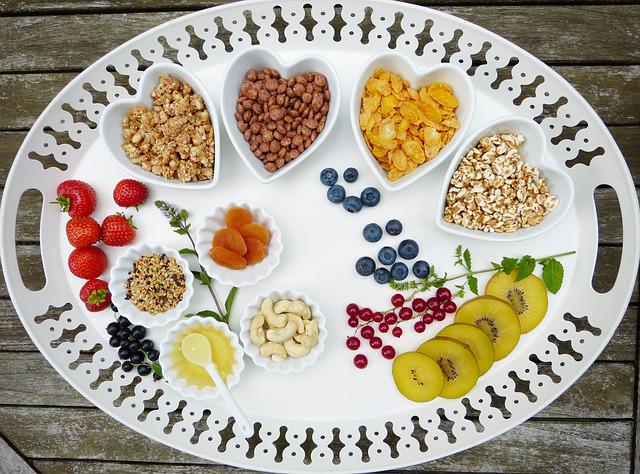
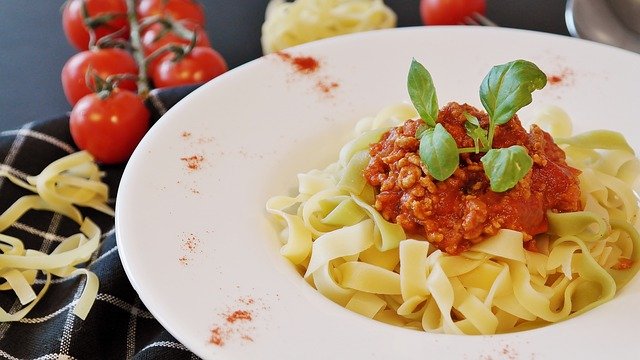
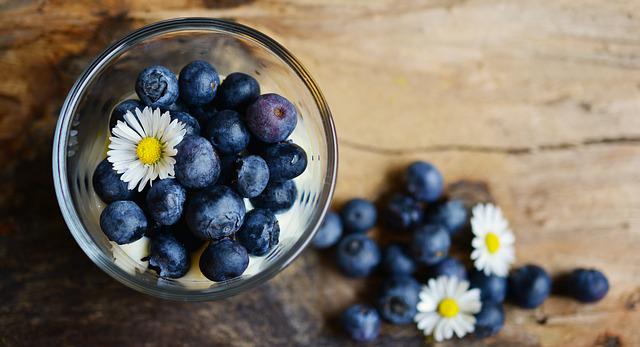
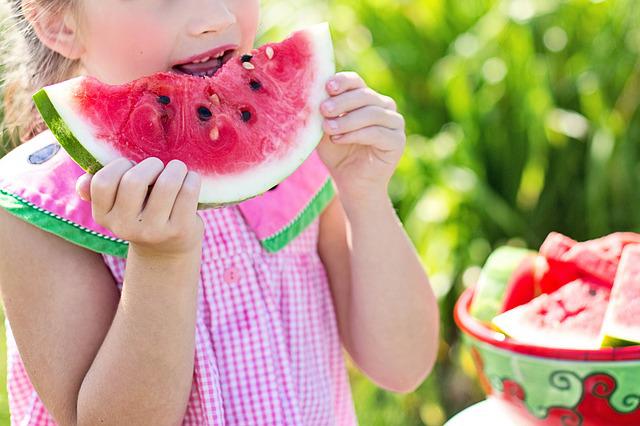
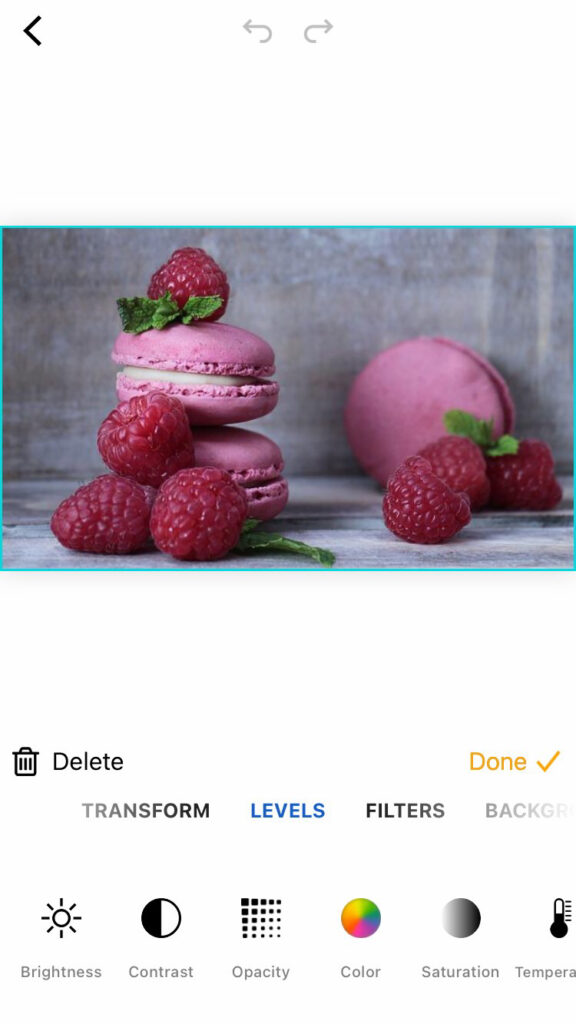
PiZap has partnered with two of the most popular royalty-free image websites, Pixabay and Unsplash!
The partnership comes as a welcome relief to many piZap users who had been clamoring for more royalty-free images. “We’re thrilled that piZap has listened to our feedback and found a way to provide us with the high-quality images we need! And best of all is that its totally free,” said Joe Smith, a long time piZap user. “This is a game-changer!”
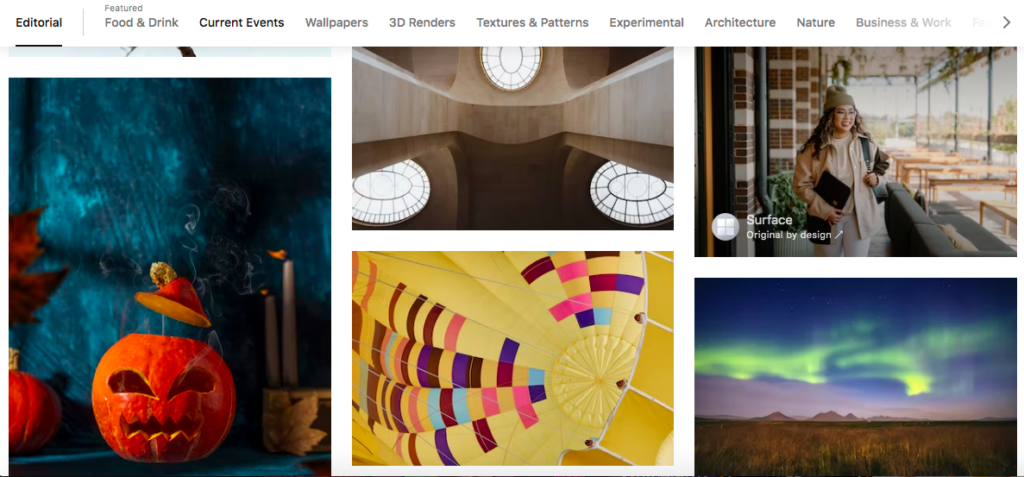
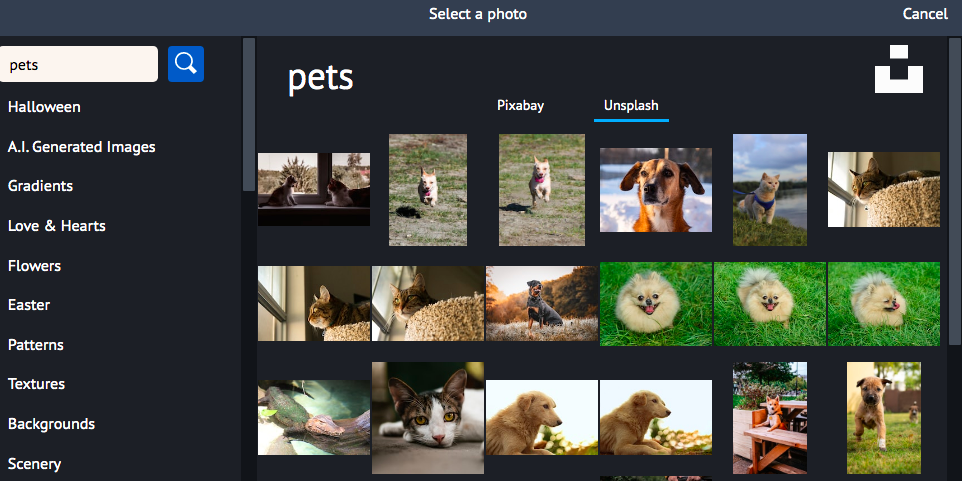
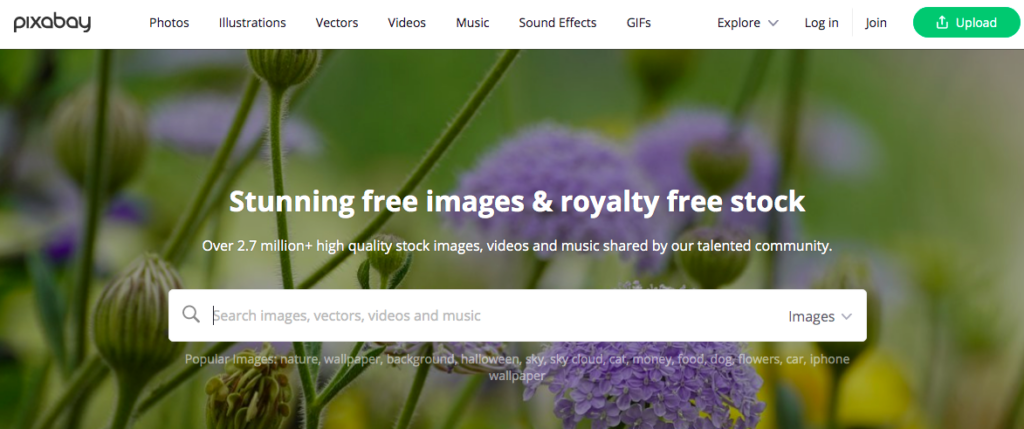
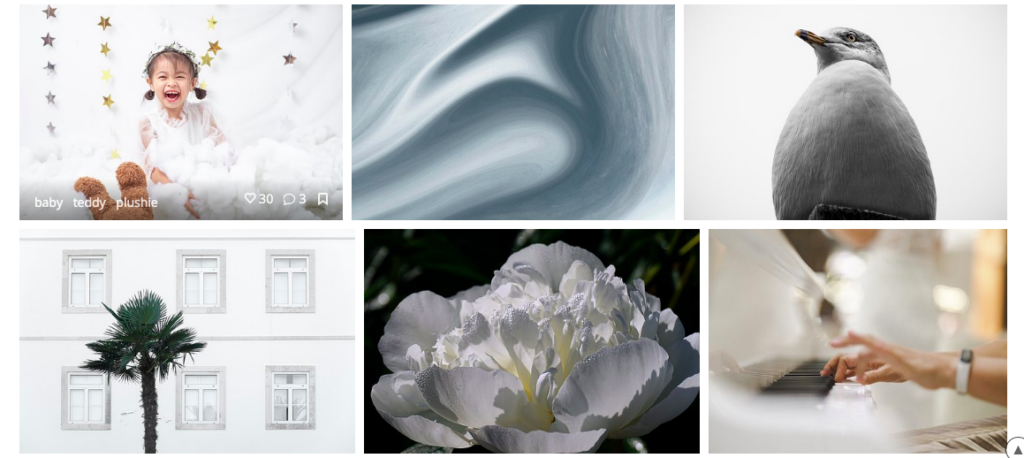
Pixabay and Unsplash are two of the most popular free stock photo websites on the internet, with over 2 million high-quality, royalty-free images between them. With this partnership, piZap users will have access to all of these images directly from within the piZap editor. You can check these images via the piZap web, and the piZap app in android and iOS devices.
www.pizap.com
Pixabay.com is a website that offers over 1.5 million royalty-free stock photos, illustrations, and vector graphics. All of the images on the site are released under Creative Commons CC0, which means that they are free to be used for any purpose, commercial or otherwise.
www.pixabay.com
Unsplash.com is another platform that offers over 500,000 high-resolution stock photos. Just like Pixabay, all of the images on the site are also released under Creative Commons Zero (CC0) where you can easily pull out some awesome images of your choice– for FREE!
www.unsplash.com
Now, piZap users will be able to access these images directly from within the piZap photo editor. This will save time and hassle when searching for the perfect image to use in your next project. Whether you’re working on a school project, a work presentation, or just trying to make your Instagram feed look more aesthetically pleasing, there’s sure to be an image that fits your needs. And best of all, these images are all free to use! You don’t need to worry about attribution or copyright infringement; just download and go.
In addition to being able to access these images directly from within the pizap editor, you will also be able to search for specific keywords or categories. For example, if you are looking for images of “pets” or “flowers”, you will be able to find them easily. We are confident that this new partnership will be a valuable addition for our piZap users.
So what are you waiting for? Head over to pizap and start browsing through the millions of high-quality, royalty-free images from Pixabay and Unsplash today! There’s no excuse not to get creative and make something beautiful!
A watermark is a logo or other graphic that is placed on an image to protect it from being used without permission. Watermarks can be very difficult to remove, so they are often used by businesses and photographers to prevent their images from being stolen.
But what is a watermark, and how do you create one? A watermark is simply a logo or bit of text that you add to an image. When someone tries to copy or save the image, the watermark will be visible, making it clear that the image is copyrighted.
While there are many ways to create a watermark, piZap is one of the easiest tool that you can use. Simply upload your image, create your watermark, and pizap will do the rest. In just a few clicks, you can create a watermark that will help protect your images from being used without permission. With piZap, you can easily add text or logos to your images. You can also customize the size, color, and position of your watermark.
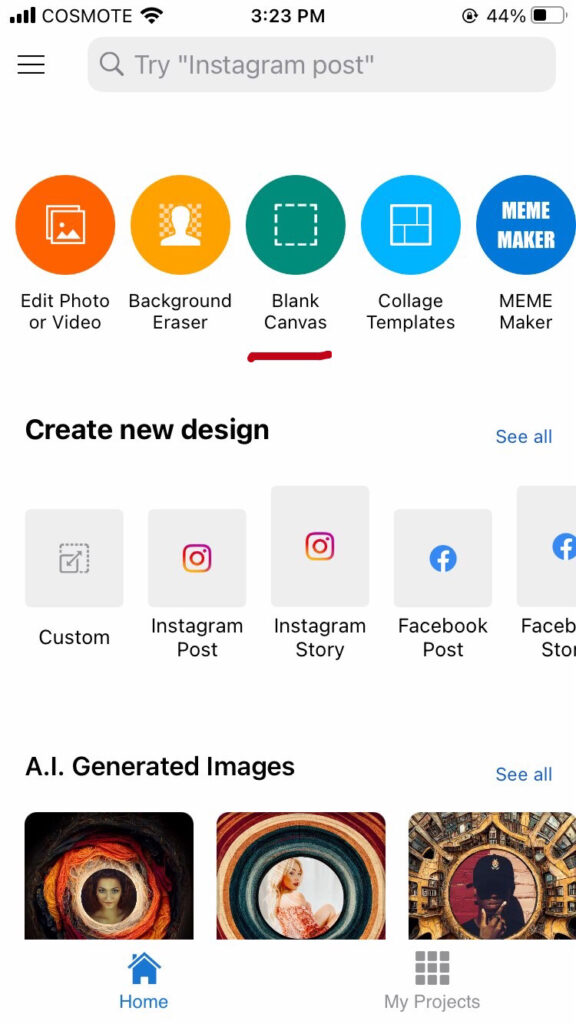
How to make a watermark using the piZap app the easy way.
Choose BLANK CANVAS .
piZap app in iOS
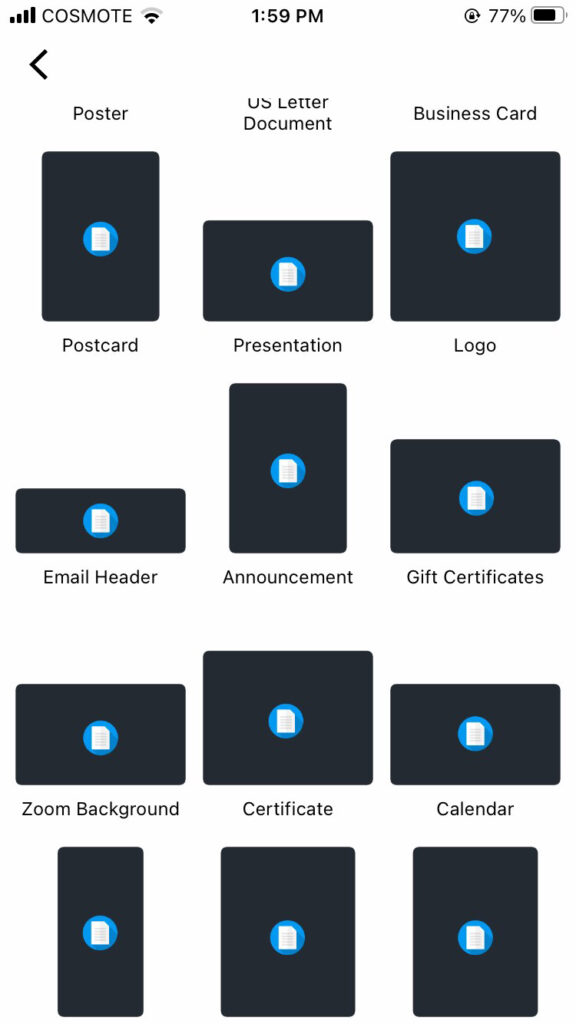
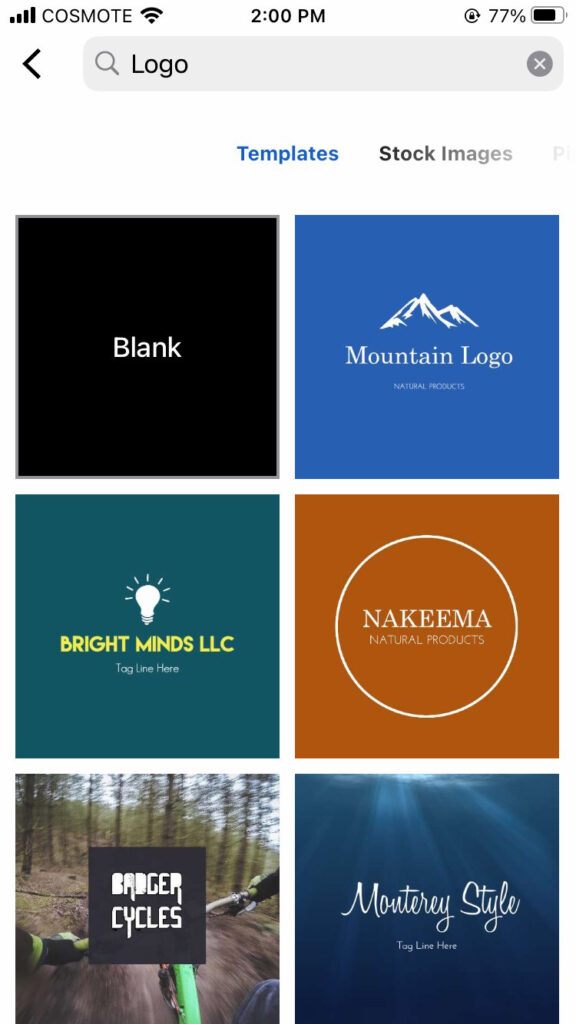
2. Select LOGO as your template. Open your logo, or make one using piZap‘s available logo templates.
piZap app in iOS
piZap app in iOS
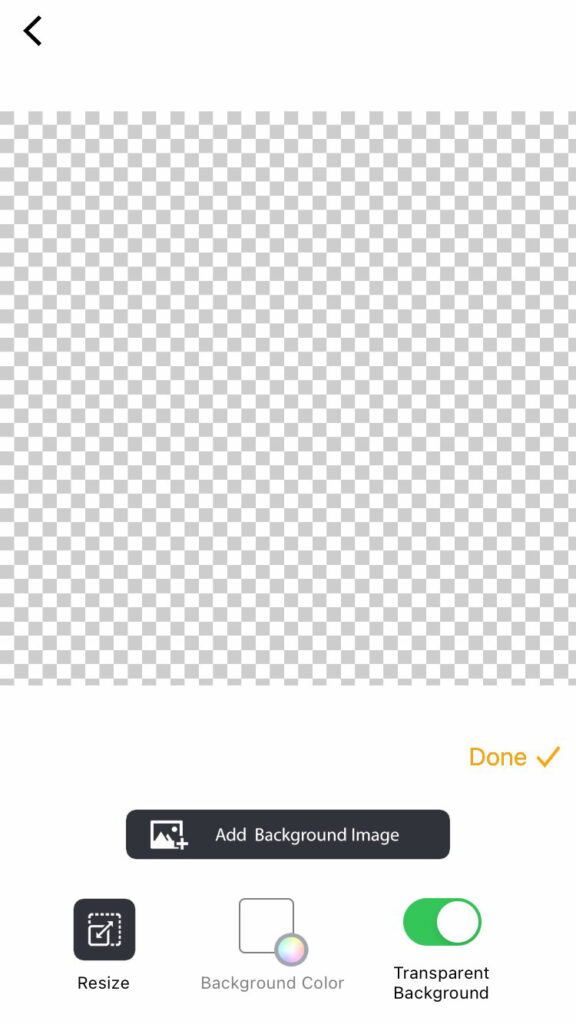
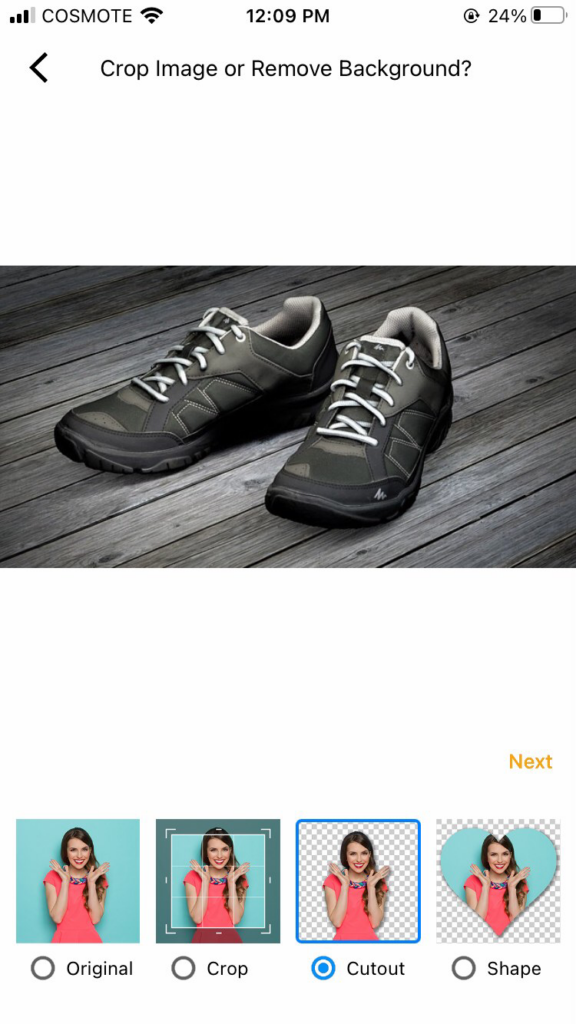
3. Choose TRANSPARENT BACKGROUND for your image. This will help your image background to be transparent when added in the photo that you want to have a watermark.
piZap app in iOS
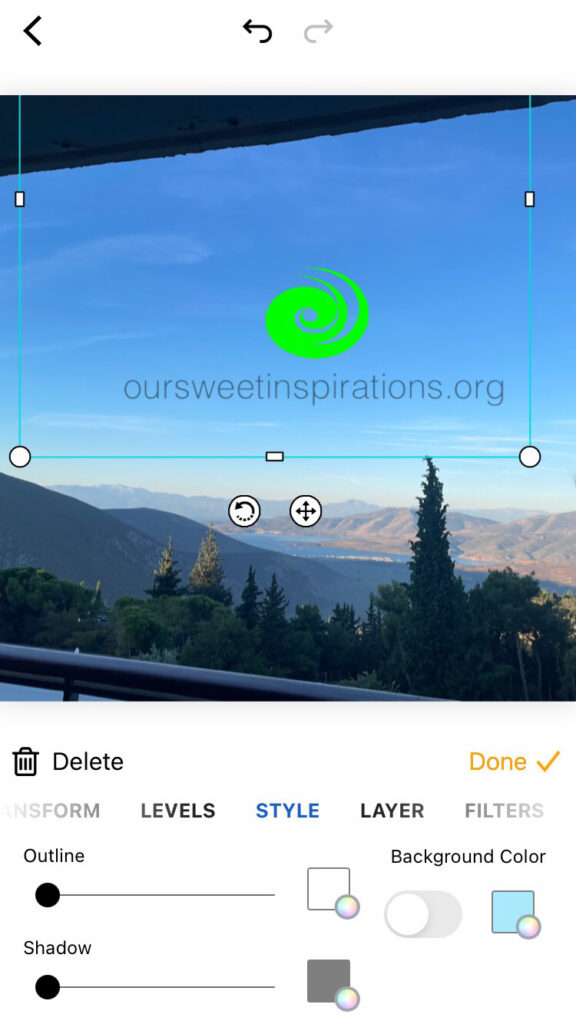
4. Once you have added the image or logo that you want to use as a watermark, you can simply SAVE it and use it with any of your photos that you would like to be protected from the public.
piZap app in iOS
So if you’re looking for a quick and easy way to protect your images, head over to piZap and start creating watermarks!
As the summer comes to an end and teachers head back to school, they may be feeling a mix of excitement and trepidation. After all, dealing with a room full of energetic students can be challenging, even for the most experienced educators.
Teachers have a lot on their plate. They are responsible for molding young minds, imparting valuable knowledge, and preparing students for the future. On top of all that, they have to deal with the daily challenges of working in a classroom – including a lack of resources and technology.
Nevertheless, there are some online resources that can help make the transition back to school a little easier. Teachers are always looking for new ways to engage their students and help them learn. One tool that teachers can use to achieve this is the pizap photo editor.
Here are just a few reasons why teachers love piZap PRO:
>Student Creativity – piZap PRO offers an online platform for students to creatively present their school projects. >Digital Storytelling in the Classroom – Storyboards made easy >Easy Photo Editing – Your pictures, just enhanced! >Stickers and Text – add graphical elements in an organized way to emphasize a point. >Online Canvas – Creativity knows no limits! >It’s EASY! – Like Photoshop for Dummies (not that you’re a dummy.) 🙂
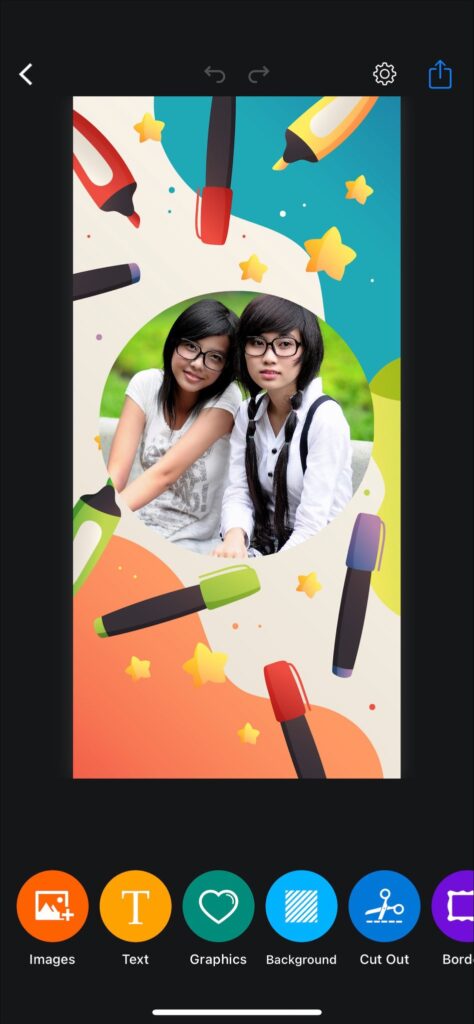
With pizap, you can easily create stunning posters, collages, and other school artworks that will capture your students’ attention. Not only that, but pizap can also be used as a teaching aid in the classroom. For example, you can use it to create visual aids for your presentations or to help students prepare for tests and exams. With its easy-to-use interface and wide range of features, pizap is an essential tool for any teacher.
And for teachers who want to incorporate more photography into their lessons, piZap has partnered with PIXABAY and UNSPLASH, that offers tons of high-quality images and can be downloaded and used for free.
That’s why PiZap is committed to providing piZap PRO to teachers around the globe for FREE. With piZap, teachers can easily create teaching aids, presentations, and other classroom materials. And because it’s so easy to use, students will actually enjoy learning with piZap! So if you’re a teacher in need of a little help, be sure to check out PiZap PRO – it just might be the best decision you ever make.
With a little planning and preparation, heading back to school doesn’t have to be stressful. We hope that with the right resources, it can even be enjoyable.
There’s no denying that product photography is one of the most important aspects of online selling. After all, a picture is worth a thousand words, and when it comes to selling products, a quality photo can be the difference between a sale and a lost customer. However, taking professional-looking photos of your products doesn’t have to be expensive or time-consuming. With a little practice and some simple photo editing tips, you can take photos that will make your products look their best.
1. Use natural light whenever possible. sunlight gives your photos a warm, natural glow that makes products look inviting. If you can’t take your photos outdoors, set up near a window with plenty of light.
2. Get close up. Nobody wants to see a tiny product in the corner of a photo. Fill the frame with your product so potential buyers can get a good look at it.
4. Have fun! Taking product photos doesn’t have to be boring. Get creative with piZap in editing your products — and have fun with it! Set up fun props or features that show off your product in a unique way. Watch some of the piZap tutorials available on YouTube to give you some creative ideas!
By following these simple tips, you can take quality product photos that will help you sell more products online. So get out there and start snapping some pictures!
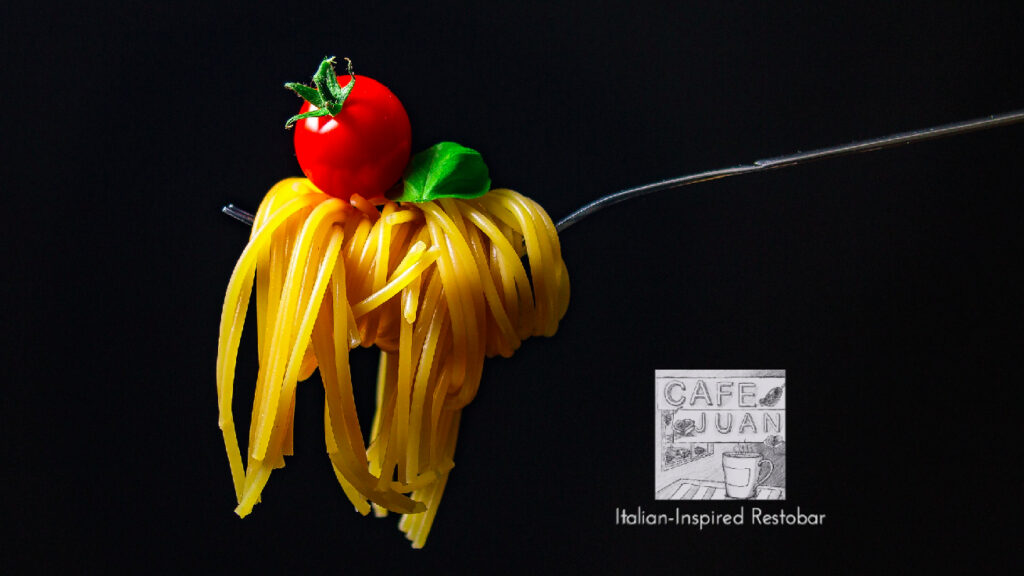
Food photography has been one of the most popular ways to capture memories through pictures. The quality and ease in which you can take these shots with your phone make it an excellent choice for people who are always on-the go, but what about those looking for more creativity? Here we will explore some tips that could help take even better photos using only a smartphone!
Use Natural Light to Make Your Photos Look Fresh
The easiest way to make your photos look fresh? Use natural light! When you’re out a particular food as a subject, try making sure that the camera is always pointed towards something interesting like a backdrop of the kitchen table so the profile becomes more detailed than just frame them against flat wall paint job. Try using low key lighting too–this means keeping floods minimal and focusing on one source at a time instead; think about what kind would best highlight each food item.
Make the Most of Your Phone’s Wide-Angle Lens
There’s no need to settle for poor food photography when you can take advantage of your phone’s wide angle lens! Some mistakes that are easy enough fix, like placing an object in front or behind the subject. But other times it might be hard because there isn’t much room left on screen with all those beautiful ingredients lining up before us… until now 🙂 The secret is using careful composition – think about where each item will end up once completed so they’re properly incorporated into.
piZap app on iPhone device
Use Neutral Backgrounds to Highlight the Food
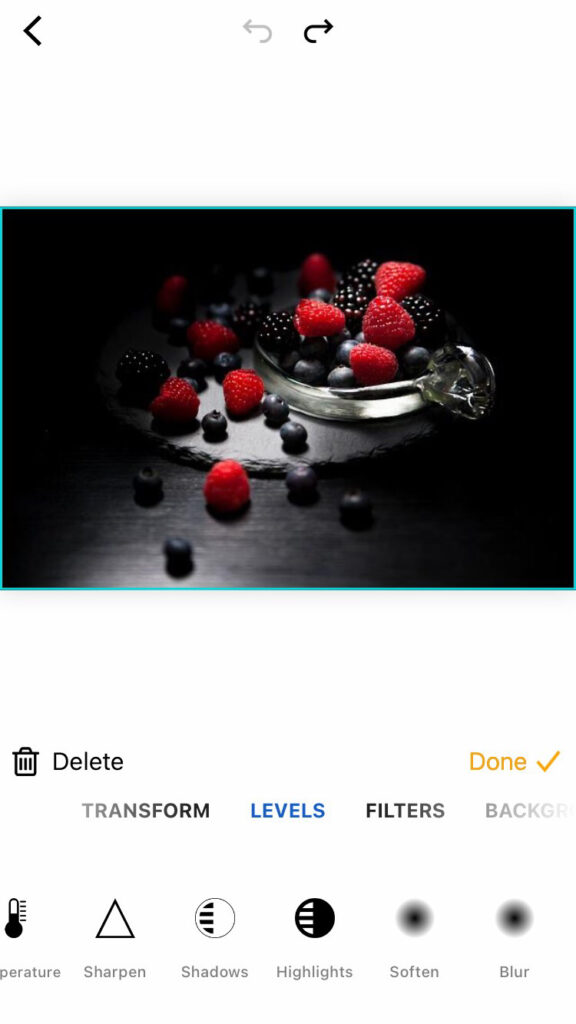
Food photography is all about making the most of what you have. It’s also important to know when something will look good in your pictures and why, so that everything comes out looking as perfect on camera (or mobile) as it does at home! One thing we recommend for getting great shots without spending too much time or money? Try using neutral backgrounds like dark grassy hillsides with plenty if space between them – they work especially well during sunset hours because light from those gorgeous golden hues shines through beautifully even after nightfall has fallen over. To add the dark shades, you can use piZap photo editor via your mobile device to adjust the lighting effects.
piZap App on iPhone device
Use a Colour Wheel to Create Visual Harmony
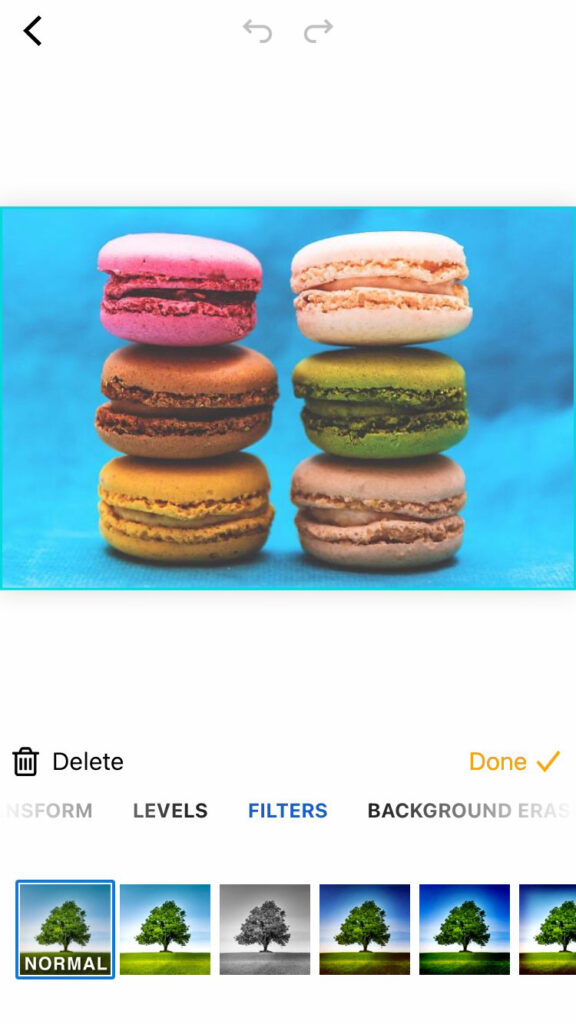
Food photography is unlike other kinds of photography in that it’s best not to use filters when editing. The colors need to be natural and work together for your images, so you can’t go wrong with this one! A colour wheel will show you which hues complement each other well without being overbearing or clashing–it’ll help create visual harmony for any kind (or style) video project.
Style Your Dishes for Delicious Results
Want to take your food styling game up a notch? Here are some tips on how you can style dishes for delicious results! starters – Use different types and colors of vegetables, cheeses or other toppings that will make them stand out in an aesthetically pleasing way. Don’t be afraid to experiment; even if it seems like something isn’t working at first glance (like tomatoes), giving yourself permission enjoy trying new things may lead down paths where better shots eventually appear from all angles
Elevate Your Food Photos in Post-Processing
It’s better not to use filters on food photography, but your pictures still need some post-processing. The best approach is with the PiZap app for iPhones and Androids where you can find tons of awesome effects that will make any picture taken from a professional chef look like an artiste!
Tell a Story with Your Photos to Engage Your Viewers
The best way to tell a story with your photos is by using close-ups and minimalist approaches. However, you can also add more depth by including narratives in the pictures as well! For instance, have someone’s hands serving food or partially cropped elements that give insight into their surroundings without taking up all screen space at once – this will make them feel like they are actually there experiencing what’s happening right now just as much if not sometimes even better than when looking through traditional lenses which often times leave out important details such things facial expressions etc…
piZap app on iPhone device
Develop Your Individual Style for Consistent Results
Consistency made easy. Success in social media these days means having a consistent brand. Your images don’t have to look the same, but there should be certain elements that are cohesive throughout and this could mean using one color palette across all of your posts for instance or taking advantage from shooting on backdrop options which offer variety without sacrificing quality (and vice versa). You can use the piZap photo editor app in your mobile device to achieve such consistency on your photos.
Like in all other areas of photography, food photography takes some practice to perfect. Never get discouraged by looking at professionally styled photos. Just get out there and try something new with your smartphone. Bon appetit! 🙂