Category Archives: Fonts

Say Goodbye to the Old Year, Hello to the New! — Creative New Year Card Greetings for 2023!

Created in piZap

It’s that time of year again…time to wish friends and family a Happy New Year. Whether you’re sending a card to a family member, friend, or coworker, it’s important to pick the perfect greeting that you can use when using piZap’s 2023 New Year theme templates. You will find lots of ready made templates that you can use and just add your personalized messages. You can even add some new year stickers and effects to make it more special and unique.
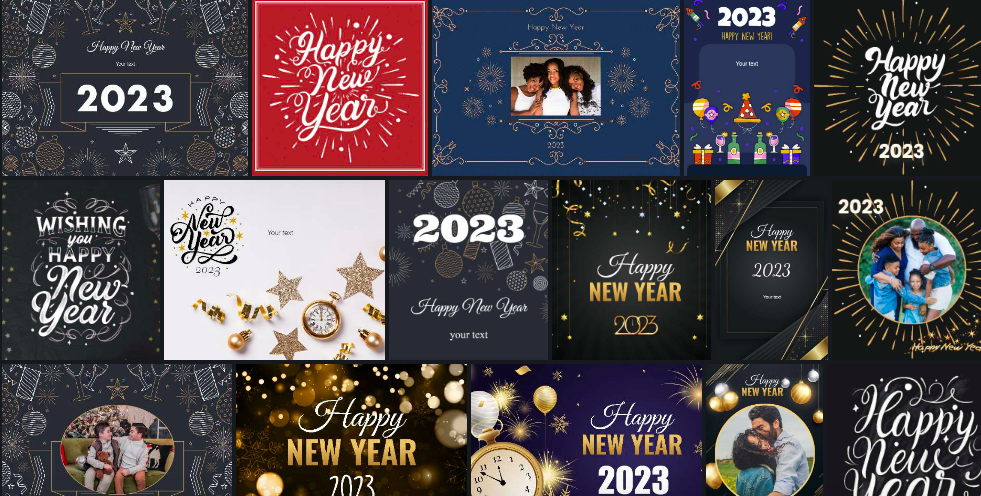
piZap new year templates

Here are some ideas for funny and heartfelt messages that you can use as inspiration when writing your cards this year.


Be Unique
The most important thing when choosing a greeting for a new year is to be unique.

made in piZap

Everyone wants their card or message to stand out from all of the others that people receive. So instead of just saying “Happy New Year” try writing something meaningful that reflects your feelings about the year ahead. For instance, if you are wishing someone luck in their new job you could say: “Here’s hoping 2023 is filled with success for your new career!”

Make it Personal
Another great way to make your card stand out from the rest is by making it personal. Add in details or anecdotes about what makes this person special and why they deserve a special greeting for a wonderful new year.

created in piZap

If you know them well enough, include memories or things you have done together throughout the past year so they know why they are getting this special greeting from you.

Cheers to a Fresh Start!
It’s been a difficult year, but 2023 is here and it’s time to embrace the potential of a fresh start. Celebrate the new year by expressing your optimism and excitement for what lies ahead. A few sample greetings include:

Created in piZap
  • Wishing you peace, love, and joy in 2023!
  • May this be the beginning of an amazing new year!
  • Cheers to a year filled with hope and promise.

Include Special Messages
One way to customize your greeting even further is by including special messages along with your wishes for their new year. This could be anything like quotes that inspire you, pieces of advice that can help them in the coming months, or even just words of encouragement as they embark on their journey into 2023.

www.piZap.com

Whatever message resonates with you, make sure it is sincere and heartfelt as these words can often mean more than any gift ever could.

Meme-Inspired Greetings
If you want to add a touch of humor to your card, why not create an internet meme-inspired design? Choose one of your favorite memes from this past year and customize it with your own message.

Created via piZap’s Meme maker tool

You can even include a funny caption or hashtag that will bring laughter and joy into their lives! Just make sure you keep it appropriate so as not to offend anyone.

Humorous Quotes

www.piZap.com

Sometimes a simple quote is all it takes to spread cheer on New Years Day! Choose one of your favorite quotes from famous authors or celebrities and incorporate it into your card design. This will be sure to bring some laughter and thoughtfulness into the new year! #quoteoftheday #happyNewYear2023 #creativecardgreetings #spreadthelove #humorandlaughter

Leave Behind What No Longer Serves You
The start of a new year is also a chance to let go of the things that no longer serve us. Whether it’s stress from work or people who have hurt us in the past, now is the time to make room for healing and growth. Here are some sample greetings:

  • Wishing you success and healthy boundaries in 2023!
  • Letting go of anything that no longer serves you in this new year.
  • May this be the start of something wonderful!
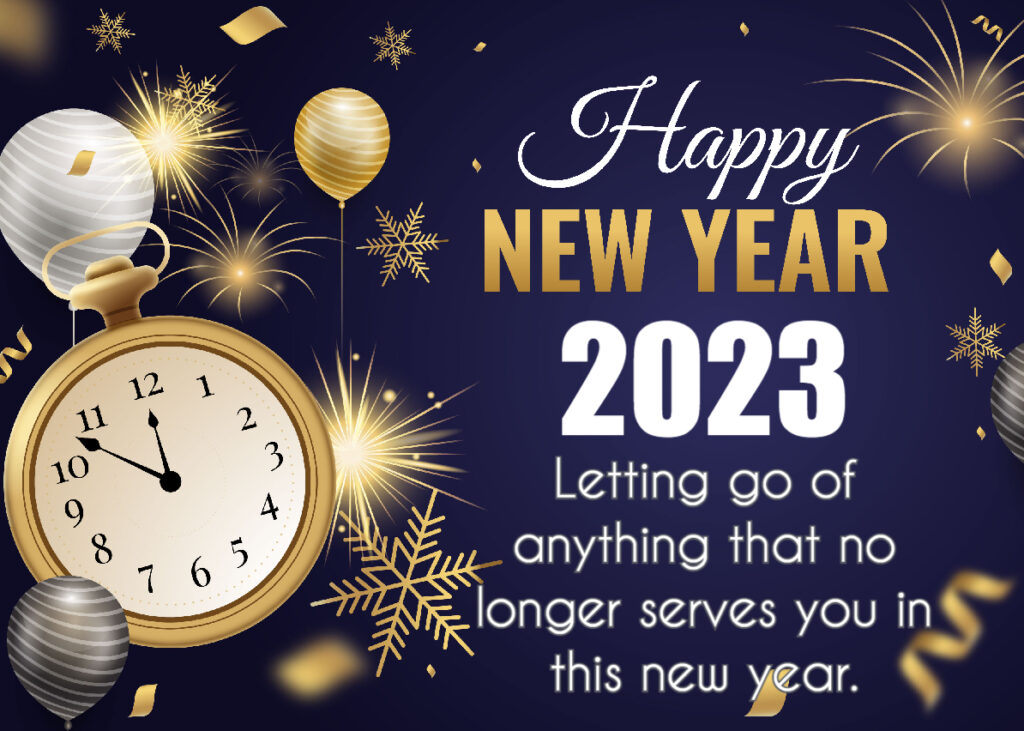
Created in piZap.com

Be Kind & Supportive
The world needs more kindness right now—and fortunately, we’re never short on chances to show support and kindness throughout each day.

Made in piZap.com

This holiday season is no exception; sending kind words in your New Year cards is one way to spread some much needed cheer.

A few ideas include:

  • Wishing you success and healthy boundaries in 2023!
  • Wishing you joy & warmth during these chilly winter months!
  • May your heart remain full with kindness this new year.
  • Here’s hoping that 2023 brings even more love into your life!


No matter what type of greeting card or message you choose for your friends and family this 2023 New Year, make sure it stands out and reflects not only who you are but who they are too!

www.piZap.com

Wishing everyone a safe and prosperous start to an exciting new year! Happy New Year everyone! 🙂
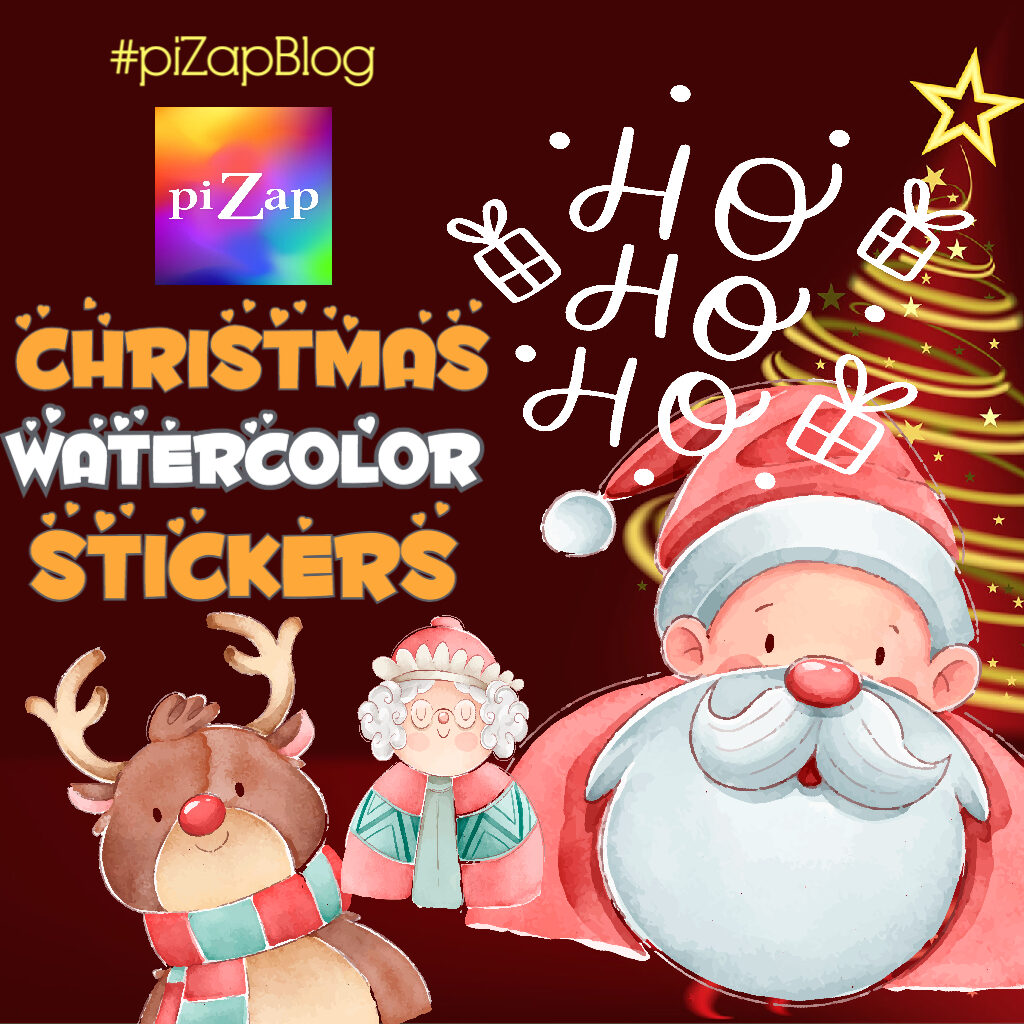
Get in the Holiday Spirit with piZap’s Christmas Watercolor Stickers!

Christmas is just around the corner, and what better way to get into the holiday spirit than by creating festive watercolor stickers with piZap? PiZap is a free online photo editor that makes it easy to create fun and unique designs.

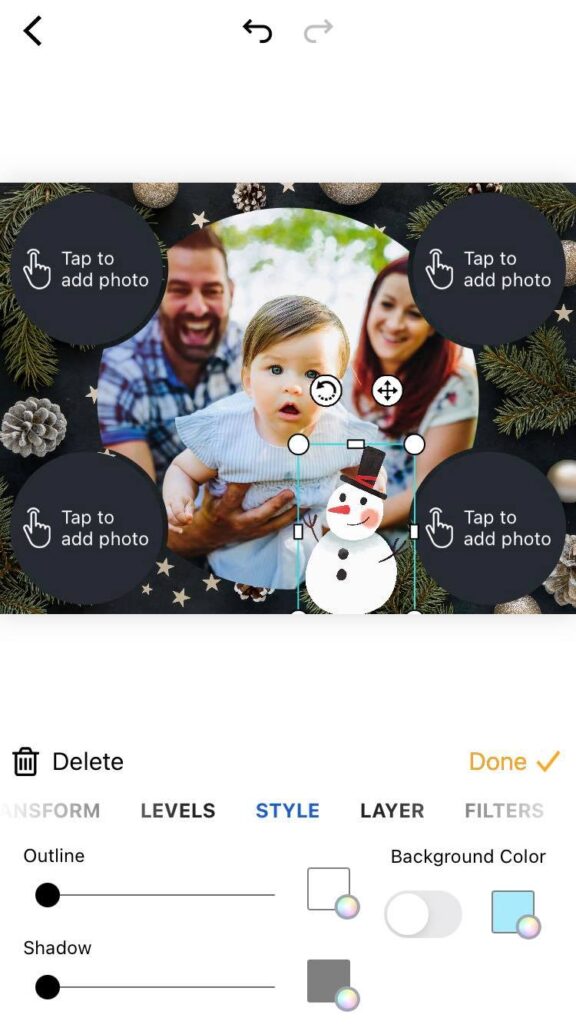
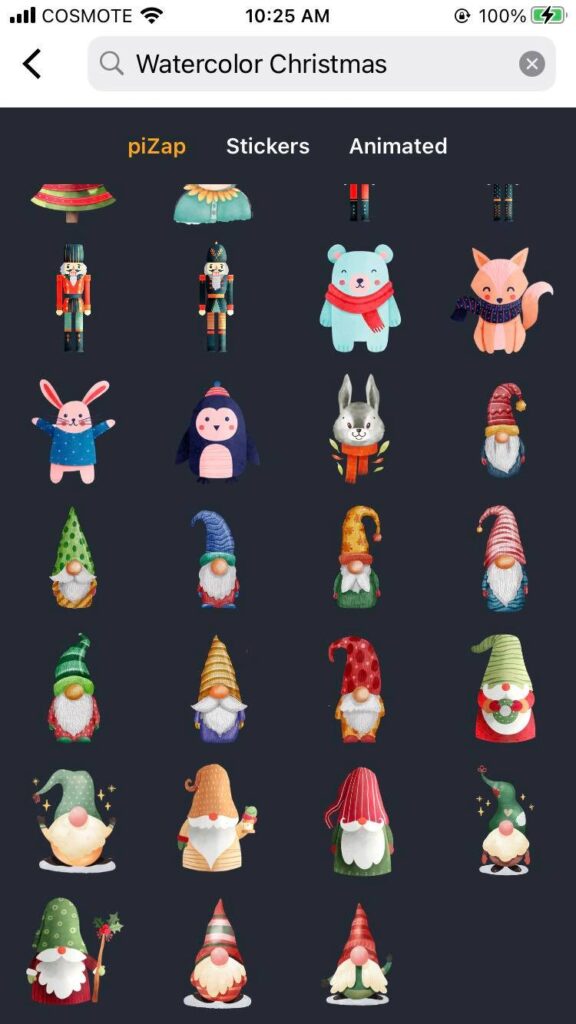
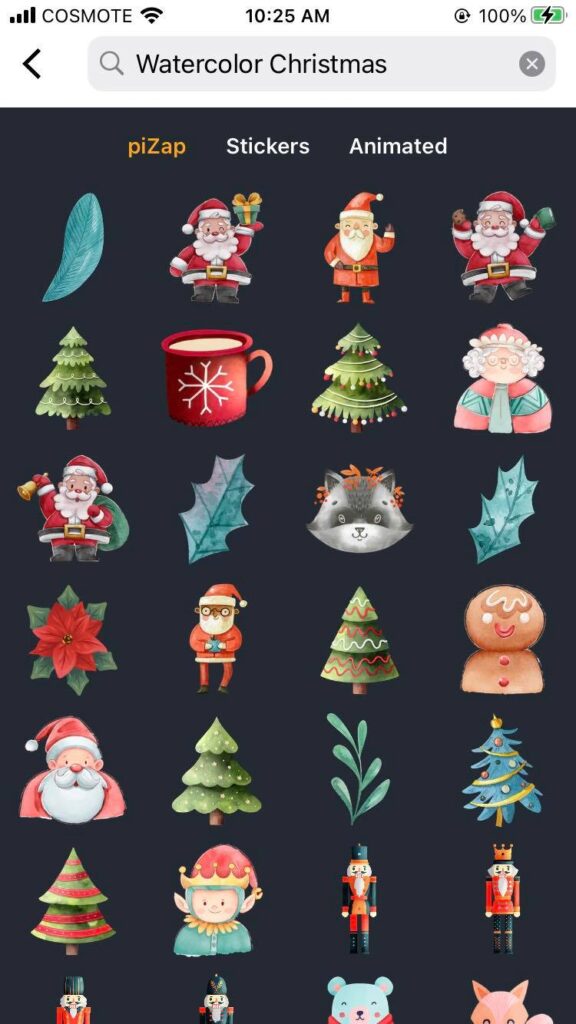
Christmas watercolor stickers display in piZap iOS device

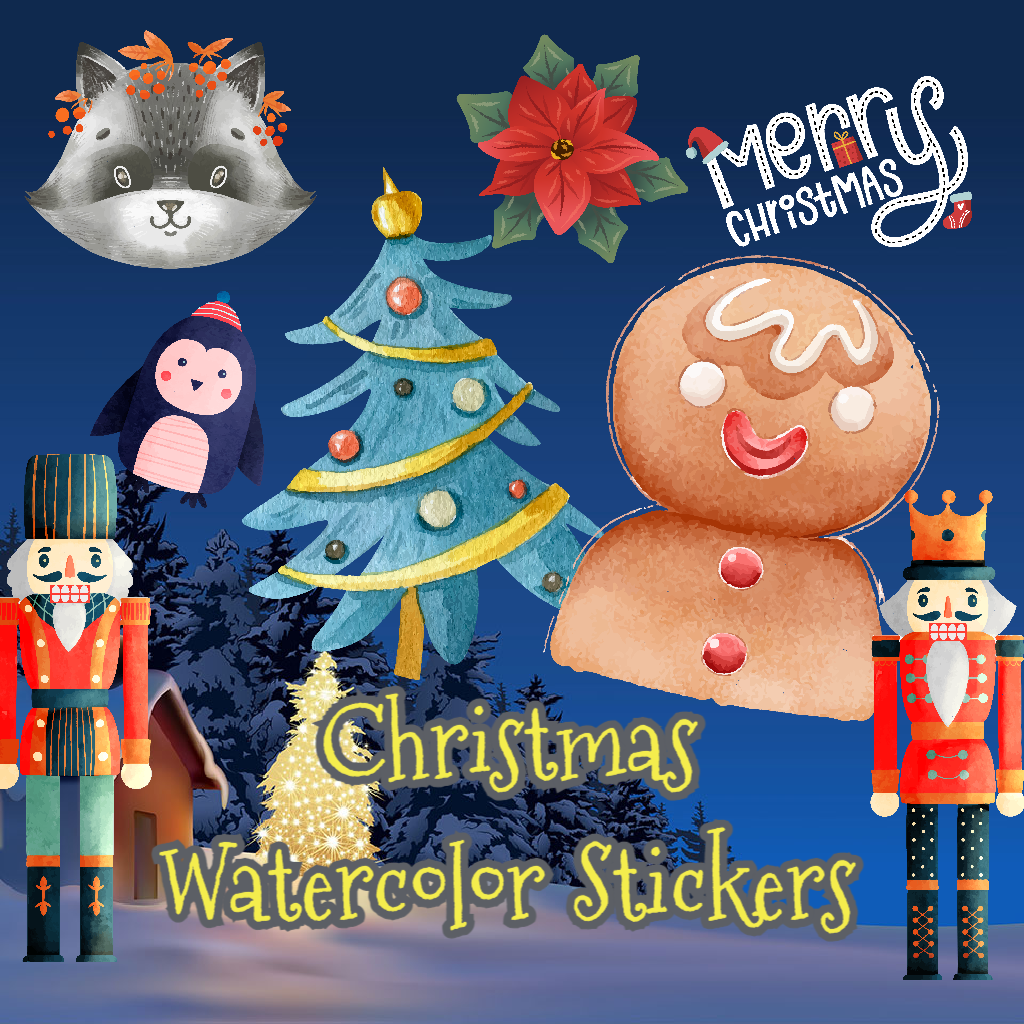
With piZap’s new collection of Christmas-themed watercolor stickers, you can add an extra special touch to your holiday photos.

Let’s take a closer look at these awesome stickers!

Putting Together the Perfect Photo Collage

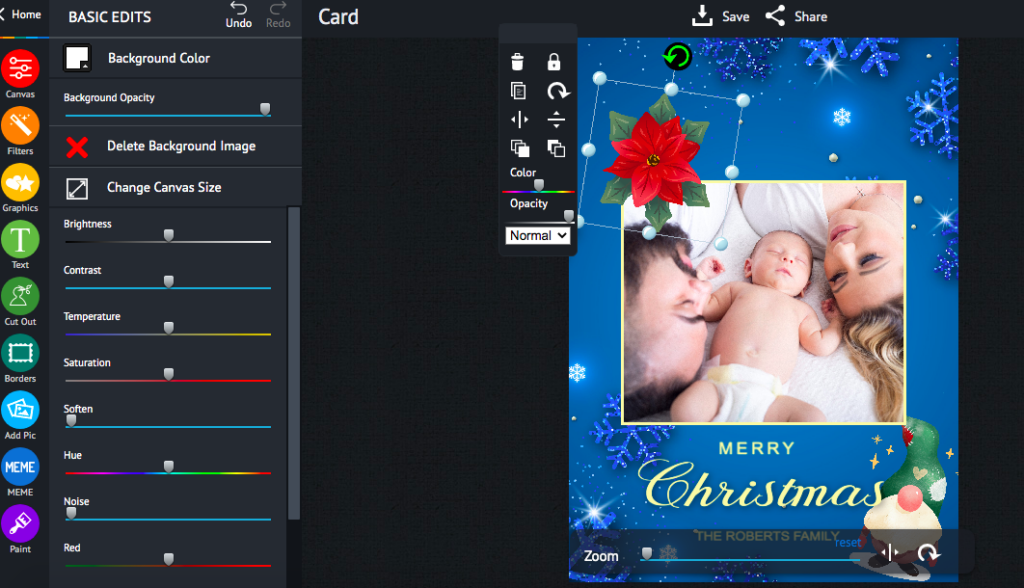
Christmas collage greeting card made in piZap web

One of the most popular features on piZap is its collage maker. This tool allows you to easily combine multiple photos into one eye-catching design. With the addition of Christmas-themed watercolor stickers, you can make your collage even more festive!

piZap collage maker in iOS device

From cute snowmen and candy canes to Santa Claus and reindeer, there is something for everyone. Plus, thanks to piZap’s intuitive interface, it’s easy to mix and match different shapes and sizes of stickers until you find the perfect layout for your collage. Check out and download the piZap app in iOS and android devices.

Creating Custom Cards

Christmas card created in piZap web

Another great way to use piZap’s collection of watercolor stickers is to create custom cards for friends and family. Whether you want to send out holiday greetings or thank-you notes, these creative cards are sure to be a hit! Add a few festive stickers along with some personalized text, and your card will be ready in no time. It’s also worth noting that all of piZap’s stickers are high resolution so they won’t lose any quality when printed out.

Making Your Own Wall Art

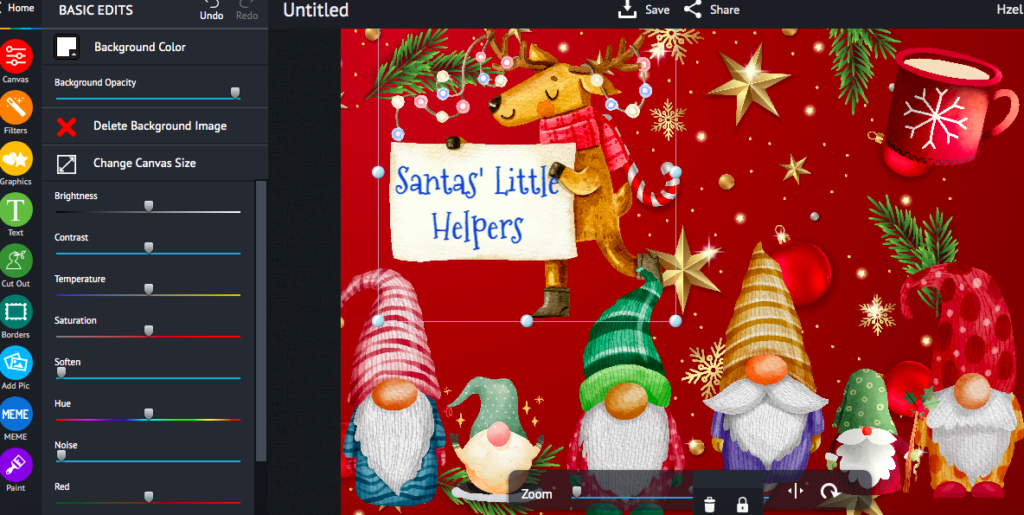
Created in piZap web

Are you looking for some unique wall art? Look no further than piZap! Just select one of piZap’s stunning Christmas-themed background images and then add a few watercolor stickers for a truly memorable piece of art.

Christmas watercolor stickers in iOS device

You could even print out your design on canvas for an extra special touch! No matter how you choose to display it, this personalized wall art will definitely bring some holiday cheer into your home.

Samples of Christmas watercolor stickers in piZap

No matter what type of project you have in mind, piZap’s collection of Christmas-themed watercolor stickers has something for everyone – from custom cards to festive collages! So get creative this holiday season with these vibrant designs – they’re sure to put a smile on everyone’s face! Start exploring today; who knows what amazing projects await?

created in the piZap iOS app

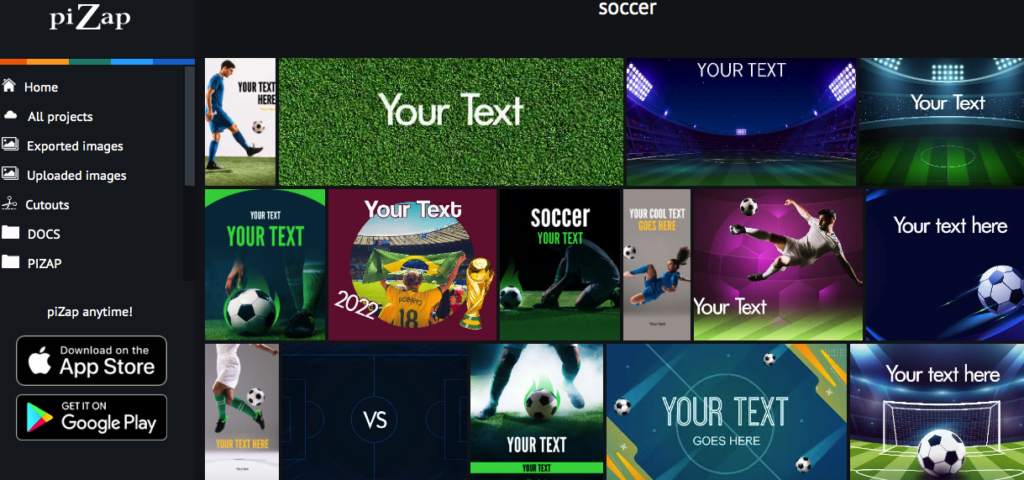
Have fun with piZap’s 2022 World Cup Poster Templates and Stickers!

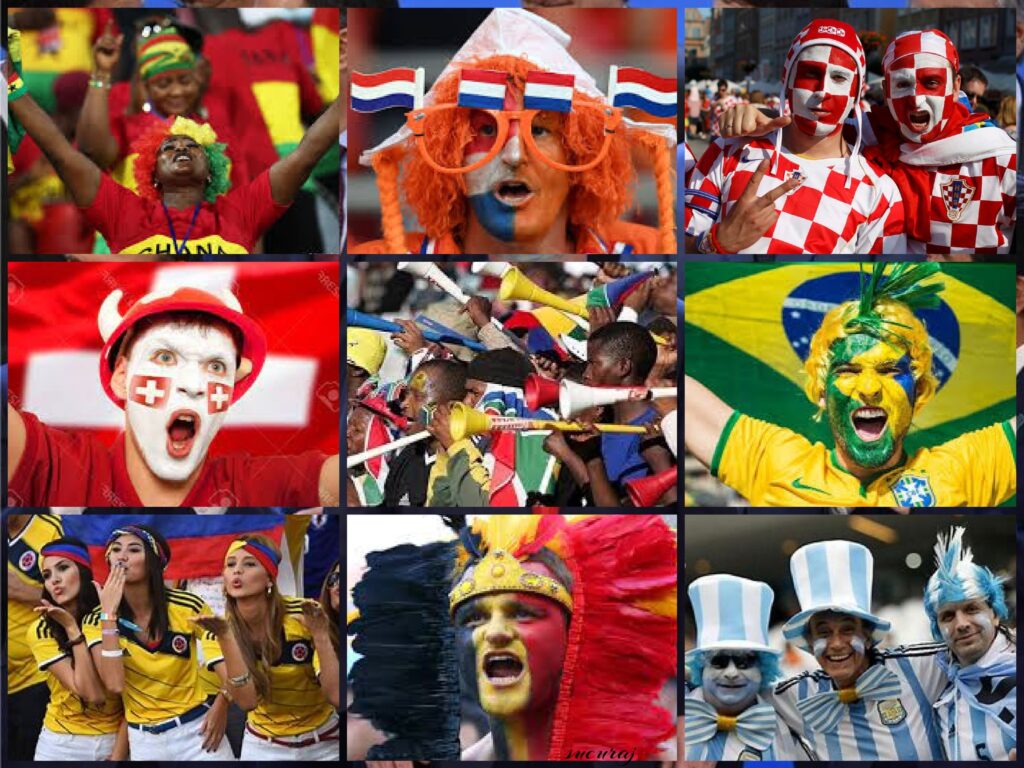
World Cup 2022 has reached the quarter-final stage in Qatar; the final is on December 18th! It was a pretty long wait when the 2022 World Cup will finally come to an end, but that doesn’t mean you can’t show your support now to the battling teams! With Pizap, you can create amazing photo edits to share on social media and show your favorite team or country.

piZap creation by Idris Muchilis

And whether you’re a soccer fan or just an admirer of the pageantry, Pizap is a great way to get involved in the excitement of the world cup.

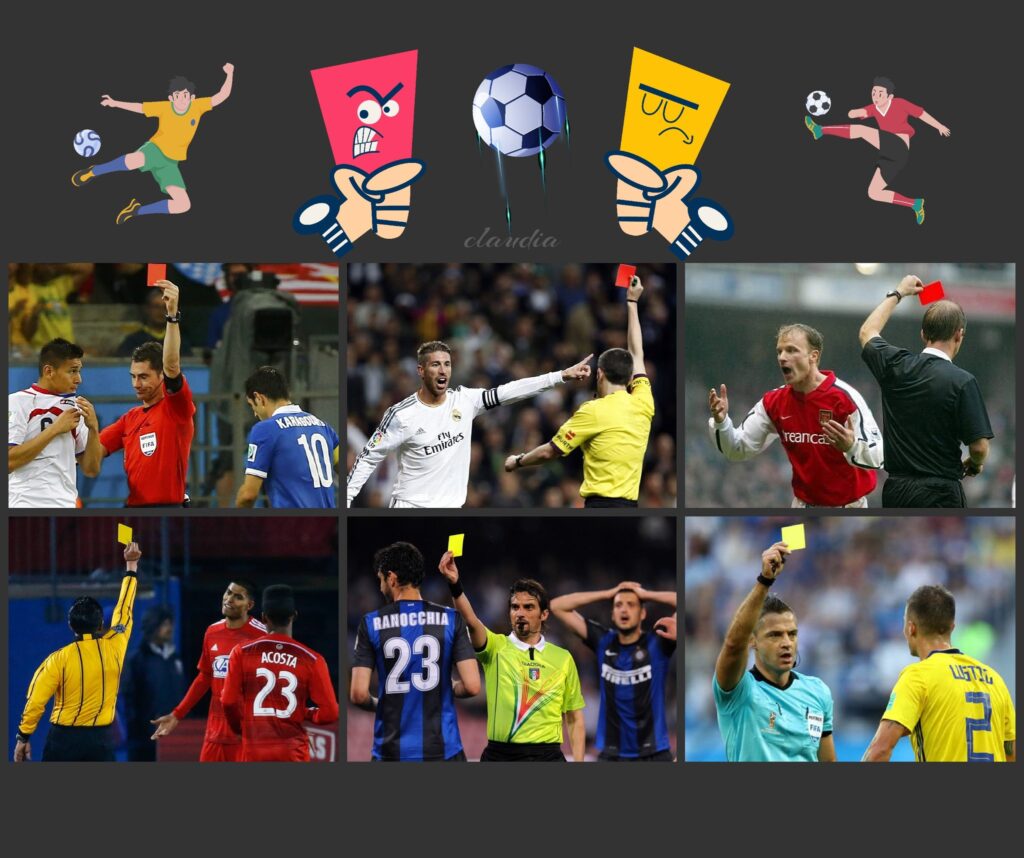
piZap collage by Claudia Saurenmann

Let’s take a look at what kind of amazing things you can do with this awesome photo editing tool.


Create Your Own Team Story Collage
Pizap makes it easy to make your own team collage with its wide range of templates. You can upload any image that you want, such as a favorite team photo, national flag or team crest, or unforgettable game moments, and add text and shapes to create something totally unique.

piZap collage by Claudia Saurenmann

You can also choose from over 300 fonts and pick from different colors and styles to customize your posters even further. What’s more, you can use Pizap’s layers feature to create complex designs without having to start over each time you make changes.

Make Your Own Fan Art

piZap art by Claudia Saurenmann

With Pizap, you don’t have to be an artist to make some amazing fan art for the 2022 World Cup. PiZap offers unique world cup templates you can use for your images.

World Cup 2022 templates at piZap.com

The tools available are simple enough for anyone to use and create some truly stunning visuals. Just upload any images related to soccer or your favorite team, then add stickers and texts so that everyone knows who you support! You can also use Pizap’s special effects feature if you want something more abstract or creative.

Share Your Creations on Social Media

piZap creation by Claudia Saurenmann

Once you’ve created something awesome with Pizap, it’s time to share it with the world!

piZap creation by Claudia Saurenmann

With just one click, you can share your creations on all major social media platforms like Facebook, Instagram, Twitter and more. This is an excellent way to show off your creativity while also spreading awareness about the World Cup tournament in Qatar 2022. Plus, who knows? Maybe one day we will see some of these fan-made creations actually being used by teams around the globe!

piZap creation by Tau Subaru

Whether it’s making logos for teams or creating fan art for supporters around the world, Pizap has all the tools necessary for showing off your support for the 2022 World Cup in Qatar. With its easy-to-use interface and wide range of features, anyone can quickly create beautiful pieces of art that will stand out on social media platforms everywhere! So why not give it a try today? Go ahead—show off your creativity and let everyone know how excited you are about this international event!

Funny and Heartfelt Christmas Wishes for Friends and Loved Ones: piZap Christmas Card Templates and Stickers

pixabay via piZap

‘Tis the season for sending and receiving Christmas wishes! There’s no better way to spread holiday cheer than with some heartfelt messages for your friends and family. Christmas is a time for giving, and we all have someone in our lives that deserves something special. Whether it’s your parents, friends, co-workers or even the mailman, everyone wants to be wished a happy holiday season. From funny wishes to heartfelt greetings, you can use piZap photo editor to create easily your awesome christmas greetings.

www.pizap.com

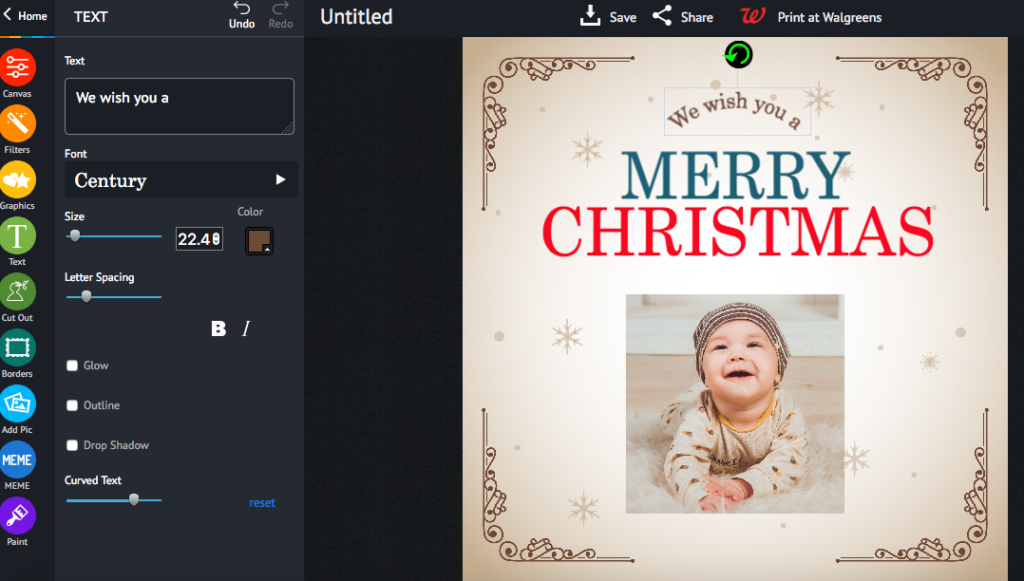
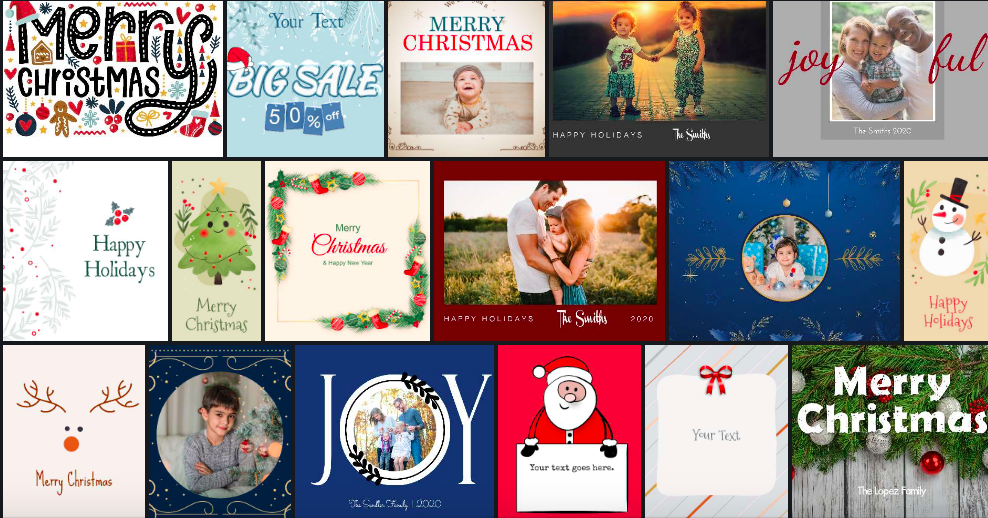
You can choose tons of piZap Christmas templates, backgrounds, fonts, effects, and borders to match your Christmas messages. If you are using a mobile device, you can download the piZap app in iOS and android devices.

Christmas templates via piZap.com

Here are some ideas on what to write in creating your Christmas Greeting Cards with piZap!

Need some comical Christmas wishes? Here are a few ideas to get you started:

Funny Wishes
“May your holidays be merry and bright…and may all your shopping be online!”

piZap.com

“On the occasion of Christmas, I pray that Santa surprises you with a promotion and pay hike to make it a perfect holiday season for you. Merry Christmas.”

piZap.com


“Merry Christmas! I hope Santa brings you exactly what you asked for…even if it’s coal!”

piZap.com

“Wishing you a Merry Christmas and an awesome New Year full of joy, adventure, and good health!”

“Merry Christmas! May all your festive decorations stay up until February.”

Heartfelt Greetings
If you want to go for something more sentimental, here are some ideas for meaningful wishes:

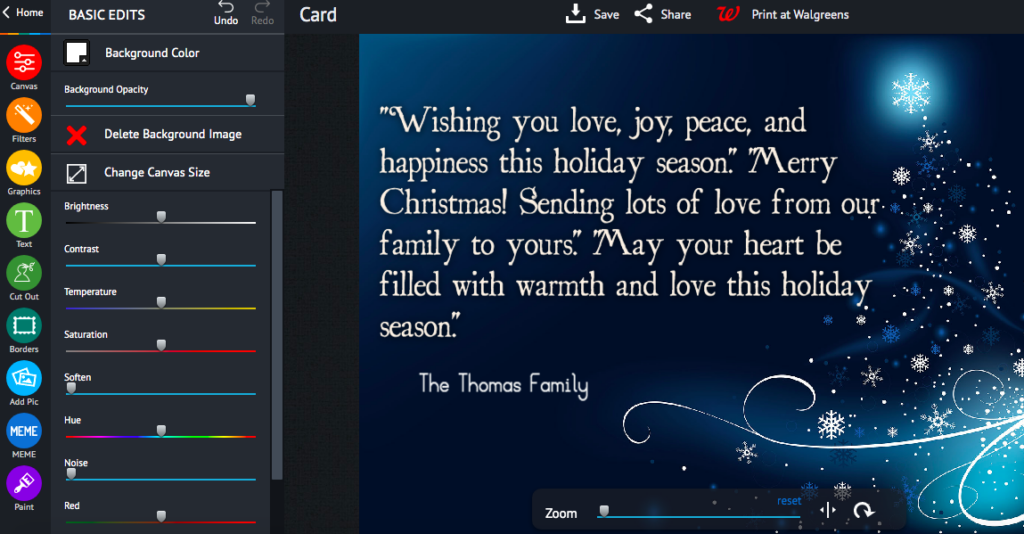
“Wishing you love, joy, peace, and happiness this holiday season.” “Merry Christmas! Sending lots of love from our family to yours.” “May your heart be filled with warmth and love this holiday season.”

www.piZap.com

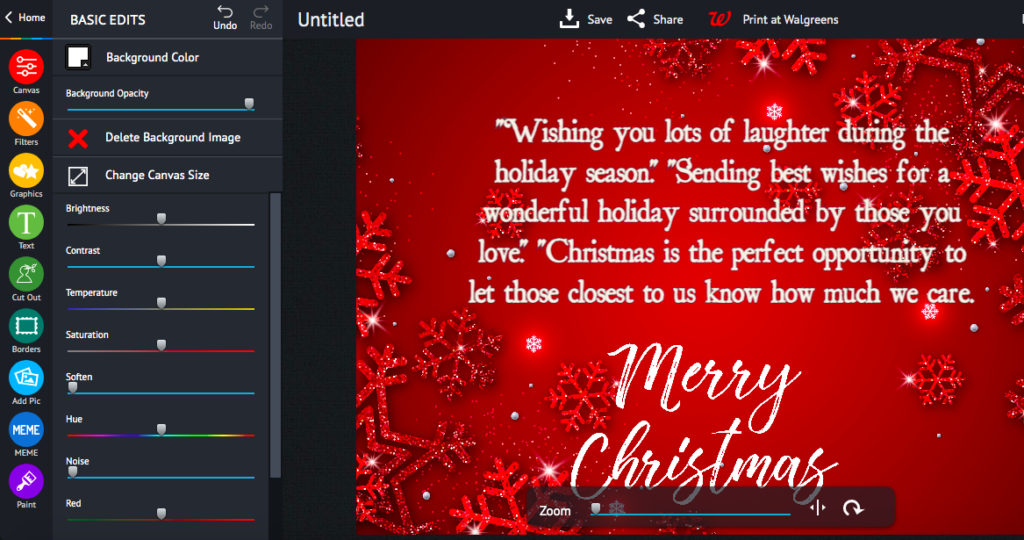
“Wishing you lots of laughter during the holiday season.” “Sending best wishes for a wonderful holiday surrounded by those you love.”

www.piZap.com

“Christmas is the perfect opportunity to let those closest to us know how much we care. Wishing you a very merry Christmas!”

www.piZap.com

So, no matter which message you choose, sharing thoughtful words with your family and friends will make their holiday season brighter. So take some time this month to spread happiness through beautiful messages that capture the spirit of the season. It’s sure to put smiles on everyone’s faces! Have a wonderful holiday season full of joy and laughter — wishing everyone a very Merry Christmas! 🙂
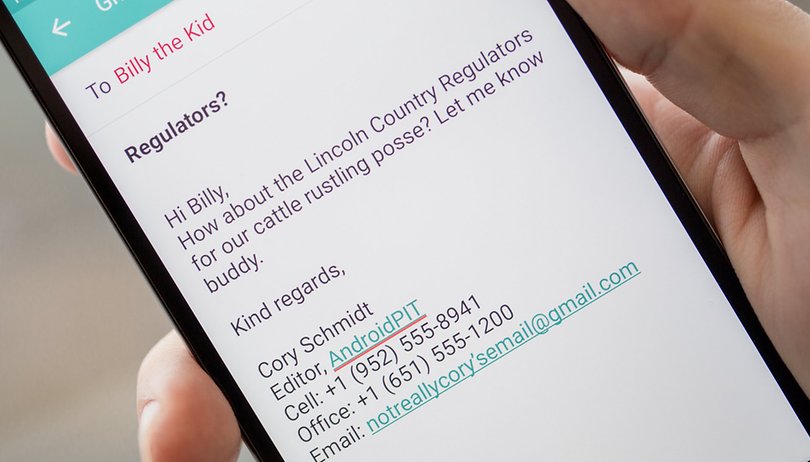
pixabay via piZap

Make Your Email Signature Work for You: Tips for Designing an Effective Email Signature

Your email signature is your calling card. It’s the first thing people see when they receive an email from you, and it’s a reflection of your personal brand. An effective email signature should be well-designed, professional, and informative. Here are some tips for designing an effective email signature.

  • Keep it simple.
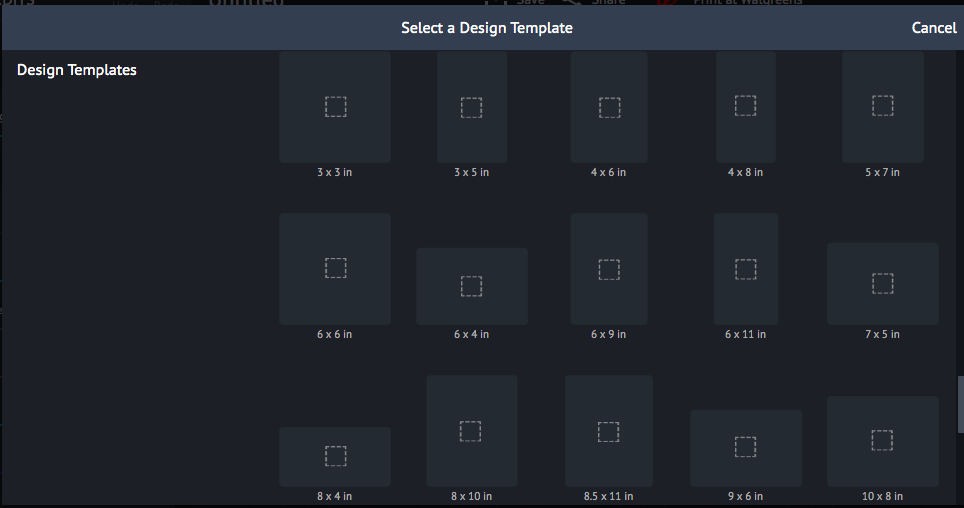
    Your email signature should be clean and uncluttered. Stick to the basics: your name, title, company, website, and contact information. Anything beyond that is unnecessary and can actually detract from your message. piZap photo editor has various design templates that can be perfect for your email signature. The piZap app is available on the piZap web, android and iOS devices.
Blank canvas in the piZap web
piZap app in iOS device
  • Use proper grammar and punctuation.
    Your email signature is a reflection of your professionalism, so make sure to proofread it carefully. Typos and grammatical errors will make you look careless and unprofessional.
  • Use a professional headshot.
    A professional headshot conveys confidence and credibility. It helps people put a face to a name, which can make you seem more approachable and likable.
  • Stick to a consistent format.
    An email signature should be consistent in format from one person to the next within an organization. This creates a sense of unity and professionalism. If everyone’s email signature looks different, it will look chaotic and unorganized. You can match the consistency by using a standard font style that you use. PiZap offers tons of fonts that may fit in your email signature design.
piZap app in iOS device
  • Use branding elements sparingly.
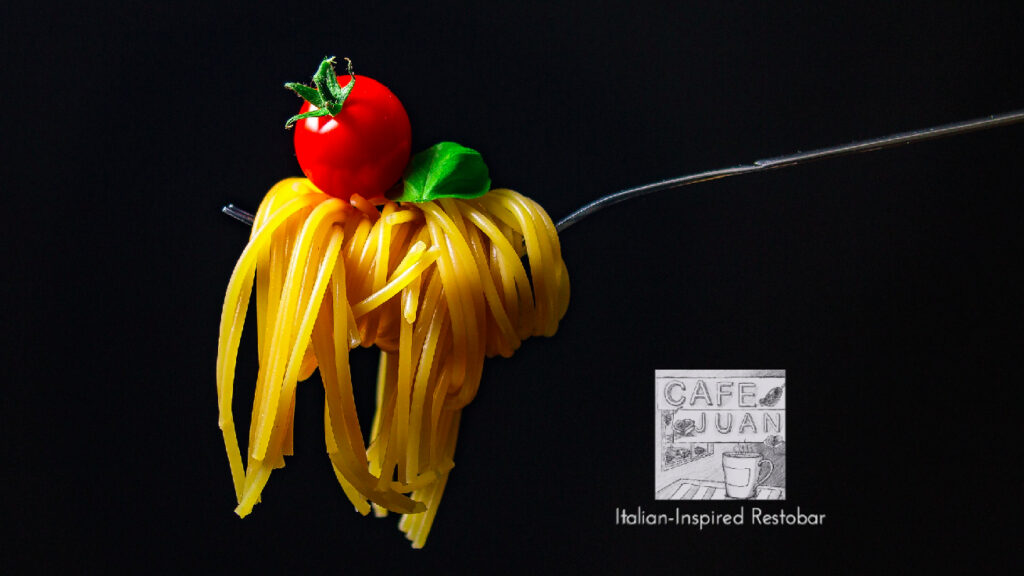
    If you’re representing a company or organization, you may want to include its logo in your email signature. However, don’t go overboard with branding elements—too many logos and colors can be overwhelming and difficult to read. A simple logo or color scheme is all you need to tie your signature to your company’s brand identity.
  • Make sure it works on mobile devices.
    More and more people are reading emails on their phones, so it’s important to make sure your signature looks good on mobile devices as well as desktop computers. Keep it simple so that it renders correctly on smaller screens—avoid using too many images or complex HTML code that might not display properly on a mobile device.
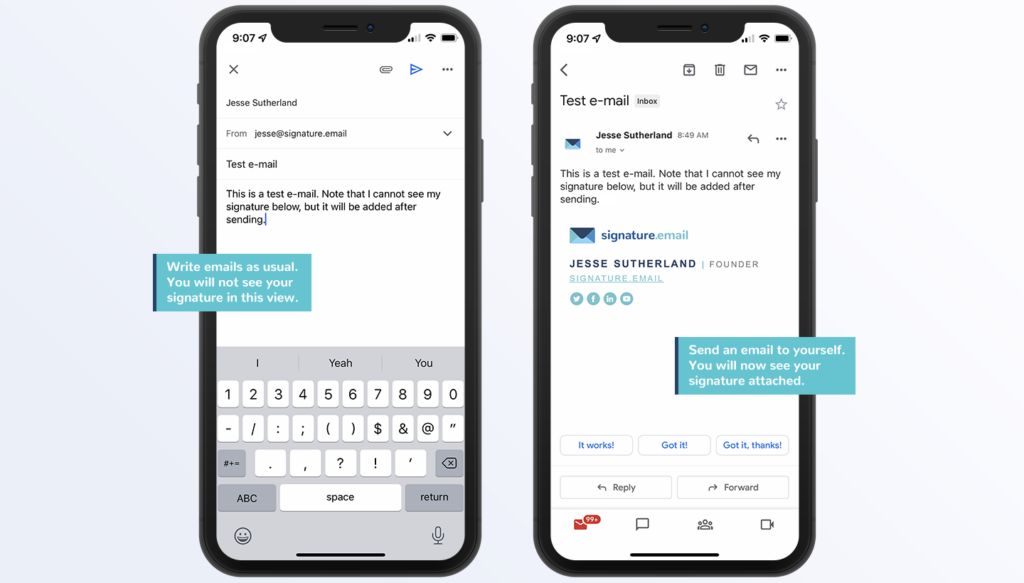
  • Test it before you use it .
    Before you start using your new email signature, test it out on all the different devices and platforms you use to make sure it looks the way you want it to . Send yourself test emails from your phone , tablet , laptop , and desktop computer to make sure everything looks correct .
  • Update it regularly .
    Be sure to update your email signature regularly with any changes in your contact information or job title . If you move companies , get promoted , or change your phone number , be sure to update your signature right away so that people always have the most accurate information .
  • Keep it consistent with the rest of your online presence .
    Your email signature should be consistent with the rest of your online presence , including your website , social media profiles , and other marketing materials . This helps create a cohesive personal brand that people will recognize across all channels .
  • Get creative !
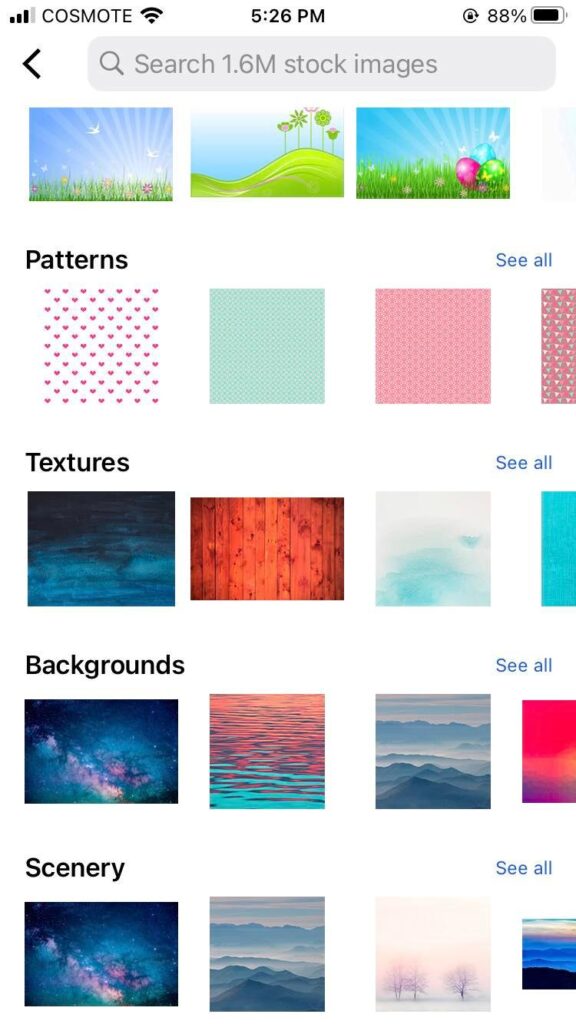
    Email signatures don’t have to be boring—get creative with yours ! Use HTML code to add images , links , or even animated GIFs . PiZap has tons of royalty free images and GIFs that you can use in your email signature design. Just remember to keep it professional — no one wants their inbox filled with flashy signatures that are difficult to read .
  • Seek feedback from others .
    Once you’ve designed your new email signature , ask for feedback from trusted colleagues or friends . They may have suggestions for how you can improve it or make it more effective . You can also run A / B tests by sending two different versions of your signature to different groups of people and seeing which one gets more positive responses .
  • Have fun with it !
    Designing an effective email signature doesn’t have to be tedious — have fun with it ! Think about what makes you unique and find ways to incorporate that into your design . After all , this is YOUR personal brand we’re talking about ! The sky’s the limit with piZap photo editor when it comes to creativity , so let yours shine through in your email signature design !

An effective email signature should be well-designed, professional, informative, consistent, and reflective of your personal brand identity. By following these tips, you can create an email signature that will make a great impression on everyone who receives an email from you!

How to Create a Watermark for Your Images with piZap

A watermark is a logo or other graphic that is placed on an image to protect it from being used without permission. Watermarks can be very difficult to remove, so they are often used by businesses and photographers to prevent their images from being stolen.

But what is a watermark, and how do you create one? A watermark is simply a logo or bit of text that you add to an image. When someone tries to copy or save the image, the watermark will be visible, making it clear that the image is copyrighted.

While there are many ways to create a watermark, piZap is one of the easiest tool that you can use. Simply upload your image, create your watermark, and pizap will do the rest. In just a few clicks, you can create a watermark that will help protect your images from being used without permission. With piZap, you can easily add text or logos to your images. You can also customize the size, color, and position of your watermark.

How to make a watermark using the piZap app the easy way.

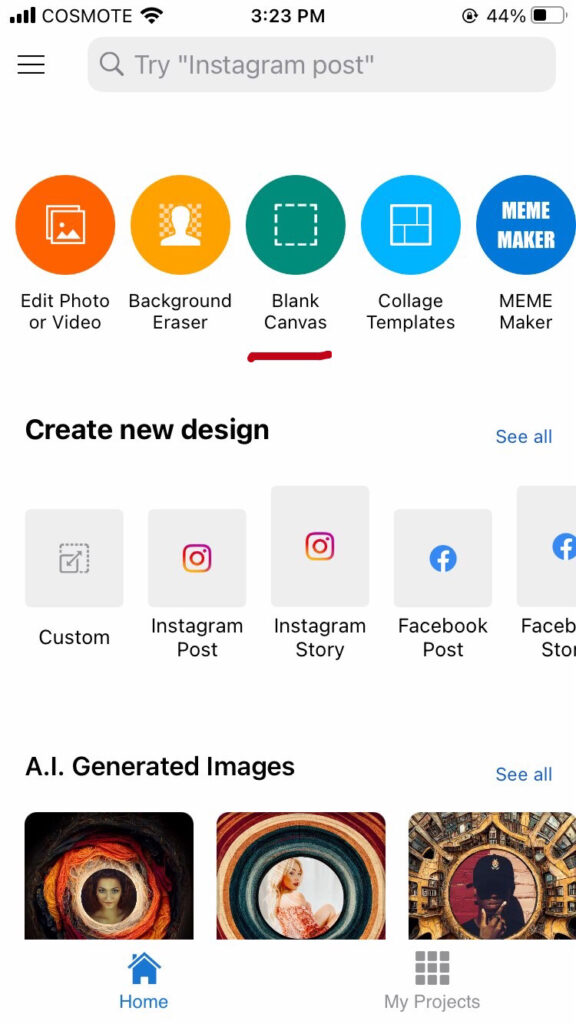
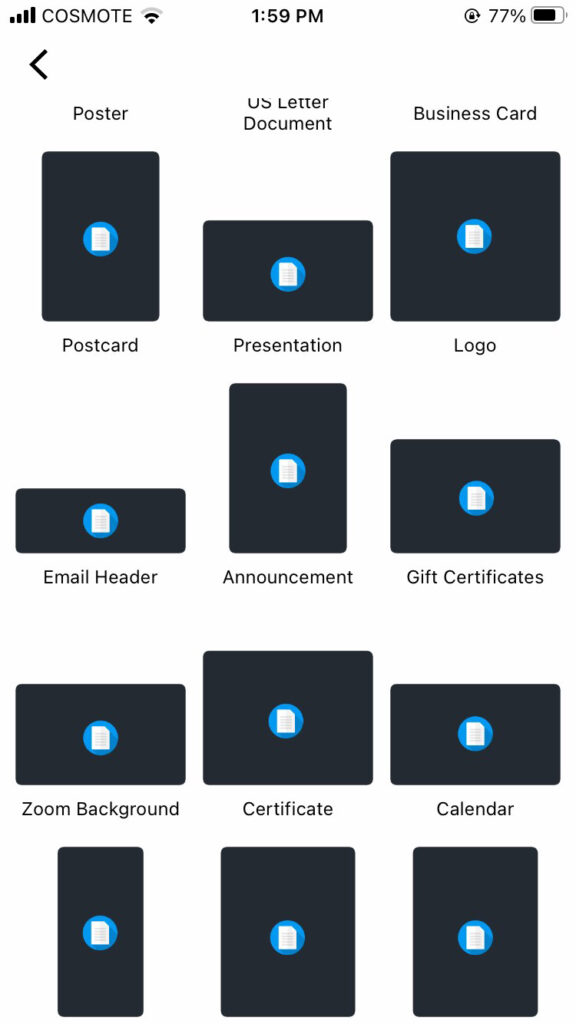
  1. Choose BLANK CANVAS .
piZap app in iOS

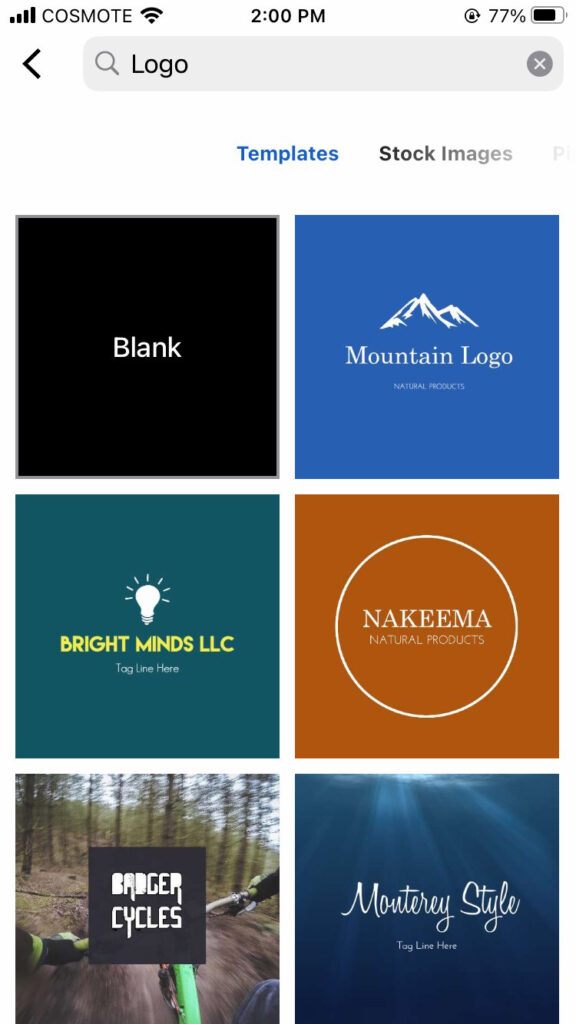
2. Select LOGO as your template. Open your logo, or make one using piZap‘s available logo templates.

piZap app in iOS
piZap app in iOS

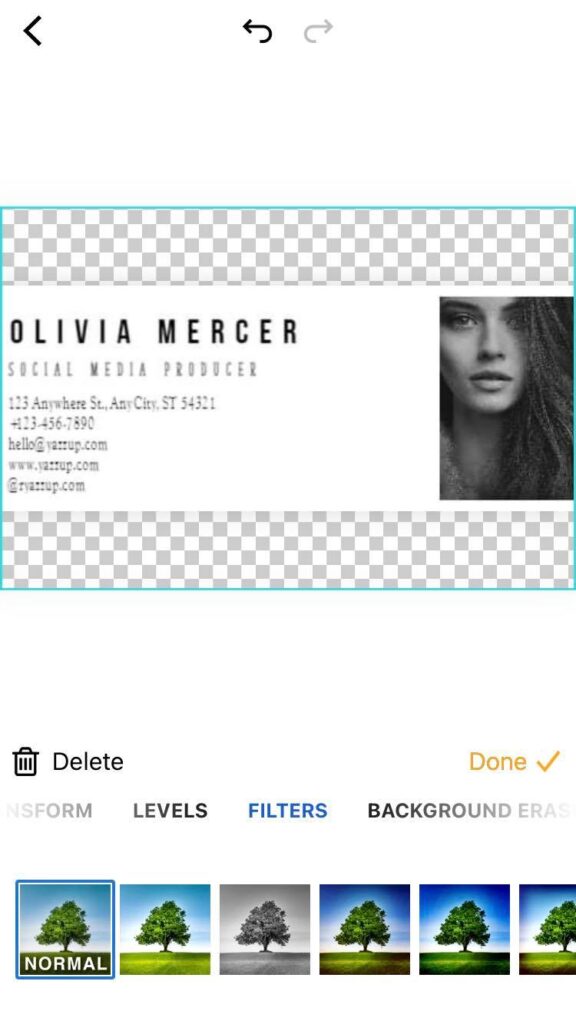
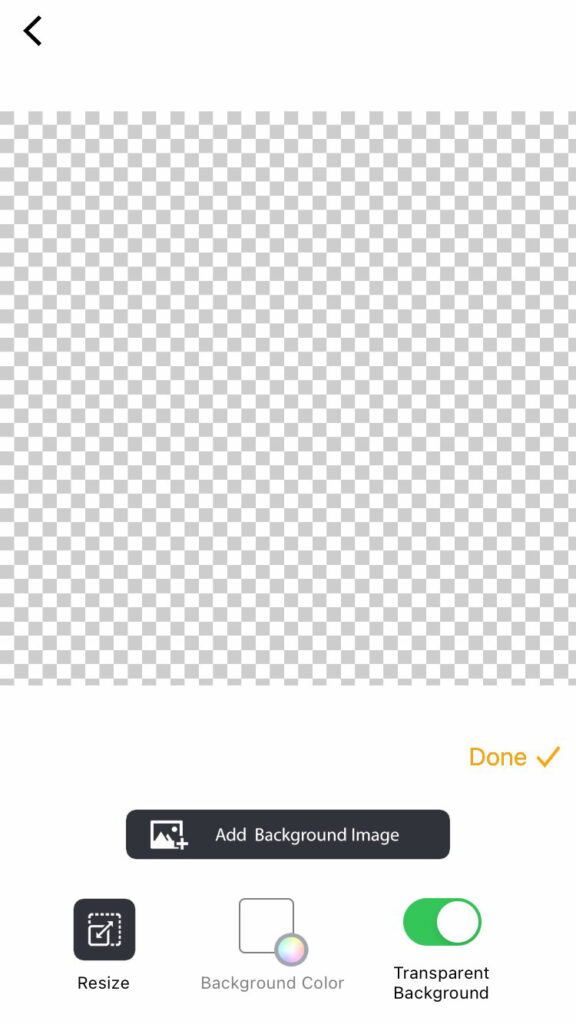
3. Choose TRANSPARENT BACKGROUND for your image. This will help your image background to be transparent when added in the photo that you want to have a watermark.

piZap app in iOS

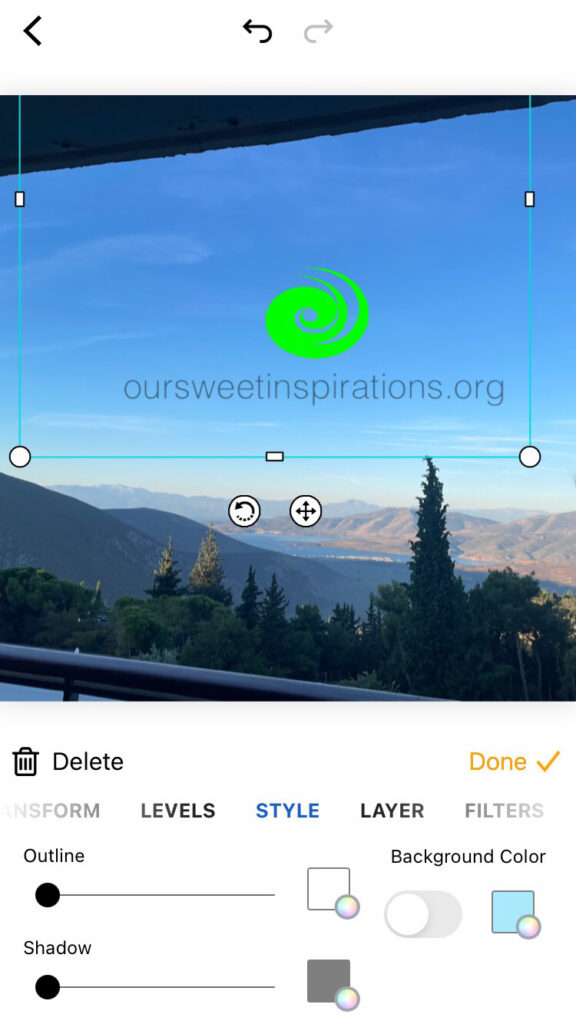
4. Once you have added the image or logo that you want to use as a watermark, you can simply SAVE it and use it with any of your photos that you would like to be protected from the public.

piZap app in iOS

So if you’re looking for a quick and easy way to protect your images, head over to piZap and start creating watermarks!