
As our phones have become an extension of ourselves, we can’t help but feel naked without them. They are always there in the background tempting us with their shiny screens and sharp lines that make life easier than ever before–especially when it comes to communication! But back when this all started many years ago (around 1997), people didn’t yet know how important customization would become for devices like cellphones; so instead you had custom cases or faceplates which differentiated one phone from another .

We all want our smartphones to be unique, don’t we? Well now is the time for that! Learn how you can customize your phone by choosing from some of pizap’s amazing phone wallpapers. The designer in us knows what looks good on any device so take advantage and make it pop with one (or more) incredible designs today!
How to Design Your Own Phone Wallpaper
Open the piZap app/ website to make your phone wallpaper.
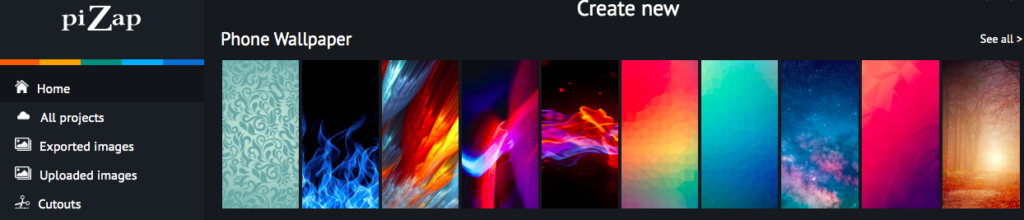
With your creative phone wallpaper idea in mind, head to piZap’s Phone Wallpaper. You can initially choose from piZap’s phone wallpaper collections that you can use. Or simply create something that you have in mind.
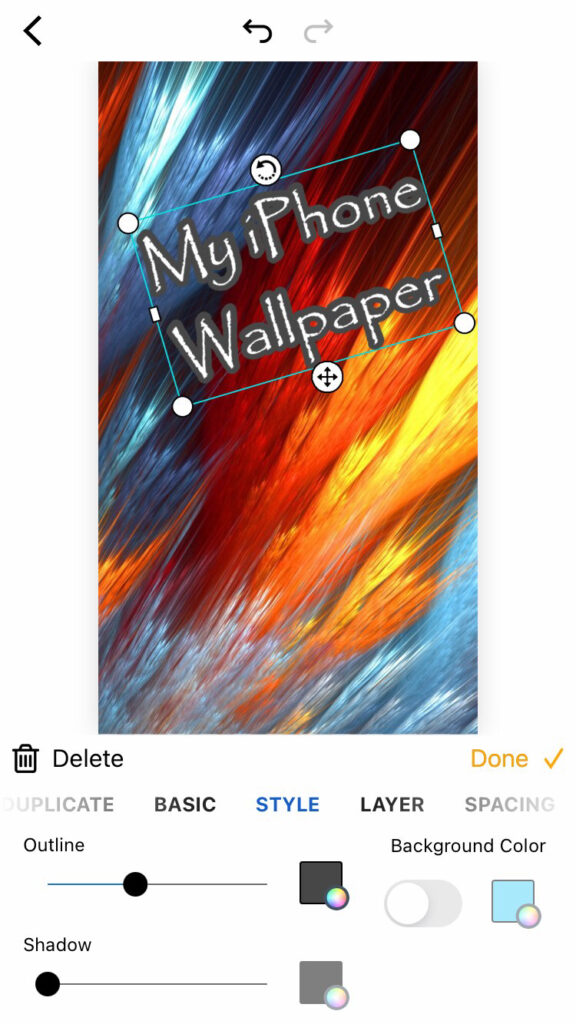

Open the chosen template and you will get be able to replace the image or simply edit the current image for your phone wallpaper.

In the CHANGE CANVAS SIZE displayed on the left side of the screen, you can choose the preferred size for your wallpaper. Normally its 1080 x 1920 in the corresponding width and height fields to perfectly size the template to the dimensions of your phone screen.
Begin Customizing Your Wallpaper
There are many ways to customize your wallpaper, but if you want something other than white as a background color click the BACKGROUND COLOR tab on the left and choose the preferred color that you want.
Add a Custom Image to the Background
What if you want to have a photo as your background?
A few clicks will get it done! First,click the DELETE BACKGROUND IMAGE tab; then find one from piZap’s huge collection, select it and upload and you will be able to edit the image.

Add Graphics to Your Wallpaper Design
Whether you’re looking to make a statement or keep it simple, we’ve got the perfect background for your next photo. Just open up Graphics and start playing around with tons of stickers and effects until they match!
Add Your Favorite Quote or Text to Your Wallpaper
The best way to show off your favorite quotes is with a little text! So go ahead and select it from piZap’s menu on your iPhone. You can even change up how they’re styled by playing around in some different fonts, colors etc.. Just remember that each word needs its own space so don’t forget about those spaces between words or too much alike content will come across messy instead of elegant when written down on paper. Try it on you iPhone device by downloading the piZap app for iOS devices.
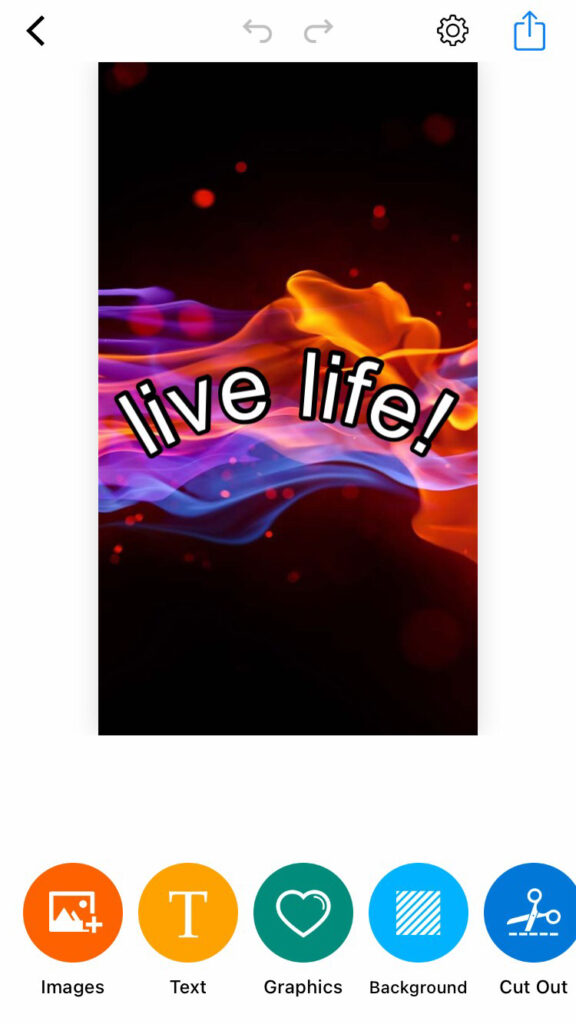
Save Your Custom Phone Wallpaper
So you’ve designed a phone wallpaper, but now what? You need to get it onto your device of choice! Click the Save button at top and transfer from there. From here all that’s left are some final steps—set as lock screen or home screen for good measure (you can even change its background).
Phone Wallpaper Inspiration
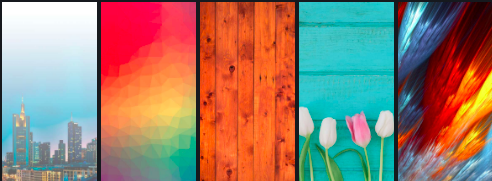
Now that you know how to create a great wallpaper for your phone, it’s time. So go ahead and design something representing who YOU are! Whether its photography or graphics (or both), there is no wrong answer when choosing what style suits best with the person behind this device in mind – only good vibes will come out of their new background picture so don’t stress too much over perfection because we all have flaws anyway right? Get going on finding an idea now before someone else does first! Download the piZap app on your iOS devices.


 If you’re looking for creative tools to help take your world – both online and off – to new heights, look no further than piZap.
 New Year’s Eve is right around the corner and you know what that means… it’s party time! Ring in fresh beginnings, reminisce about the past year and celebrate all around. Afterall with a holiday focused on sparkles and bubbly, you simply can’t go wrong!