Tag Archives: photoeditor

Mastering Photo Editing: A Beginner’s Guide with piZap

www.piZap.com

Are you ready to turn your everyday photos into works of art? With PiZap Photo Editor, the journey from amateur to editing pro has never been easier! Whether you’re an aspiring influencer, a small business owner, or just someone who loves sharing memories, piZap has got you covered. Let’s dive into a beginner’s guide that will have you editing like a pro in no time.

1. Getting Started with PiZap
To begin your photo editing adventure, head to the PiZap website or download the app in iOS and android devices. Creating an account will give you access to a world of editing possibilities.

piZap app in mobile device

2. Choosing Your Photo
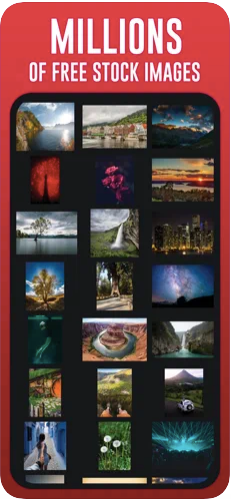
Select a photo you’d like to edit. It could be a stunning landscape, a cute pet pic, or even a selfie that needs a little magic. You can even select tons of royalty free stock images in pIZap that you can use for your projects.
3. Basic Adjustments
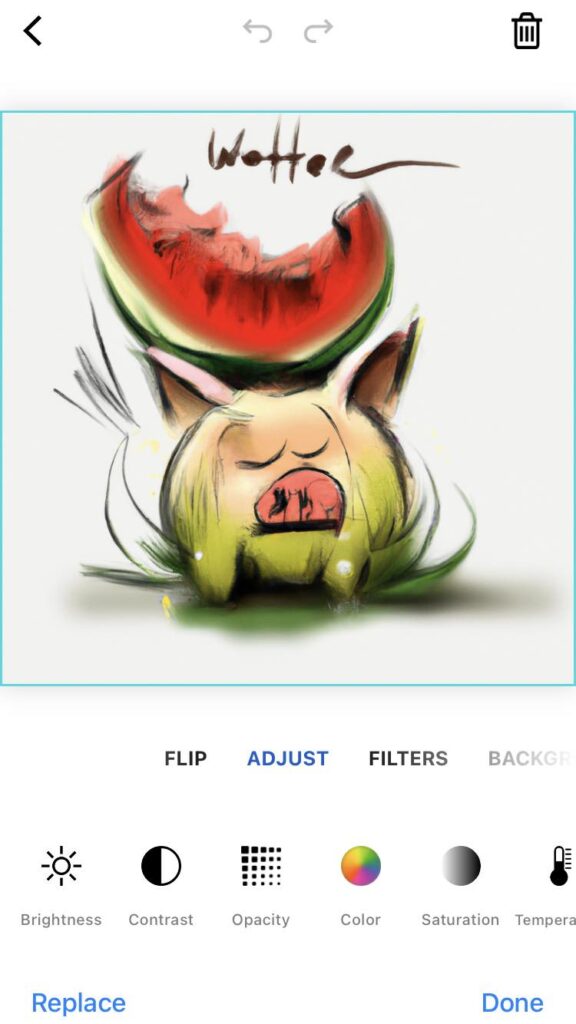
Start with the basics: adjust brightness, contrast, and saturation. Use the intuitive sliders to enhance your photo’s overall look.
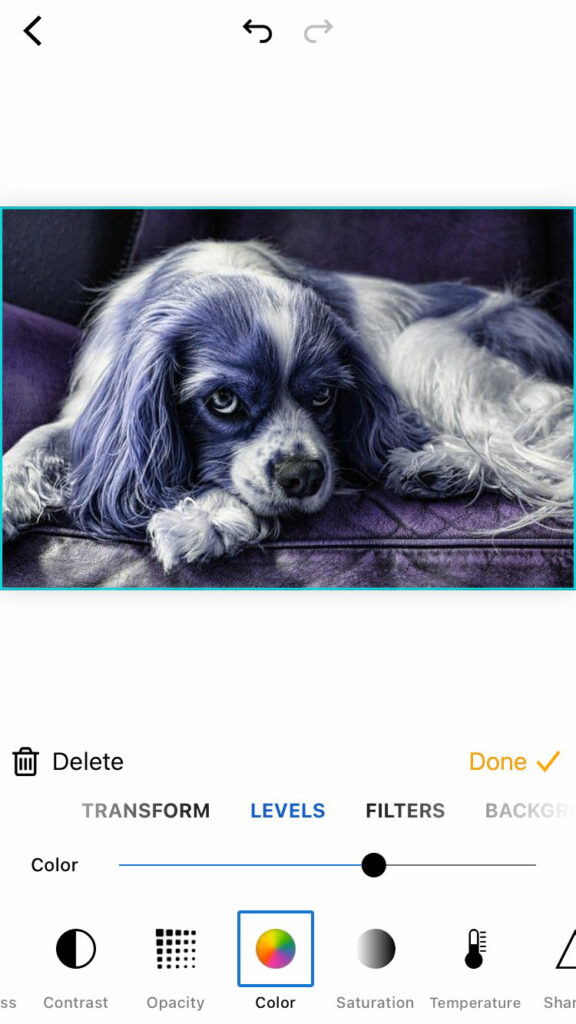
piZap in iOS device

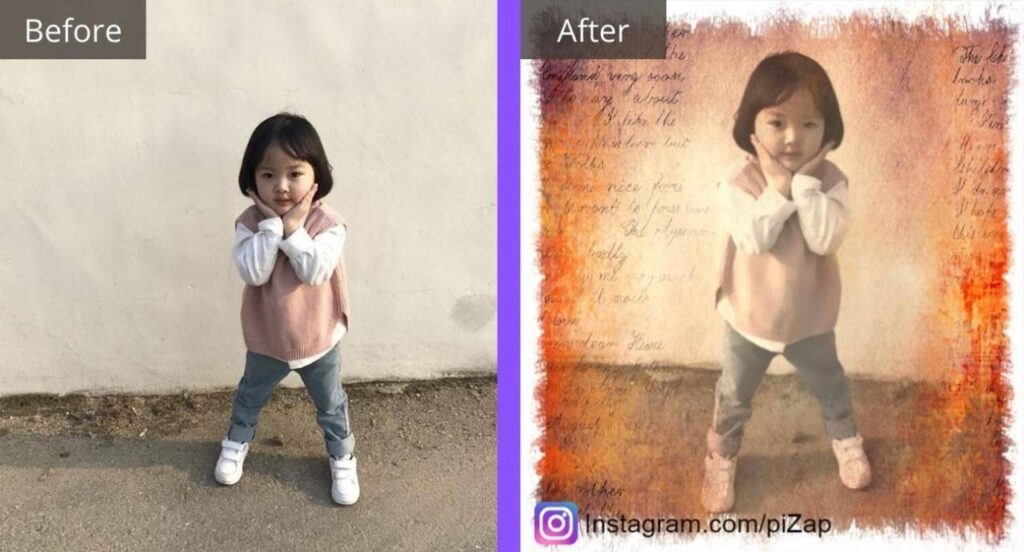
4. Exploring Filters
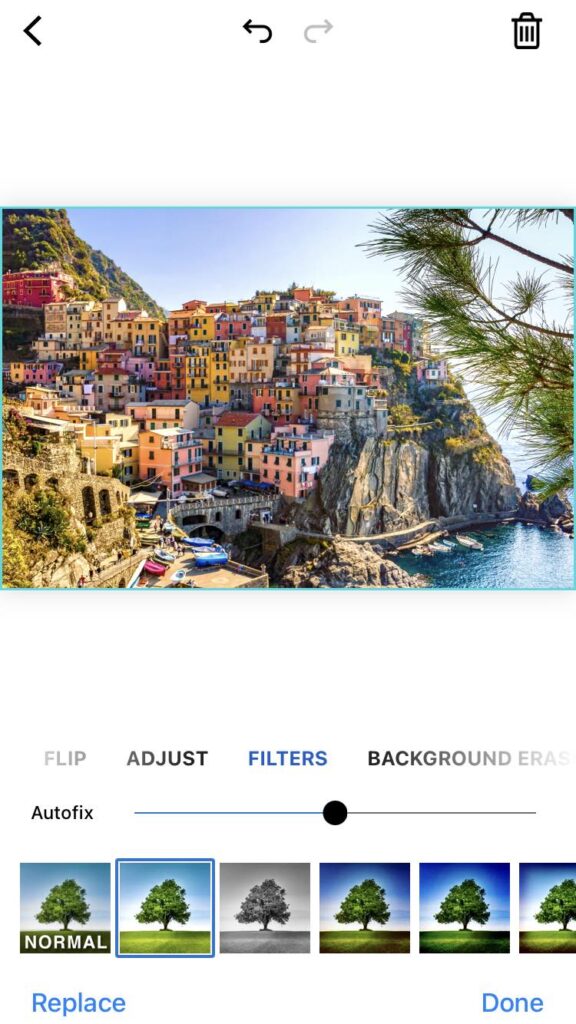
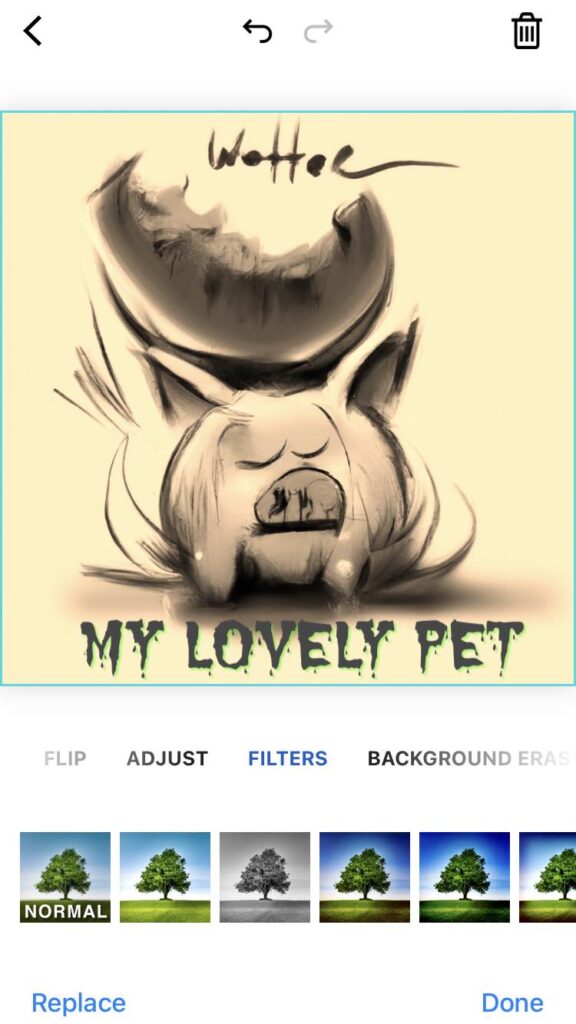
Give your photo a new mood by applying filters. Try the “Vintage Vibes” filter for a nostalgic touch or “Vibrant Hues” for a burst of color.
5. Adding Text and Stickers
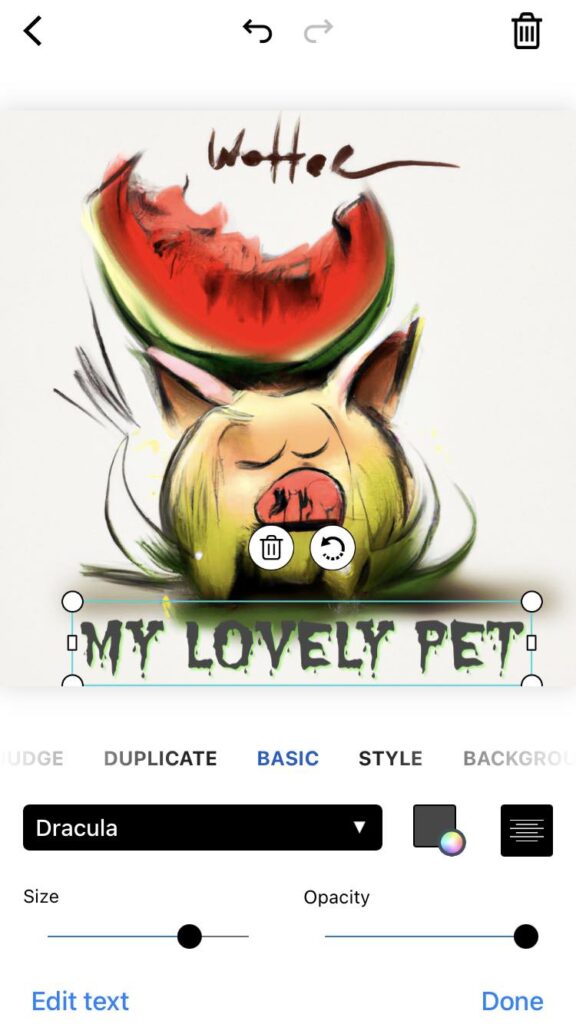
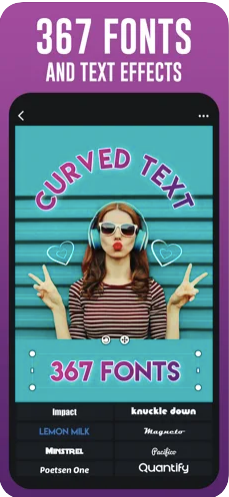
Want to tell a story with your photo? Use PiZap‘s text and sticker tools. Add a witty caption or a heartwarming quote.
6. Creative Frames
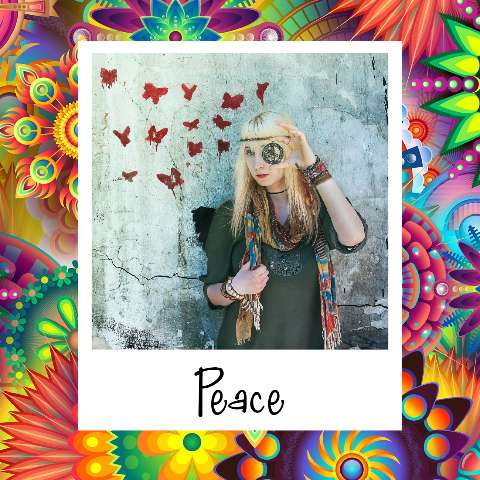
Elevate your photo with creative frames. From classic borders to funky shapes, there’s a frame for every mood.
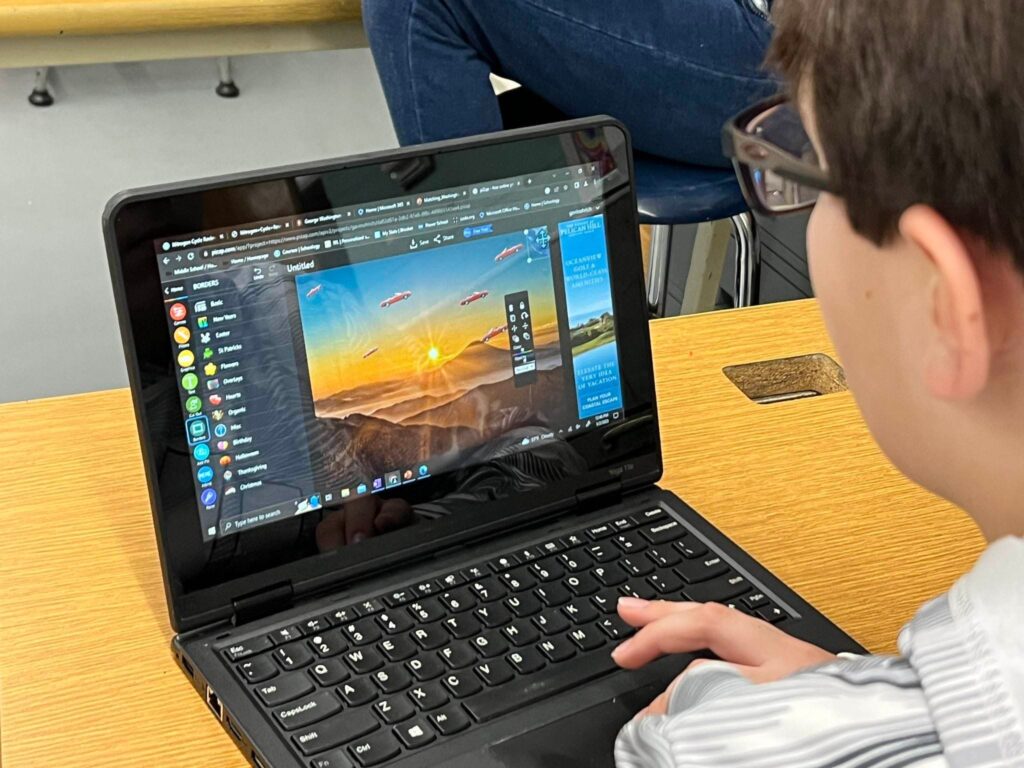
Special thanks to Mr Dan Wodarczak and his art class students at the Alden Central School

7. Embrace Collage Magic
Combine multiple photos into a stunning collage. Showcase different angles or tell a visual story with this feature.

www.piZap.com

8. Save and Share
Once you’re satisfied with your masterpiece, hit the save button. Now it’s time to share your creation with the world!

Challenge: Transform an everyday photo into something remarkable using piZap’s editing tools. Whether it’s a stunning sunset, a mouth-watering meal, or a candid shot of your furry friend, piZap can help you elevate it to the next level!
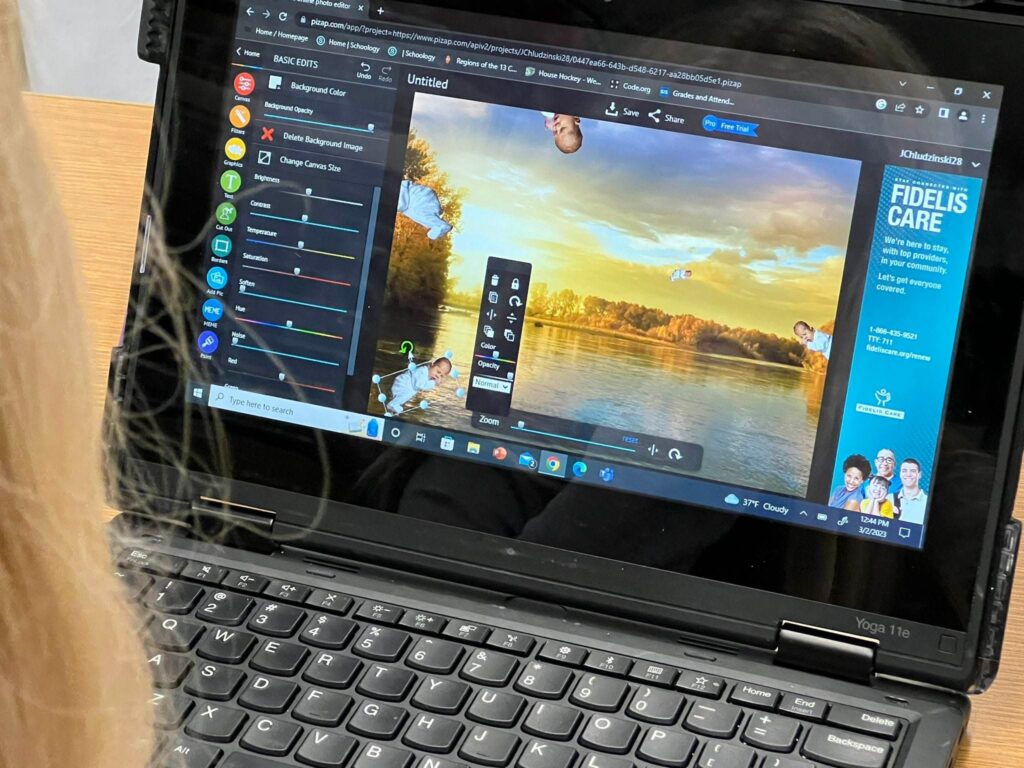
Special thanks to Mr Dan Wodarczak and his art class students at the Alden Central School

Join the piZap Community!

Ready to show off your newfound photo editing skills? Join the pizap Artists and Fans Club group on Facebook and connect with fellow enthusiasts. Share your before-and-after photos, exchange tips, and inspire others to embark on their own creative journey.

Special thanks to Lorna Saldariega

With piZap, there’s no limit to your creativity. Start your journey today and watch your photos transform into captivating pieces of art. Get ready to become the photo editing guru among your friends! 🎨✨
Creating Stunning Ice Cream Color Variations with piZap’s Color Effect Tool

www.piZap.com

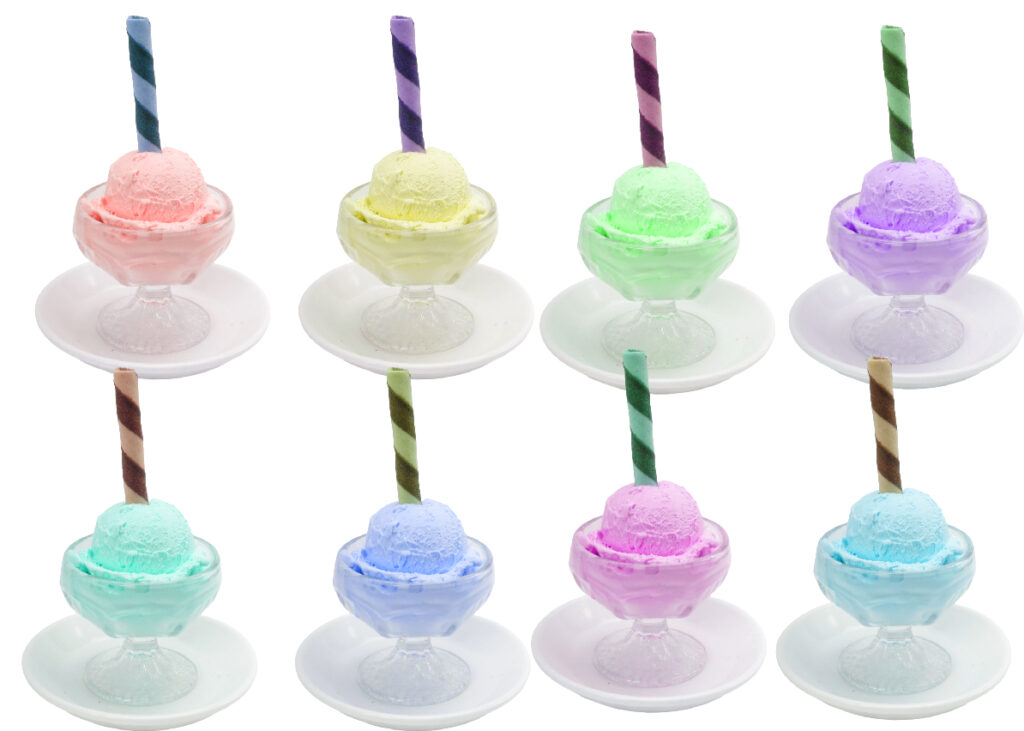
PiZap’s Color Effect is a fantastic tool that allows you to add various colors to your images, resulting in captivating visual effects. If you want to showcase, for example, a delicious ice cream image with different mouthwatering color variations, follow these simple steps to achieve stunning results.

Step 1: Access PiZap Photo Editor App

First, you need to access PiZap’s Photo Editor. You can do this by visiting the PiZap website and clicking on the “Blank Canvas” option. If you have downloaded the app in Android or iOS in your device, you can easily access or sign up to register. Download the piZap app here.

Step 2: Upload Your Ice Cream Image

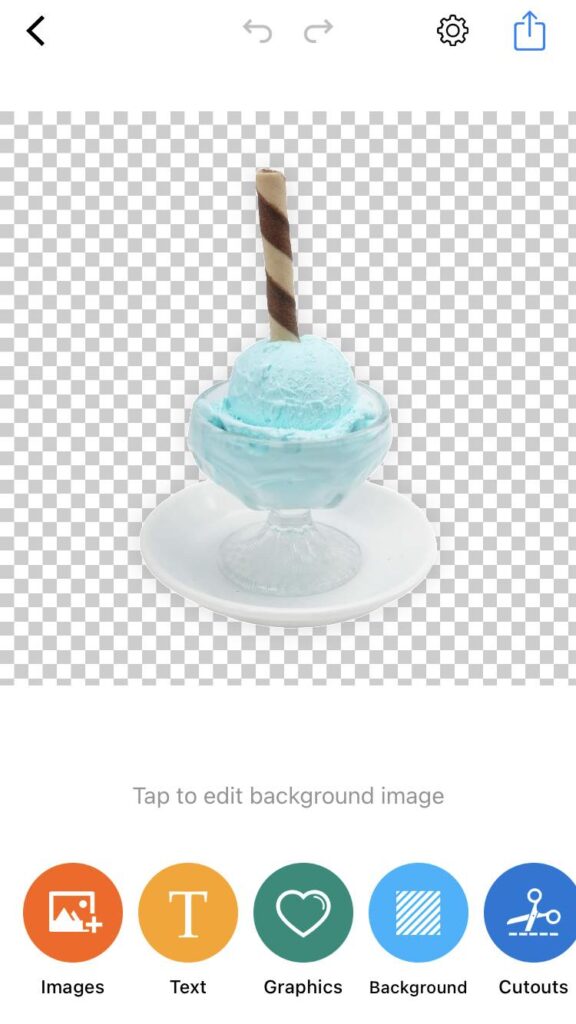
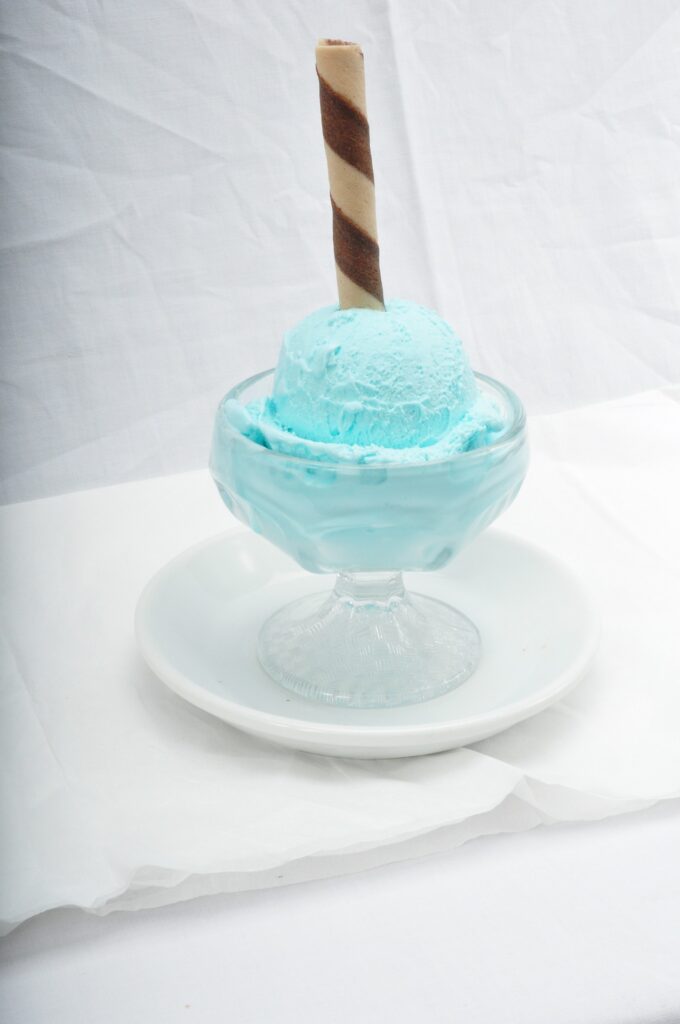
Once you’re in the piZap app, click on the “Background Eraser” button to select and upload your ice cream image. You can select an image from your computer or use one from the tons of awesome stock image library provided by piZap.

piZap in iOS device

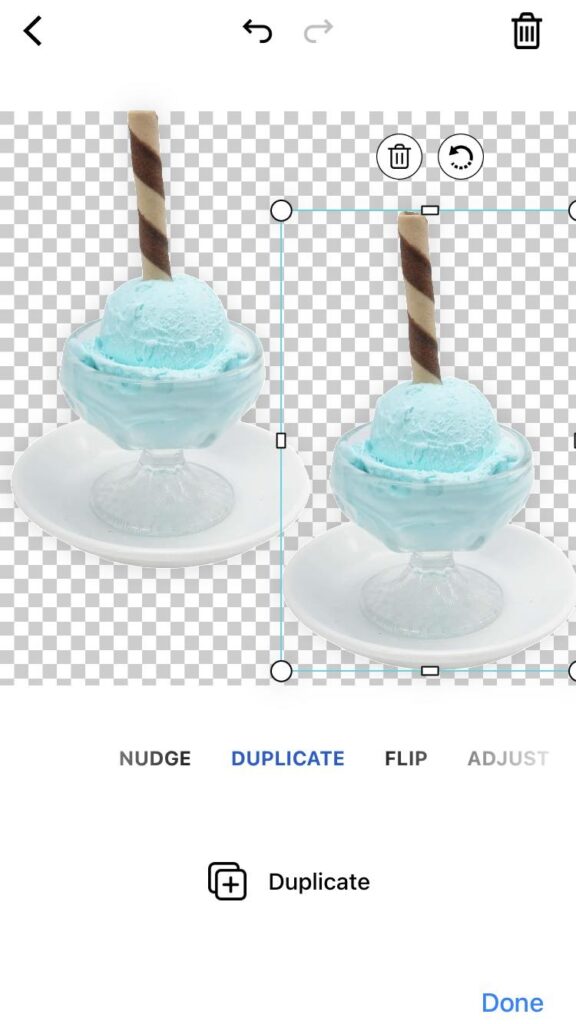
Step 3: Duplicate the Ice Cream Image

piZap in iOS device

To create the five different color variations, you’ll start by duplicating the original ice cream image. Locate the “Duplicate” panel or option, and look for the “Duplicate” button below. Click on it to create an identical copy of your ice cream image.

Step 4: Apply Color Effect to the Duplicated Image

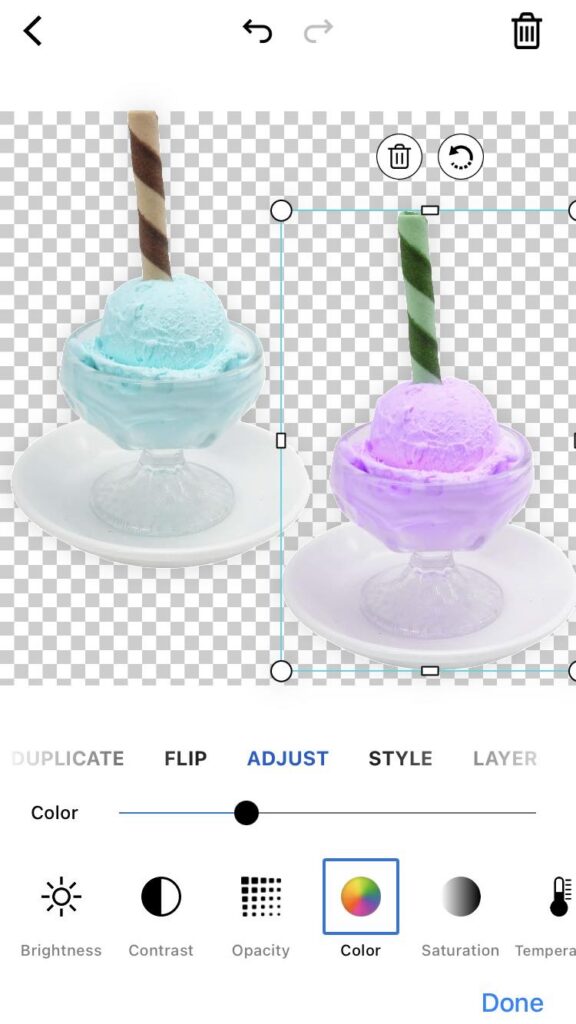
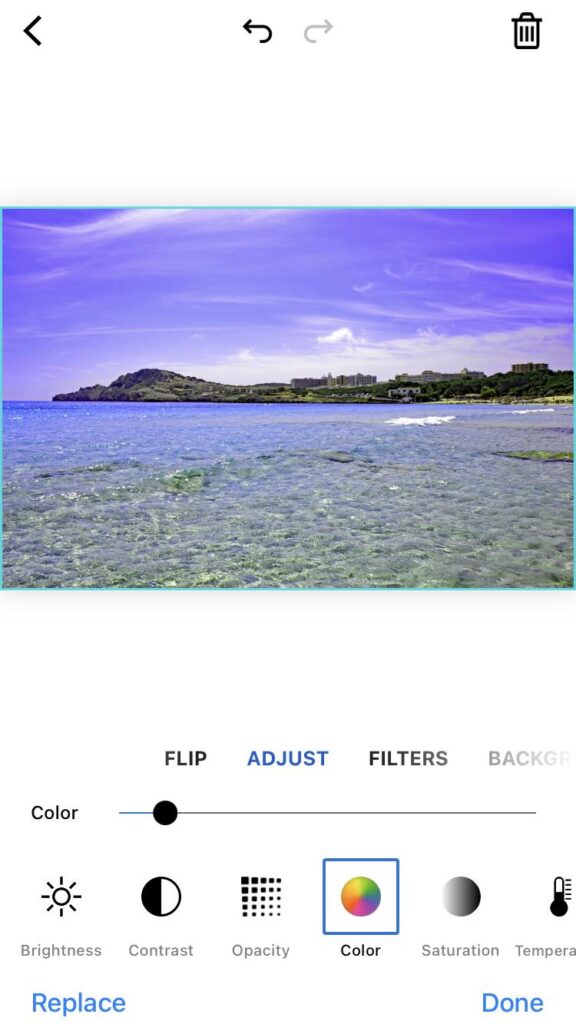
With the duplicated ice cream image selected, navigate to the “Adjust” toolbar. Look for the “Color” option. Drag the color slider to get the desired color variation of the duplicated image.

piZap in iOS device

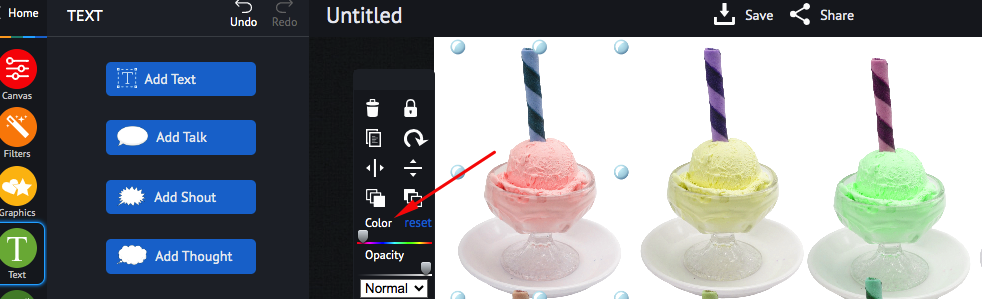
As you do this, you’ll notice the image showing a different color appearance and allowing the original ice cream image to show through. Note: If you are using the piZap web, you can find this color feature when you click the image that you will edit.

www.piZap.com

Step 5: Repeat for Five Color Variations

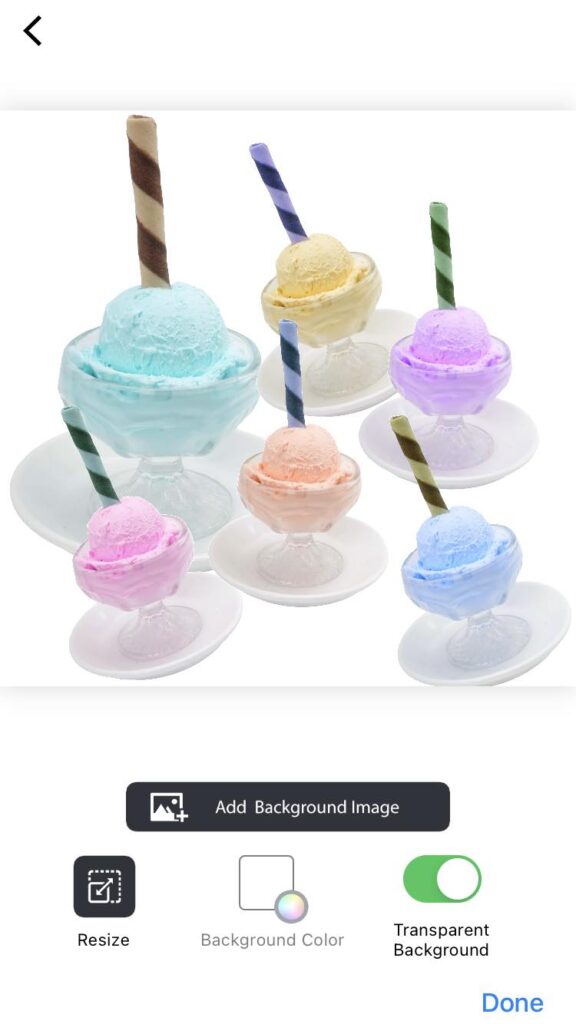
Now, repeat steps 3 and 4 four more times, creating a total of five duplicated ice cream images, each with a different level of opacity. Adjust the opacity for each duplicated image to achieve five unique color variations of the ice cream.

Step 6: Arrange the Ice Cream Variations

piZap in iOS device

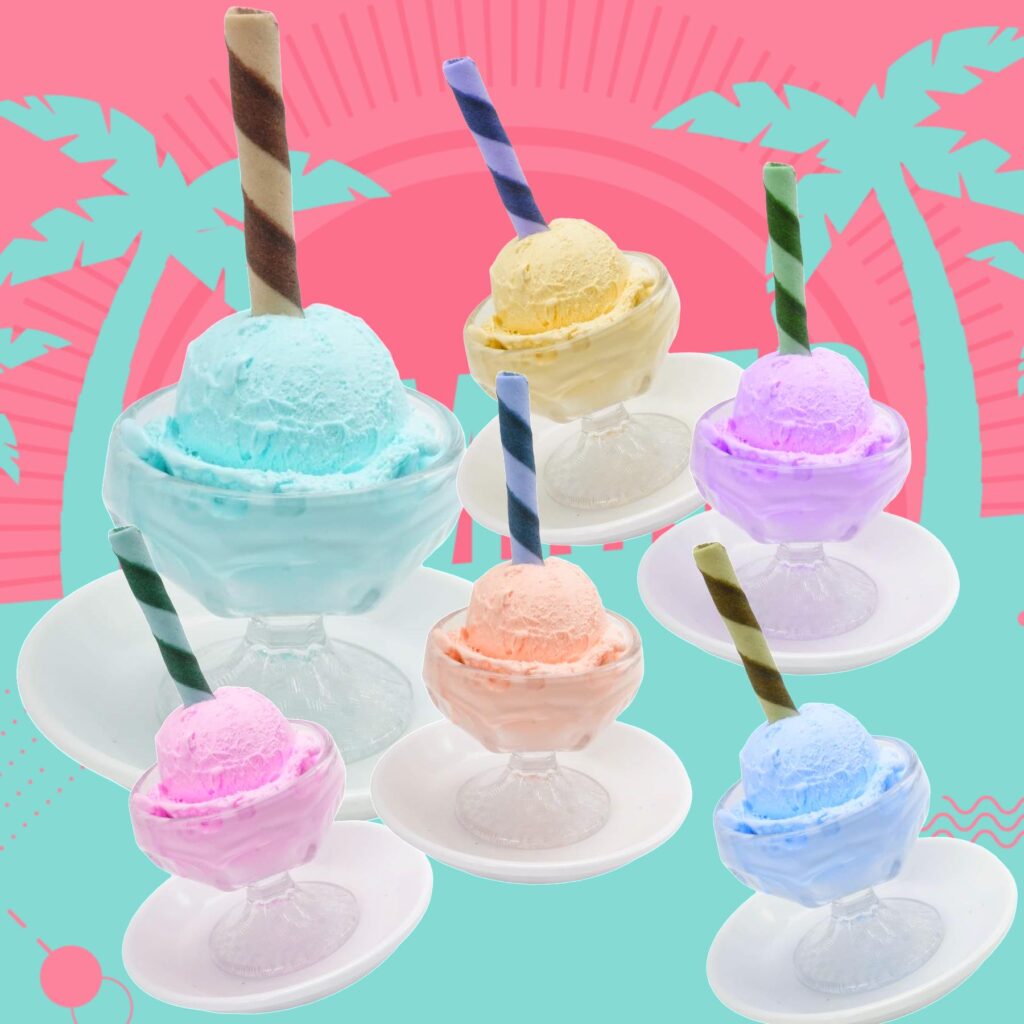
After creating the five different color variations, arrange them in a visually appealing way. You can stack them on top of each other or place them side by side to create a beautiful collage effect. Experiment with different layouts until you’re satisfied with the arrangement. Then add a final background to complement with your images.

www.piZap.com

Step 7: Save and Share Your Creation

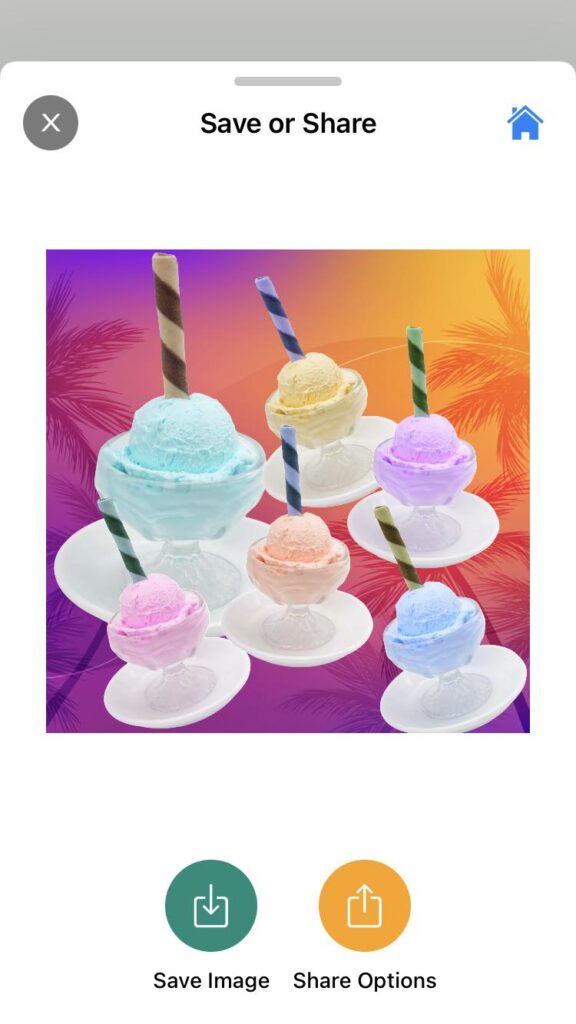
Once you’ve arranged the ice cream variations to your liking, it’s time to save your masterpiece! Click on the “Save” or “Share” button in the editor to save the final image to your computer or device. Now, you can share your delectable ice cream color variations on social media, your website, or wherever you desire.

piZap in iOS device

Once you’re satisfied with the color effect and the colorful display of your ice cream image, it’s time to save your work. Click on the “Save” button and choose the appropriate file format (JPEG or PNG) and quality. After saving, you can share your masterpiece on social media, use it for blog posts, or incorporate it into your marketing materials.

Tips for Better Results:

  • Experiment with different color settings to find the perfect balance of colors that best represent your image layers.
  • Consider using a complementary color palette to make the image even more visually appealing.
  • Combine the color effect with other piZap features like AI backgrounds, filters, stickers, or text to add a personalized touch to your image creation.

PiZap’s Color Effect feature is a powerful tool to unleash your creativity and transform ordinary images into delightful and eye-catching objects. So, start exploring the potential of this fantastic feature and let your images stand out from the crowd!

Explore Your Summer Wanderlust: Amazing Vacation Photography Ideas & Photoshoot Tips with piZap Photo Editor

www.piZap.com

The summer season is the perfect time to embark on exciting adventures and capture unforgettable moments. Whether you’re planning a tropical beach getaway, exploring scenic mountains, or discovering vibrant cityscapes, your summer vacation provides an excellent opportunity to showcase your photography skills. In this article, we will explore some amazing vacation photography ideas and share valuable photoshoot tips to help you create stunning visual memories. And with the help of piZap Photo Editor, you can take your vacation photos to the next level with its powerful editing features.

www.piZap.com

Plan Ahead: Before you embark on your summer vacation, take some time to plan your photography goals. Research your destination and make a list of must-visit spots and iconic landmarks. This will give you a starting point for your photography adventure.

Special thanks to Dan the wanderer

Golden Hour Magic: Make the most of the magical golden hour—the time shortly after sunrise or before sunset—when the light is soft, warm, and perfect for capturing breathtaking images. Plan your photoshoots during these times to achieve stunning and atmospheric shots.

Da Nang, Vietnam special thanks to Sam Crisco Photography

Capture Local Culture: Immerse yourself in the local culture and traditions of your vacation destination. Photograph colorful festivals, street performers, local markets, or traditional ceremonies. These shots will not only add diversity to your portfolio but also tell compelling stories about the places you visit.

Da Nang, Vietnam special thanks to Sam Crisco Photography

Explore Unique Perspectives: Instead of settling for ordinary tourist shots, challenge yourself to find unique perspectives and angles. Look for interesting reflections, experiment with different heights, or find vantage points that offer a fresh view of popular landmarks.

Special thanks to J. Sturt

Candid Moments: Some of the most cherished vacation memories are candid moments shared with loved ones. Capture the laughter, joy, and spontaneity of these special moments. Avoid posed shots and focus on capturing genuine emotions.

piZap in iOS device

Incorporate Nature: Summer vacations often involve stunning natural landscapes. Capture the beauty of crystal-clear waters, lush greenery, and breathtaking sunsets. Use piZap’s photo editor to enhance the vibrant colors and bring out the details in your nature shots.

piZap in iOS device

Storytelling Collages: piZap’s collage feature allows you to create captivating visual stories with your vacation photos. Combine multiple images into a single collage, adding captions or text to narrate your experiences and create a cohesive narrative.

piZap in iOS device

Experiment with Filters and Effects: piZap offers a wide range of filters and effects to add different moods and styles to your vacation photos. Enhance the vibrant colors of a beach sunset or give your cityscape shots a vintage film look. Experiment with various filters and effects to find the perfect aesthetic for your vacation shots.

piZap app in iOS device

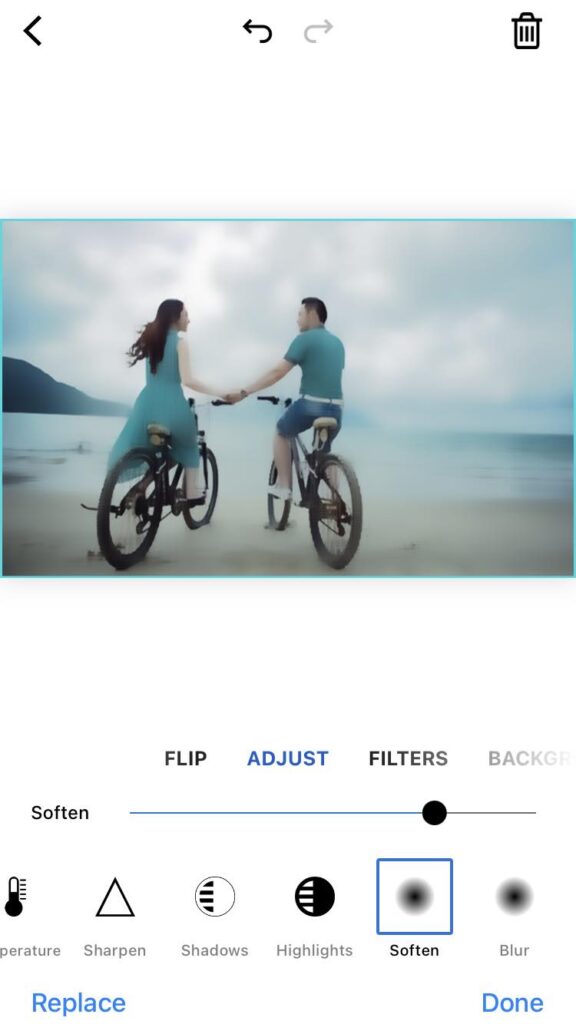
Fine-Tune with Editing Tools: Use piZap’s editing tools to fine-tune your vacation photos. Adjust brightness, contrast, and saturation to make your images pop. Remove unwanted objects or blemishes, crop or resize your photos, and apply sharpening for that extra touch of professionalism.

Da Nang, Vietnam special thanks to Sam Crisco Photography

This summer, unleash your wanderlust and capture breathtaking vacation photos with the help of piZap Photo Editor. Follow these amazing vacation photography ideas and photoshoot tips to create stunning visual memories that will transport you back to those blissful moments. Remember, the key is to have fun, be adventurous, and let your creativity shine through your lens. So grab your camera, pack your bags, and get ready to capture the essence of your summer adventures with piZap by your side. Happy shooting!

Special thanks to Engin

Get the most out of piZap Magic AI Image Maker

In today’s digital age, image editing has become an essential skill for creating captivating visuals. Whether you’re a professional photographer, a social media enthusiast, or simply someone who loves to add a creative touch to their photos, having the right image editing tool is crucial.

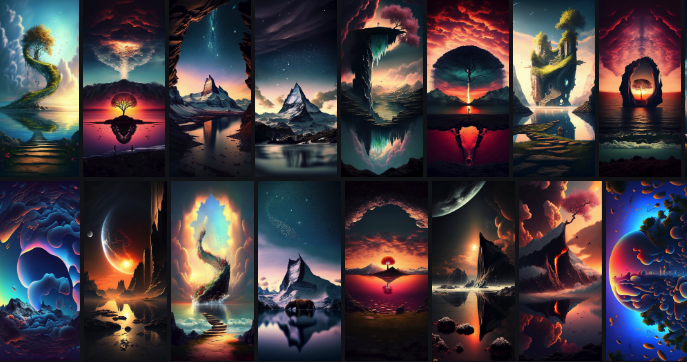
piZap Magic AI Image Maker is a versatile platform that combines the power of artificial intelligence with user-friendly features, allowing you to unleash your creativity and take your images to the next level. Here are some tips to help you get the most out of piZap Magic AI Image Maker.

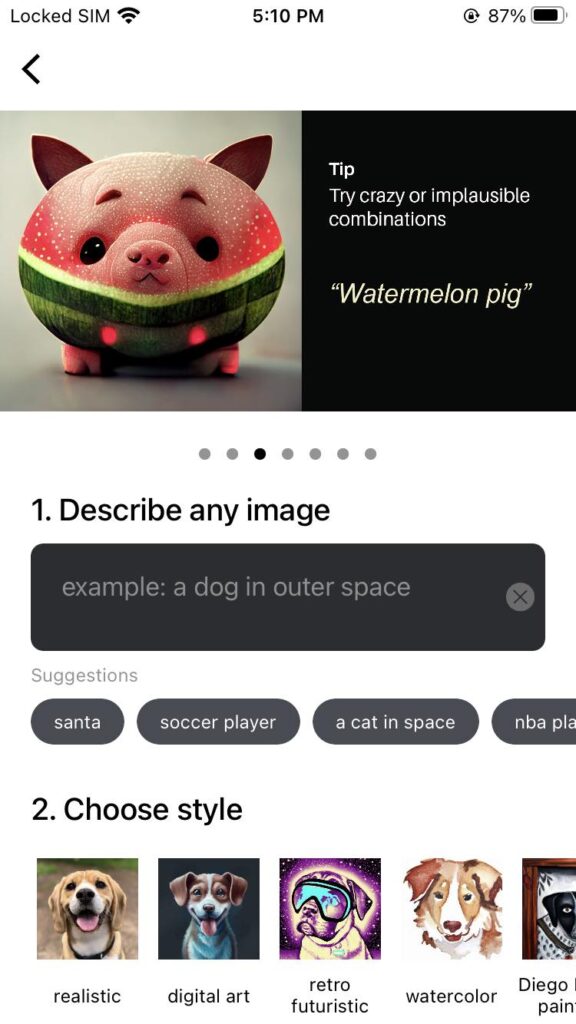
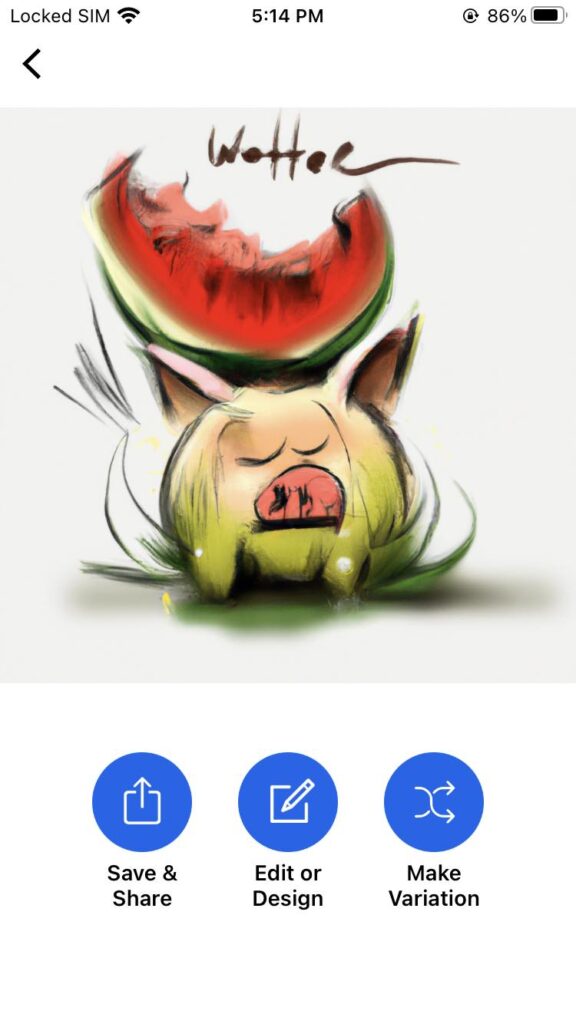
Explore the Features: Take some time to familiarize yourself with the various features offered by piZap Magic AI. Experiment with different artistic style options such as REALISTIC, DIGITAL ART, RETRO FUTURISTIC, WATERCOLOR, and lots more just to see how they can transform your images.

Use the piZap Image Tools: piZap offers intelligent tools that can automatically enhance your images. Try the enhance features to quickly adjust and improve the overall look of your photos or experiment with the powered effects for artistic transformations.

Play with Text and Stickers: Add text and stickers to your images to make them more engaging and personalized. piZap AI offers a variety of fonts, colors, and styles to choose from. Combine text and stickers creatively to create unique compositions.

Experiment with Filters: Filters can add mood and style to your images. piZap AI provides a wide range of filters to choose from. Try different filters and adjust their intensity to achieve the desired effect.

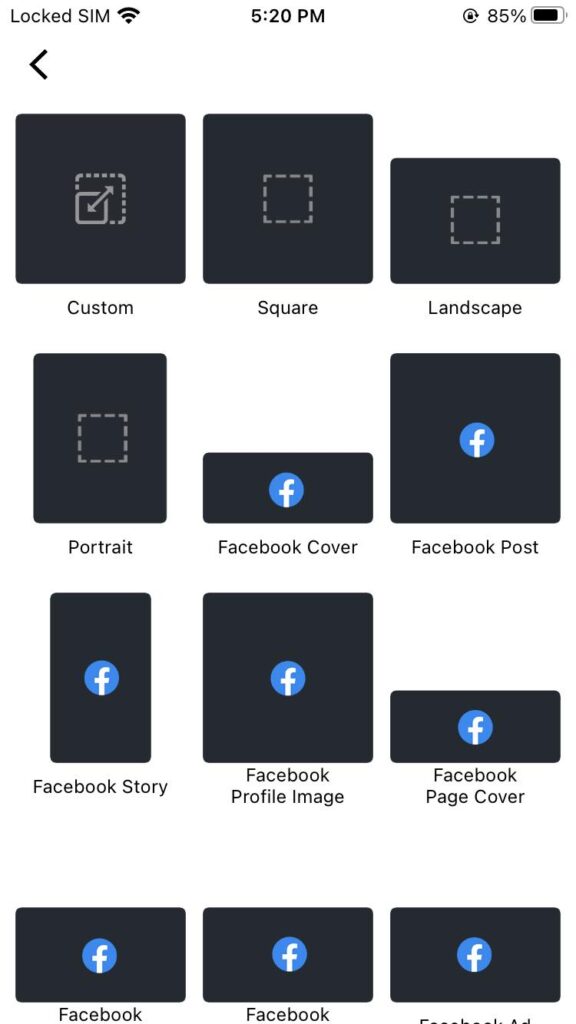
Crop and Resize: Use the cropping and resizing tools to frame your images perfectly. Adjust the aspect ratio, crop out unwanted elements, or resize your images to fit specific dimensions for different platforms or purposes.

Save and Export in High Quality: When you’re satisfied with your edits, make sure to save your images in the highest quality possible. piZap AI allows you to save your creations in various formats such as JPEG and PNG. Choose the appropriate format and adjust the image quality settings to ensure your final output is of the highest quality.

Share and Collaborate: Once you’ve created your masterpiece, share it with others! piZap AI allows you to directly share your images on social media platforms or download them for offline use. You can also collaborate with others by sharing your project files, allowing them to make further edits or modifications.

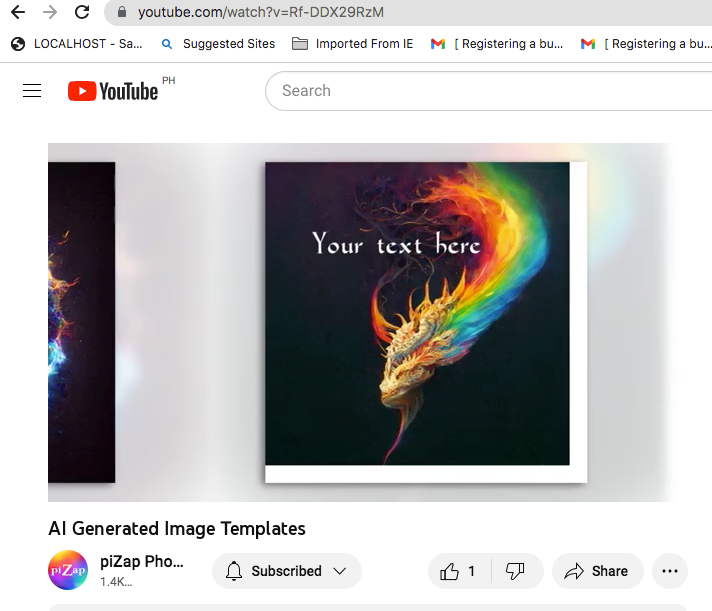
Learn from Tutorials and Examples: piZap AI provides tutorials and examples to help you learn new techniques and inspire your creativity. Take advantage of these resources to expand your skills and discover new ways to use the software. You can check the various piZap tutorials on YouTube here: http://bit.ly/2m7GsOO

Have Fun and Be Creative: The most important tip is to have fun and let your creativity flow. Explore different styles, experiment with unique ideas, and don’t be afraid to take risks. piZap AI is a powerful tool that can bring your imagination to life, so enjoy the process and let your creativity shine.

Remember, practice makes perfect, so keep exploring and experimenting with piZap Magic AI Image Maker to refine your skills and create stunning images.

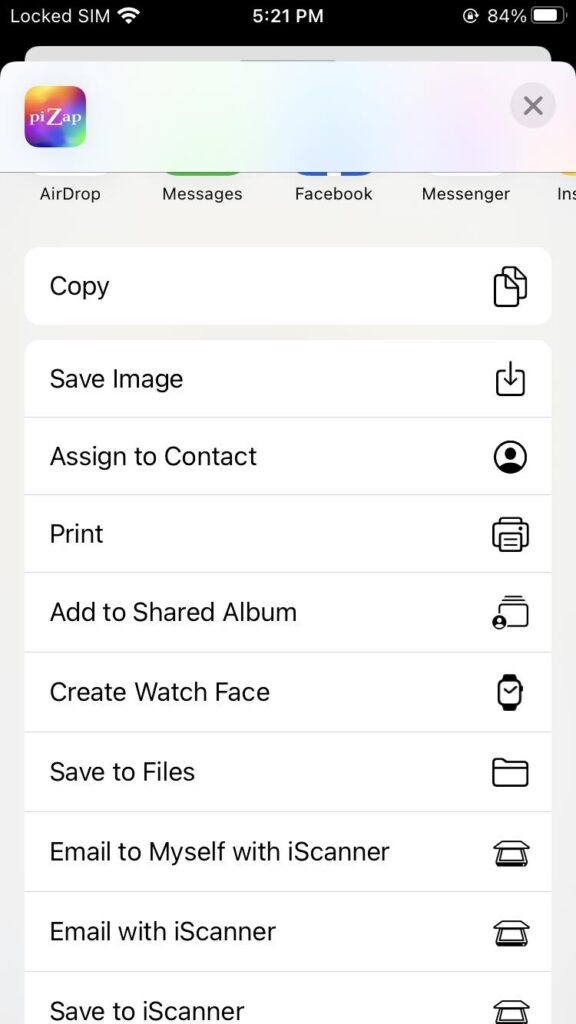
Note: piZap Magic AI Image Maker is now available in Android and iOS devices.

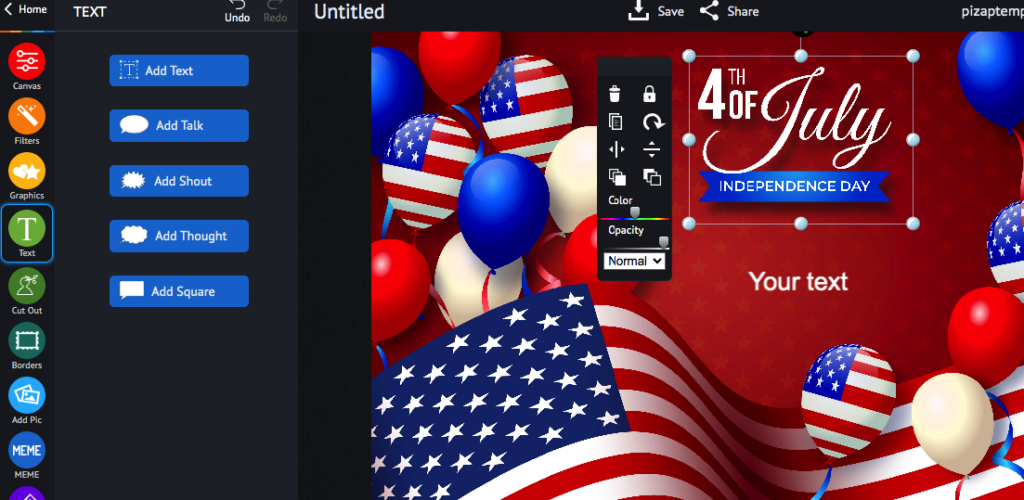
Capturing the Spirit of Independence: Elevate Your 4th of July Celebrations with PiZap Photo Editor!

The 4th of July is a day of immense patriotism and celebration as we commemorate the independence of the United States. This year, why not add an extra touch of creativity to your Independence Day festivities? With piZap photo editor, you can take your 4th of July photos to new heights, capturing the true essence of this special day. Let’s explore how piZap can help you create stunning visuals that encapsulate the spirit of independence!

Unleash Your Creativity:

PiZap Photo Editor provides an array of powerful tools and features that allow you to unleash your creativity and transform your ordinary photos into extraordinary works of art. Whether you’re capturing a breathtaking fireworks display, a family picnic, or a joyous parade, piZap can help you elevate your images to the next level.

Enhance Colors and Contrast

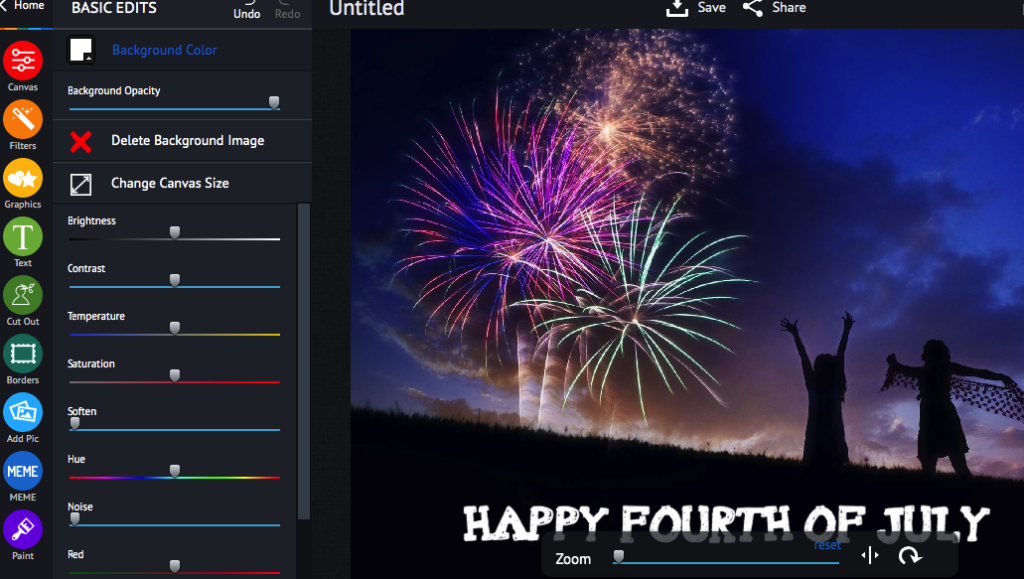
The vibrant colors associated with Independence Day play a crucial role in capturing the patriotic spirit. With piZap, you have precise control over color saturation and contrast. Enhance the reds, whites, and blues to make them pop, creating photos that are visually striking and exude the pride and enthusiasm of the occasion.

Add Festive Stickers and Frames

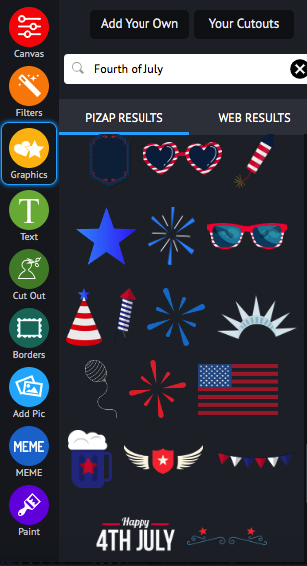
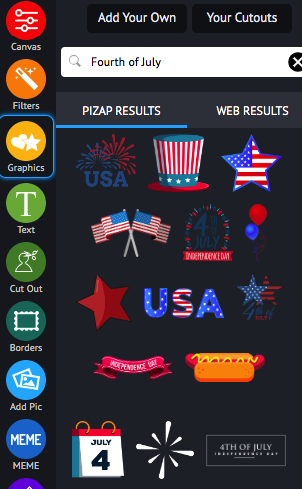
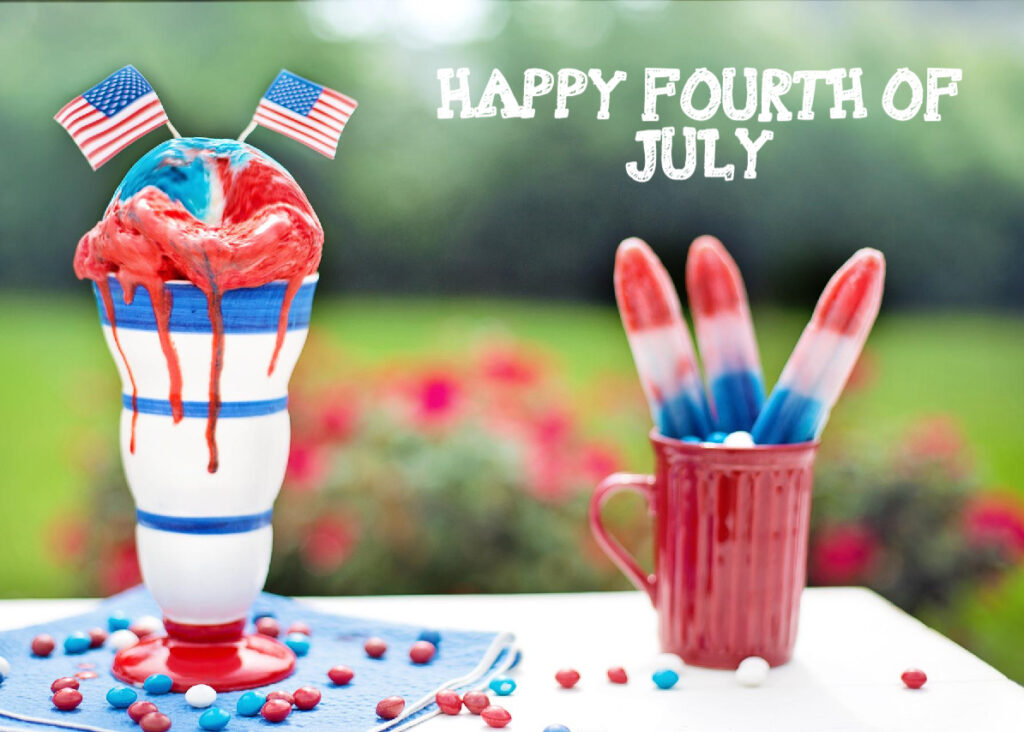
PiZap offers an extensive collection of stickers and frames specifically designed for the 4th of July. Sprinkle your photos with American flags, fireworks, and other iconic symbols to infuse them with a patriotic vibe.

These fun and festive elements will undoubtedly bring an extra layer of excitement to your visuals.

Embrace Collages

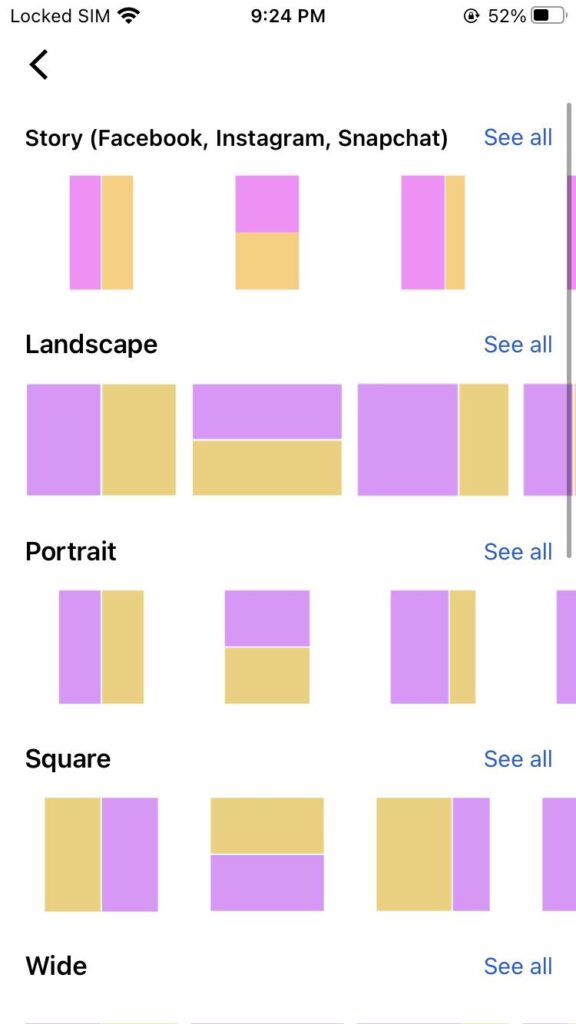
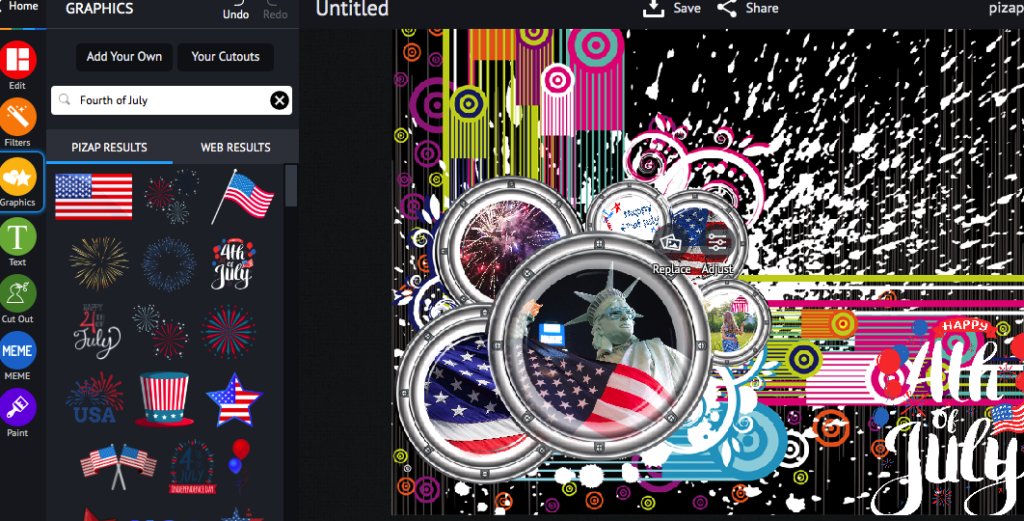
A collage is an excellent way to tell a story and showcase multiple memorable moments from your 4th of July celebrations. PiZap’s collage maker allows you to arrange photos in unique and visually appealing grids.

Add captions, patriotic backgrounds, and frames to personalize your collage further. It’s the perfect way to encapsulate the spirit of the day in a single, captivating image.

Experiment with Filters

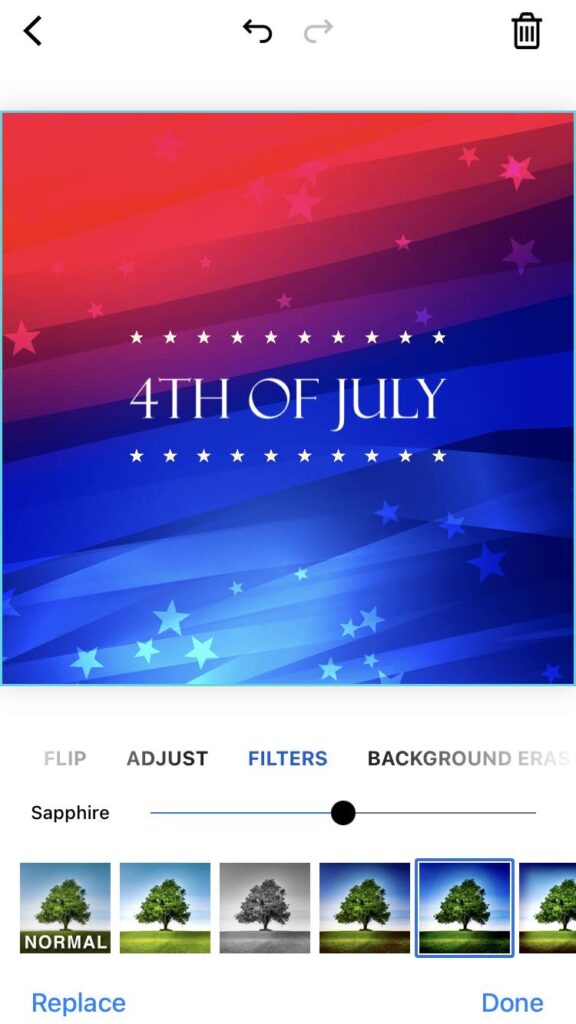
Filters have the power to completely transform the mood and atmosphere of your photos. PiZap offers a wide range of filters, including vintage, black and white, and sapphire tones, among others.

Experimenting with different filters can help evoke nostalgia or create a timeless feel, allowing you to add a distinct artistic touch to your Independence Day photos.

This 4th of July, make your celebrations unforgettable by harnessing the creative power of PiZap Photo Editor. With its versatile editing tools, you can enhance colors, add festive stickers and frames, create captivating collages, and experiment with filters to capture the spirit of independence like never before. Embrace your artistic side and let PiZap help you transform your photos into cherished mementos of this special day. So grab your camera, celebrate with loved ones, and elevate your 4th of July visuals with PiZap Photo Editor!

Note: PiZap is available in the web, Android and iOS devices.

Celebrate Father’s Day with piZap Stickers and Templates : A Special Tribute to Our Everyday Superheroes!

www.piZap.com

Father’s Day is a time to honor and appreciate the incredible men who have shaped our lives with their love, guidance, and unwavering support. These everyday superheroes deserve all the recognition and celebration in the world for the selfless sacrifices they make and the profound impact they have on their children’s lives. Join us as we dive into the vibrant world of Father’s Day celebrations, adorned with lively piZap stickers and backgrounds, to pay homage to these extraordinary individuals.

Customized Digital Greeting Card:

piZap iOS app

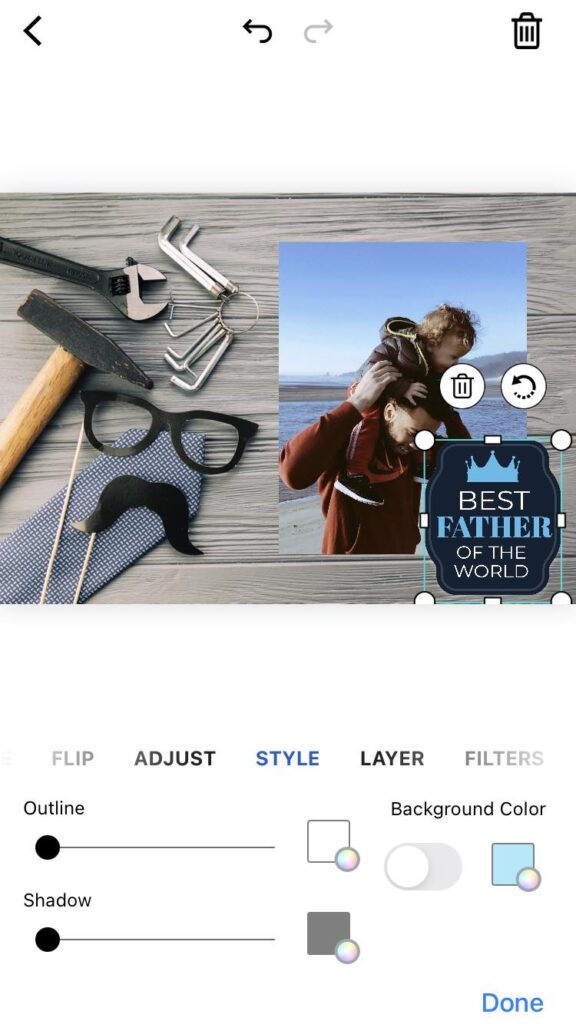
PiZap offers a vast collection of stickers, templates, backgrounds, and text options that will allow you to create a personalized digital greeting card for your dad. Start by selecting a beautiful background that represents your dad’s interests or favorite hobby. Then, add heartwarming stickers like “World’s Best Dad” or “Super Dad” to make him feel extra special. Write a heartfelt message using the text options and finish it off with some playful stickers that reflect your dad’s personality.

piZap iOS app

Design a Photo Collage:

A photo collage is a thoughtful and nostalgic gift that will bring back cherished memories. With piZap, you can create a collage using your favorite photos with your dad. Start by selecting a background that complements the theme or the memories you want to showcase. Then, arrange the photos in a visually appealing way and enhance them with fun stickers that represent shared experiences or inside jokes.

piZap iOS app

Add text captions to each photo to highlight the significance of the moment captured. When you’re done, print it out and frame it as a heartfelt keepsake.

Create a “Dad and Me” Social Media Post:

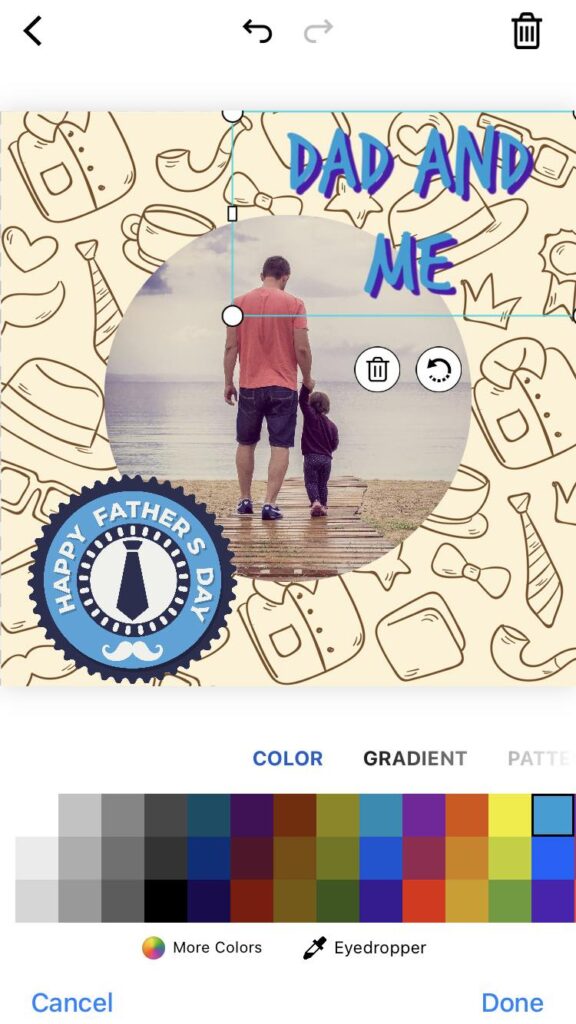
Social media platforms provide a wonderful opportunity to publicly express your love and appreciation for your dad. Use piZap to design a captivating “Dad and Me” photo collage or a single image that showcases your bond.

piZap iOS app

Experiment with different backgrounds and stickers that reflect your dad’s personality or shared interests. Don’t forget to include a heartfelt caption expressing your love and gratitude. Share it on your preferred social media platform and tag your dad to let the world know how amazing he is!

piZap iOS app

This Father’s Day, bring out your creativity and celebrate with PiZap stickers and backgrounds to make the day extra special for your dad. From personalized digital greeting cards to special photo collages, and social media posts, there are countless ways to incorporate piZap’s fun and customizable elements. The key is to infuse your dad’s unique personality and the cherished memories you share into each creation. Let piZap be your creative ally in showing your dad just how much he means to you. Happy Father’s Day!

piZap iOS app