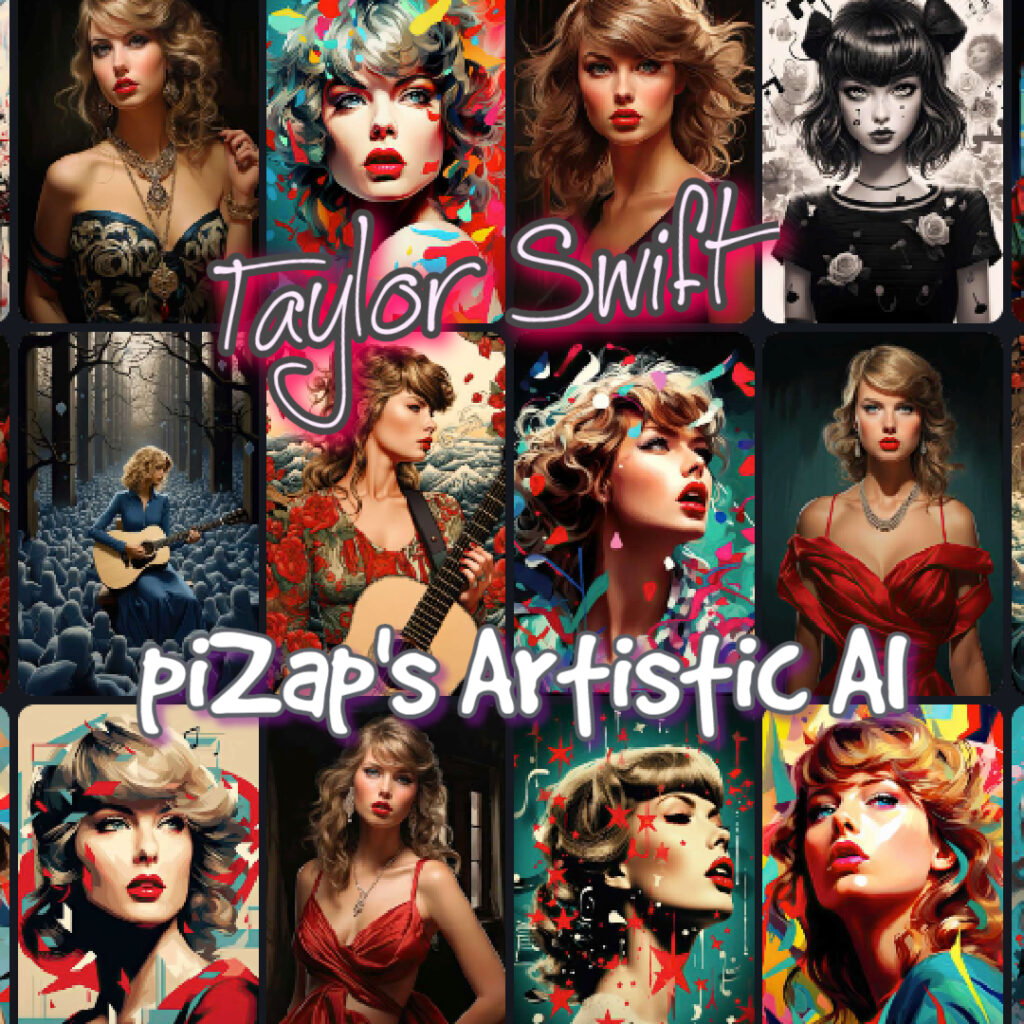
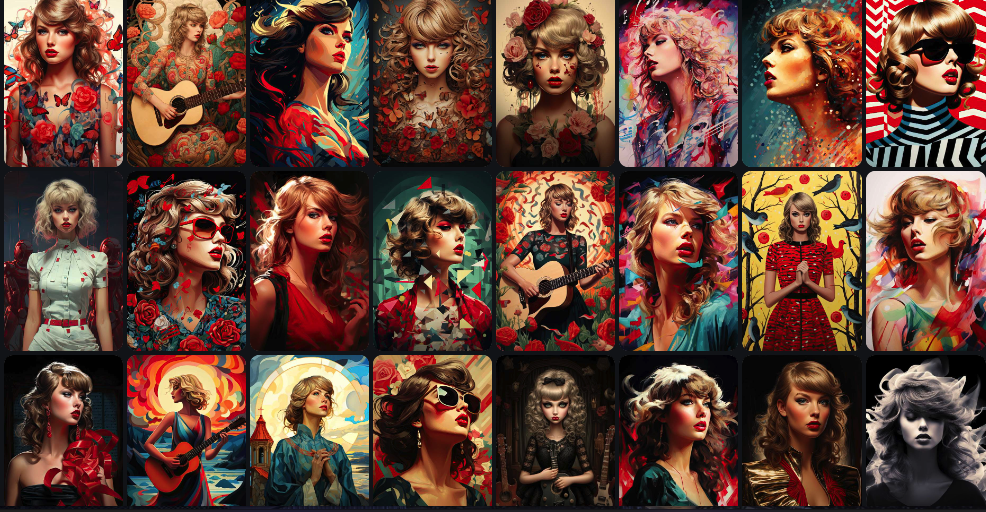
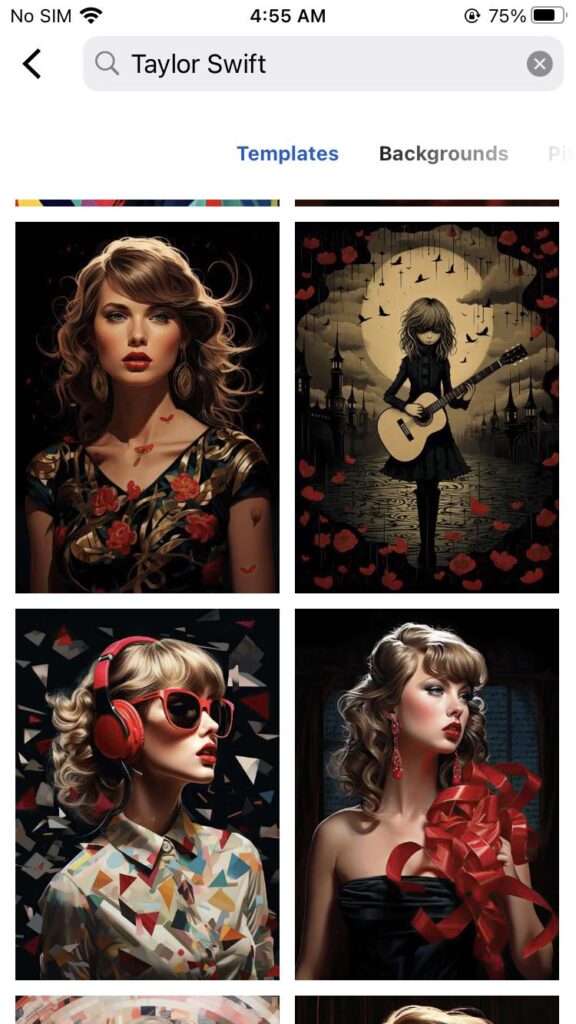
In an enchanting display of digital artistry, piZap’s AI has crafted a tribute that’s as current as Taylor Swift’s latest hit. This visual narrative weaves together Taylor Swift’s information, from the stories behind her first song ever to her recent pictures that capture the hearts of millions.
www.piZap.com
From “Love Story” to “Shake It Off,” the AI has channeled the evolution of Taylor’s career into a single image. The result is not just an artwork; it’s a celebration of a woman who has redefined the musical landscape, echoing her journey in every pixel.
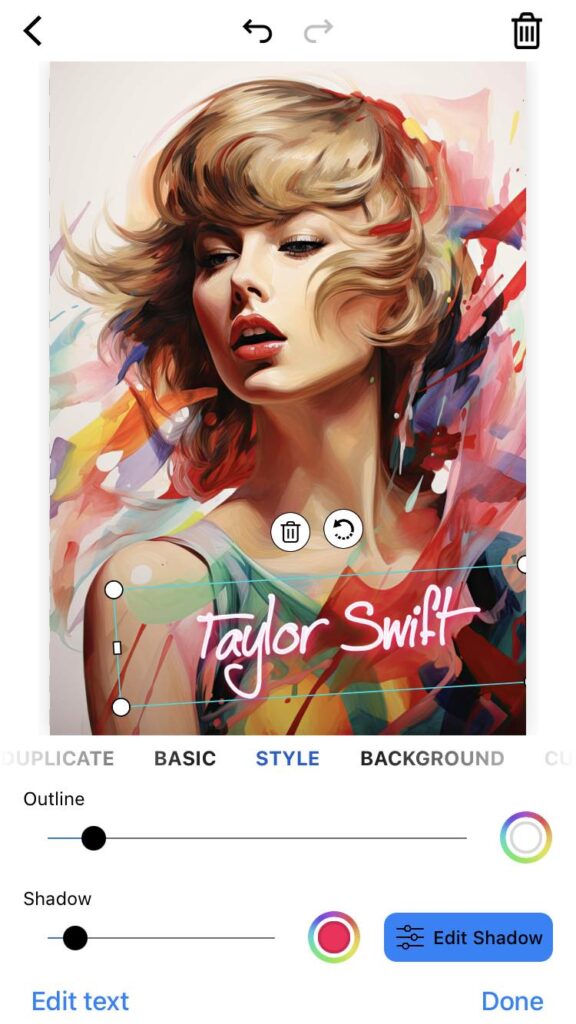
piZap app in iOS device
As the AI interprets Taylor Swift’s songs and videos into a single canvas, it hints at the star’s upcoming songs, potentially previewing the aesthetic of her new album songs. The artwork evokes the same emotional resonance found in the lyrics of Taylor Swift’s 1st song, promising a future as bright and compelling as the star’s own journey.
Taylo Swift AI images in piZap
Swifties eagerly awaiting the next news update can marvel at this piece, which seems to ask, “Why Taylor Swift?” And the answer is clear: her impact transcends music, influencing art and fans worldwide. The AI tribute by piZap isn’t just about the music; it’s a celebration of an artist who continues to evolve, much like the technology that brought her essence to life.
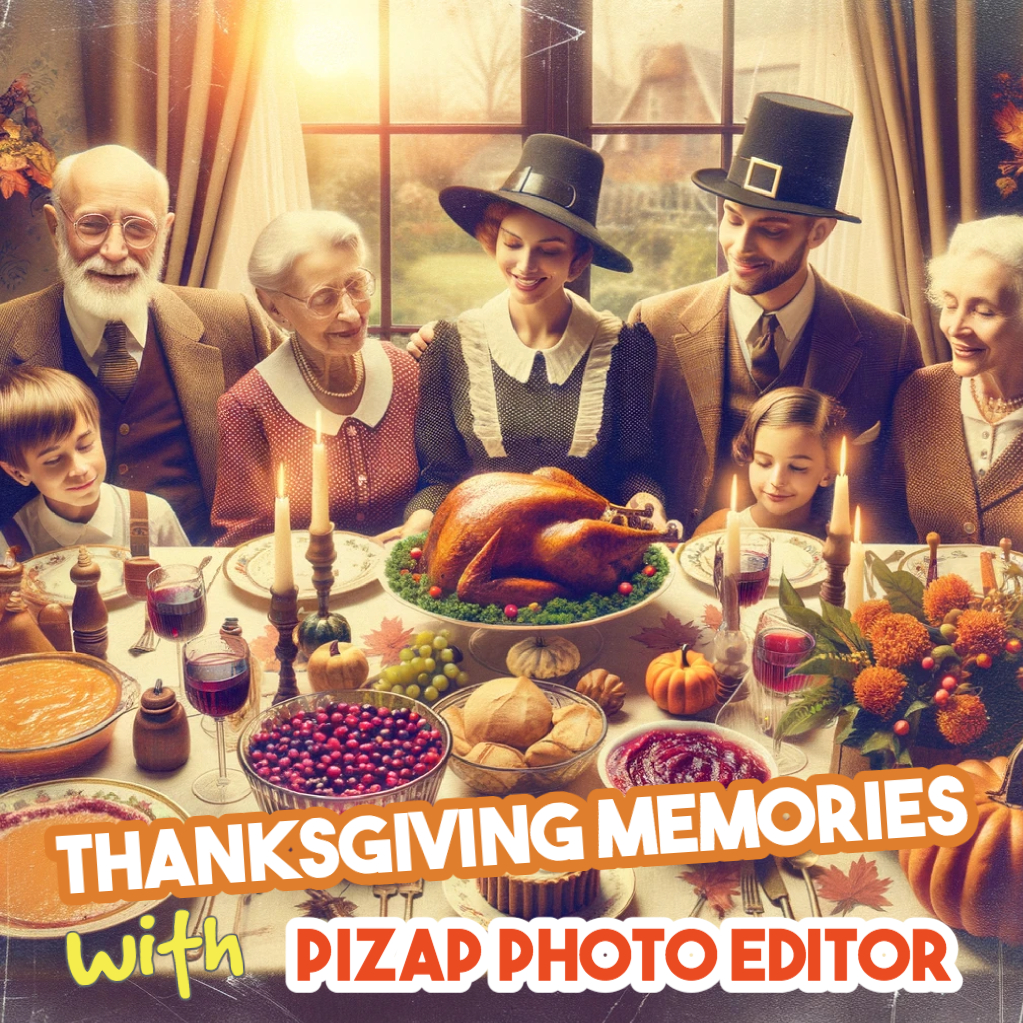
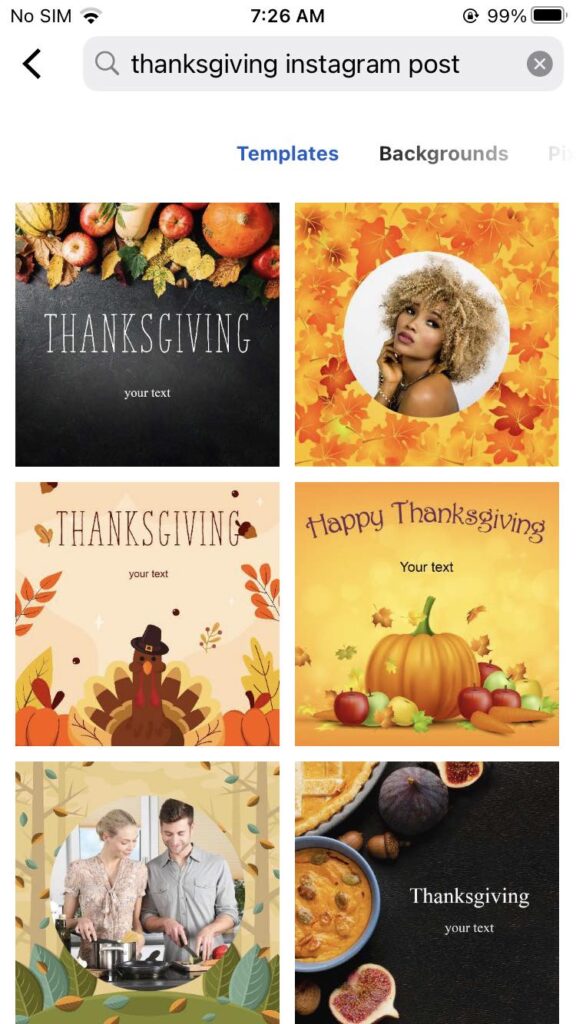
Thanksgiving is just around the corner, and it’s the perfect time to capture and cherish those delightful moments. Whether you’re snapping photos of your sumptuous Thanksgiving dinner or capturing the warmth of family gatherings, PiZap Photo Editor makes it easy and fun to enhance your pictures. Available on both iPhone and Android, PiZap offers a treasure trove of features to add that extra sparkle to your Thanksgiving memories.
Transform Your Thanksgiving Recipes into a Visual Feast
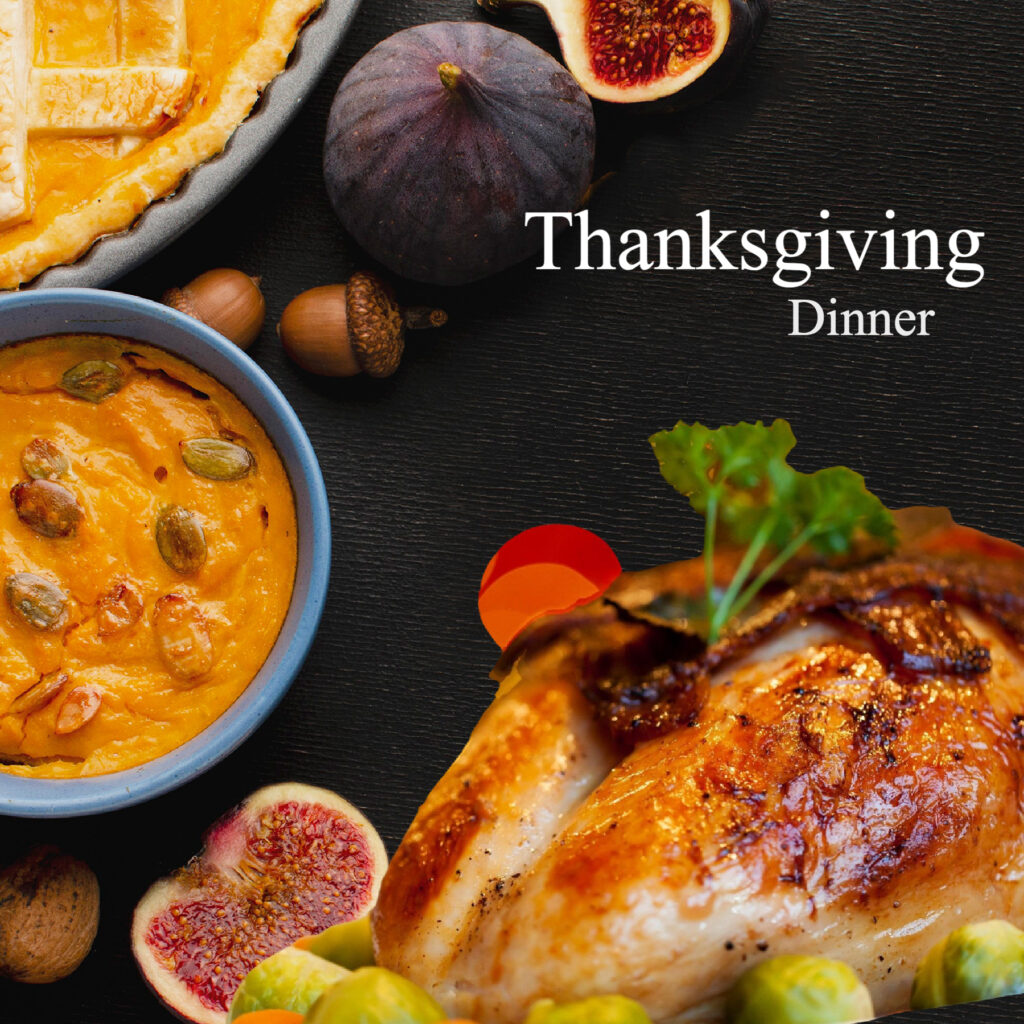
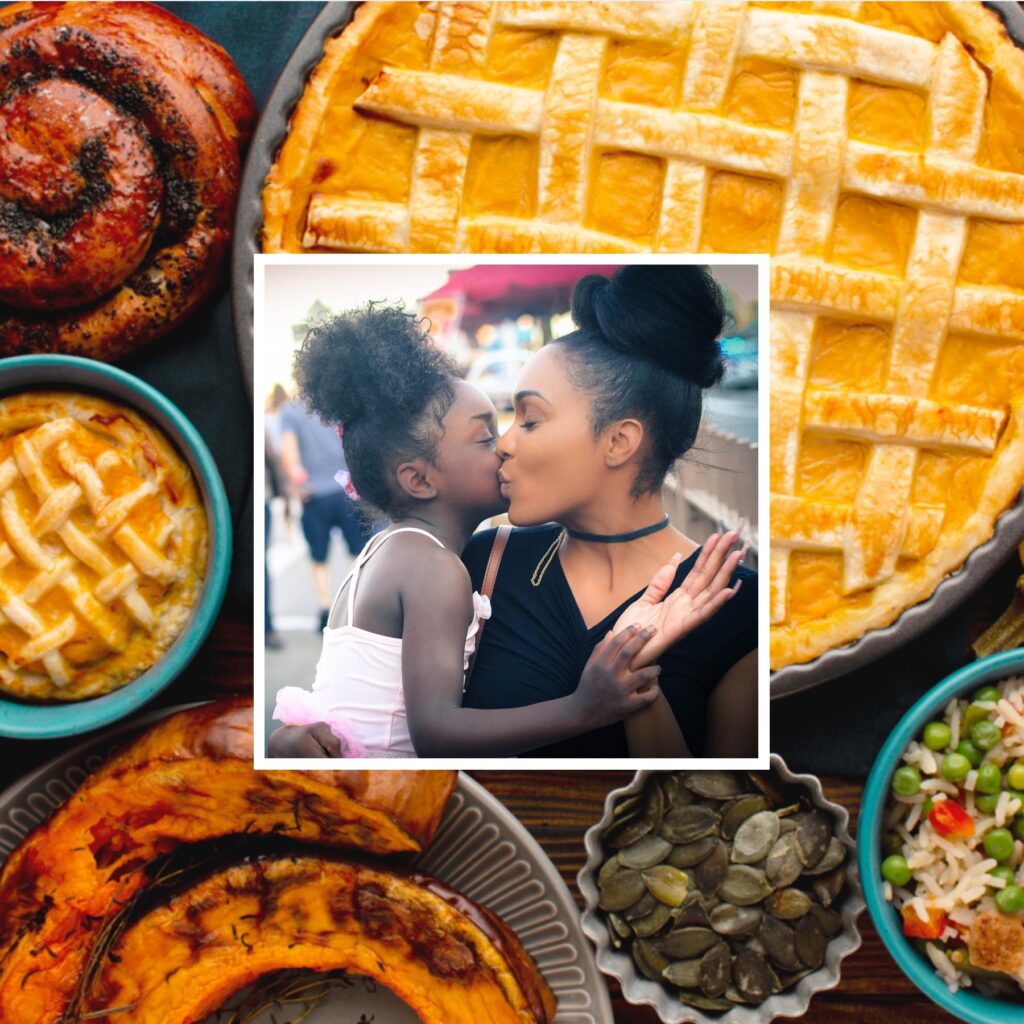
Your Thanksgiving recipes are not just about taste; they’re a visual treat too! Use piZap to add vibrant filters or fun stickers to your food pictures. Imagine your delicious Thanksgiving turkey or those scrumptious side dishes looking even more enticing with a touch of artistic flair.
www.piZap.com
Decorate Your Thanksgiving Memories
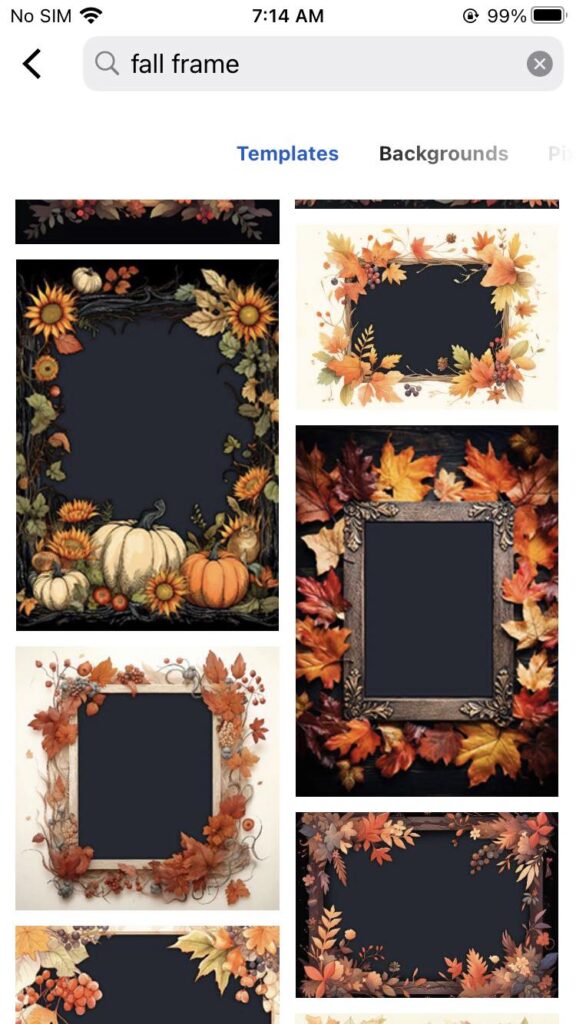
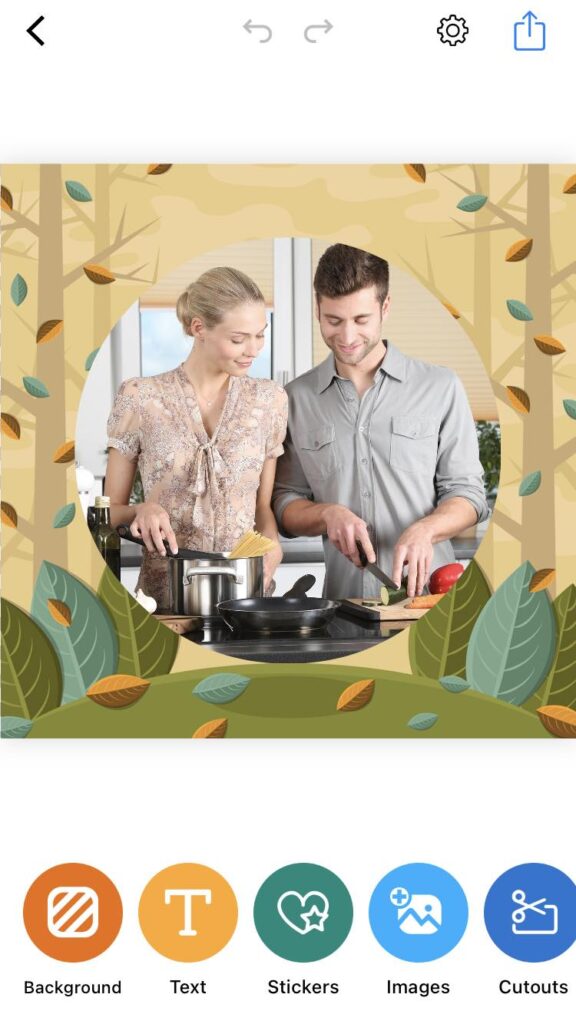
Thanksgiving decorations extend beyond your home. With piZap, you can decorate your photos with thematic frames and effects. Capture the essence of your Thanksgiving decorations and crafts, and enhance them with festive filters and stickers.
piZap in iOS device
Cherish Family Moments
Thanksgiving is about family traditions and activities. Use piZap’s collage feature to create a beautiful montage of these precious moments. Whether it’s Thanksgiving games, family activities, or just candid moments, you can compile them in a creative collage.
www.piZap.com
Custom Thanksgiving Greetings and Invitations
Planning to send out personalized Thanksgiving invitations or greetings? PiZap’s text tool lets you add custom messages to your photos. Create heartfelt invitations or thank-you cards with your own photos embellished with Thanksgiving-themed text styles.
piZap in iOS device
Share Your Creations
What’s Thanksgiving without sharing? PiZap makes it easy to share your creations directly from the app to social media. Share your Thanksgiving menu, decorations, or just a family selfie in style.
This Thanksgiving, let piZap Photo Editor be your companion in capturing and enhancing every special moment. Available on both iPhone and Android, it’s your one-stop solution for creating Thanksgiving masterpieces that you’ll cherish for years to come.
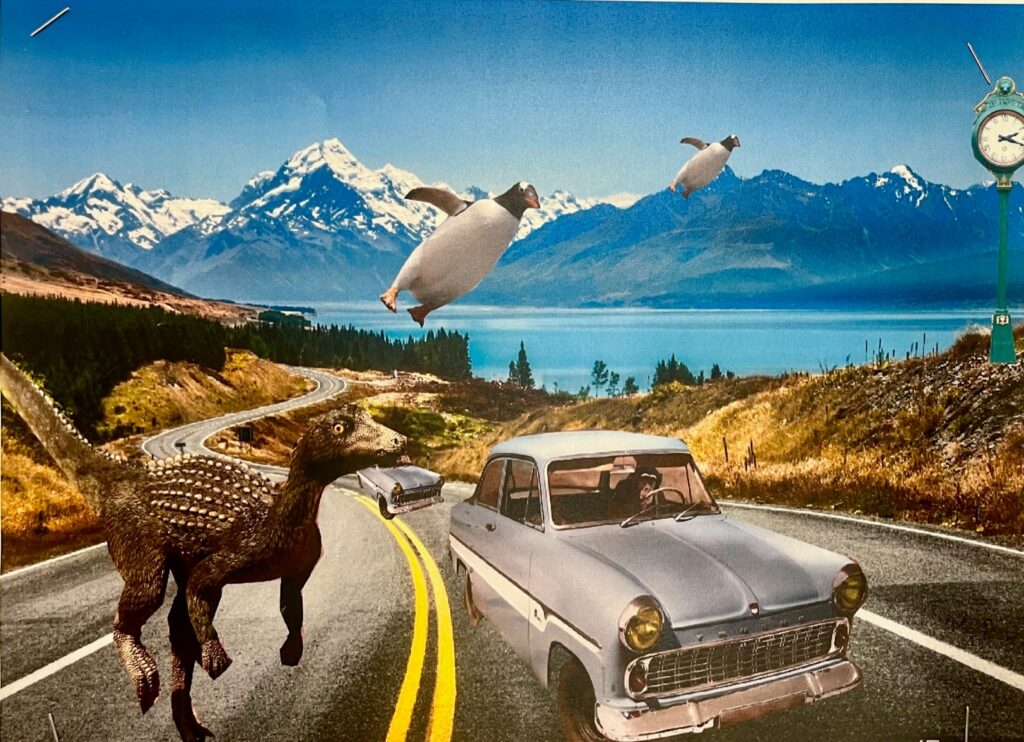
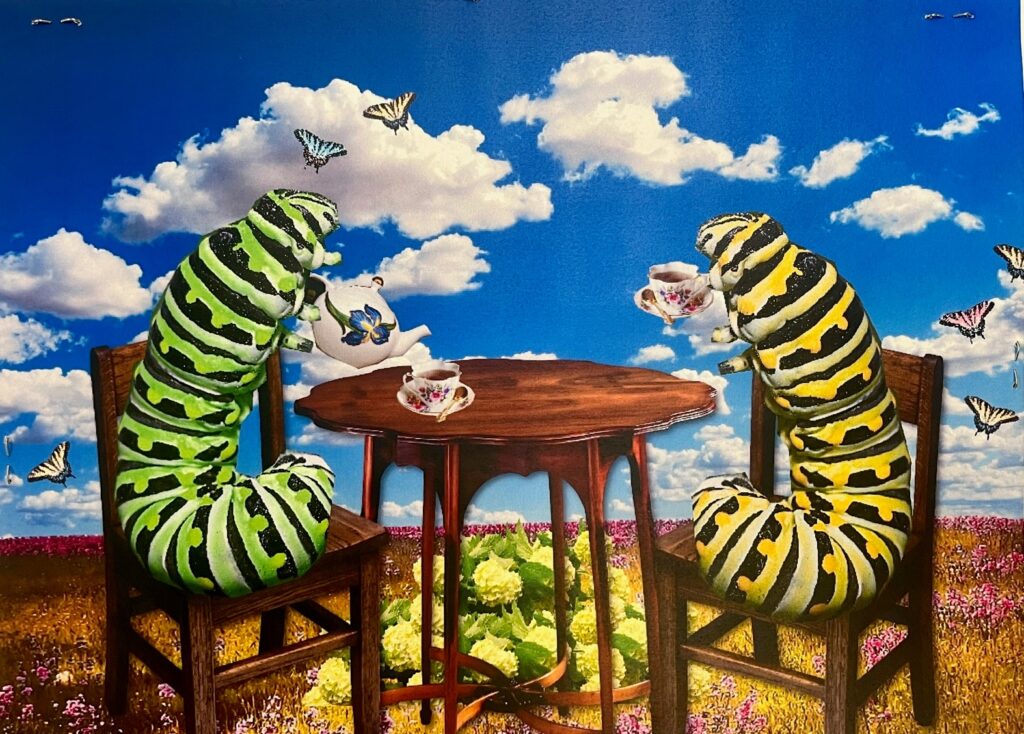
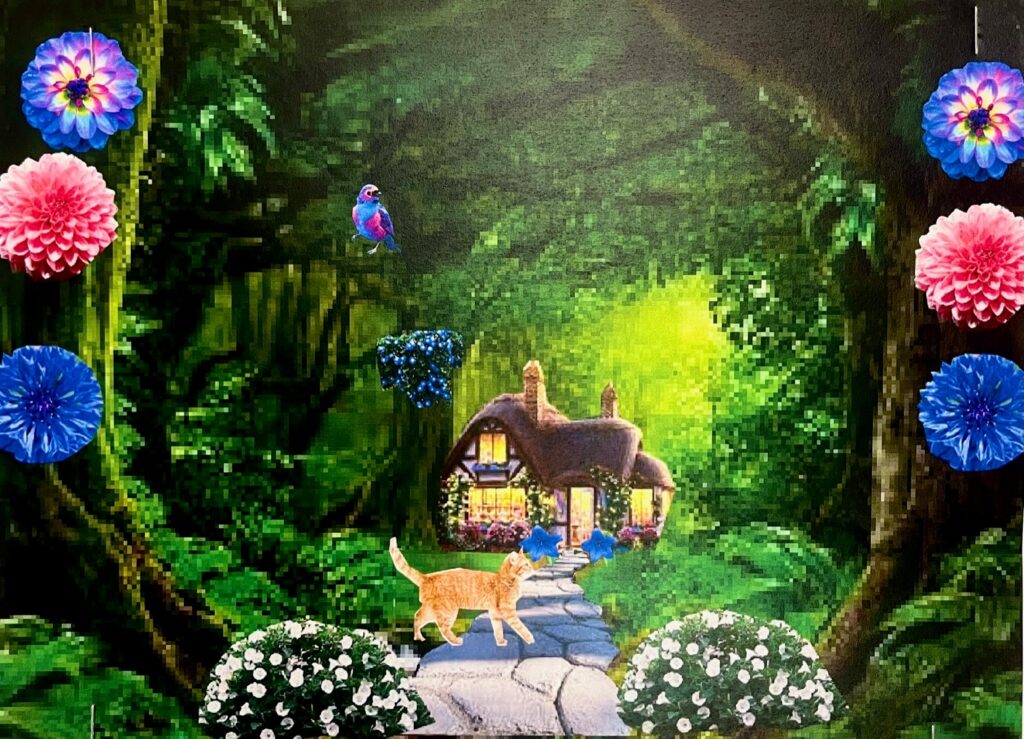
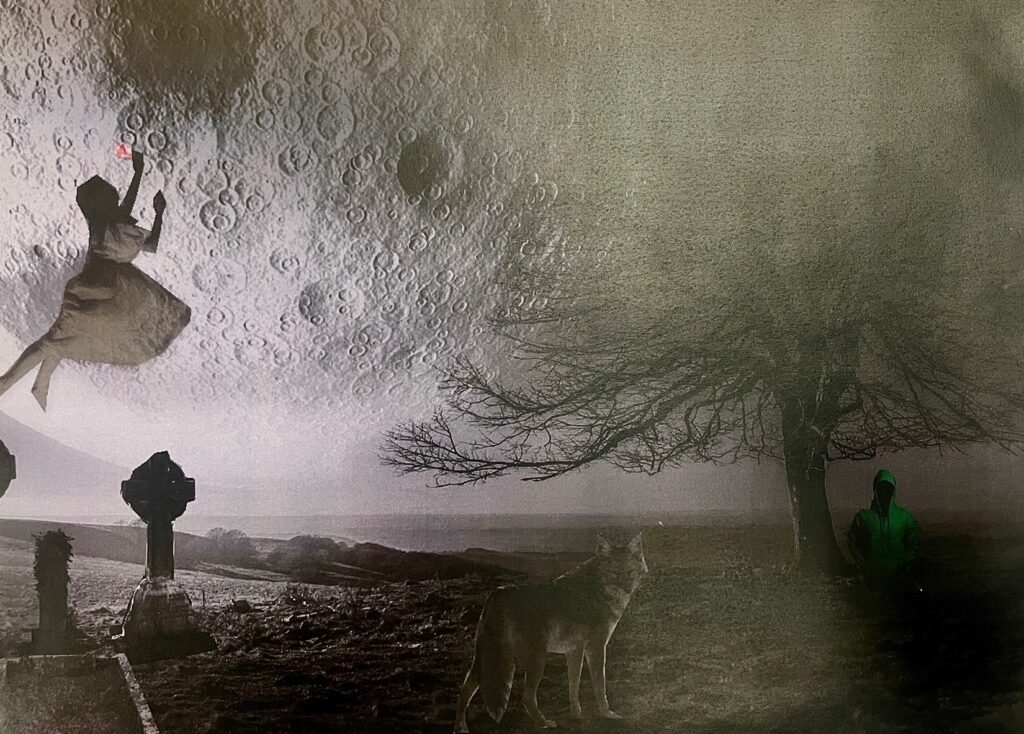
Picture this: A tree, bending its trunk, suddenly morphs into a giant clock, hanging limply from a distant planet. Another scene reveals the ocean meeting the sky, only there isn’t any horizon; fish are flying and birds are swimming. Welcome to the magical world of Surrealism, and no, this isn’t just an excerpt from a Salvador Dali painting. It’s the creativity emanating from the 7th grade art class at Alden Middle School!
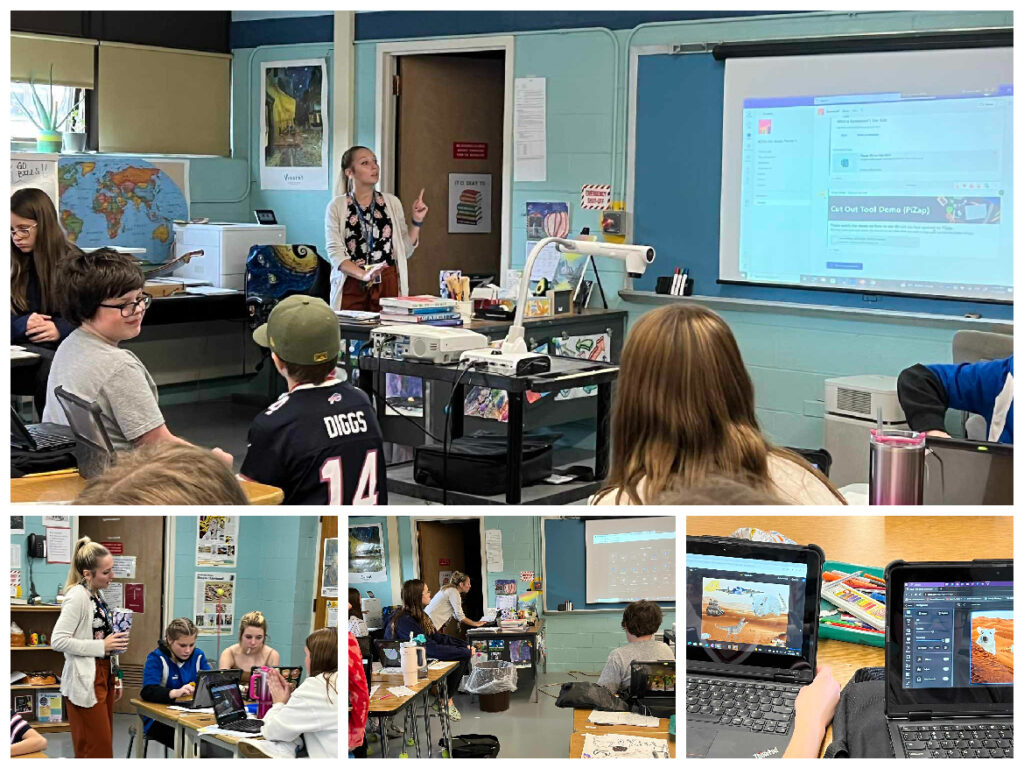
Ms Ashley Dusza showing how to use piZap photo editor in her art class in 7th grade at Alden Middle School
Led by the innovative and vibrant teacher, Ashley Dusza, these young artists have embarked on a journey into the enchanting realm of dreams and nightmares. Throughout this project, students delved deep into the mesmerizing works of Surrealist maestros, including Salvador Dali, Dorothea Tanning, and Leegan Koo. Discussions were abuzz with interpretations of dreams, the subconscious, and fantastical realms that these artists often portrayed.
Special thanks to the 7th grade students of Ms Ashley’s Art Class in Alden Middle School
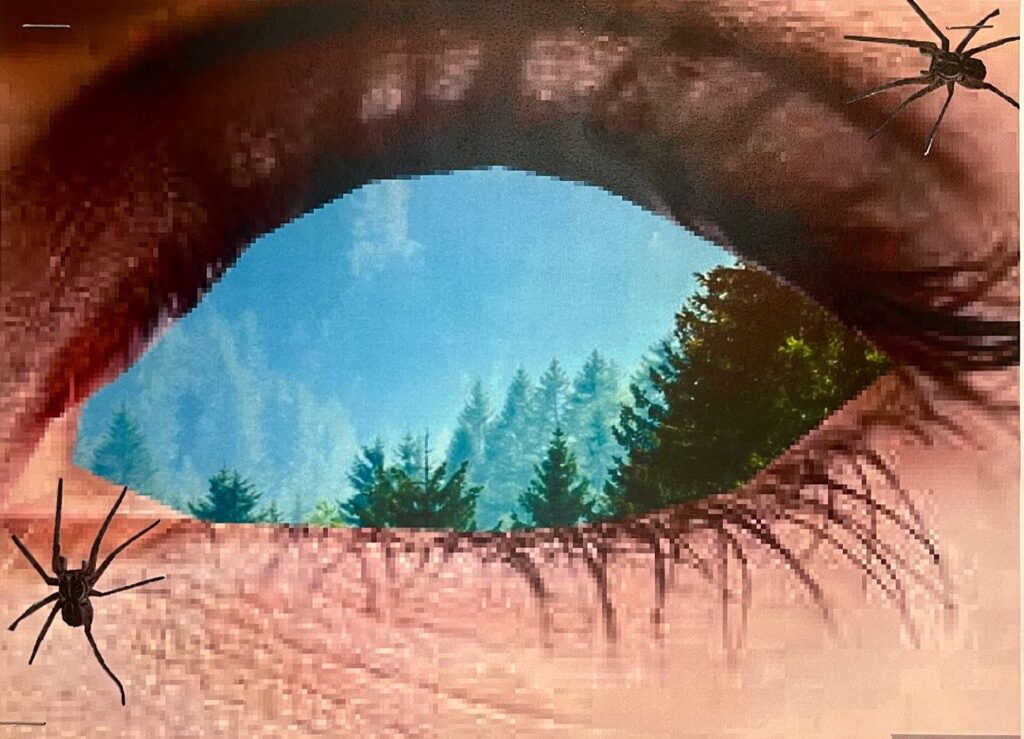
The cherry on top? Students didn’t just stop at learning. They transformed their knowledge into reality using the magic of photo editing! With the help of piZap photo editor, Ashley’s art prodigies brought their surreal landscapes to life, giving wings to their wildest imaginations.
Special thanks to the 7th grade students of Ms Ashley’s Art Class in Alden Middle SchoolSpecial thanks to the 7th grade students of Ms Ashley’s Art Class in Alden Middle School
For parents and art enthusiasts peeking into this realm, the blend of surreal imagery, vibrant colors, and startling contrasts created by these young talents is nothing short of breathtaking. It stands as a testament to the potential that lies within our young generation when empowered with the right tools and guidance.
Special thanks to the 7th grade students of Ms Ashley’s Art Class in Alden Middle School
So, next time you think of Surrealism, remember that Alden Middle School’s 7th graders aren’t just students; they’re the next wave of dream-weavers and visionaries, proving that art knows no boundaries.
Special thanks to the 7th grade students of Ms Ashley’s Art Class in Alden Middle School
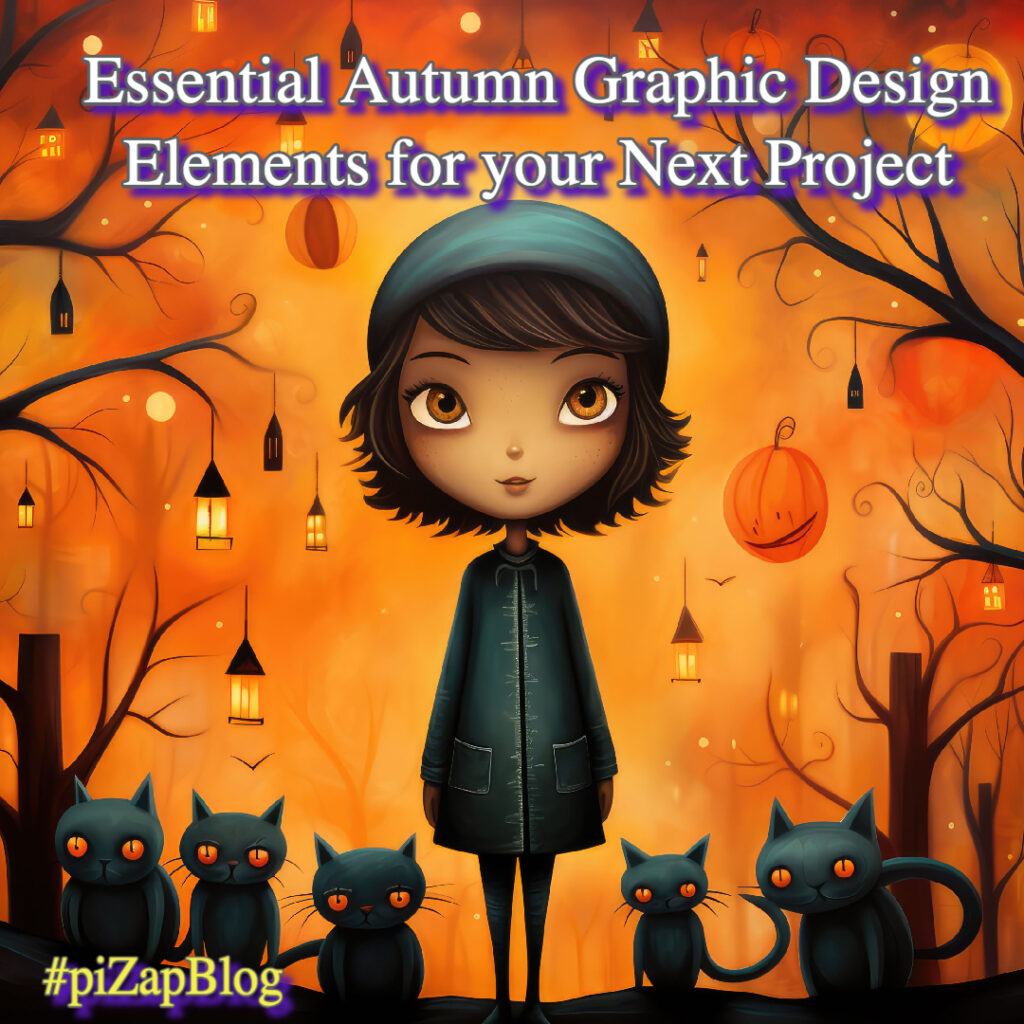
Autumn is here, and it’s the perfect time to refresh your designs with seasonal elements. If you’re looking to incorporate the warmth and coziness of fall into your graphic designs, piZap photo editor has got you covered. In this guide, we’ll explore some must-have autumn graphic design elements and why piZap is the ultimate solution for your fall design needs.
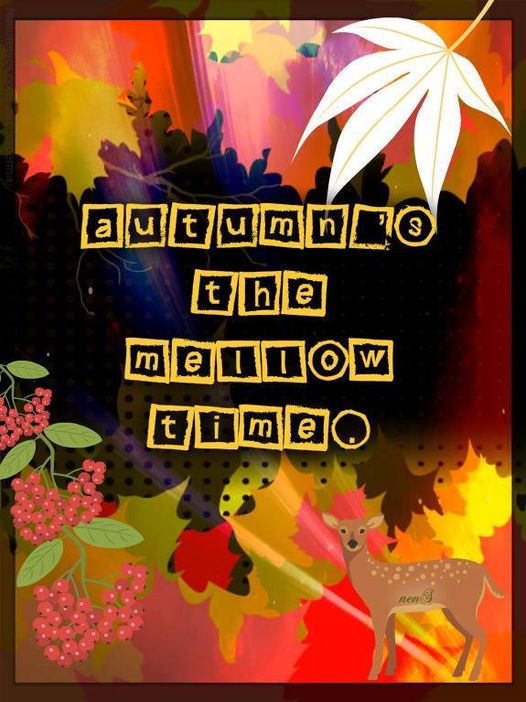
piZap by Lorna Saldariega
Fall Design Elements: Why They Matter
When it comes to crafting visually appealing designs, integrating seasonal elements can add that special touch. Fall design elements like leaf design assets, pumpkin graphics, and autumnal icons can not only make your projects aesthetically pleasing but also more relevant and timely.
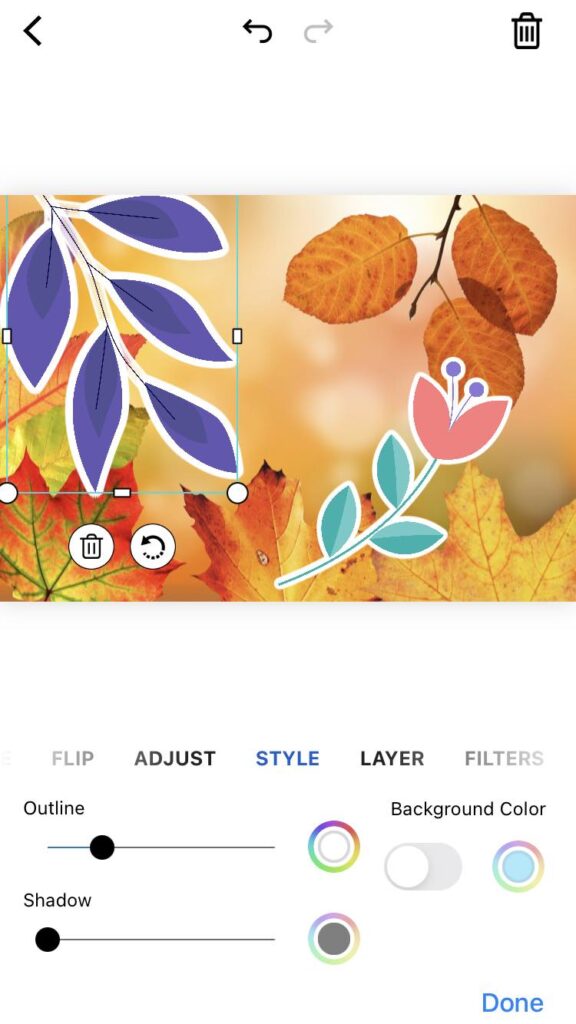
piZap app in iOS device
Autumn Graphic Design: A Palette of Possibilities
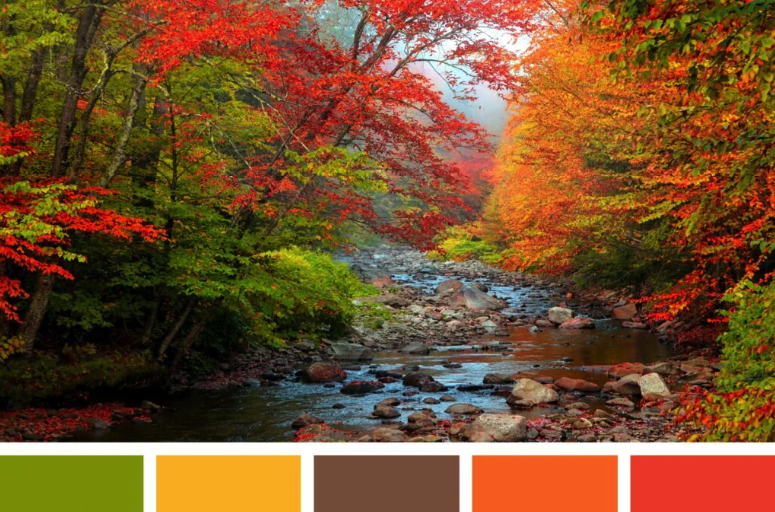
Choosing the right autumn color palette is essential. Warm tones such as deep reds, burnt oranges, and rich browns can transform any design. piZap’s extensive range of color options makes it easy for you to implement the perfect autumn color palette.
Autumn color palette
The Resources You Need: Graphic Design Resources on piZap
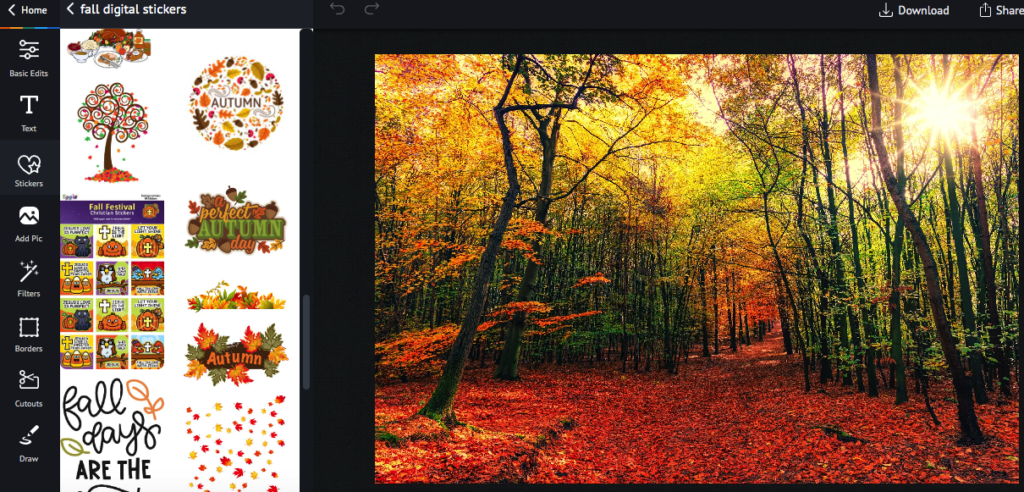
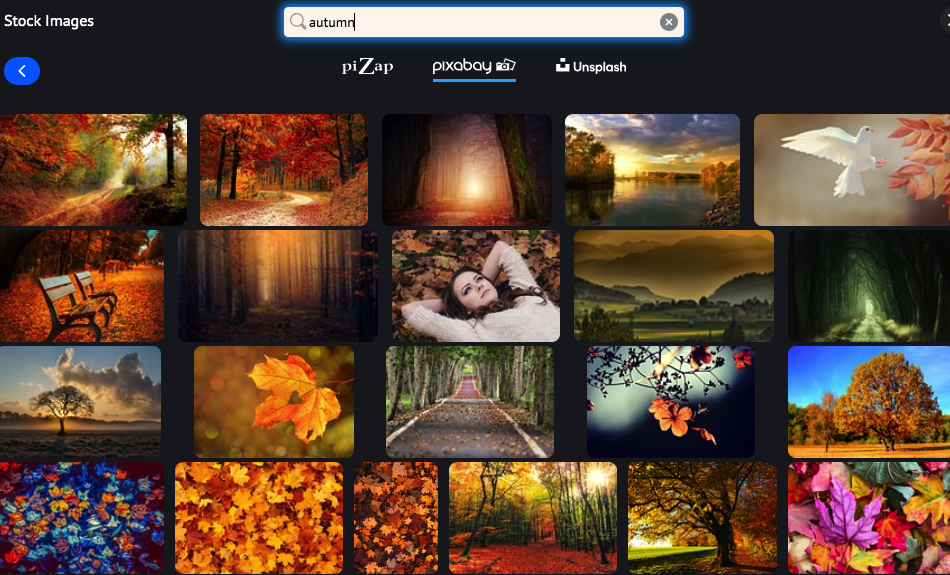
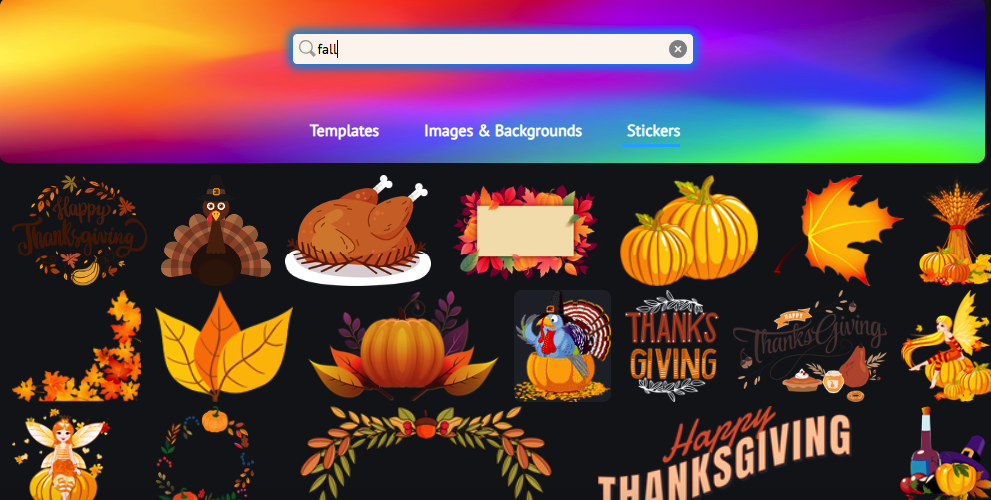
piZap offers an extensive tools of graphic design resources, from fall stickers, images to autumn textures. This makes it incredibly simple to find the seasonal graphics you need. Just search for terms like “Fall Digital Stickers” or “Harvest Graphics” to discover a wealth of resources.
www.piZap.com
More Than Just Backgrounds: Autumn-Themed Backgrounds & Textures
Textures and backgrounds can add depth and dimension to your designs. Search for “Autumn-Themed Backgrounds” or “Fall Foliage Design” within piZap’s resource library to find the perfect backdrop for your next project.
www.piZap.com
Typography Matters: Fall Typography Options
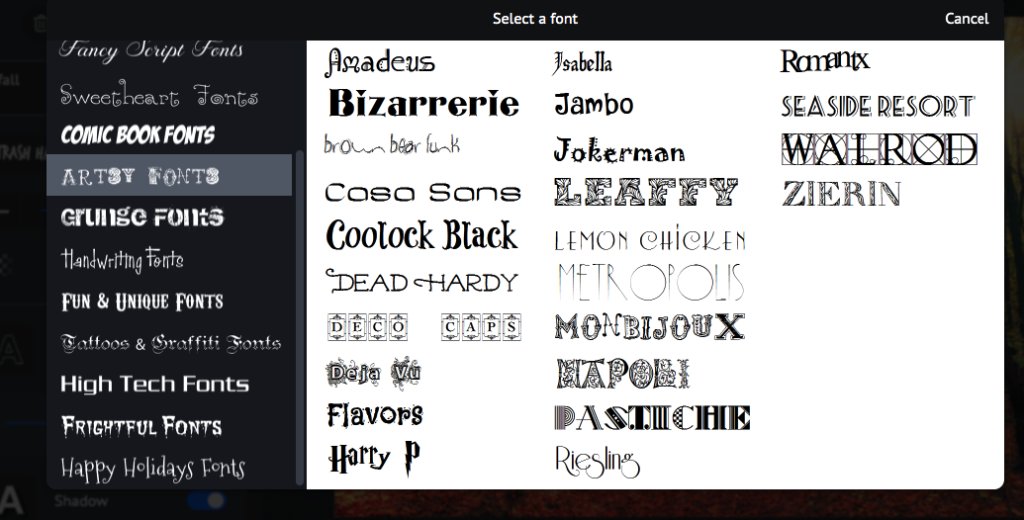
Fonts can dramatically alter the feel of a design. piZap offers a selection of fall typography options that will seamlessly fit into your autumn designs.
www.piZap.com
Free vs. Premium: What’s Right For You?
Whether you’re looking for free or premium graphic design templates for fall, piZap has options to fit every budget. Simply type “Fall” in the search bar to explore both free and premium options.
www.piZap.com
Autumn Design Inspiration: Get Creative With piZap
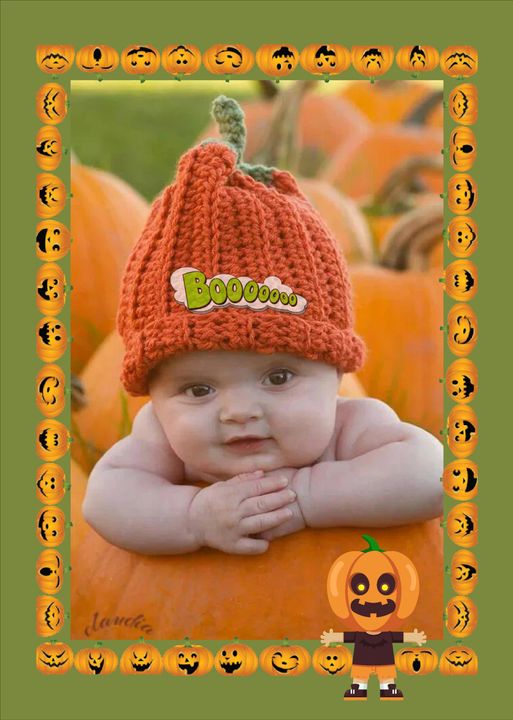
Pumpkin Spice Delight: Spice up your photos by framing them with pumpkin shapes frames. It’s a seasonal twist in picture form!
piZap creation by Claudia Saurenmann
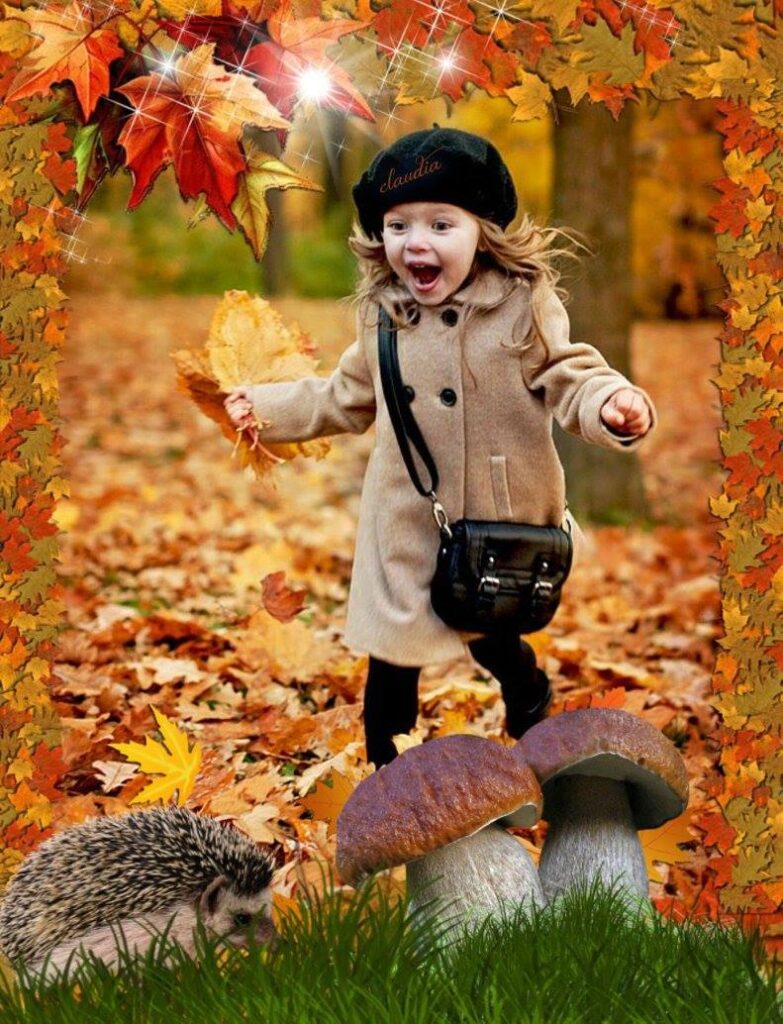
Fall Stolen Shots: Enhance your photos with some leaves frames or stickers in shades of crimson and gold. Nestle some seasonal stickers within a fun, memorable, autumnal vibe.
piZap creation by Claudia Saurenmann
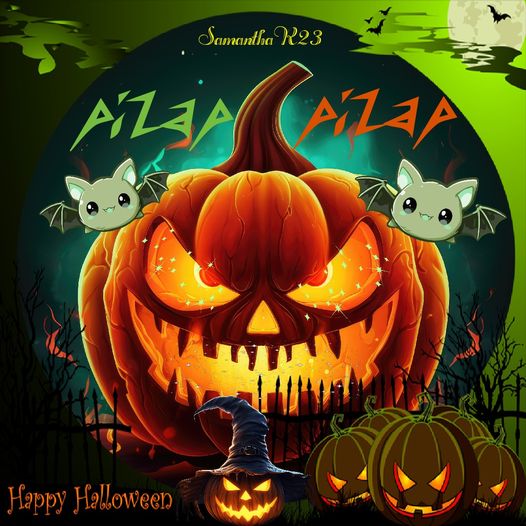
Haunted Harvest: Turn ordinary pumpkins into spooky Jack-o’-lanterns by adding eerie triangle-shaped eyes and jagged mouth stickers. Surround them with ghost-shaped figures for a hauntingly good time.
piZap by Samantha Ryan
With piZap’s autumn graphic design elements, the possibilities are endless. Whether you’re a photography enthusiast or just someone who loves adding a creative twist to their pictures, these stickers are your ticket to an imaginative fall adventure.
www.piZap.com
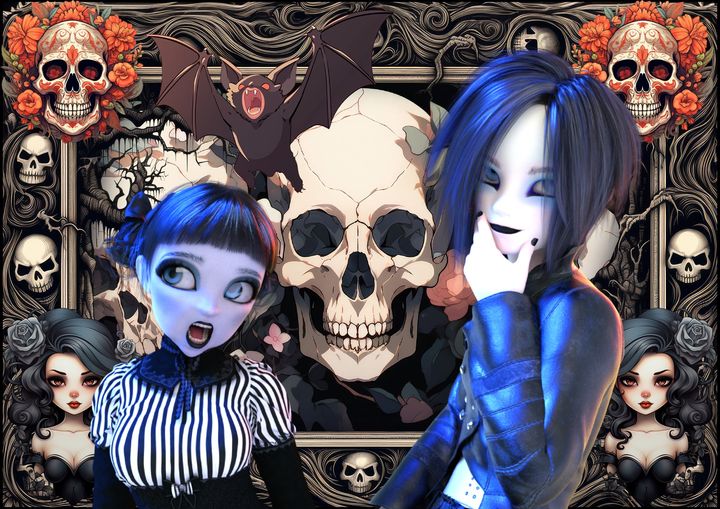
So, grab your favorite photos, let your creativity run wild, and watch as ordinary moments transform into extraordinary memories, all thanks to the magic of piZap easy-to-use editing tools. Happy creating! 🌼🍂✨
piZap by Tau Subaru
Special thank you to our piZap artists : Lorna Saldariega, Tau Subaru, and Samantha Ryan, and Claudia Saurenmann. Join the FB Group: piZap Artists and Fans Club!
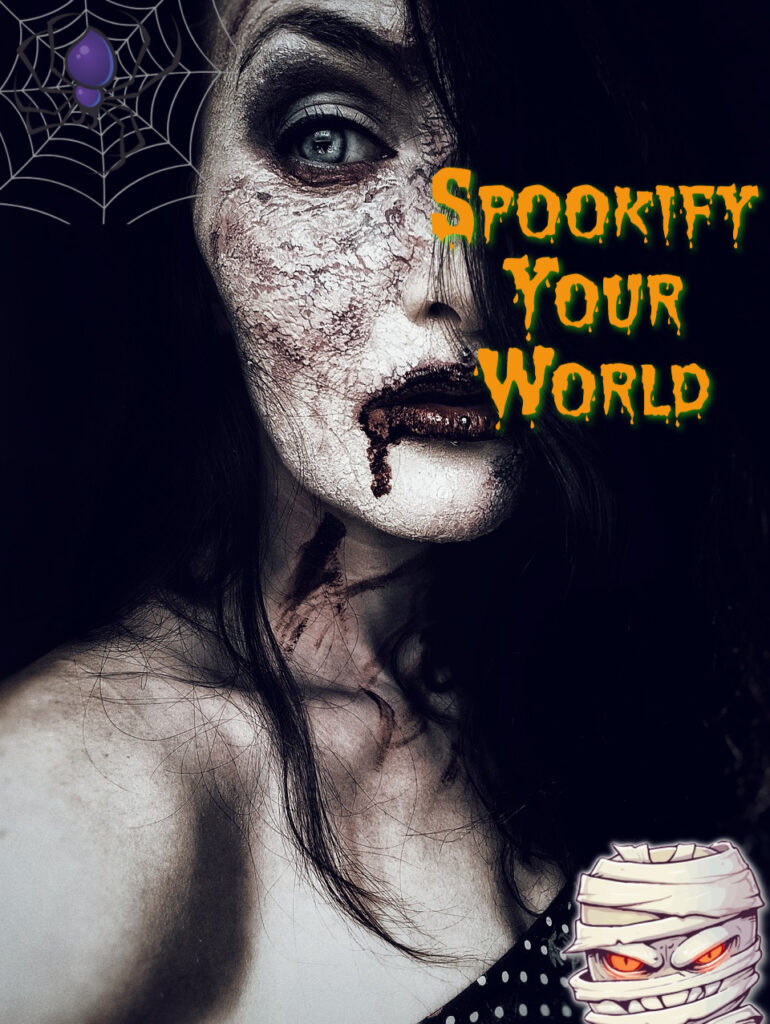
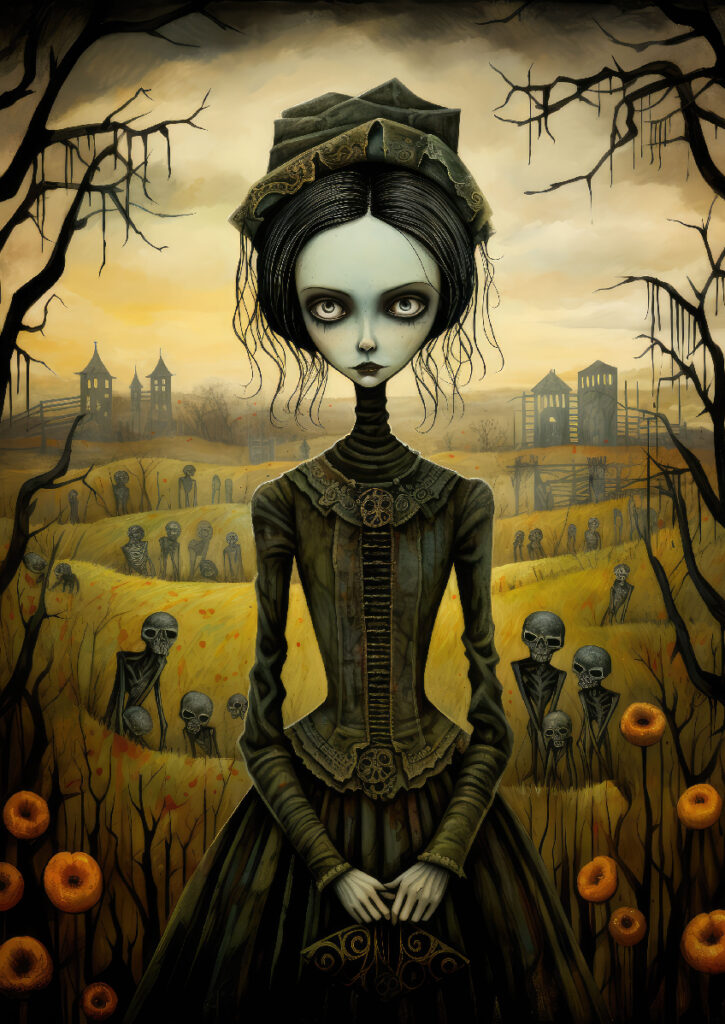
Halloween is just around the corner, and it’s time to get into the spirit of this spooktacular season! Whether you’re planning to throw a haunted party, create eerie social media posts, or simply want to add a touch of Halloween to your photos, piZap has got you covered. With a wide range of Halloween-themed backgrounds, stickers, wallpapers, and borders, piZap can turn your ordinary photos into a ghoulishly delightful masterpiece. Let’s dive into the world of piZap’s Halloween magic and discover how you can make your Halloween celebration unforgettable.
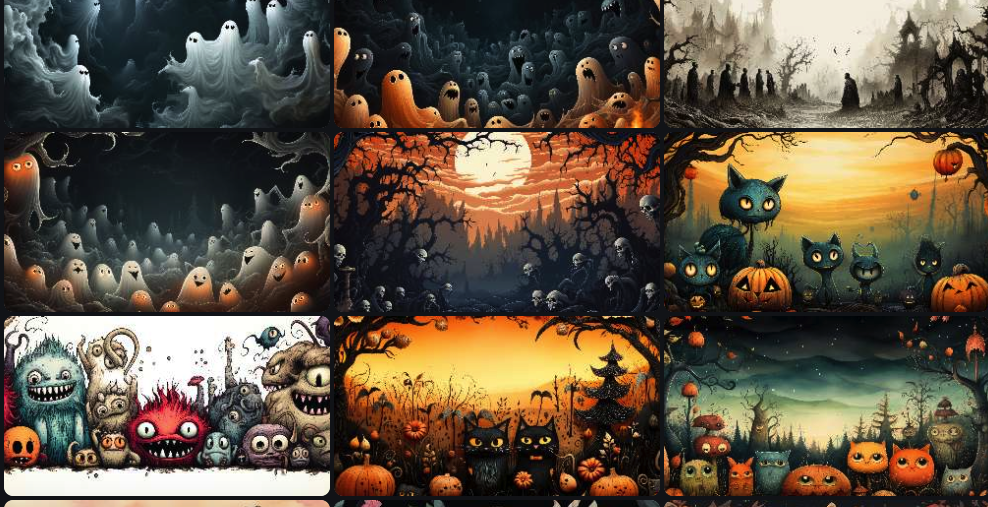
Halloween Backgrounds: No Halloween-themed photo is complete without the perfect background. piZap offers an array of eerie and enchanting backgrounds that will transport your pictures to the supernatural realm. From haunted houses and moonlit graveyards to eerie forests and mystical cauldrons, piZap’s Halloween backgrounds set the stage for some thrilling photo editing.
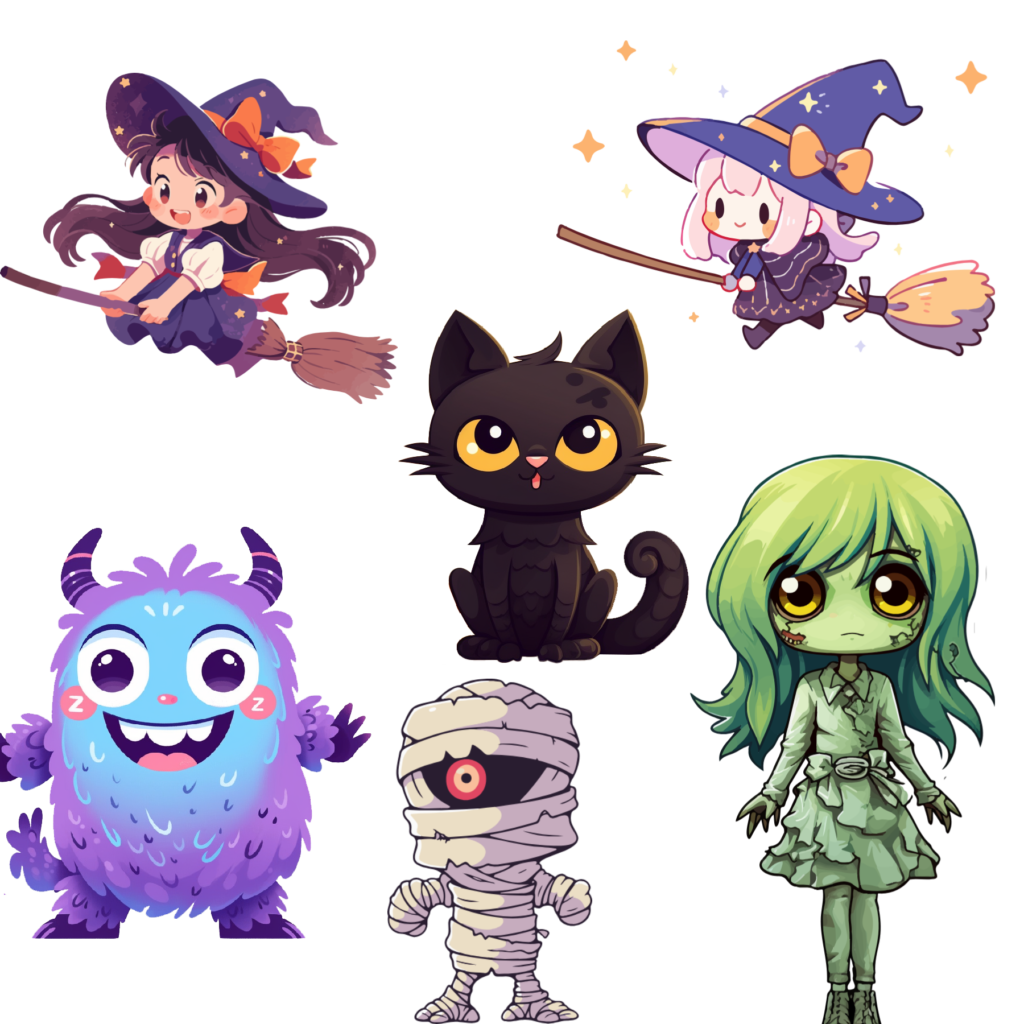
Spooky Cute Stickers: Add a dose of Halloween charm to your photos with piZap’s extensive collection of stickers. From creepy spiders and spooky bats to adorable ghosts and grinning pumpkins, these stickers will bring your images to life (or should we say, afterlife?). Mix and match stickers to create your own unique and bewitching compositions.
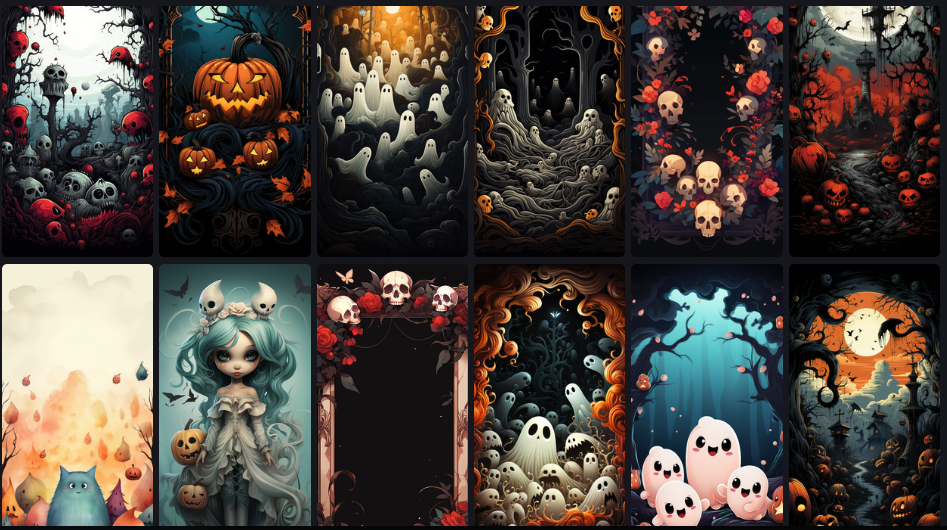
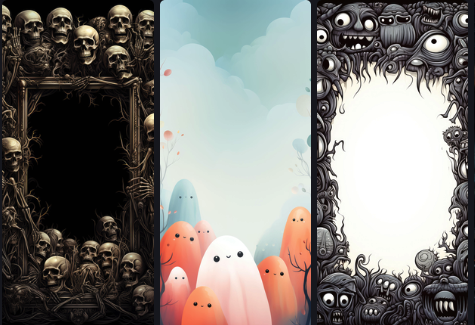
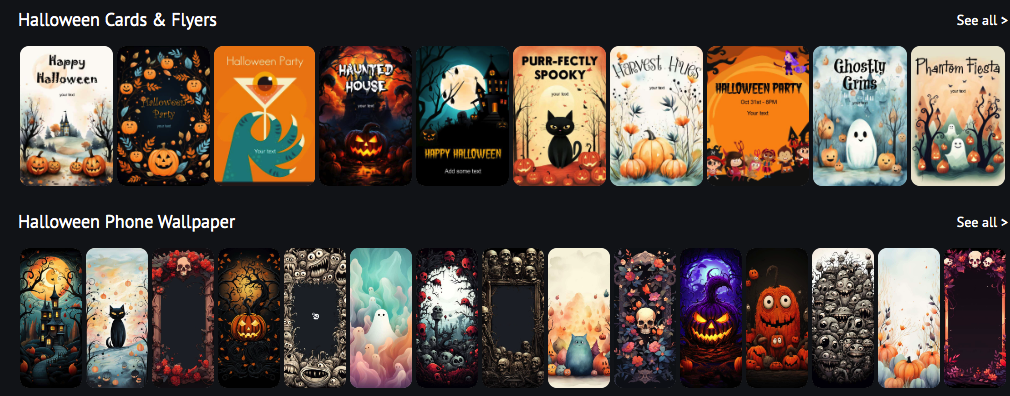
Wicked Phone Wallpapers: Elevate your device’s aesthetics with piZap’s Halloween wallpapers. Whether you’re decorating your phone, tablet, or computer screen, these wallpapers will give your devices a hauntingly good makeover. Choose from classic Halloween motifs or opt for a modern twist on the holiday theme.
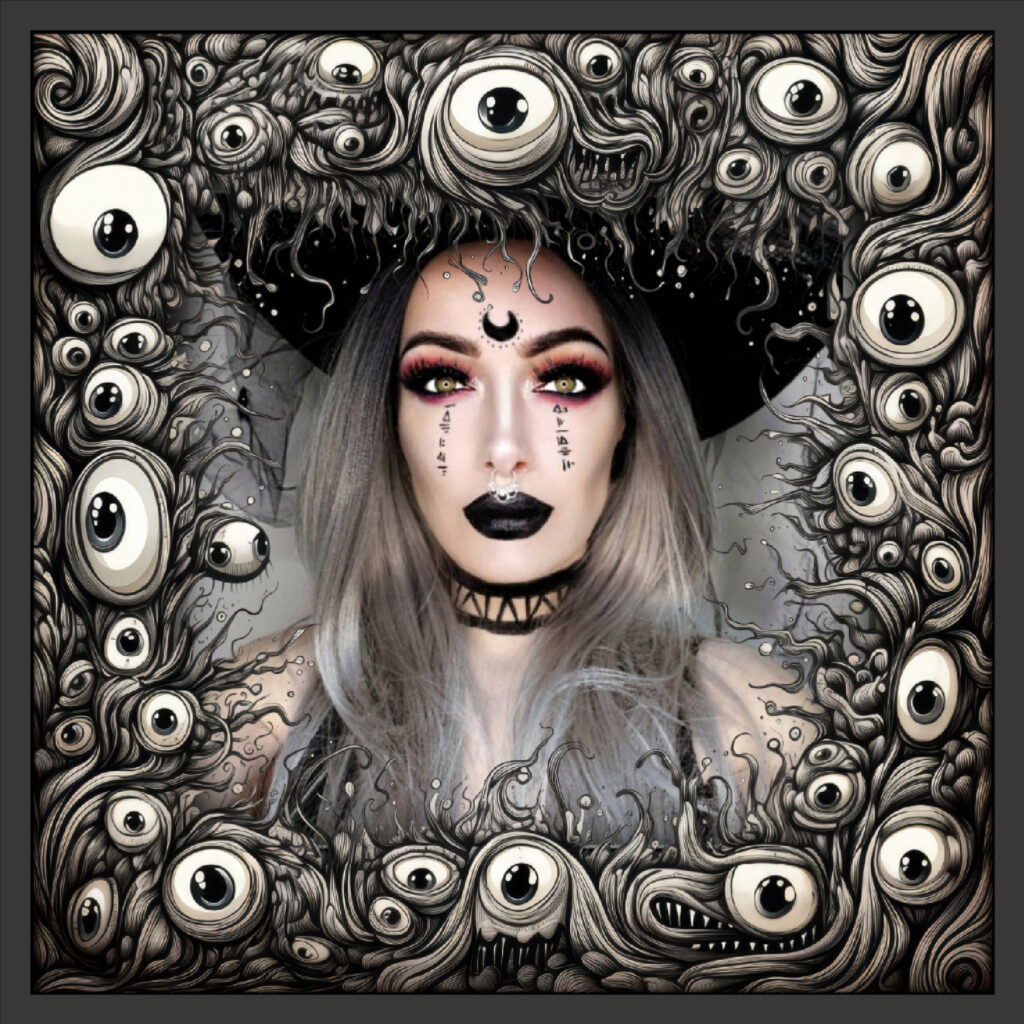
Haunted Borders: Frame your Halloween memories in style with piZap’s spooky borders. These borders add the finishing touch to your photos, making them scream “Halloween!” Pick from cobweb frames, pumpkin borders, or eerie graveyard designs to encapsulate the essence of this thrilling holiday.
Explore the Halloween backgrounds, stickers, wallpapers, and borders in the “Halloween” category.
Drag and drop your chosen elements onto your photo or canvas.
Resize, rotate, and position them to create your desired composition.
Experiment with filters and effects to add an extra layer of spookiness.
Save and share your Halloween masterpiece with the world!
With piZap’s Halloween-themed backgrounds, stickers, wallpapers, invitations, and borders, you can transform your photos and designs into chilling works of art. Get creative, embrace the spirit of Halloween, and make this holiday season one to remember. Don’t forget to share your ghoulishly good creations on social media and tag us! Happy haunting!
In the world of Instagram, storytelling is an art, and your canvas is the Instagram Story. Whether you’re sharing a glimpse of your daily life, promoting your business, or simply trying to engage your audience, knowing the perfect Instagram Story dimensions is essential to make your stories stand out. We’ll dive into the world of Instagram Story dimensions and provide you with the perfect recipe for creating stunning Stories with piZap IG Story templates that will grab your followers’ attention.
The Goldilocks of Dimensions
Instagram Stories are known for their ephemeral nature, appearing at the top of your followers’ feeds for just 24 hours. This sense of urgency makes it all the more important to get the dimensions right.
www.piZap.com
Understanding Instagram Story Dimensions
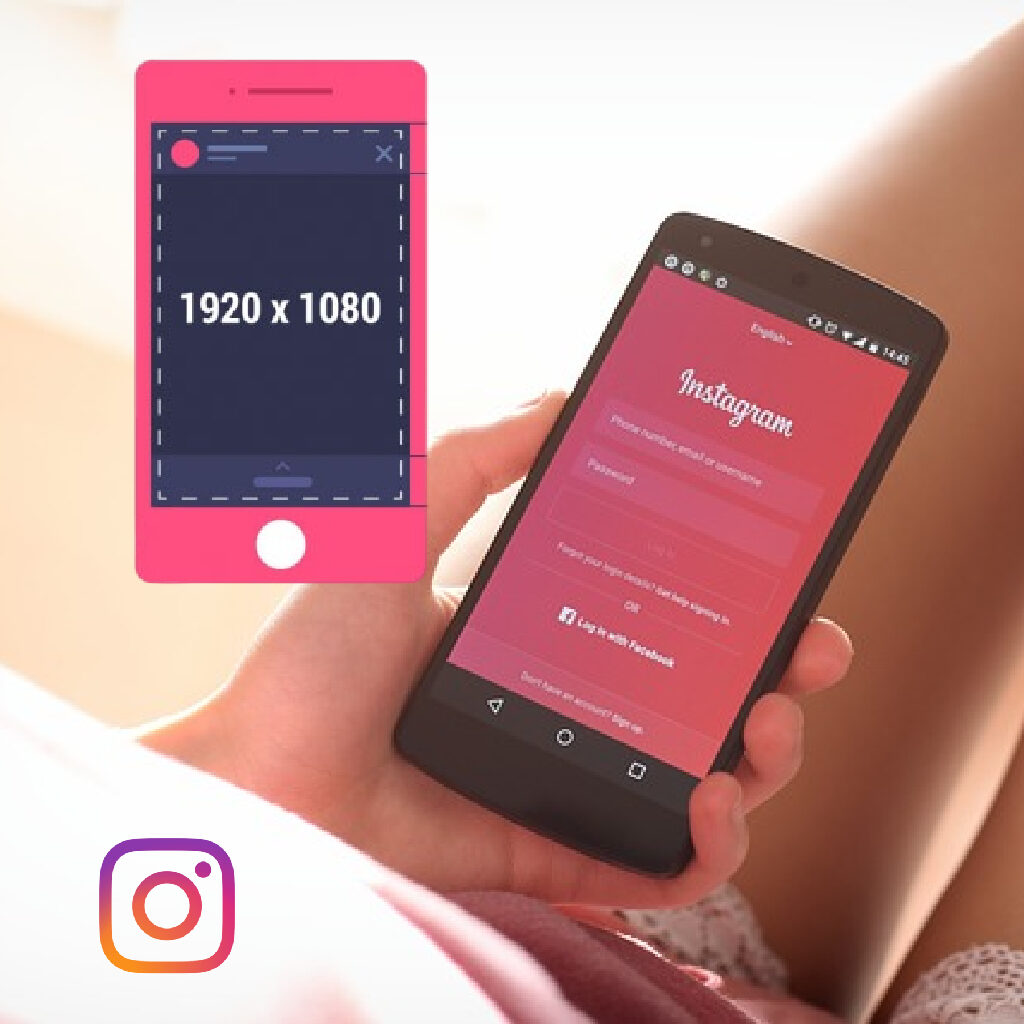
Before we jump into crafting the perfect Instagram Story, let’s take a moment to understand the ideal dimensions. Instagram Stories are meant to be displayed in a vertical format, optimized for mobile devices. For 2023, the perfect dimensions for Instagram Stories are:
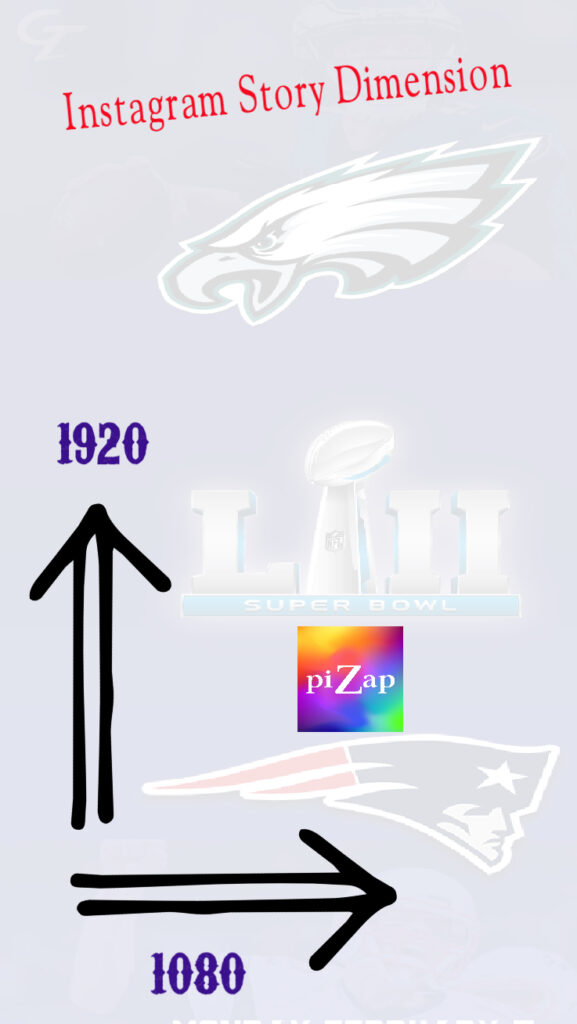
Aspect Ratio: 9:16
Resolution: 1080 pixels wide by 1920 pixels tall
www.piZap.com
The said dimensions would mean that your IG story photo or video will have to be 1080 pixels wide by 1920 pixels in height. Remember, keeping your content within these dimensions ensures that your Stories look crisp and professional.
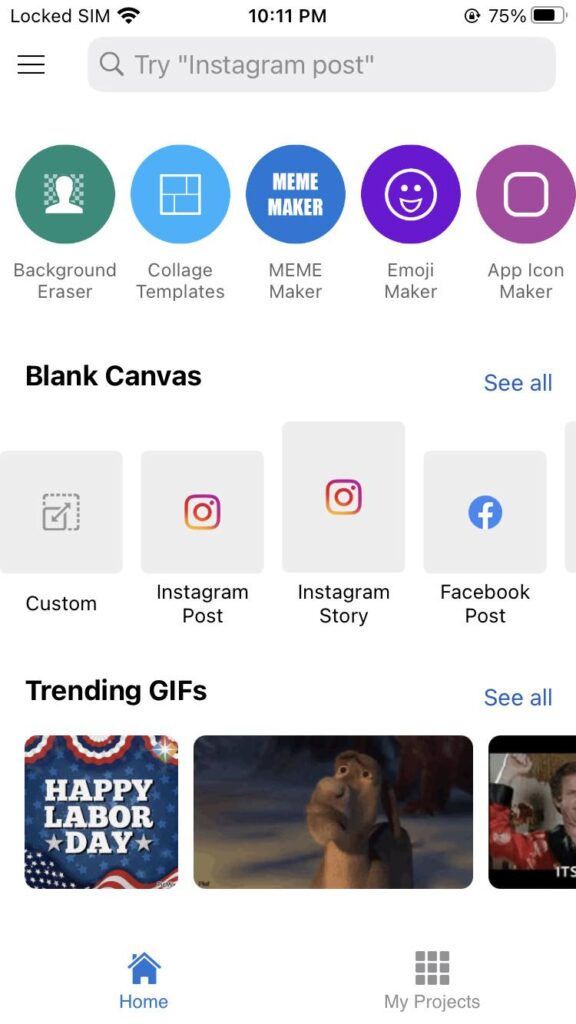
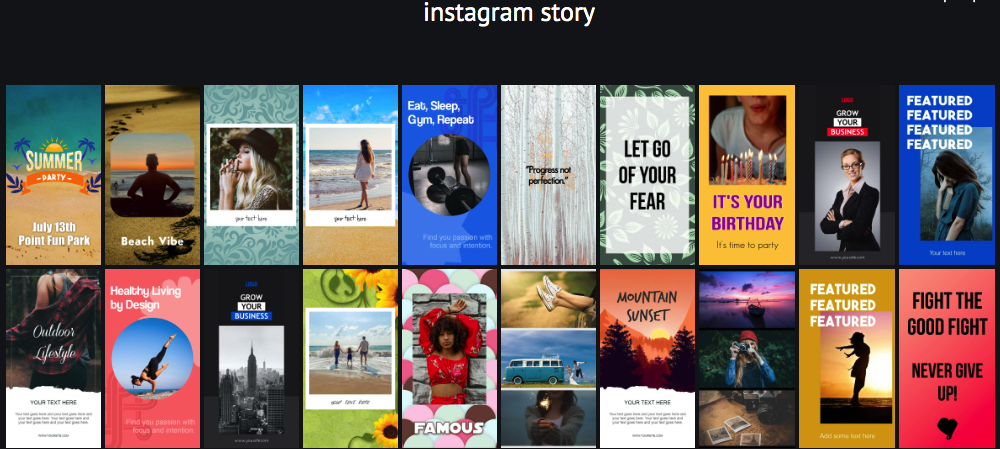
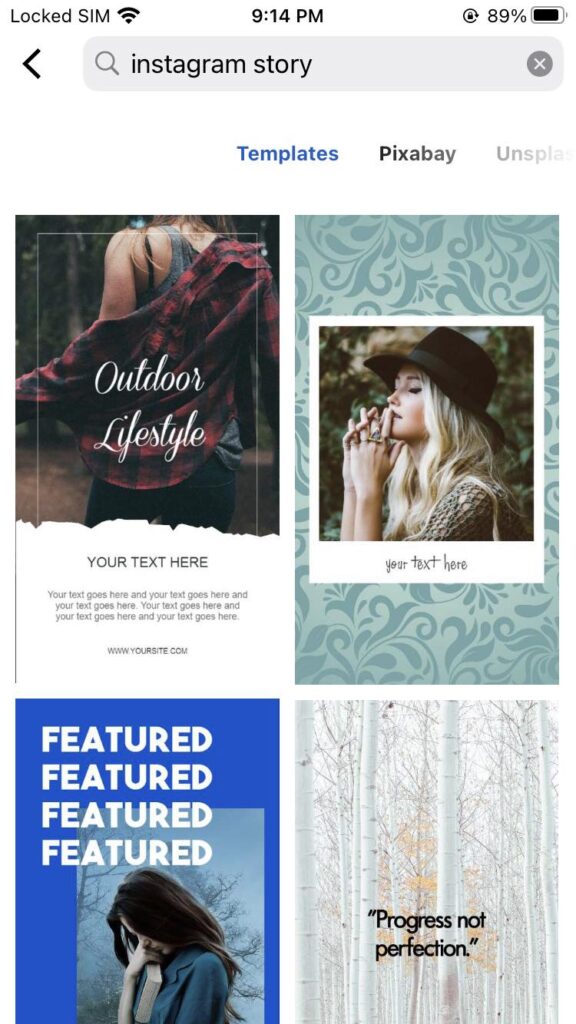
Creating visually stunning Stories can be a daunting task, but piZap is here to simplify the process with its collection of Instagram Story templates. Let’s take a look at some of the templates you can use right away.
www.piZap.com
With piZap’s Instagram Story templates, you’ll have a toolbox of eye-catching designs at your fingertips, ensuring that your Stories consistently look professional and engaging.
Browse through the templates and choose the one that suits your content.
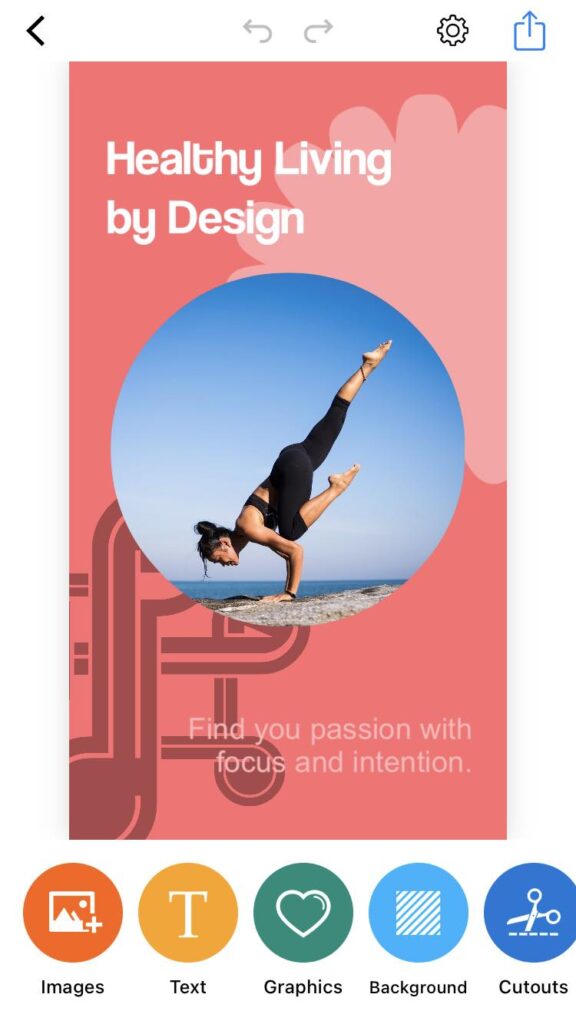
Customize the template by adding your own images, text, and stickers.
Preview your creation and make any necessary adjustments.
Once you’re satisfied, save your Instagram Story and share it directly to your Instagram account.
piZap app in iOS device
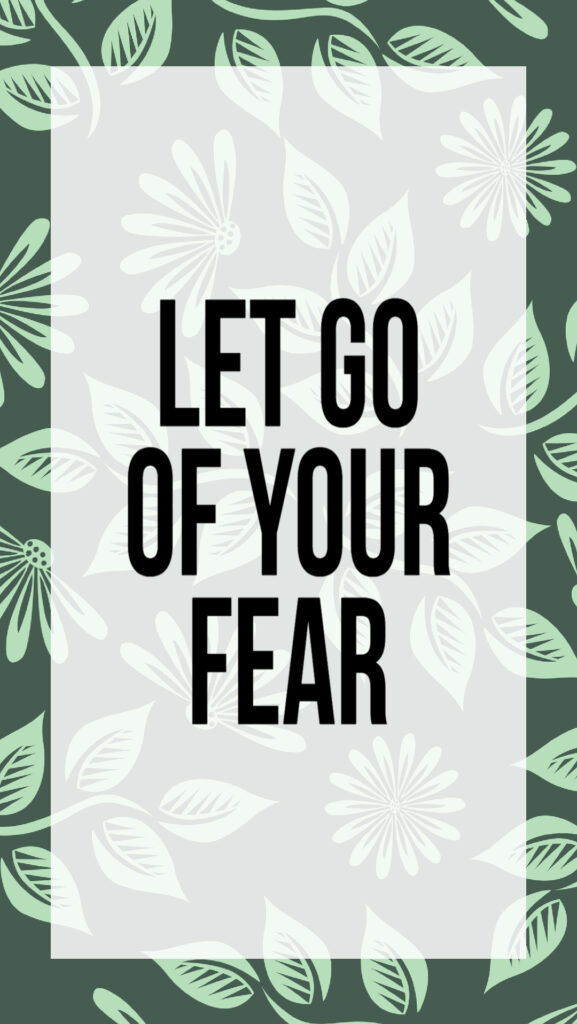
Text Overlay: Spice up your Story with stylish text overlays. The 9:16 aspect ratio ensures your text fits perfectly.
piZap app in iOS device
Promotions and Deals: If you’re a business, create attention-grabbing promotions and discounts with these dimensions.
piZap app in iOS device
So, whether you’re sharing your adventures, culinary creations, fashion inspirations, motivational quotes, or products, make sure to use the perfect Instagram Story dimensions and take advantage of piZap’s templates to leave a lasting impression on your Instagram audience. Elevate your Stories today and watch your engagement soar! 🚀
Remember that Instagram’s features and guidelines may change over time, so it’s essential to stay updated with the latest information. Enjoy sharing your Stories with the world, and happy Instagramming! 📸✨