Category Archives: android

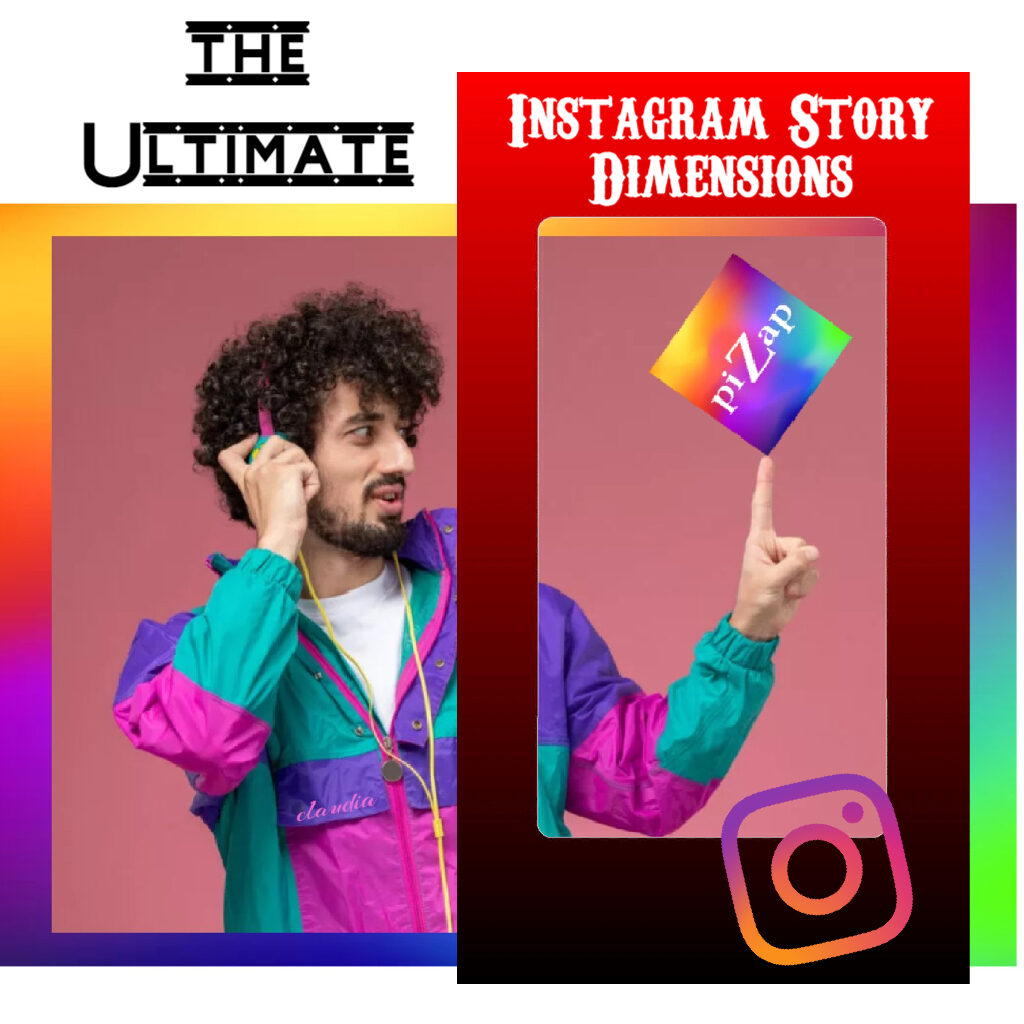
The Ultimate Instagram Story Dimensions: Make Your Content Pop with piZap IG Story Templates!

Photo courtesy of Claudia Saurenmann

In the world of Instagram, storytelling is an art, and your canvas is the Instagram Story. Whether you’re sharing a glimpse of your daily life, promoting your business, or simply trying to engage your audience, knowing the perfect Instagram Story dimensions is essential to make your stories stand out. We’ll dive into the world of Instagram Story dimensions and provide you with the perfect recipe for creating stunning Stories with piZap IG Story templates that will grab your followers’ attention.

The Goldilocks of Dimensions

Instagram Stories are known for their ephemeral nature, appearing at the top of your followers’ feeds for just 24 hours. This sense of urgency makes it all the more important to get the dimensions right.

www.piZap.com

Understanding Instagram Story Dimensions

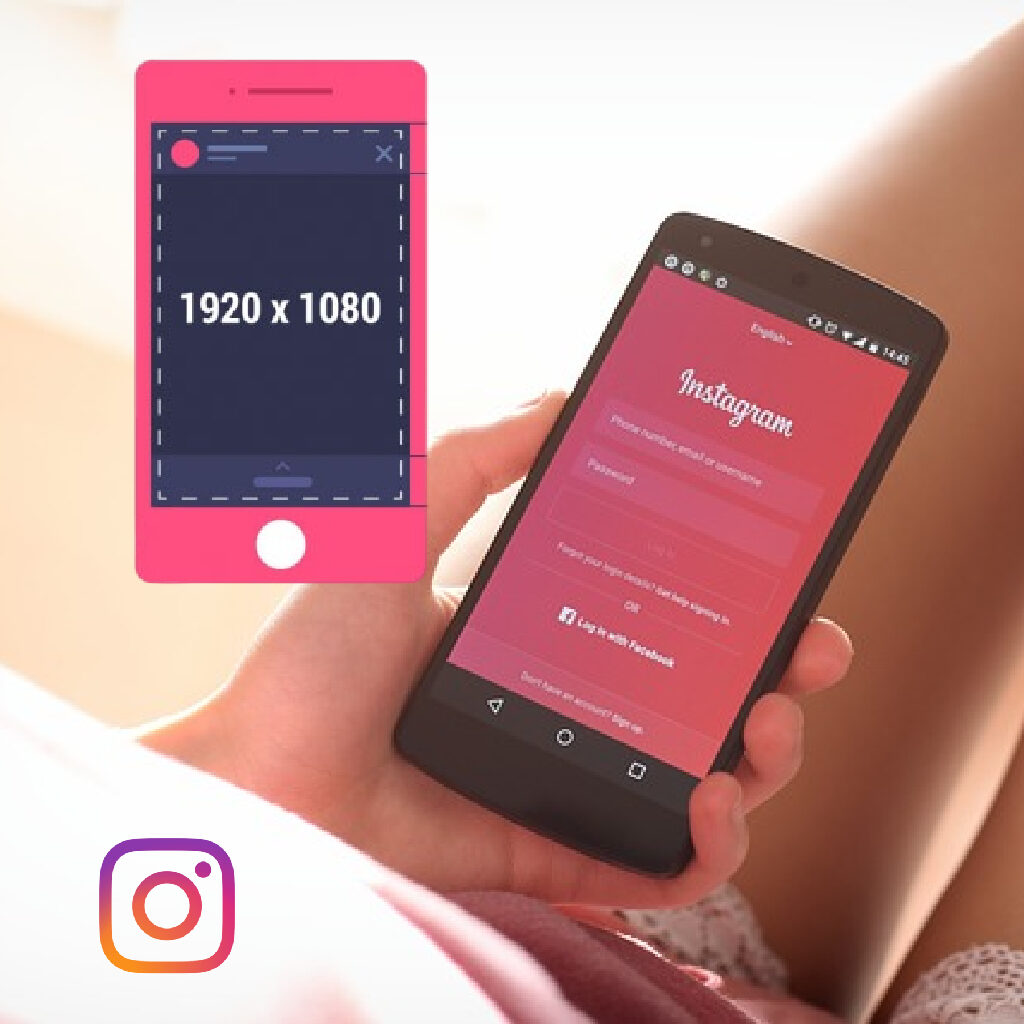
Before we jump into crafting the perfect Instagram Story, let’s take a moment to understand the ideal dimensions. Instagram Stories are meant to be displayed in a vertical format, optimized for mobile devices. For 2023, the perfect dimensions for Instagram Stories are:

  • Aspect Ratio: 9:16
  • Resolution: 1080 pixels wide by 1920 pixels tall
www.piZap.com

The said dimensions would mean that your IG story photo or video will have to be 1080 pixels wide by 1920 pixels in height. Remember, keeping your content within these dimensions ensures that your Stories look crisp and professional.

To help you visualize the perfect Instagram Story dimensions, below is a sample image.

  • Photo Story: Share your favorite Super Bowl memories with your audience. Use 1080×1920 pixels to maintain image clarity.

www.piZap.com

PiZap has a ready template for your IG Stories. You can check that in your piZap app under Blank Canvas in iOS or Android device. You simply add your photos and texts to get an instant IG story post!
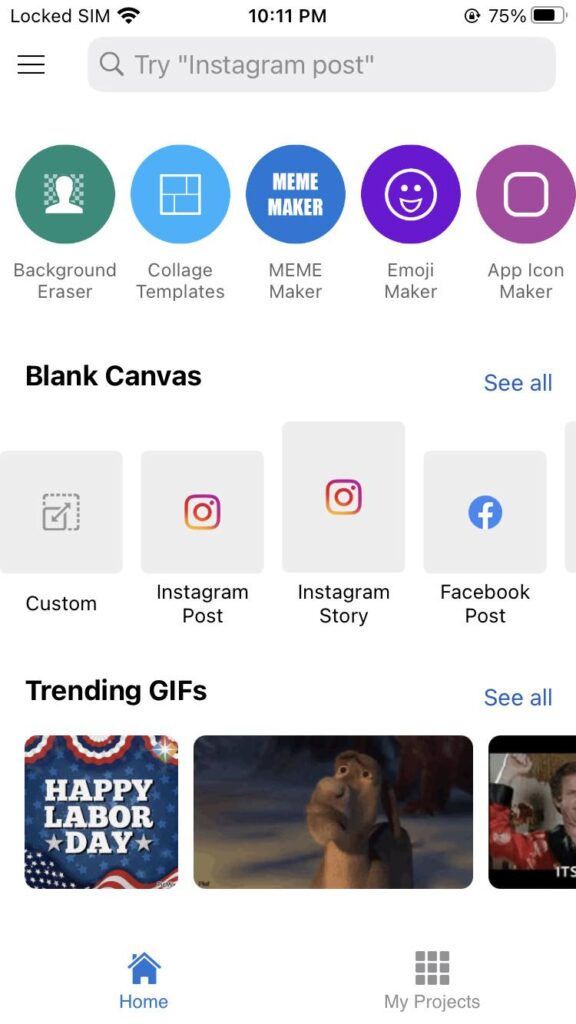
piZap app in iOS device

piZap’s Instagram Story Templates

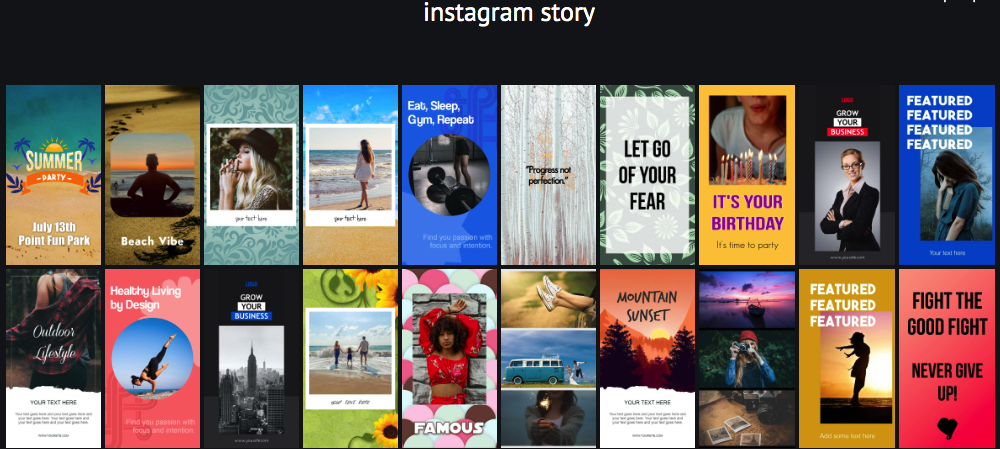
Creating visually stunning Stories can be a daunting task, but piZap is here to simplify the process with its collection of Instagram Story templates. Let’s take a look at some of the templates you can use right away.
www.piZap.com

With piZap’s Instagram Story templates, you’ll have a toolbox of eye-catching designs at your fingertips, ensuring that your Stories consistently look professional and engaging.

How to Use piZap’s Instagram Story Templates

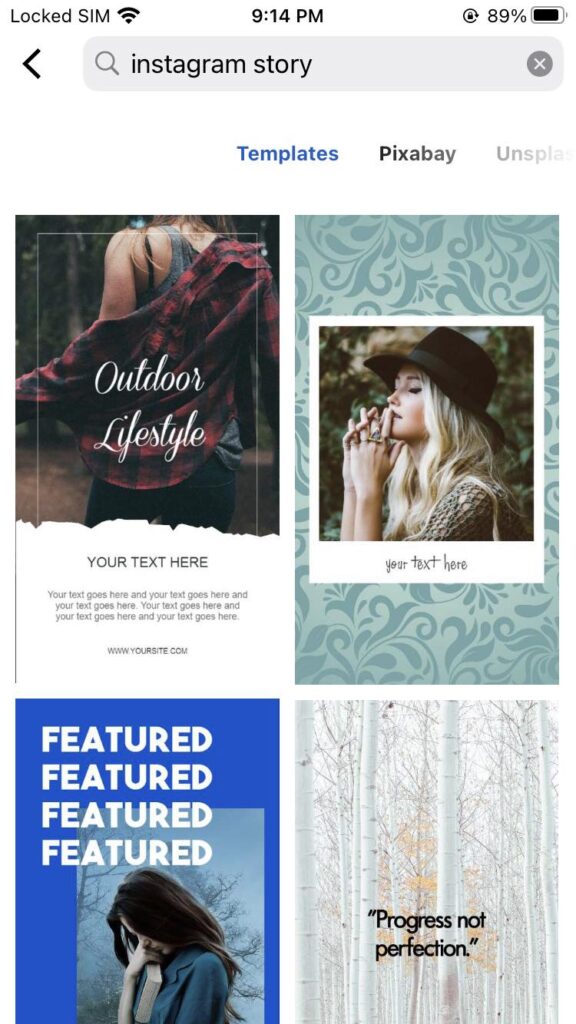
  1. Visit piZap’s website or use your piZap app in iOS or Android device and log in to your account.
  2. Select “Instagram Story Templates” from the template gallery.
  3. Browse through the templates and choose the one that suits your content.
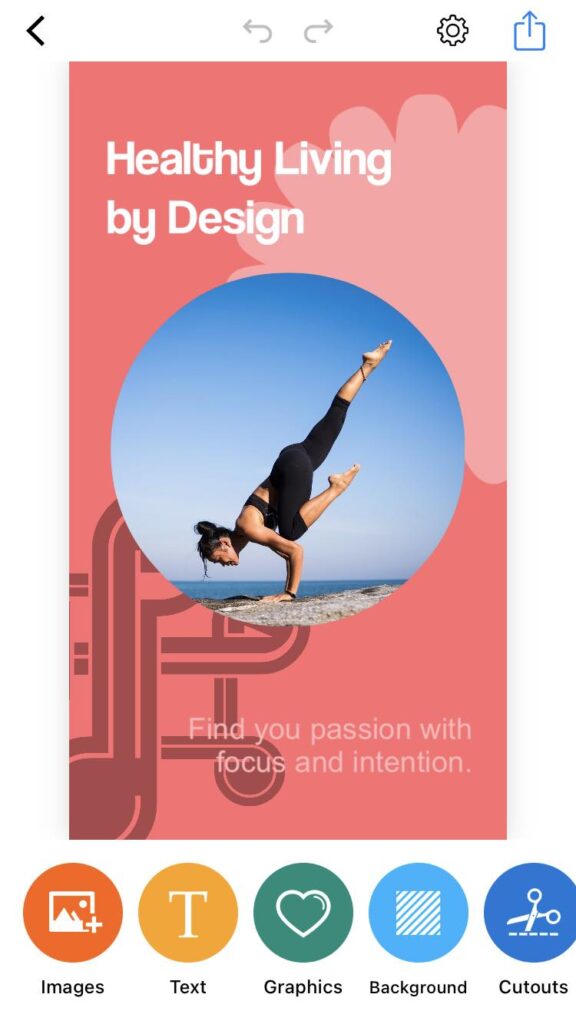
  4. Customize the template by adding your own images, text, and stickers.
  5. Preview your creation and make any necessary adjustments.
  6. Once you’re satisfied, save your Instagram Story and share it directly to your Instagram account.
piZap app in iOS device
  • Text Overlay: Spice up your Story with stylish text overlays. The 9:16 aspect ratio ensures your text fits perfectly.
piZap app in iOS device
  • Promotions and Deals: If you’re a business, create attention-grabbing promotions and discounts with these dimensions.

piZap app in iOS device

So, whether you’re sharing your adventures, culinary creations, fashion inspirations, motivational quotes, or products, make sure to use the perfect Instagram Story dimensions and take advantage of piZap’s templates to leave a lasting impression on your Instagram audience. Elevate your Stories today and watch your engagement soar! πŸš€

Remember that Instagram’s features and guidelines may change over time, so it’s essential to stay updated with the latest information. Enjoy sharing your Stories with the world, and happy Instagramming! πŸ“Έβœ¨

piZap app in iOS device

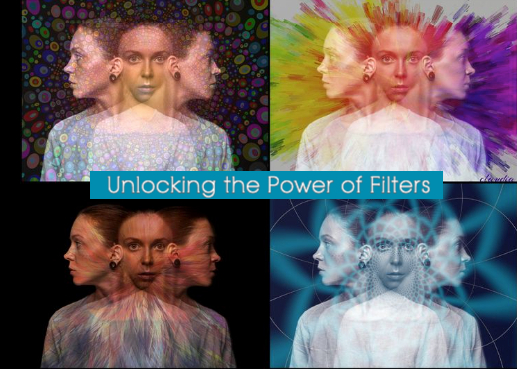
Unlocking the Power of Filters: Transforming Photos with PiZap

Image courtesy of Claudia Saurenmann

Hey there, filter fanatics and photography enthusiasts! πŸ“Έ Ready to dive into a world where your photos transform from “meh” to “wow” with just a swipe? Well, grab your smartphones and get ready to be amazed by the magical wonders of piZap – the app that turns your ordinary pics into extraordinary works of art! 🎨✨

The Filter Frenzy Begins!

You know that feeling when you take a selfie and think, “Ugh, I wish I looked as good as I do in my imagination”? We’ve all been there. But fret not! PiZap‘s got your back. With a tap-tap here and a swipe-swipe there, you can now turn your bedhead morning selfies into magazine cover material. It’s like a mini-makeover for your pixels! πŸ’…πŸ’β€β™€οΈ

Image courtesy of Bova

PiZap: More Than Just Filters

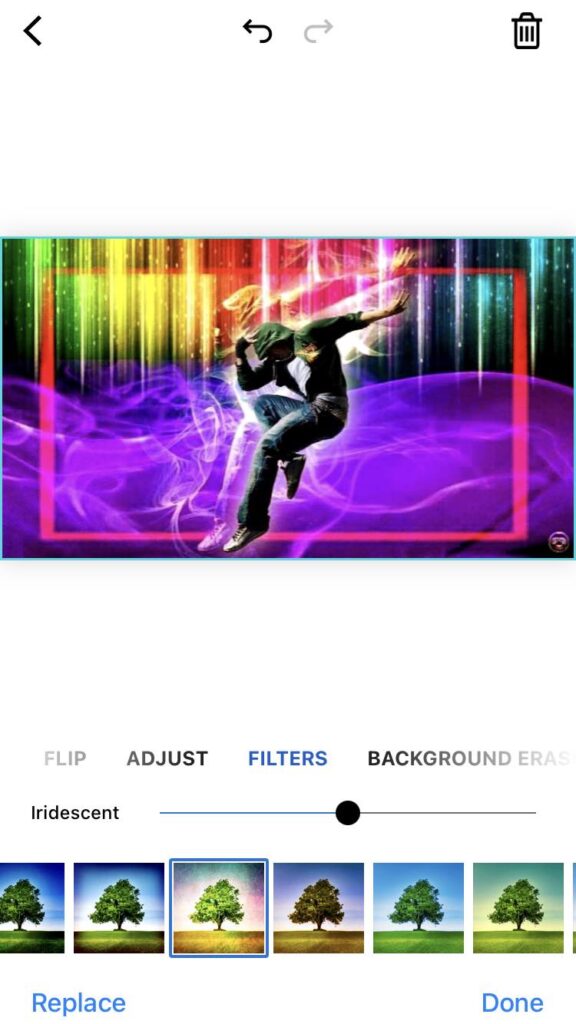
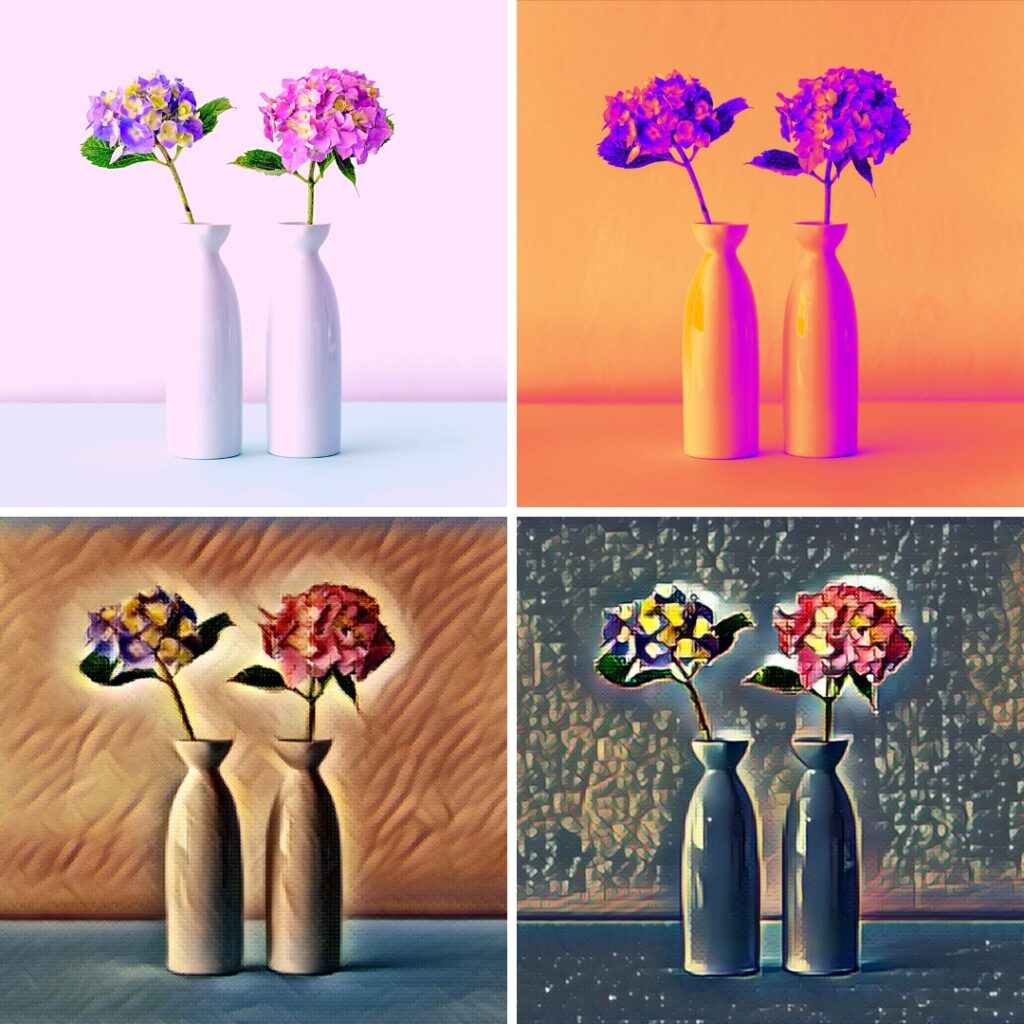
Hold on to your virtual hats because piZap isn’t just about slapping on a black-and-white filter and calling it a day. No, no! This app is like a creative playground for your photos. From vintage vibes to futuristic feels, PiZap offers a smorgasbord of filters that’ll make your head spin faster than a tilt-shift effect. Plus, it’s so user-friendly that even your grandma’s cat could probably figure it out. πŸ±πŸ‘΅

Image courtesy of Samantha Ryan

How to PiZap Like a Pro

Step 1: Download the App: If you haven’t already, head to your app store and snag PiZap for iOS or Android. Trust us, it’s like adding a turbo boost to your creativity.

🌟iOS devices: https://apple.co/2kkxZaN

🌟Android devices:  http://bit.ly/39sf9CT

Step 2: Select Your Photo: Pick a pic from your camera roll that needs that extra “oomph.” You know, the one that’s just a hair away from being Insta-worthy.

Image courtesy of Claudia Saurenmann

Step 3: Filter Frenzy: Here’s where the magic happens. Scroll through the filters like you’re choosing an outfit for a red carpet event. Feeling classy? Go for the Black Tie filter. Want to bring the beach vibes? Sandy Shores it is!

Image courtesy of Claudia Saurenmann

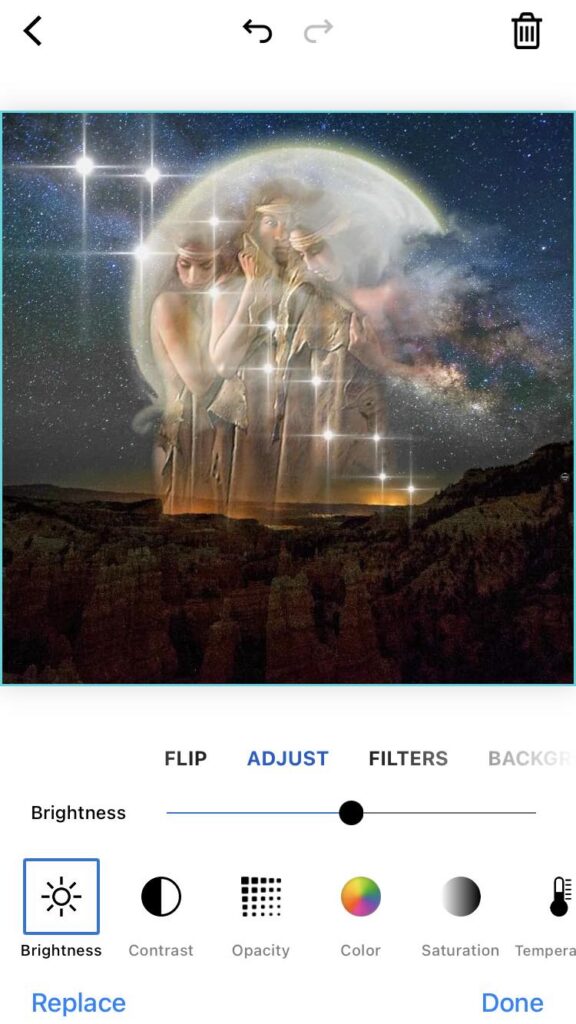
Step 4: Adjust and Play: Don’t just stop at filters. PiZap lets you adjust brightness, contrast, and saturation. Plus, throw in some stickers and doodles for a touch of whimsy.

Image courtesy of Bova

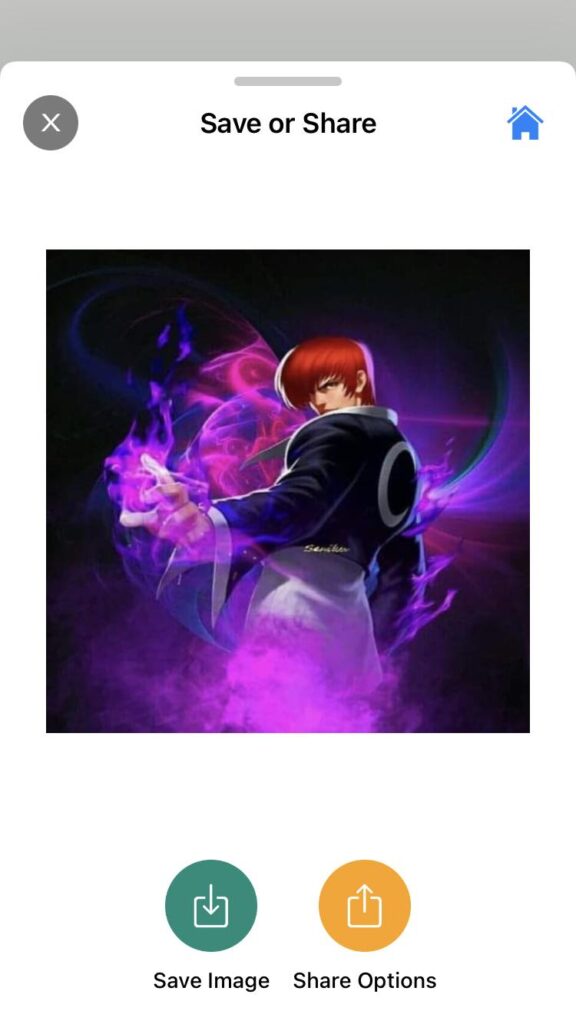
Step 5: Share the Awesomeness: Once your masterpiece is ready, it’s time to show the world what you’ve got! Share your creation on social media and prepare for the virtual applause.

Image courtesy of Bova

Join the PiZap Party Today!

Alright, folks, it’s time to get your filter game on fleek with PiZap. Turn your phone into a portable art studio and let your inner creative genius run wild. Whether you’re aiming for hilarious memes, breathtaking landscapes, or just some good ol’ selfie fun, PiZap’s got the tools to help you shine. πŸ’«πŸŽ‰

www.piZap.com

Don’t let your photos languish in mediocrity any longer! Download PiZap now and let your imagination soar to new heights. Your pics will thank you, and your followers will be left in awe. Get ready to #PiZapYourPic like a pro! πŸ“±πŸŒŸ

iOS or Android: We’ve Got You Covered

Got an iPhone? High-five! Rocking an Android? Fist bump! PiZap loves all the cool photo enthusiasts equally, and that’s why it’s available on both iOS and Android. No matter what is your device, your creativity deserves to run wild!

🌟iOS devices: https://apple.co/2kkxZaN

🌟Android devices:  http://bit.ly/39sf9CT

Unleash Your Inner Artist: Try PiZap Today!

Ready to unlock your inner Picasso? PiZap is not just an app; it’s your ticket to a world of filter-fueled awesomeness. Download it now and watch as your photos get showered with the love they deserve.

Image courtesy of Lorna Saldariega