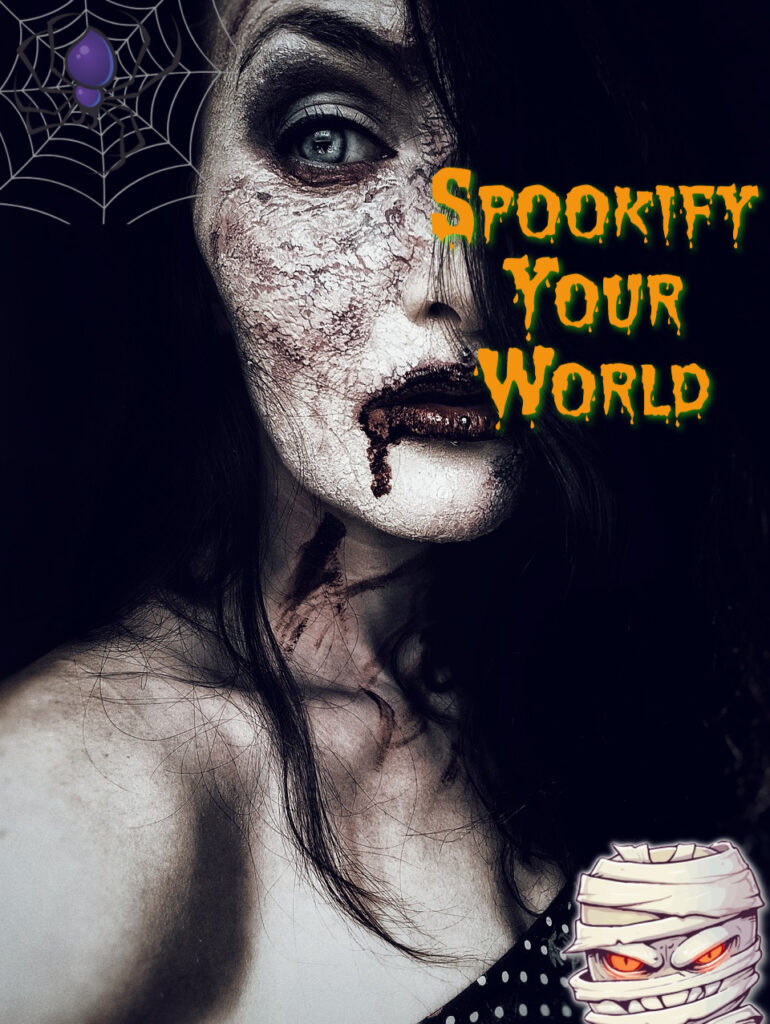
Tag Archives: craft ideas

Get Spooktacular results: Top Halloween Graphics, Stickers, and Templates on piZap

Halloween is just around the corner, and it’s time to get into the spirit of this spooktacular season! Whether you’re planning to throw a haunted party, create eerie social media posts, or simply want to add a touch of Halloween to your photos, piZap has got you covered. With a wide range of Halloween-themed backgrounds, stickers, wallpapers, and borders, piZap can turn your ordinary photos into a ghoulishly delightful masterpiece. Let’s dive into the world of piZap’s Halloween magic and discover how you can make your Halloween celebration unforgettable.
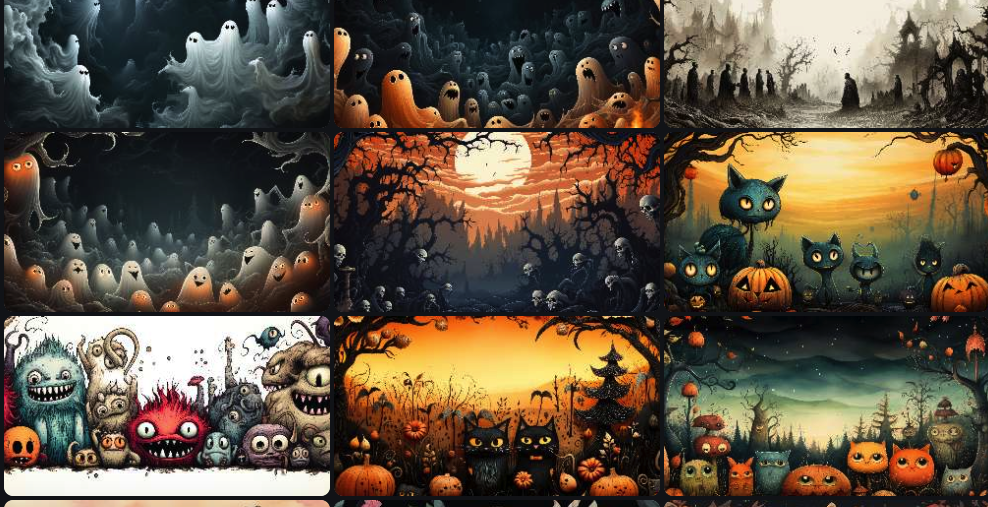
Halloween Backgrounds:
No Halloween-themed photo is complete without the perfect background. piZap offers an array of eerie and enchanting backgrounds that will transport your pictures to the supernatural realm. From haunted houses and moonlit graveyards to eerie forests and mystical cauldrons, piZap’s Halloween backgrounds set the stage for some thrilling photo editing.
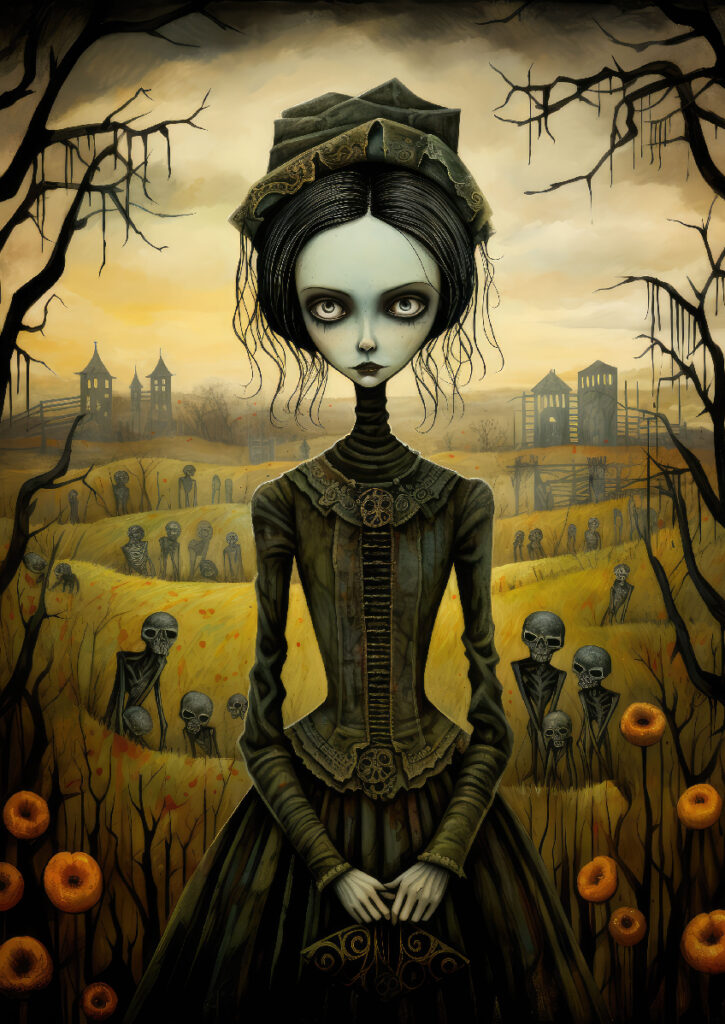
Spooky Cute Stickers:
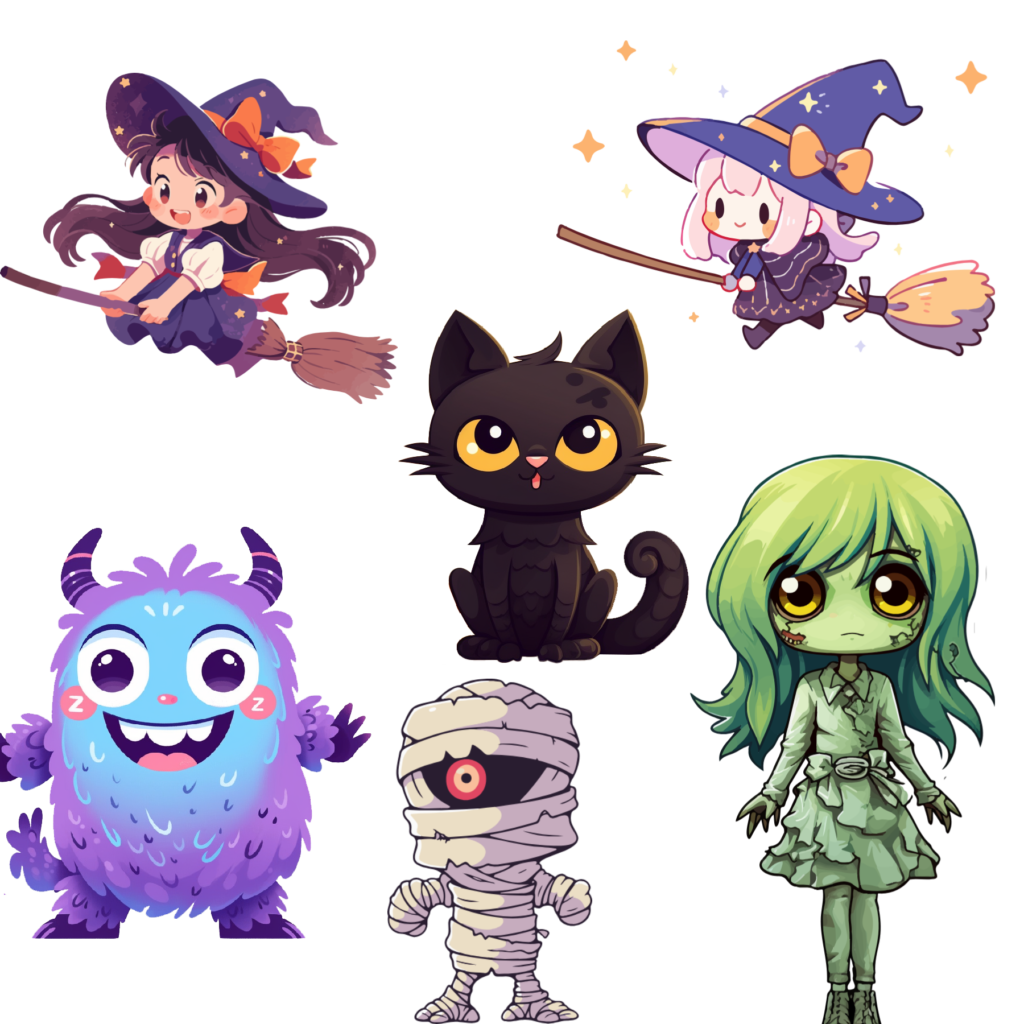
Add a dose of Halloween charm to your photos with piZap’s extensive collection of stickers. From creepy spiders and spooky bats to adorable ghosts and grinning pumpkins, these stickers will bring your images to life (or should we say, afterlife?). Mix and match stickers to create your own unique and bewitching compositions.
Wicked Phone Wallpapers:
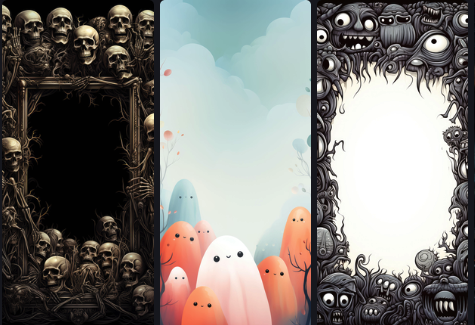
Elevate your device’s aesthetics with piZap’s Halloween wallpapers. Whether you’re decorating your phone, tablet, or computer screen, these wallpapers will give your devices a hauntingly good makeover. Choose from classic Halloween motifs or opt for a modern twist on the holiday theme.
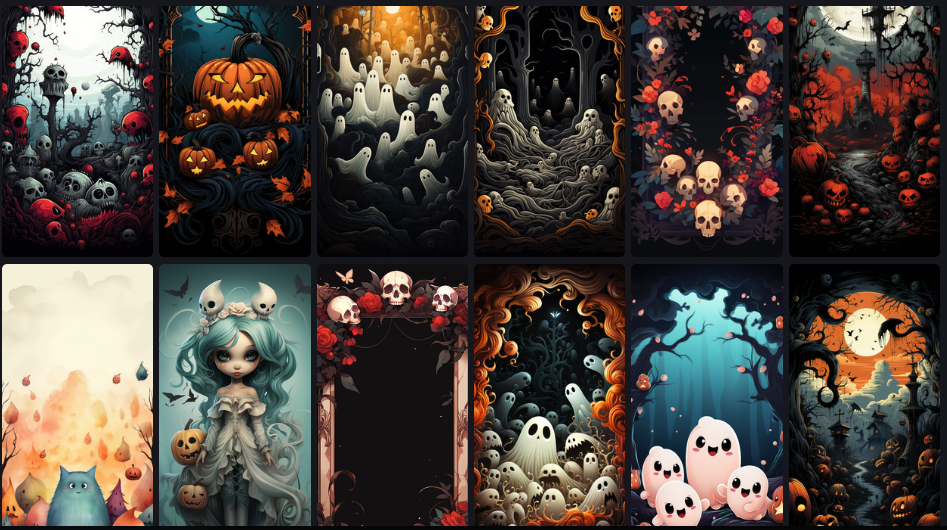
Haunted Borders:
Frame your Halloween memories in style with piZap’s spooky borders. These borders add the finishing touch to your photos, making them scream “Halloween!” Pick from cobweb frames, pumpkin borders, or eerie graveyard designs to encapsulate the essence of this thrilling holiday.
How to Get Started with piZap’s Halloween Magic:

  1. Visit piZap’s website or launch the app (Android / iOS device).
  2. Upload your photo or choose a blank canvas.
  3. Explore the Halloween backgrounds, stickers, wallpapers, and borders in the “Halloween” category.
  4. Drag and drop your chosen elements onto your photo or canvas.
  5. Resize, rotate, and position them to create your desired composition.
  6. Experiment with filters and effects to add an extra layer of spookiness.
  7. Save and share your Halloween masterpiece with the world!
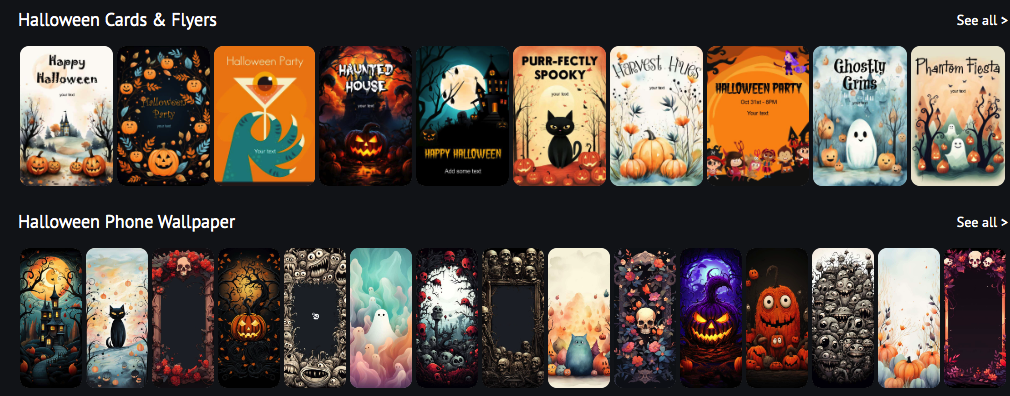

With piZap’s Halloween-themed backgrounds, stickers, wallpapers, invitations, and borders, you can transform your photos and designs into chilling works of art. Get creative, embrace the spirit of Halloween, and make this holiday season one to remember. Don’t forget to share your ghoulishly good creations on social media and tag us! Happy haunting!
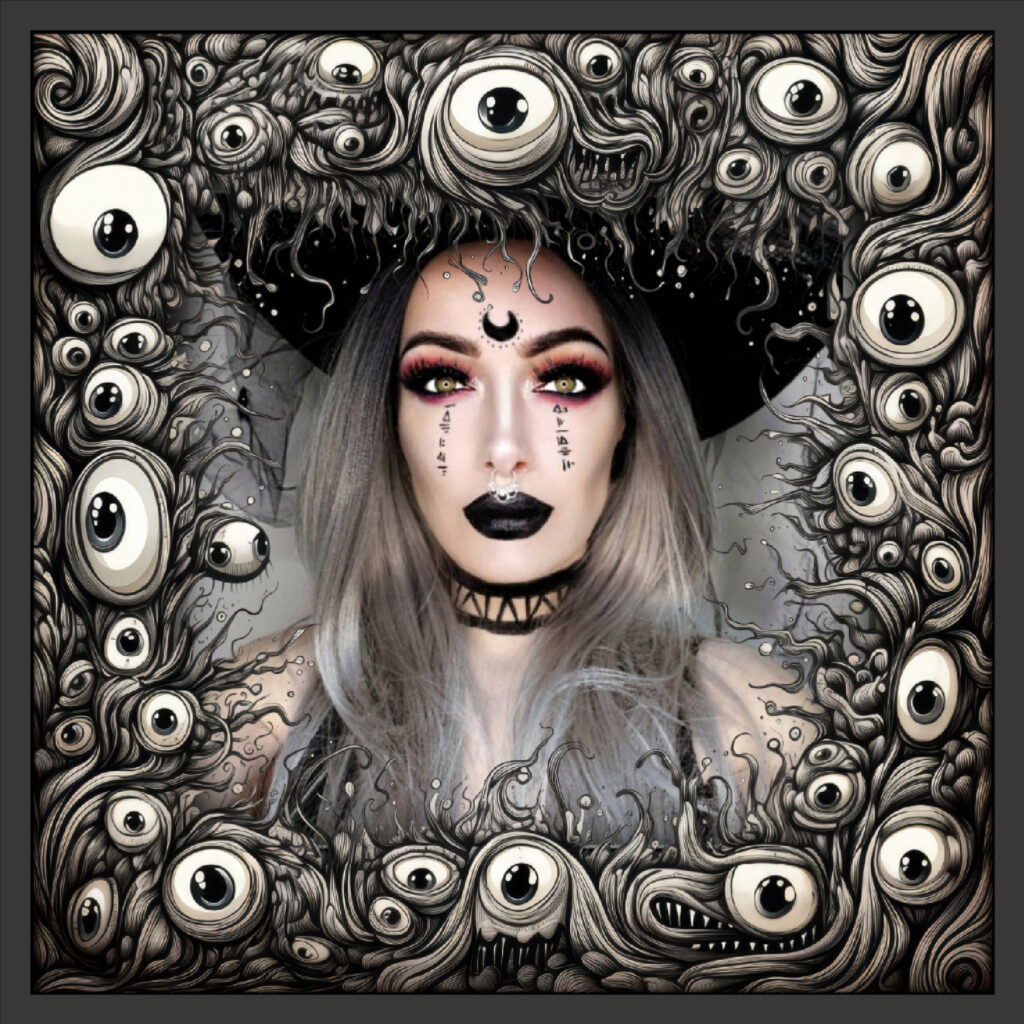
đź‘» #piZapHalloweenFun #TrickOrTreat #HalloweenCreativity đź‘»

Creating Stunning Ice Cream Color Variations with piZap’s Color Effect Tool

www.piZap.com

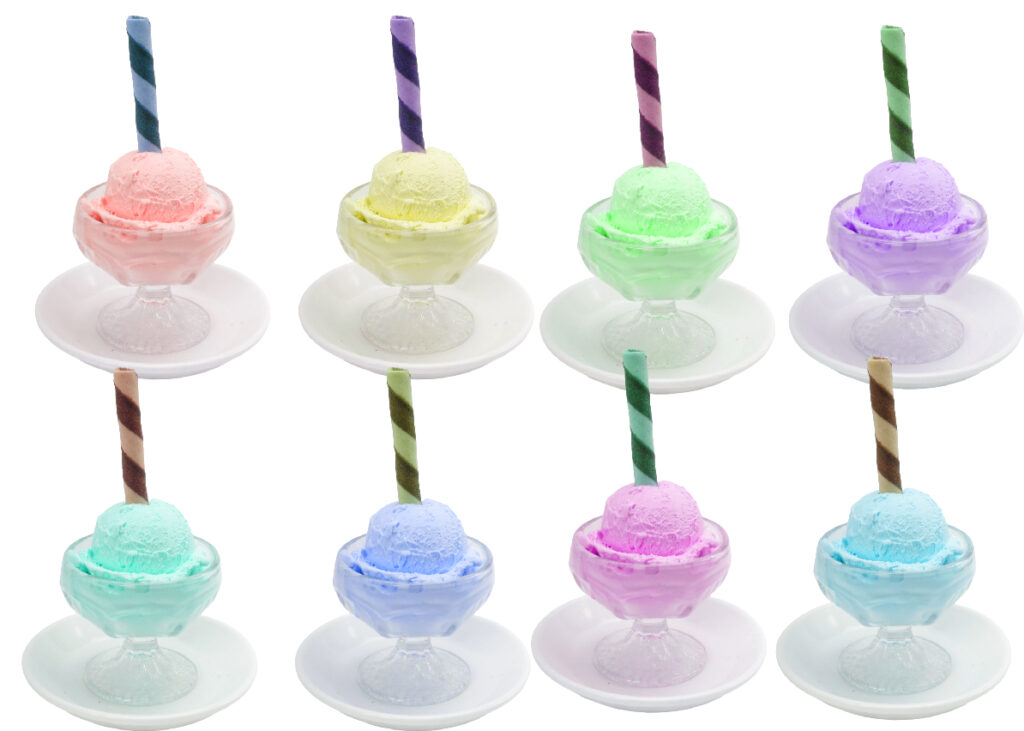
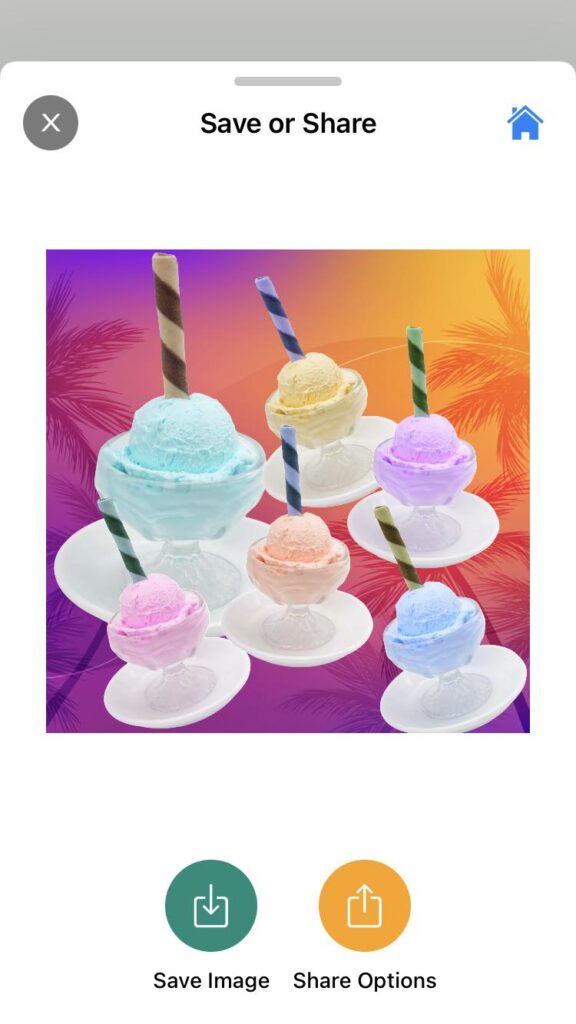
PiZap’s Color Effect is a fantastic tool that allows you to add various colors to your images, resulting in captivating visual effects. If you want to showcase, for example, a delicious ice cream image with different mouthwatering color variations, follow these simple steps to achieve stunning results.

Step 1: Access PiZap Photo Editor App

First, you need to access PiZap’s Photo Editor. You can do this by visiting the PiZap website and clicking on the “Blank Canvas” option. If you have downloaded the app in Android or iOS in your device, you can easily access or sign up to register. Download the piZap app here.

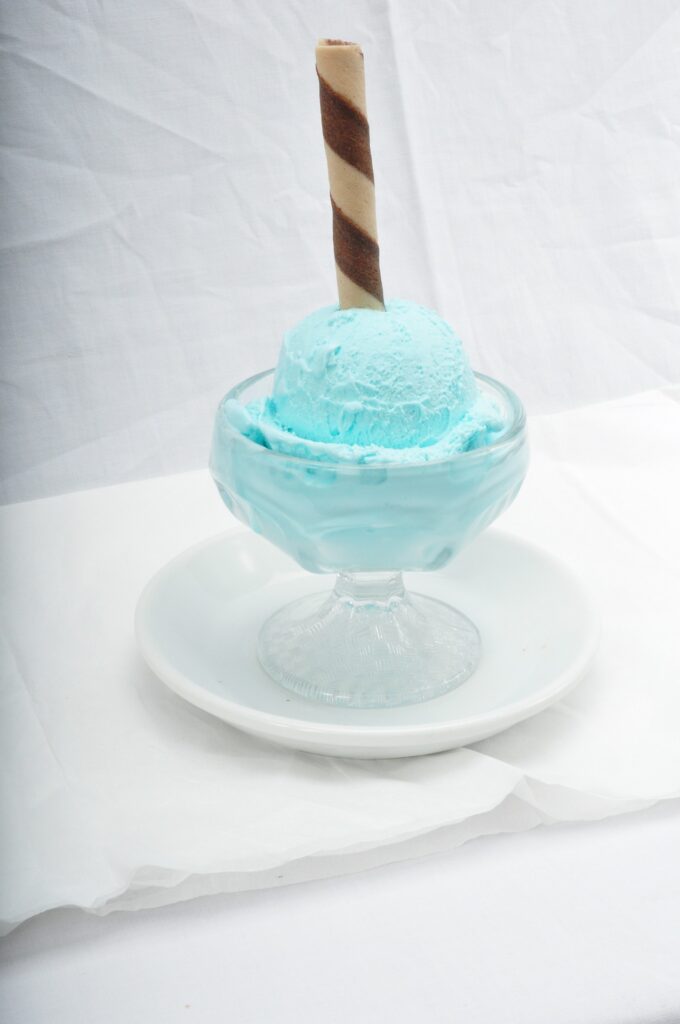
Step 2: Upload Your Ice Cream Image

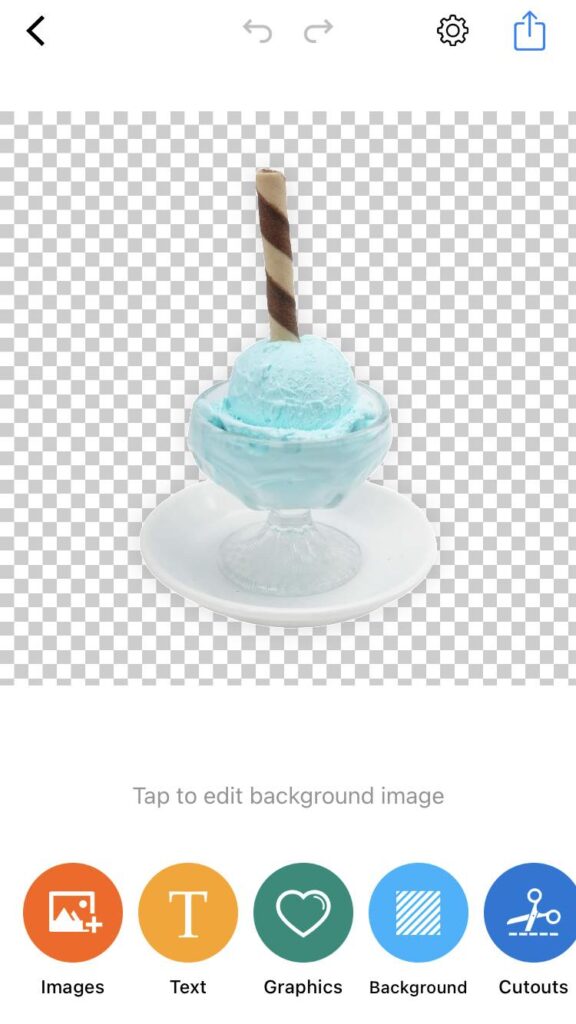
Once you’re in the piZap app, click on the “Background Eraser” button to select and upload your ice cream image. You can select an image from your computer or use one from the tons of awesome stock image library provided by piZap.

piZap in iOS device

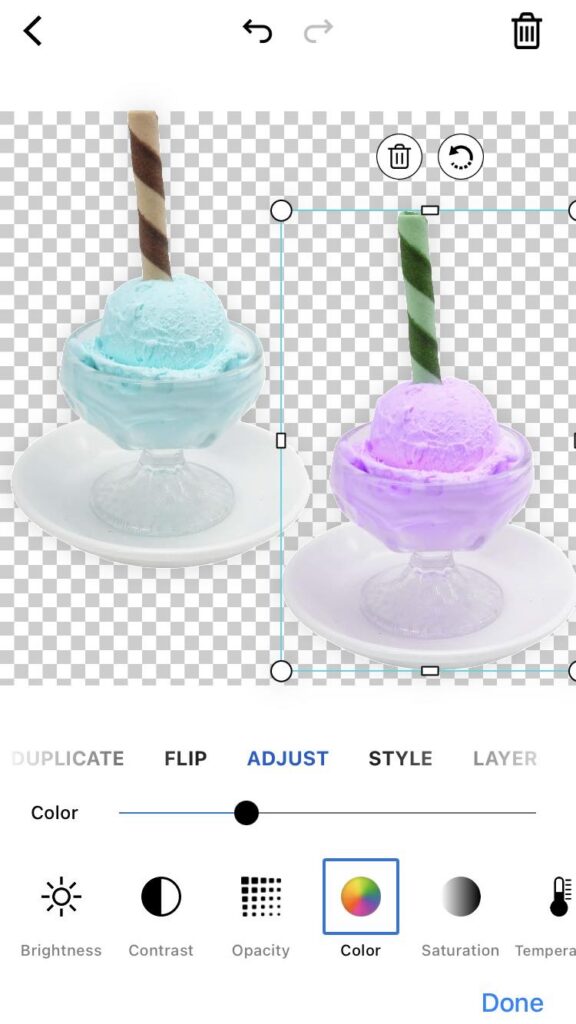
Step 3: Duplicate the Ice Cream Image

piZap in iOS device

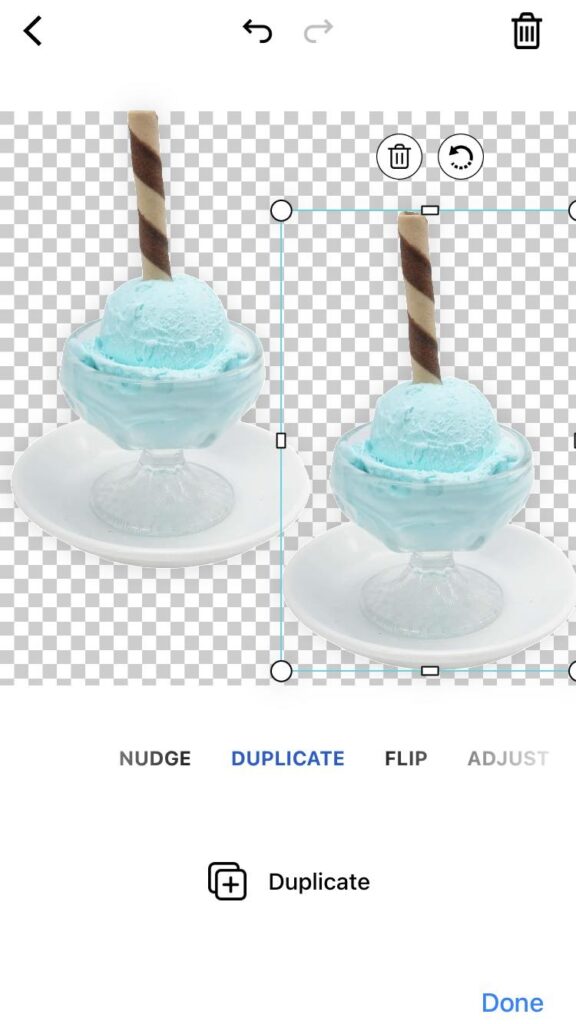
To create the five different color variations, you’ll start by duplicating the original ice cream image. Locate the “Duplicate” panel or option, and look for the “Duplicate” button below. Click on it to create an identical copy of your ice cream image.

Step 4: Apply Color Effect to the Duplicated Image

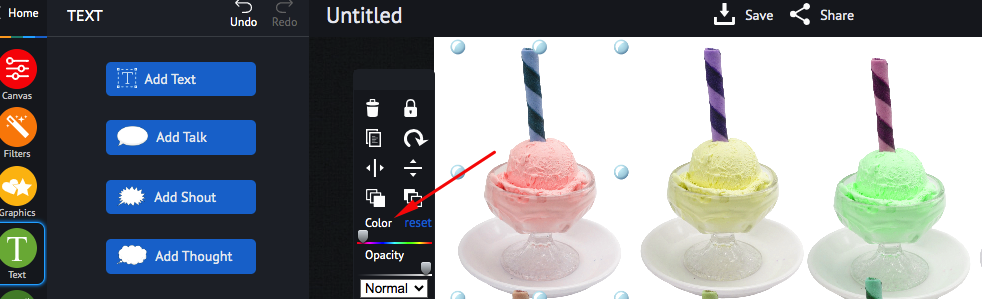
With the duplicated ice cream image selected, navigate to the “Adjust” toolbar. Look for the “Color” option. Drag the color slider to get the desired color variation of the duplicated image.

piZap in iOS device

As you do this, you’ll notice the image showing a different color appearance and allowing the original ice cream image to show through. Note: If you are using the piZap web, you can find this color feature when you click the image that you will edit.

www.piZap.com

Step 5: Repeat for Five Color Variations

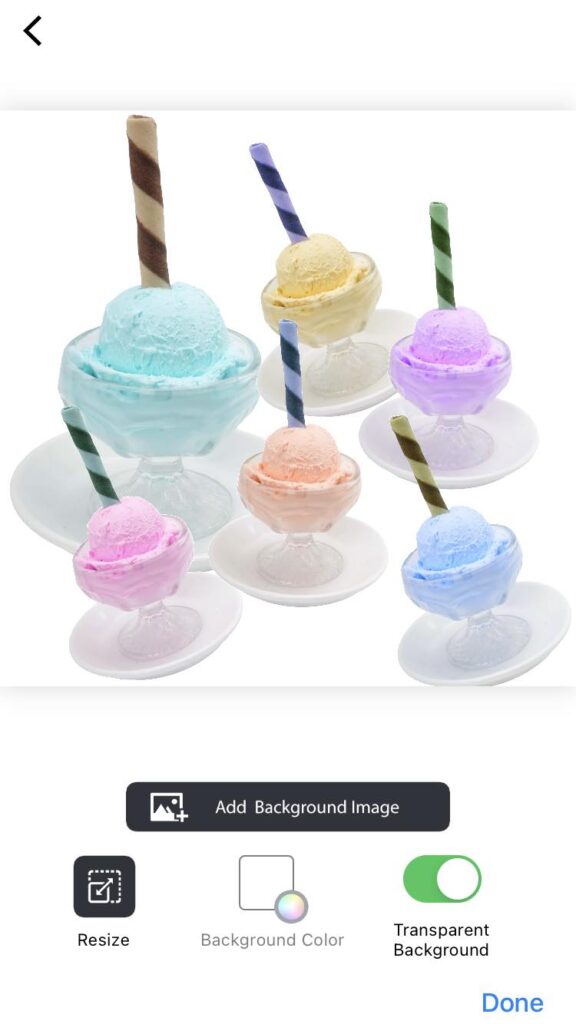
Now, repeat steps 3 and 4 four more times, creating a total of five duplicated ice cream images, each with a different level of opacity. Adjust the opacity for each duplicated image to achieve five unique color variations of the ice cream.

Step 6: Arrange the Ice Cream Variations

piZap in iOS device

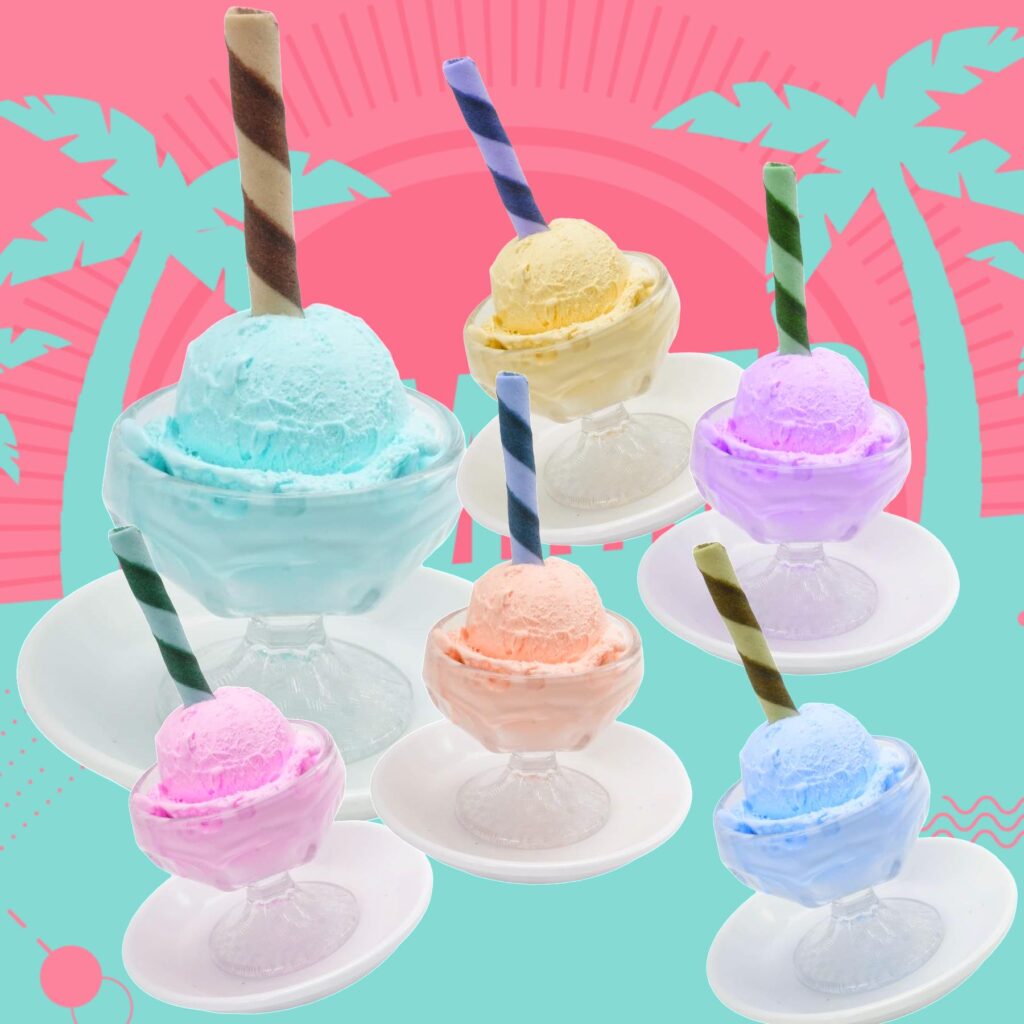
After creating the five different color variations, arrange them in a visually appealing way. You can stack them on top of each other or place them side by side to create a beautiful collage effect. Experiment with different layouts until you’re satisfied with the arrangement. Then add a final background to complement with your images.

www.piZap.com

Step 7: Save and Share Your Creation

Once you’ve arranged the ice cream variations to your liking, it’s time to save your masterpiece! Click on the “Save” or “Share” button in the editor to save the final image to your computer or device. Now, you can share your delectable ice cream color variations on social media, your website, or wherever you desire.

piZap in iOS device

Once you’re satisfied with the color effect and the colorful display of your ice cream image, it’s time to save your work. Click on the “Save” button and choose the appropriate file format (JPEG or PNG) and quality. After saving, you can share your masterpiece on social media, use it for blog posts, or incorporate it into your marketing materials.

Tips for Better Results:

  • Experiment with different color settings to find the perfect balance of colors that best represent your image layers.
  • Consider using a complementary color palette to make the image even more visually appealing.
  • Combine the color effect with other piZap features like AI backgrounds, filters, stickers, or text to add a personalized touch to your image creation.

PiZap’s Color Effect feature is a powerful tool to unleash your creativity and transform ordinary images into delightful and eye-catching objects. So, start exploring the potential of this fantastic feature and let your images stand out from the crowd!

Capturing the Spirit of Independence: Elevate Your 4th of July Celebrations with PiZap Photo Editor!

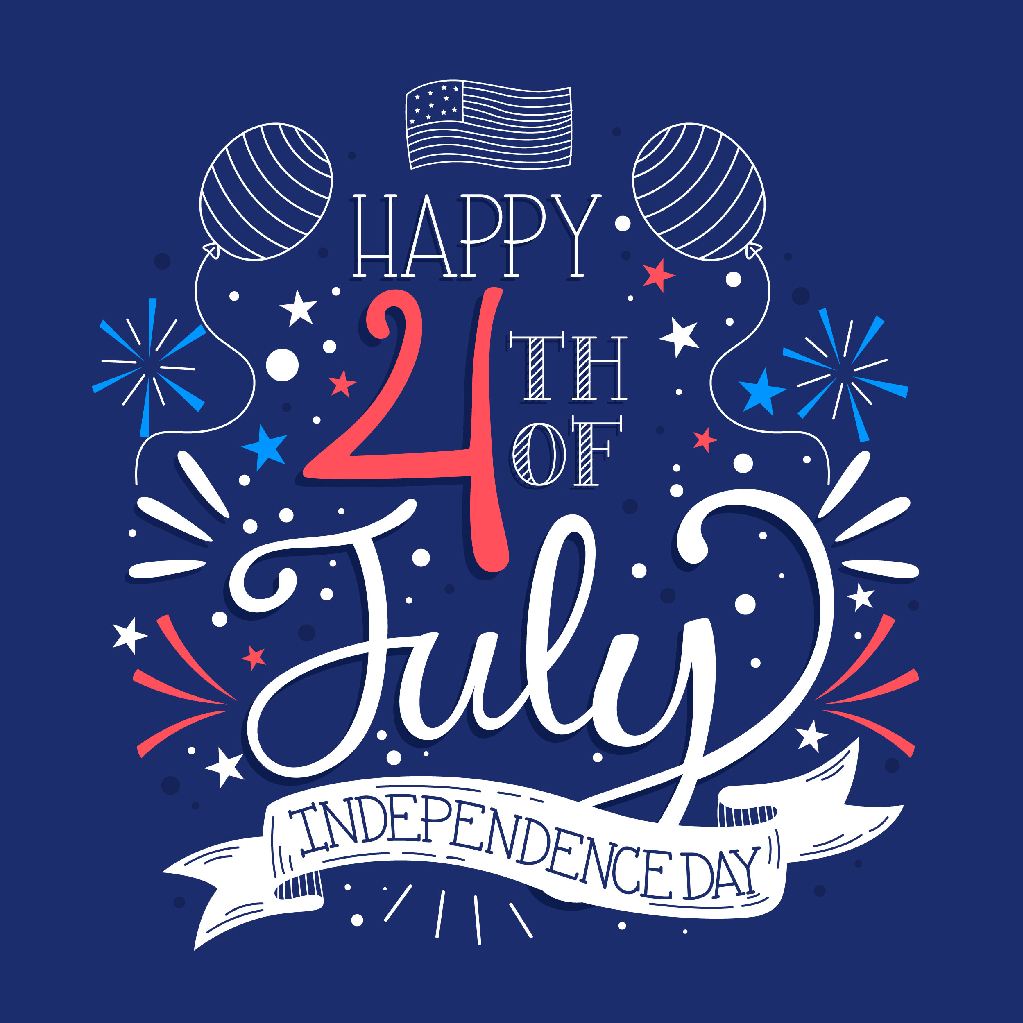
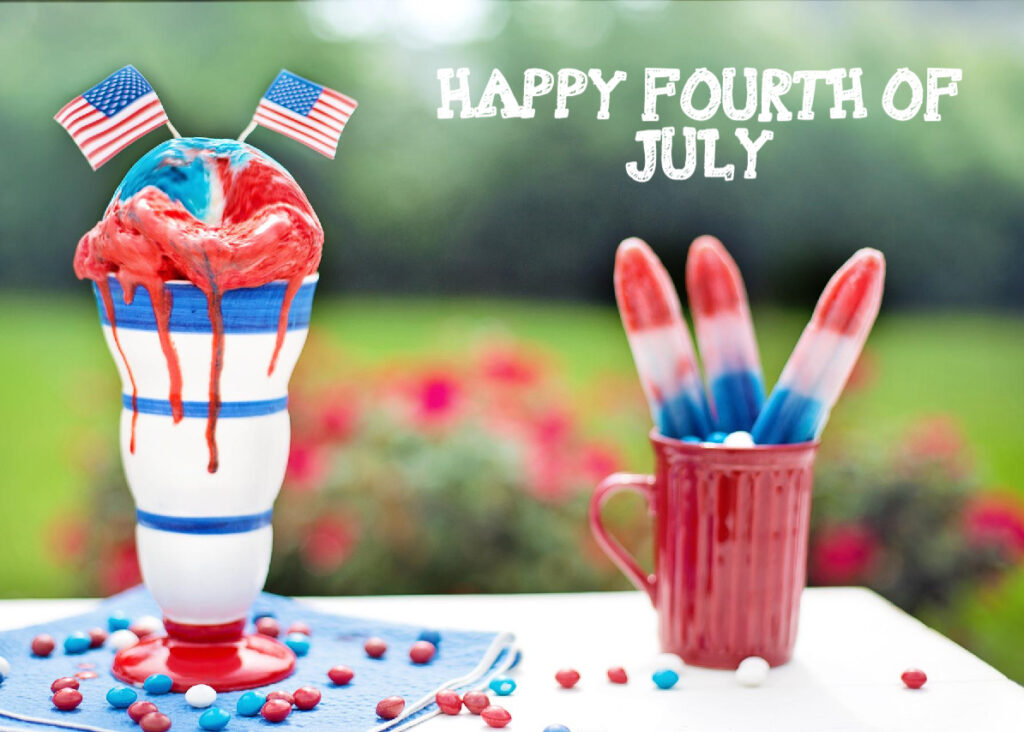
The 4th of July is a day of immense patriotism and celebration as we commemorate the independence of the United States. This year, why not add an extra touch of creativity to your Independence Day festivities? With piZap photo editor, you can take your 4th of July photos to new heights, capturing the true essence of this special day. Let’s explore how piZap can help you create stunning visuals that encapsulate the spirit of independence!

Unleash Your Creativity:

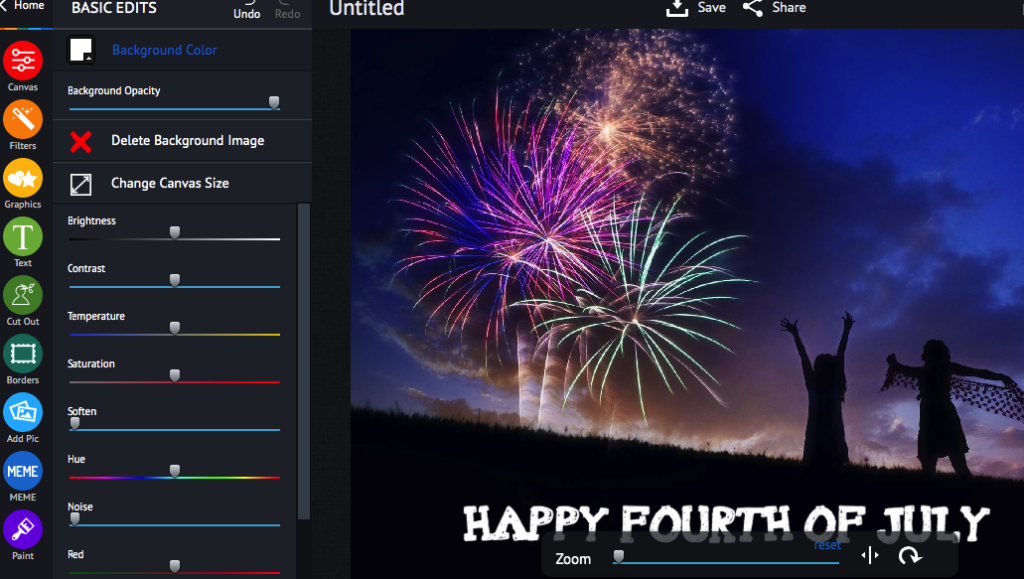
PiZap Photo Editor provides an array of powerful tools and features that allow you to unleash your creativity and transform your ordinary photos into extraordinary works of art. Whether you’re capturing a breathtaking fireworks display, a family picnic, or a joyous parade, piZap can help you elevate your images to the next level.

Enhance Colors and Contrast

The vibrant colors associated with Independence Day play a crucial role in capturing the patriotic spirit. With piZap, you have precise control over color saturation and contrast. Enhance the reds, whites, and blues to make them pop, creating photos that are visually striking and exude the pride and enthusiasm of the occasion.

Add Festive Stickers and Frames

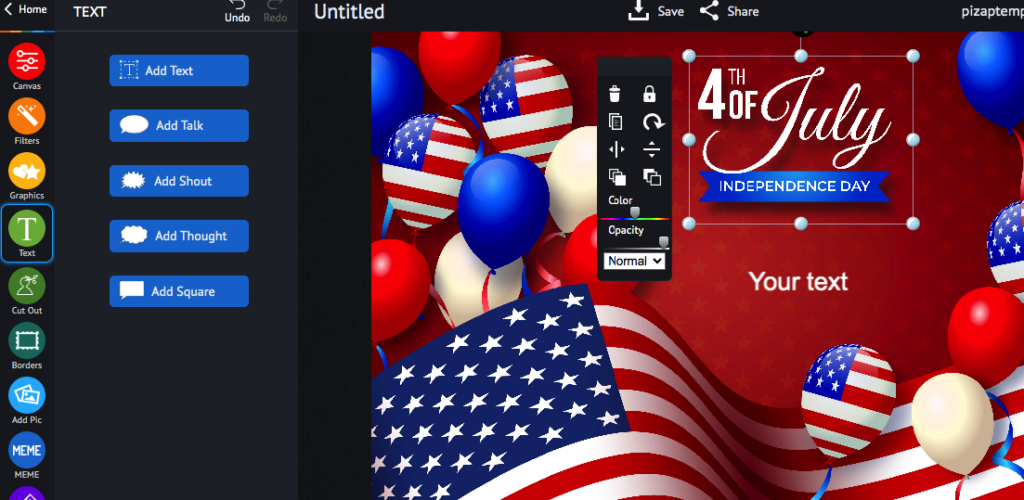
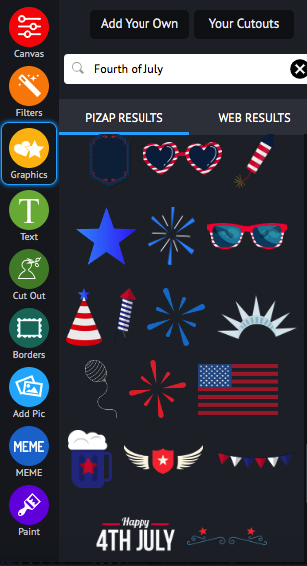
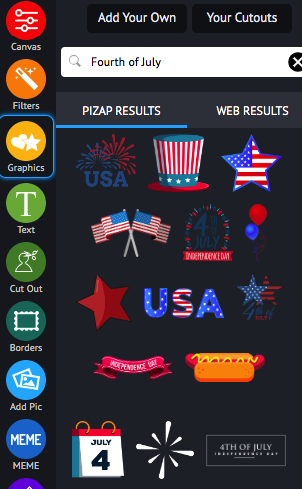
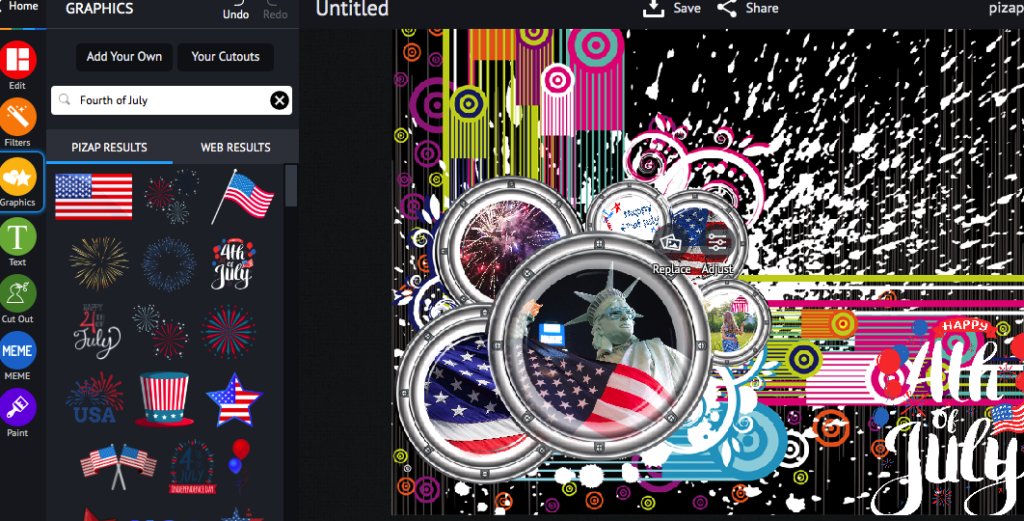
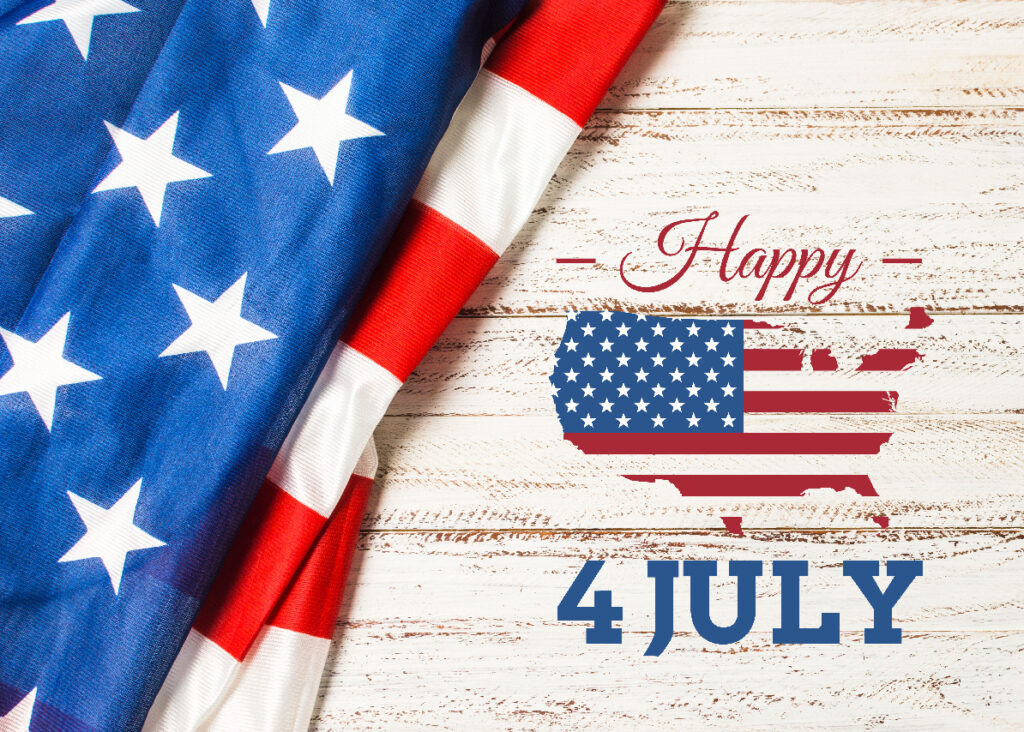
PiZap offers an extensive collection of stickers and frames specifically designed for the 4th of July. Sprinkle your photos with American flags, fireworks, and other iconic symbols to infuse them with a patriotic vibe.

These fun and festive elements will undoubtedly bring an extra layer of excitement to your visuals.

Embrace Collages

A collage is an excellent way to tell a story and showcase multiple memorable moments from your 4th of July celebrations. PiZap’s collage maker allows you to arrange photos in unique and visually appealing grids.

Add captions, patriotic backgrounds, and frames to personalize your collage further. It’s the perfect way to encapsulate the spirit of the day in a single, captivating image.

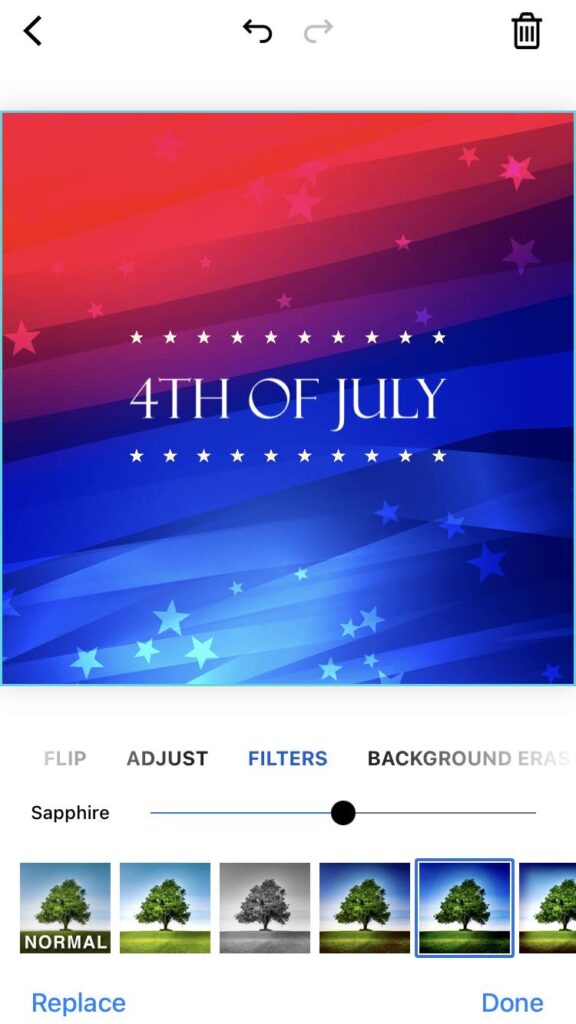
Experiment with Filters

Filters have the power to completely transform the mood and atmosphere of your photos. PiZap offers a wide range of filters, including vintage, black and white, and sapphire tones, among others.

Experimenting with different filters can help evoke nostalgia or create a timeless feel, allowing you to add a distinct artistic touch to your Independence Day photos.

This 4th of July, make your celebrations unforgettable by harnessing the creative power of PiZap Photo Editor. With its versatile editing tools, you can enhance colors, add festive stickers and frames, create captivating collages, and experiment with filters to capture the spirit of independence like never before. Embrace your artistic side and let PiZap help you transform your photos into cherished mementos of this special day. So grab your camera, celebrate with loved ones, and elevate your 4th of July visuals with PiZap Photo Editor!

Note: PiZap is available in the web, Android and iOS devices.

Unleash Your Creativity this Summer: Beach Party Ideas with PiZap Photo Editor

www.piZap.com

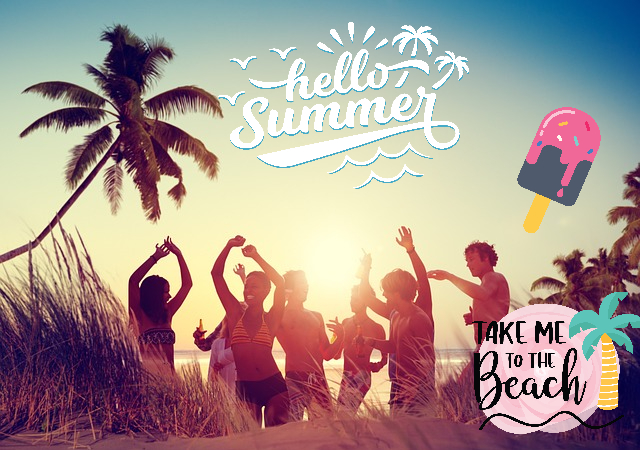
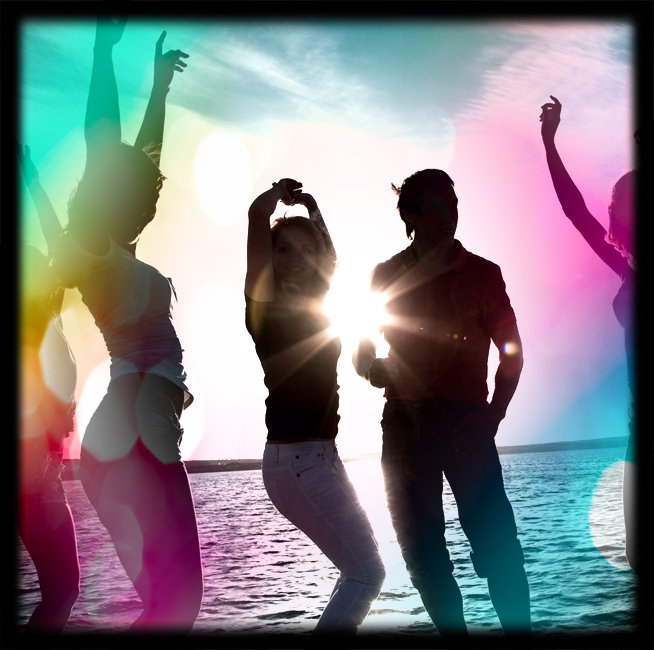
Summertime is here, and what better way to celebrate than by throwing a spectacular beach party? Picture yourself with your toes in the sand, the sound of crashing waves in the background, and the sun shining brightly overhead. Beach parties are a great way to soak up the sun, enjoy the sand between your toes, and make unforgettable memories with friends and family. But why settle for ordinary beach parties when you can elevate the experience to a whole new level? Let us help you explore exciting beach party ideas that incorporate the fun and creative capabilities of piZap photo editor. Get ready to unleash your imagination and throw a beach party that will leave everyone in awe!

Themed Photo Booths.

Special thanks to Joe Kurbert

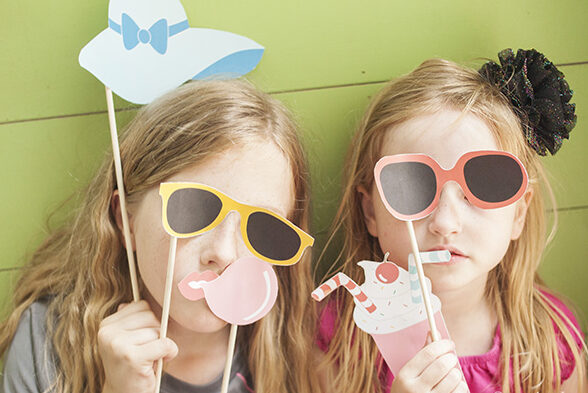
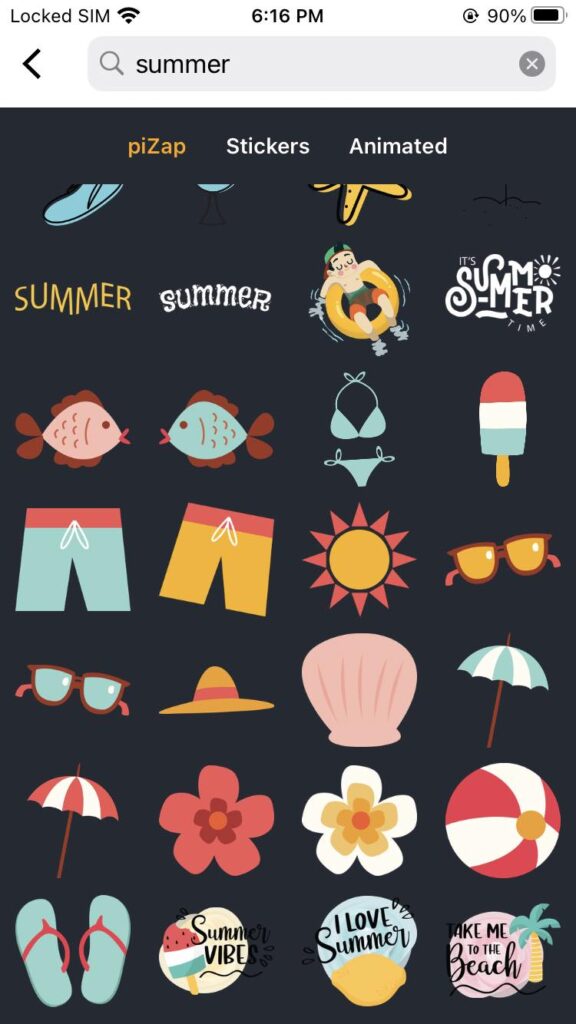
Setting up a themed photo booth adds an element of excitement and creativity to your beach party. PiZap’s photo editor comes with a vast collection of summer-themed stickers and stock images that can transform your photo booth elements into works of art.

Summer stickers in piZap

Set up a designated area with props and decorations to match your chosen theme. Whether it’s a tropical paradise, Hawaiian luau, or underwater adventure, PiZap’s summer-themed stickers and backgrounds will bring your beach party photos to life.

Personalized Invitations.

Made via piZap.com

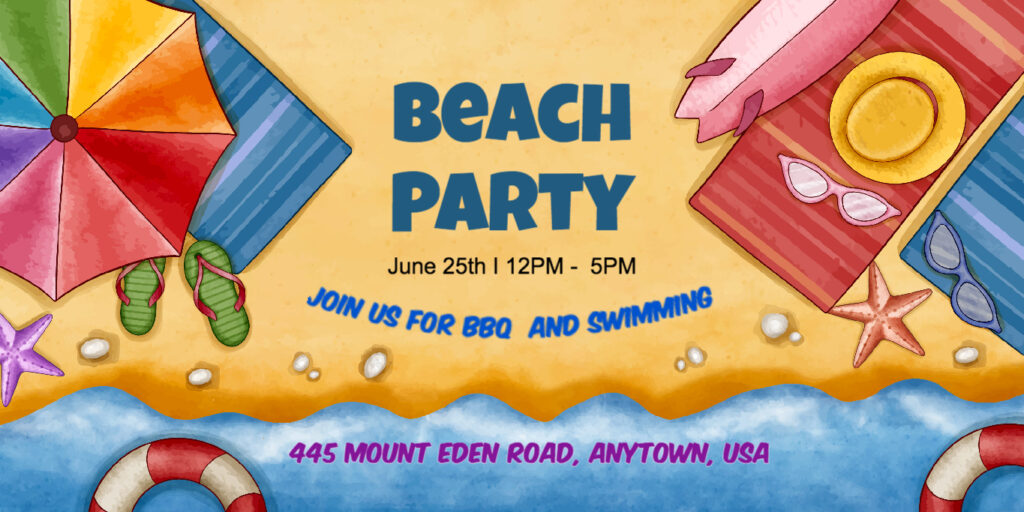
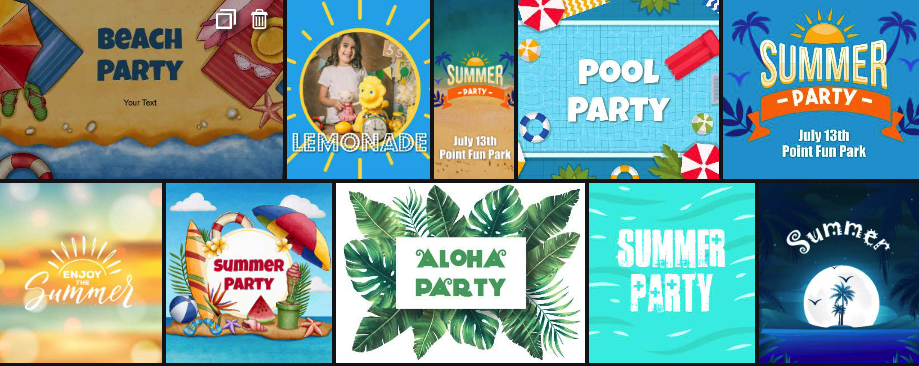
Get your guests excited about your beach party right from the start with personalized invitations created using piZap. Choose vibrant beach-themed templates and customize them with your party details.

Summer templates in piZap

Add quirky stickers, fun filters, and witty captions to make your invitations stand out. Your guests will appreciate the extra effort and feel the anticipation building up before the event.

DIY Beach Ball Decorations.

piZap in iOS device

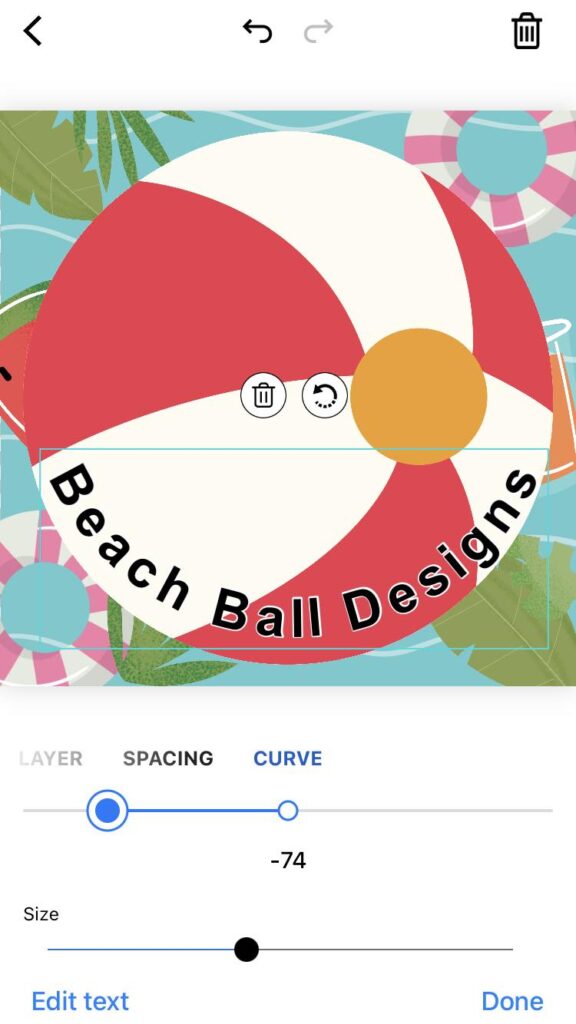
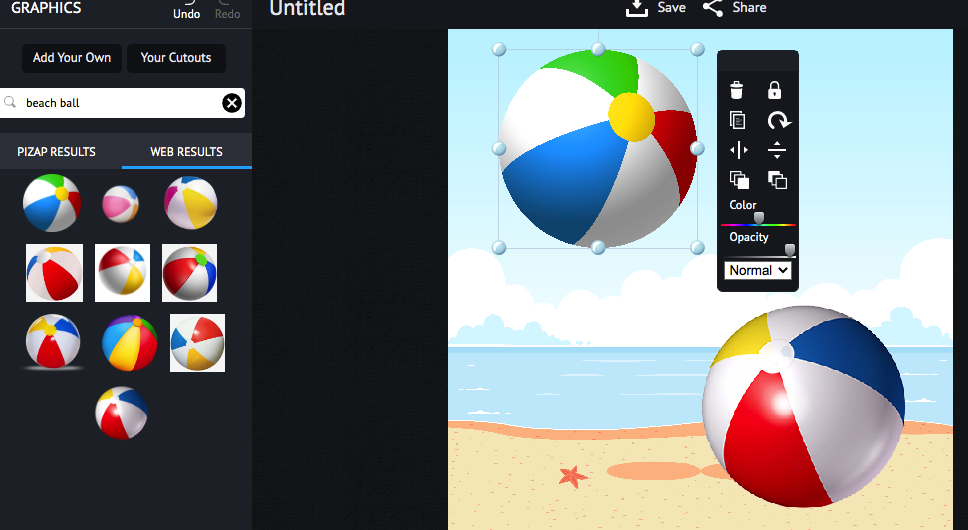
Beach balls are a classic symbol of summer fun. Take your beach party decor to the next level by designing your own beach balls using piZap’s photo editor.

piZap in iOS device

Print out large beach ball templates on sturdy paper and have your guests decorate them with their unique designs. Provide paints, markers, and glitter for added flair. Not only will this activity keep everyone engaged, but the personalized beach balls will also serve as fantastic decorations throughout the party.

Customized Snack Labels.

piZap in iOS device

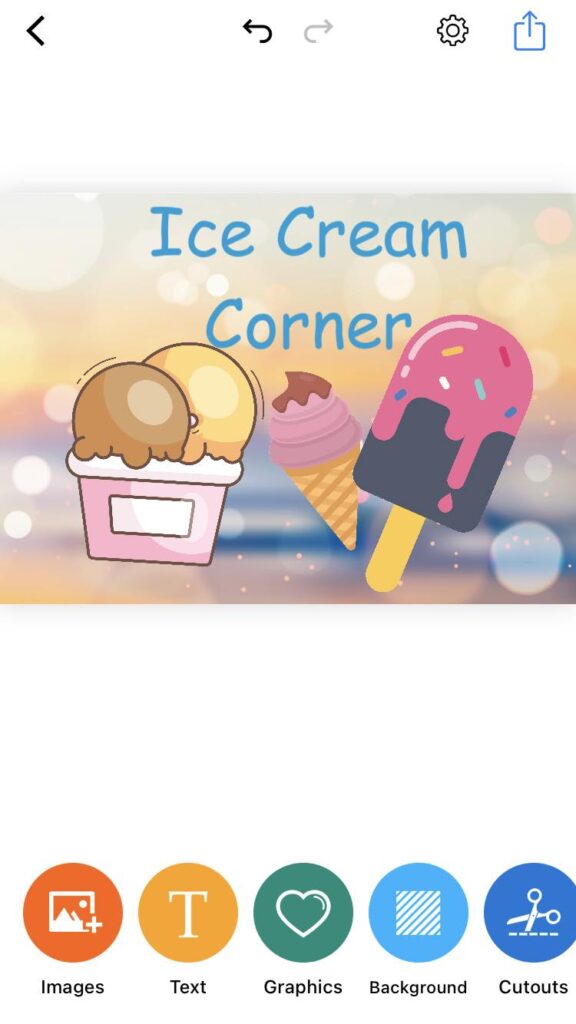
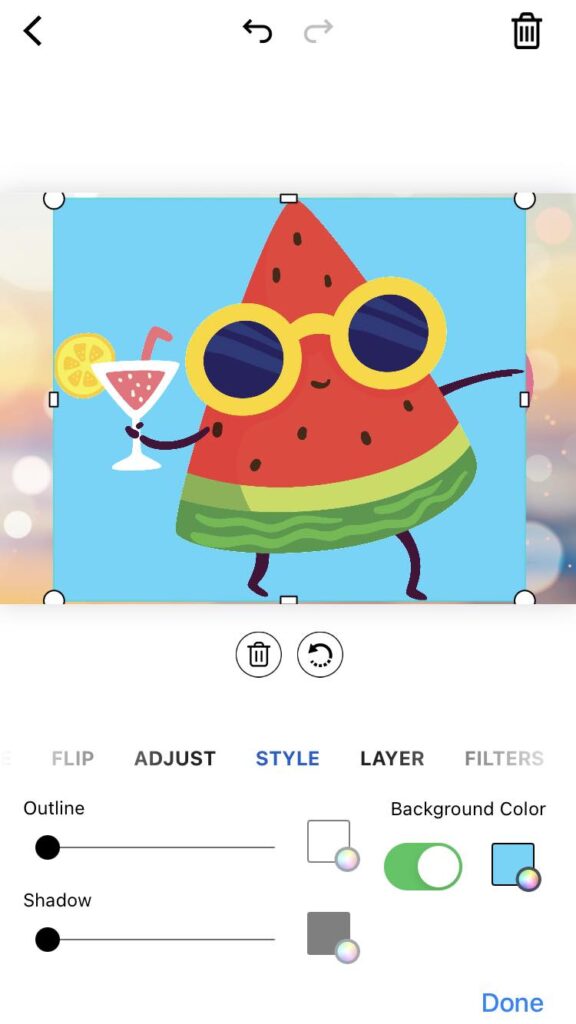
Give your beach party snacks a personal touch by creating custom labels using piZap. Whether it’s refreshing fruit skewers, tropical cocktails, or beach-inspired treats, design eye-catching labels that match your party theme. Incorporate beach elements like palm trees, seashells, and waves into the design.

PiZap’s editing tools make it easy to add text and graphics to give your snacks a professional look.

piZap in iOS device
www.piZap.com

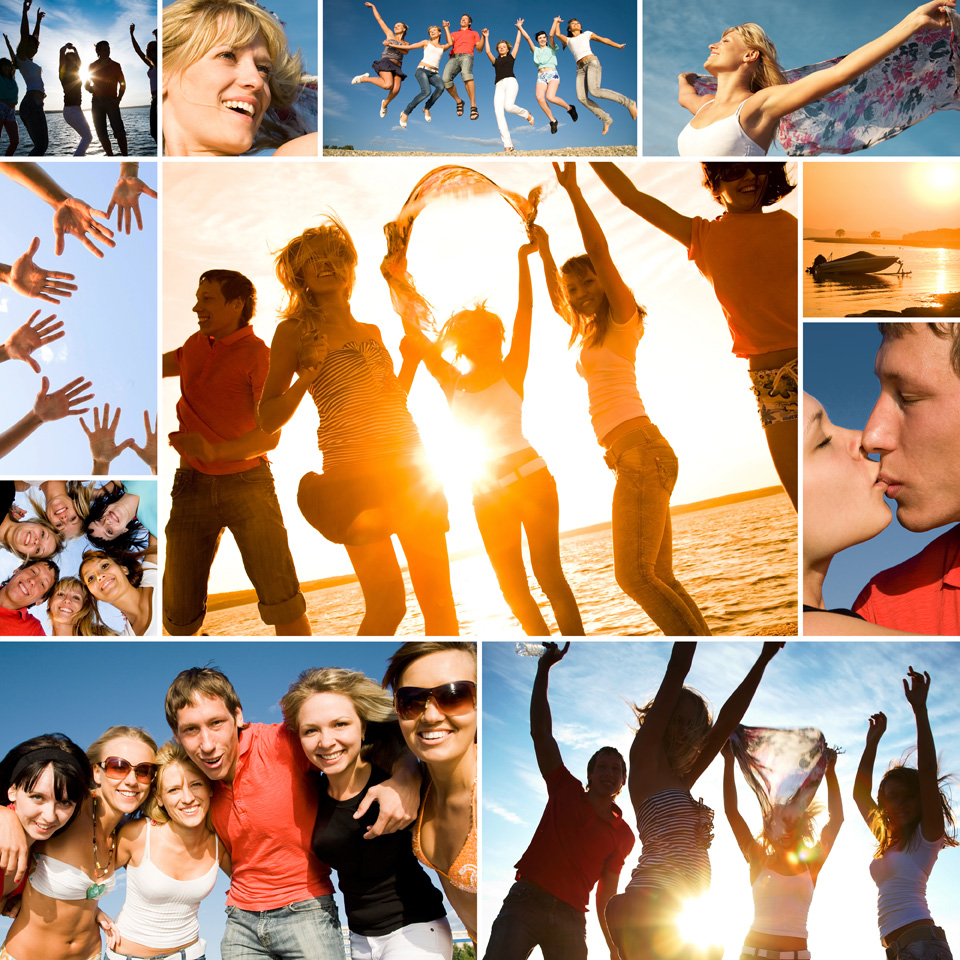
Hosting a beach party is all about creating a memorable experience for your guests. By incorporating the creative capabilities of piZap, you can elevate your beach party to new heights. From themed photo booths to personalized invitations and DIY decorations, piZap allows you to add a touch of magic to every aspect of your event. You can even create some awesome collages to cover the best photo shots during your beach party!

Collage made in piZap

So, grab your sunscreen, put on your creative hat, and get ready to throw an unforgettable beach party that will have everyone talking for years to come!

May the Force be with You: How to Create Awesome Star Wars Inspired Characters Using piZap AI Images Maker

iOS piZap app

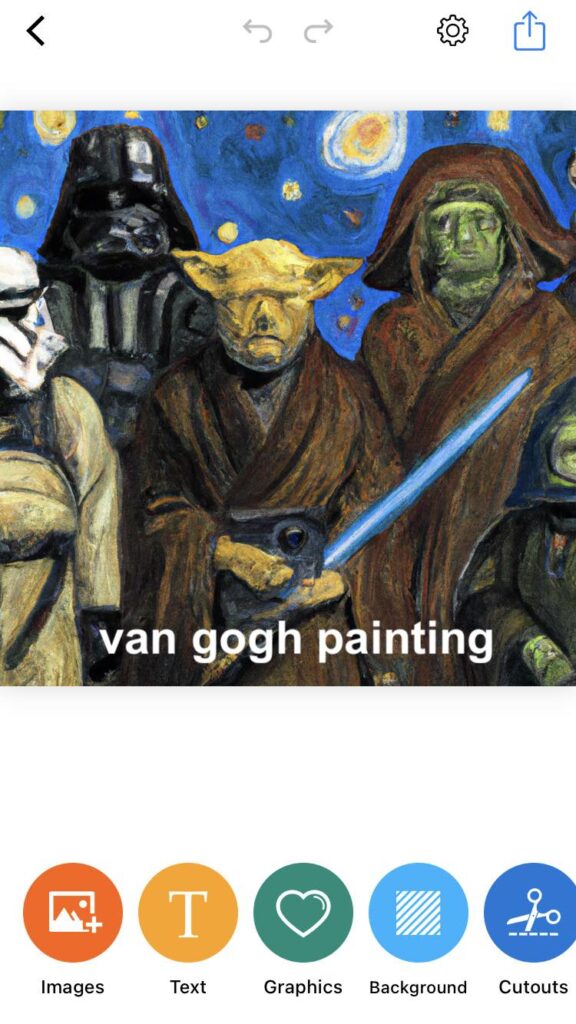
Are you a Star Wars fan? Do you love creating fun and unique characters? Well, we have good news for you! With piZap, you can now create amazing Star Wars inspired characters with piZap’s AI image maker. You don’t need to be a professional artist or designer to achieve this, piZap will do the hard work for you. Let’s dive into how you can create your very own Star Wars inspired characters!

iOS piZap app

Getting Started
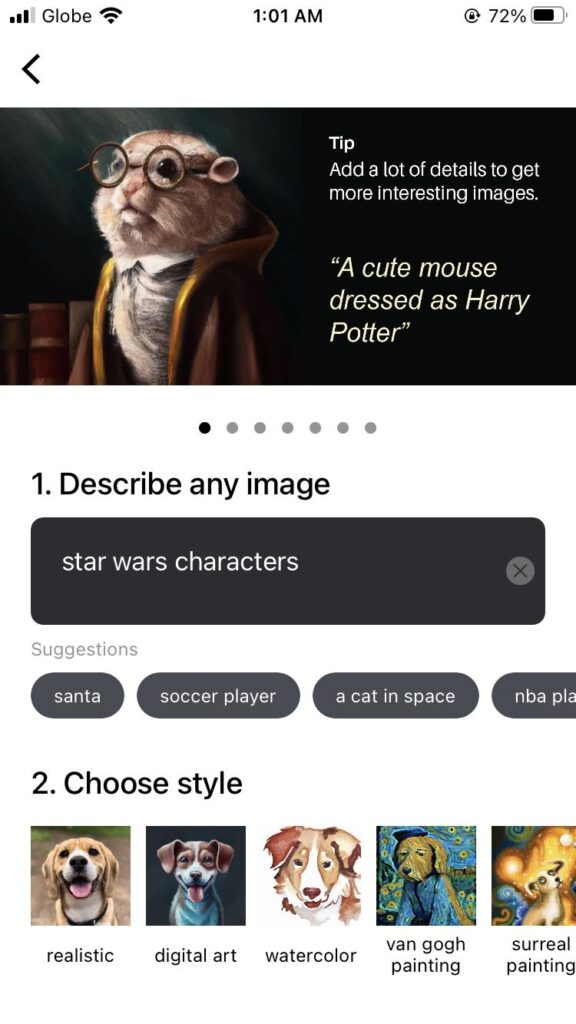
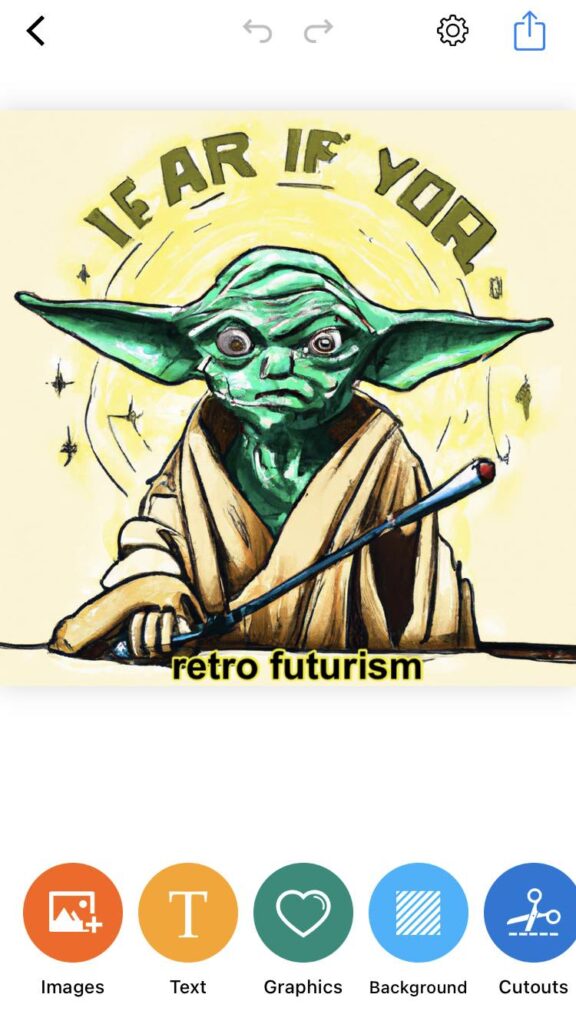
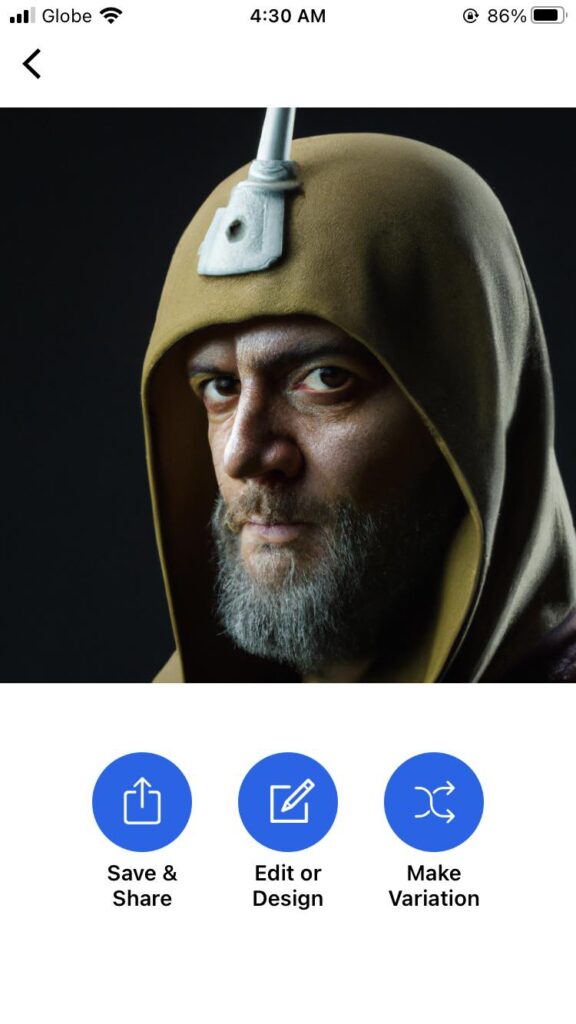
The first step is to get started on your piZap AI image maker. Once you’re on the platform, click “Magic AI Image Maker” on the top left corner of the page and describe any image (e.g. Star Wars characters).

Magic AI Image Maker

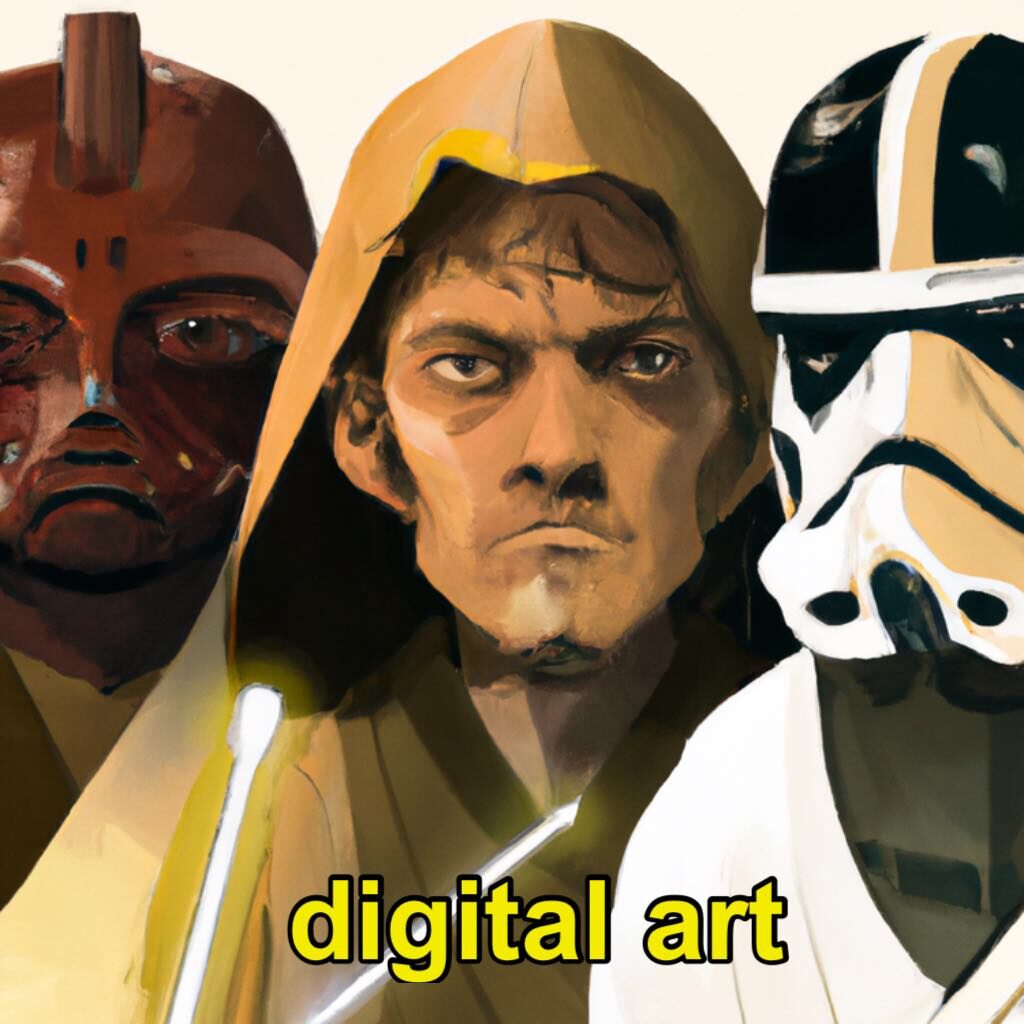
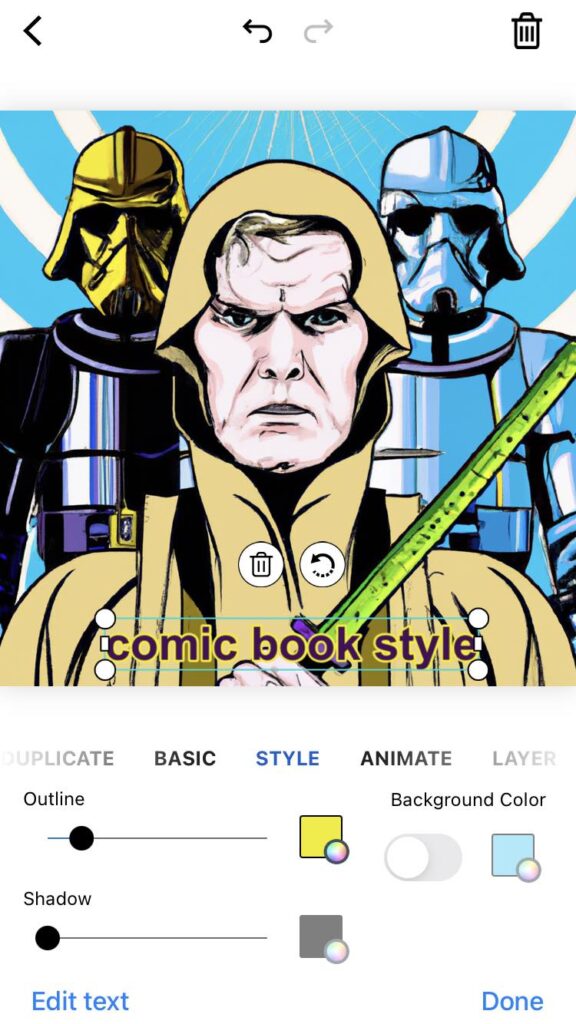
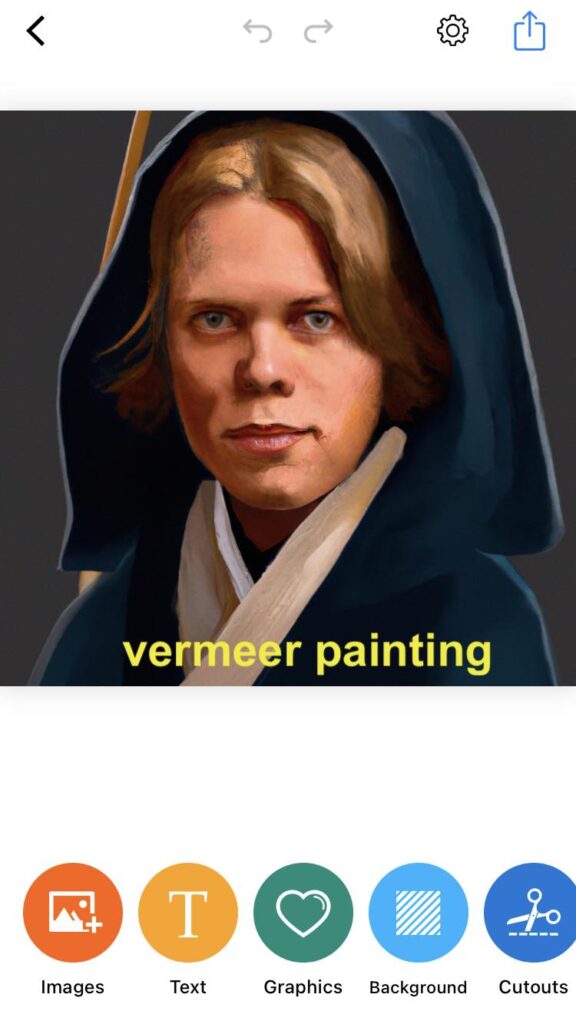
And then choose the STYLE that you want to create (e.g. realistic, digital art, comic book style, watercolor). Now, you are ready to begin your Star Wars inspired character creation journey.

iOS piZap app

Customize your character
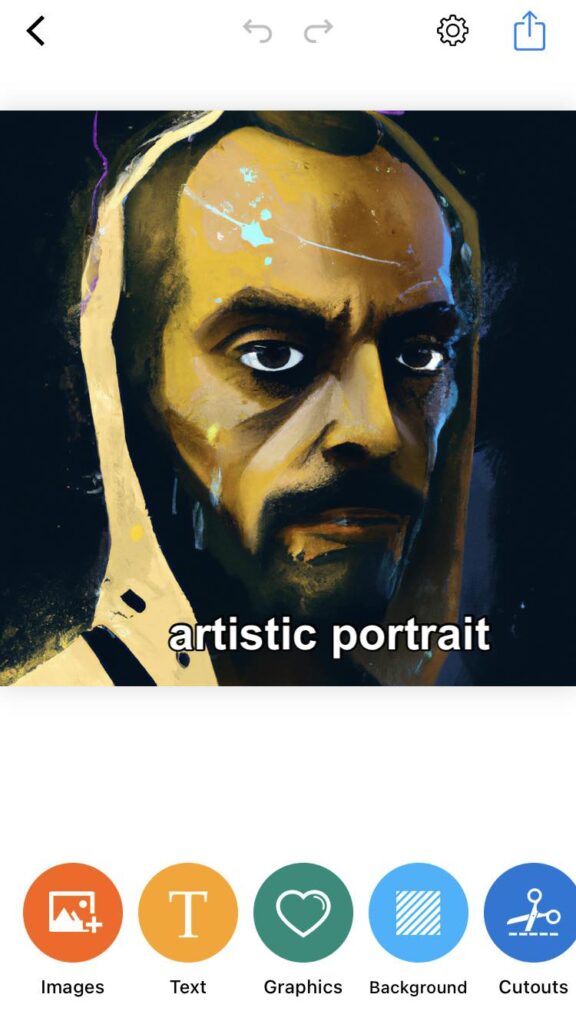
Now that you just write down the details for your star wars characters on piZap, you will see a range of templates that you can choose from to customize your character. There are a variety of styles or categories to explore, from digital art to watercolor styles, You can mix and match to create your perfect character. Once you’ve found the perfect style, start customizing by changing the background colors and sizes to suit your style and needs.

iOS piZap app

Add specifics on your character
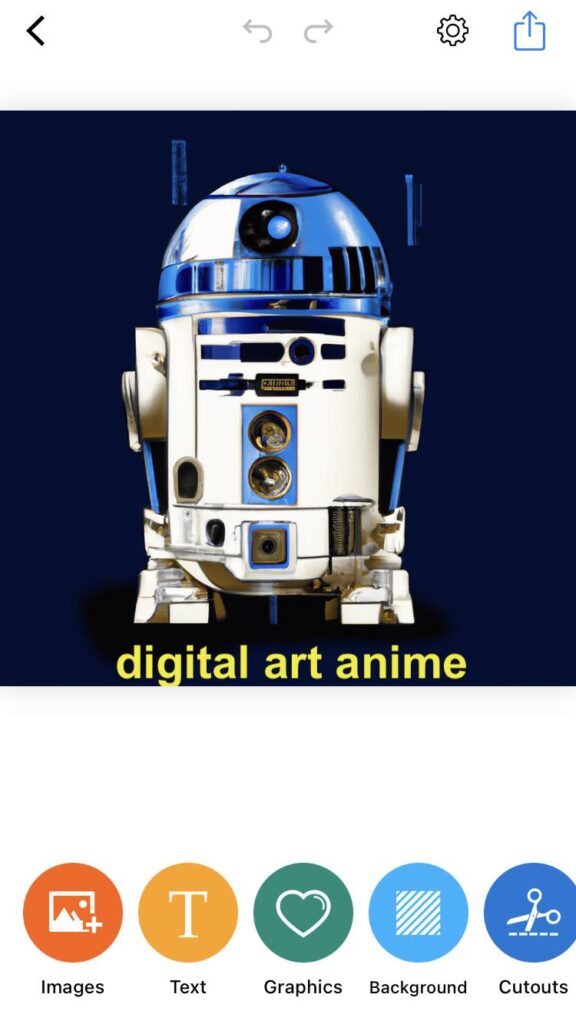
What’s a Star Wars Inspired character without a Yoda or R2D2? With piZap, you can add your very own customized character. piZap AI Image Maker will allow you to create a range of designs on your characters that you can mix and match and even customize the color of your character.

iOS piZap app

Experiment with Different Effects
piZap has unlimited effects options to bring your character to life. Experiment with effects like the “filters” option, which adds a subtle glow to your character’s face, or use the “Background Eraser tool” to bring the generated character on a different futuristic galaxy background. The options are unlimited when using piZap photo editor tools.

iOS piZap app

Save and share your masterpiece
After you have put in the work of creating your Star Wars character, you must save it. Save your character and share it with your fellow Star Wars Fanatics. piZap can allow you to share your piece on different social media platforms like Facebook and Instagram.

iOS piZap app

With the piZap AI image maker, creating your Star Wars inspired characters is as easy as a few clicks. You now have the necessary tips to get you started in creating your very own character, let your artistic mind take control and create something unique. With these tips, you’ll be able to create unique and immersive Star Wars characters that will amaze your audience. May the force be with you on your creative journey!

iOS piZap app

Planet Earth: Our Home, Our Responsibility” – Celebrating Earth Day 2023 with piZap Photo Editor

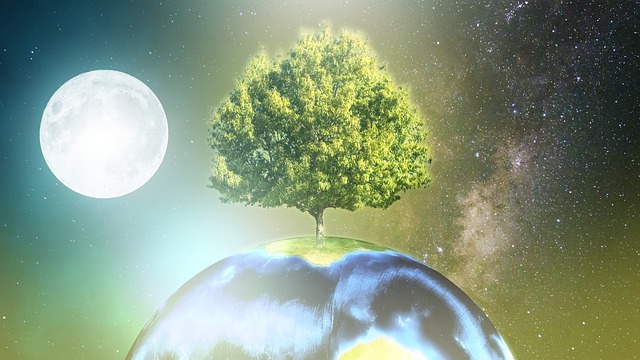
Greetings, Earthlings! Today, we will be talking about our beloved planet Earth, and how we can celebrate Earth Day 2023 by using piZap Photo Editor. As we all know, Earth Day is an annual event celebrated on April 22nd to show support for environmental protection. This year, let’s celebrate it by using our creative skills to create art that reminds us of our responsibility towards our planet. So, sit back, relax, and let’s dive into how piZap can help you in creating stunning art for Earth Day.

www.piZap.com

Editing photos of nature

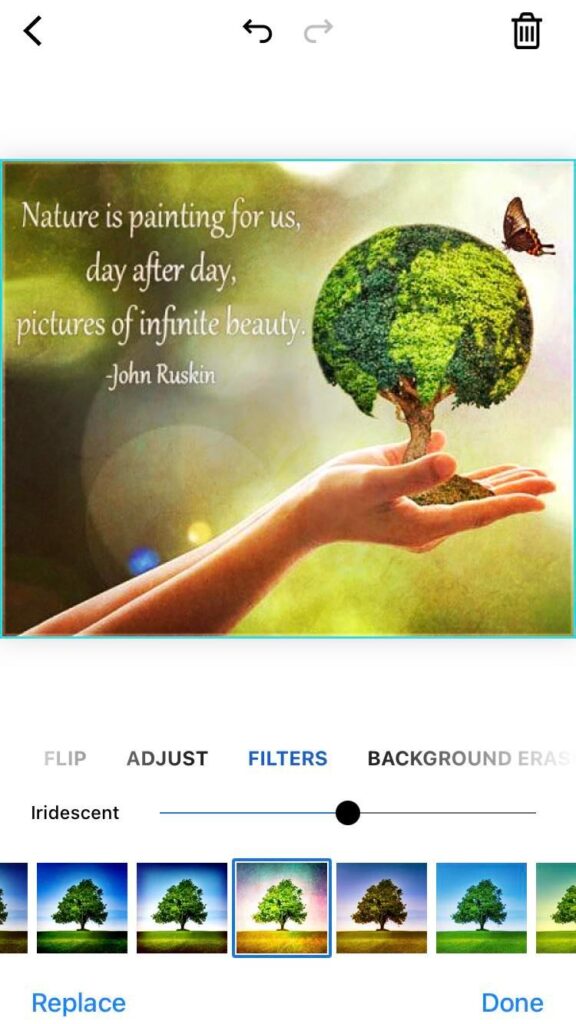
We all love taking photos of beautiful landscapes or anything that reminds us of mother nature, and piZap is a great way to make those photos even more stunning.

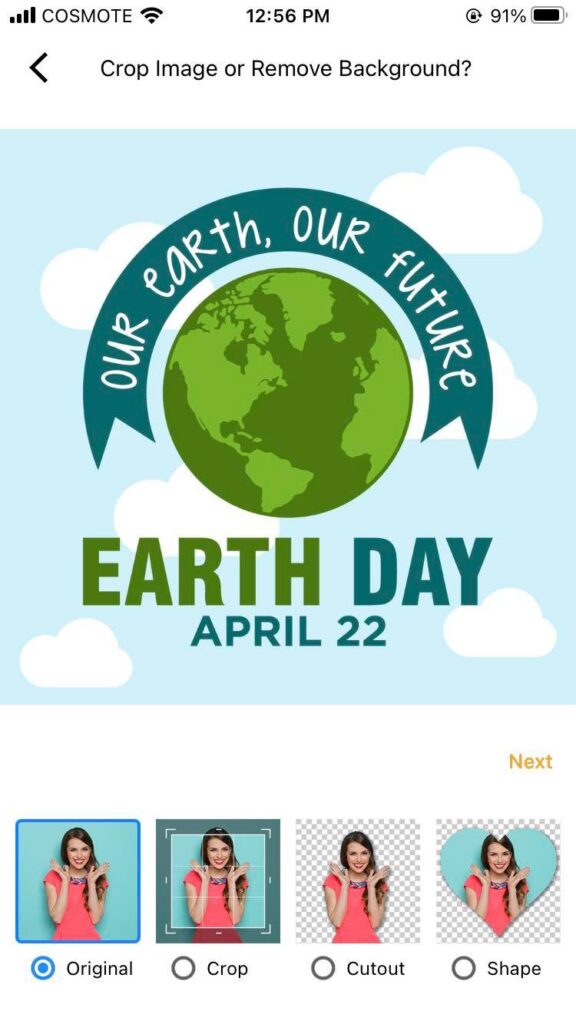
iOS piZap app

With our editing tools, you can add filters that enhance the colors of a sunset or a rainbow after a storm. You can also adjust the contrast to make the details of a photo pop, or add text to highlight an environmental issue. By sharing your beautifully edited photos on social media or in print, you can raise awareness about our planet and inspire others to take action.

Creating infographics

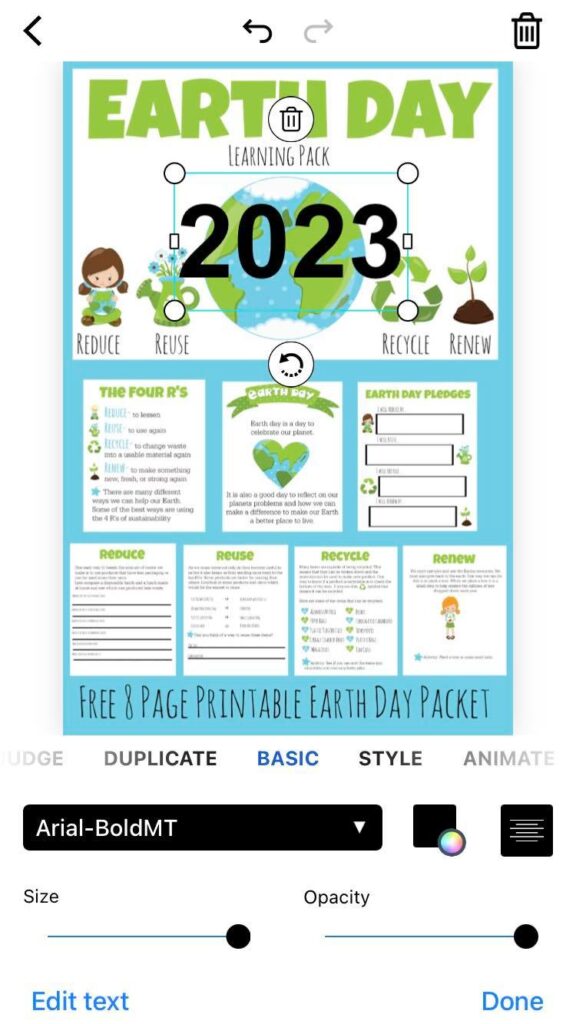
Want to educate people about the impact of climate change or the benefits of recycling? Use piZap to create engaging infographics that are easy to understand and visually appealing.

iOS piZap app

PiZap’s graphic design tools make it simple to add charts, icons, and text to your layout, so you can create a compelling message in no time. Use your design on your website, social media, or in a printed handout to get your message across.

Celebrating eco-friendly practices

PiZap is perfect for creating marketing materials for businesses or organizations that prioritize eco-friendly practices. Use piZap’s design tools to create logos, business cards, or banners that highlight the sustainability efforts of your products or services.

iOS piZap app

By showcasing your commitment to the environment, you can attract like-minded customers and make a positive impact.

Advocating for conservation

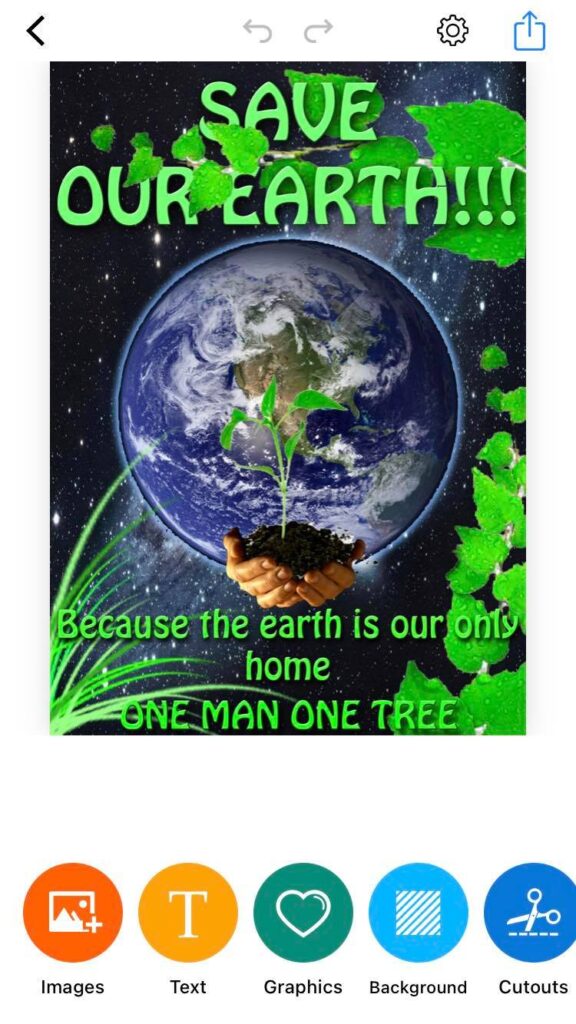
Use piZap to create posters or banners for rallies, events, or protests that support conservation efforts. Whether you’re raising awareness about protecting endangered species, promoting renewable energy, or rallying against harmful practices like fracking, piZap can help you create impactful visual messages that get people’s attention. PiZap’s design tools allow you to add text, shapes, and images that make your posters stand out in a crowd.

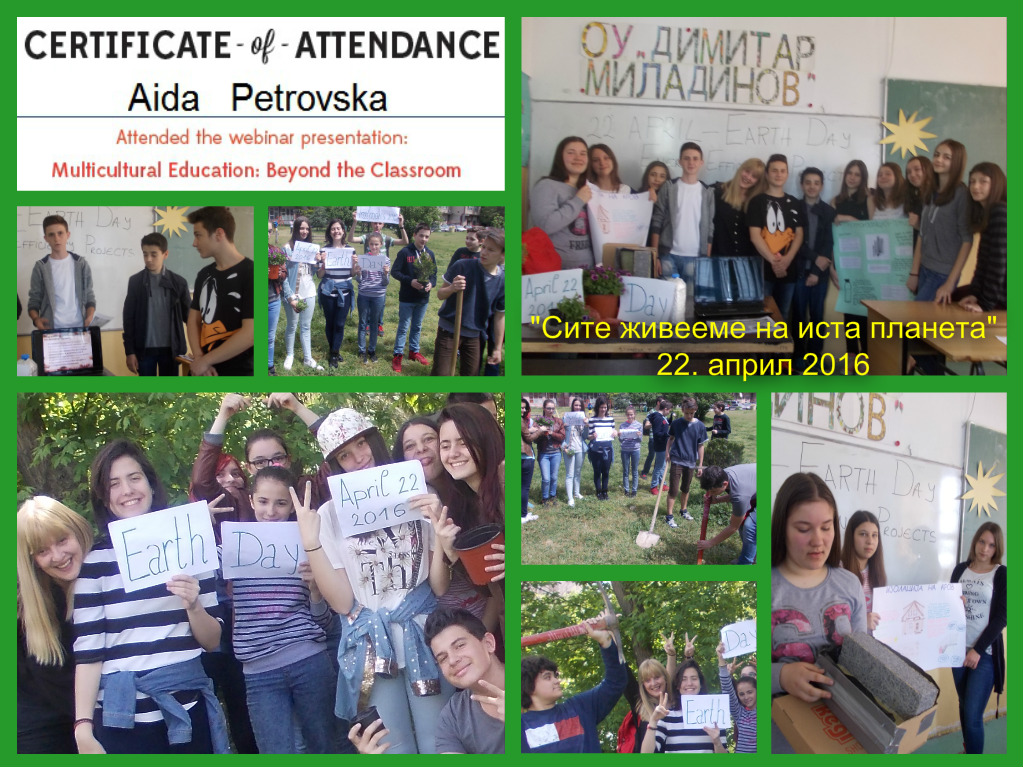
Special thanks to Aida Petrovska

Inspiring environmental action

Ultimately, our mission with piZap is to help inspire people to take action and make a positive impact on our planet. Everyone has the power to use our creativity to help protect our environment.

iOS piZap app

By creating compelling visual messages that raise awareness, educate people, and inspire action, you can help create a better future for all of us.

www.piZap.com


Earth Day is an annual reminder that our planet is fragile and it’s up to us to protect it. We have the power to make a real difference by using our skills to raise awareness, educate, and inspire action. With piZap Photo Editor, you can create beautiful images, infographics, and other visual materials that make a positive impact on our environment. Let’s commit to using our creativity to make a better world, starting this Earth Day and beyond.

www.piZap.com